
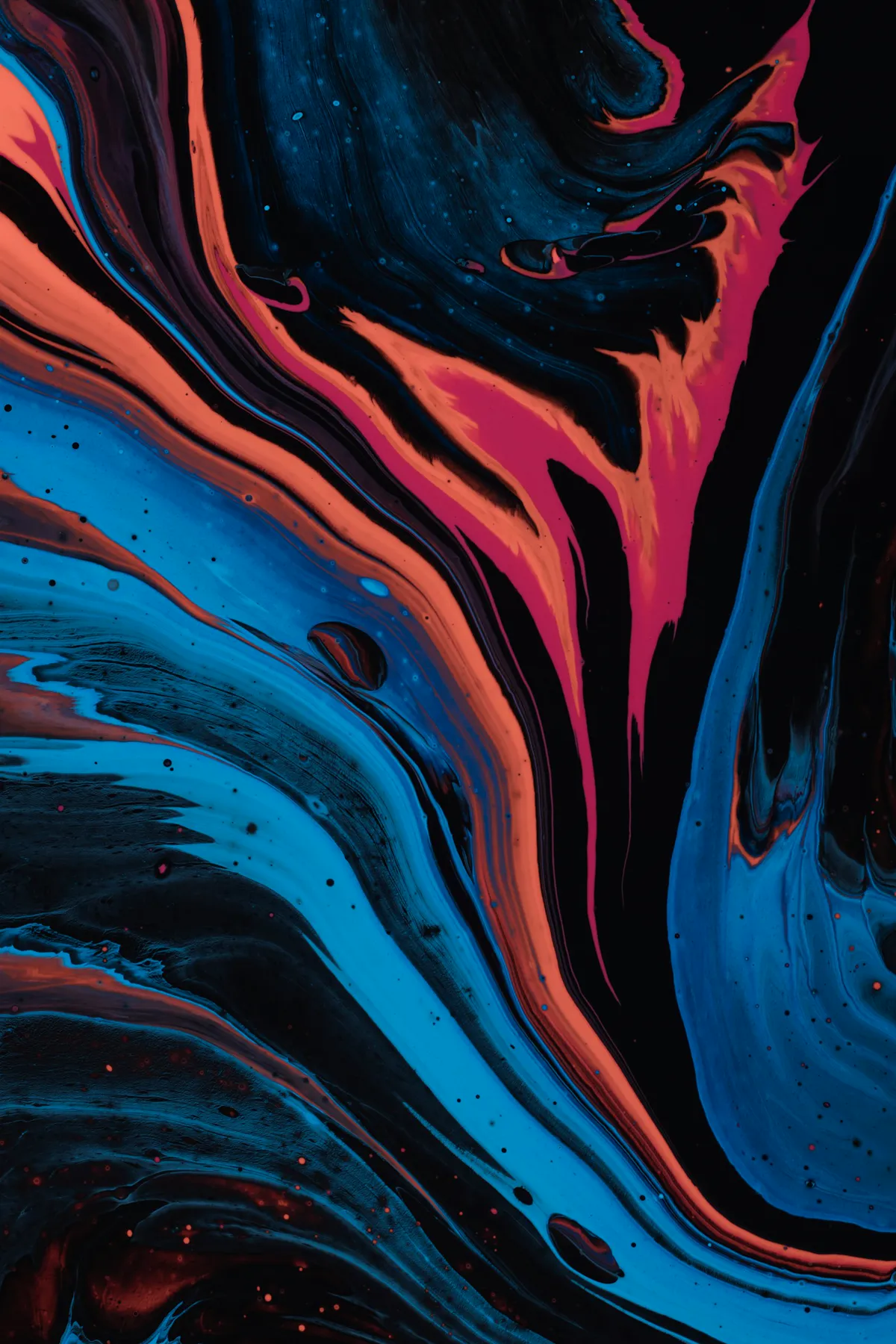
Abstract Painting Wallpaper 4K iPhone: Elevate Your Screen
Our smartphones have become an extension of our identity. Every time we wake up our screens, we are greeted by a visual representation of our taste, mood, or aspirations. Among the myriad of choices available for customization, the choice of an abstract painting wallpaper 4k iphone provides a unique blend of artistic expression and technical precision. Unlike photographs of landscapes or portraits, abstract art does not dictate a specific narrative; instead, it invites the viewer to find their own meaning within the colors and shapes.
The transition from physical canvas to digital pixels has opened a new frontier for art lovers. In the past, owning a piece of high-quality abstract art required a gallery visit or a significant investment. Today, the capability of modern mobile displays allows us to carry museum-grade aesthetics in our pockets. With the advent of Super Retina XDR displays, the vibrancy and contrast of 4K imagery can truly showcase the depth of digital painting, making the screen feel less like a piece of glass and more like a living piece of art.
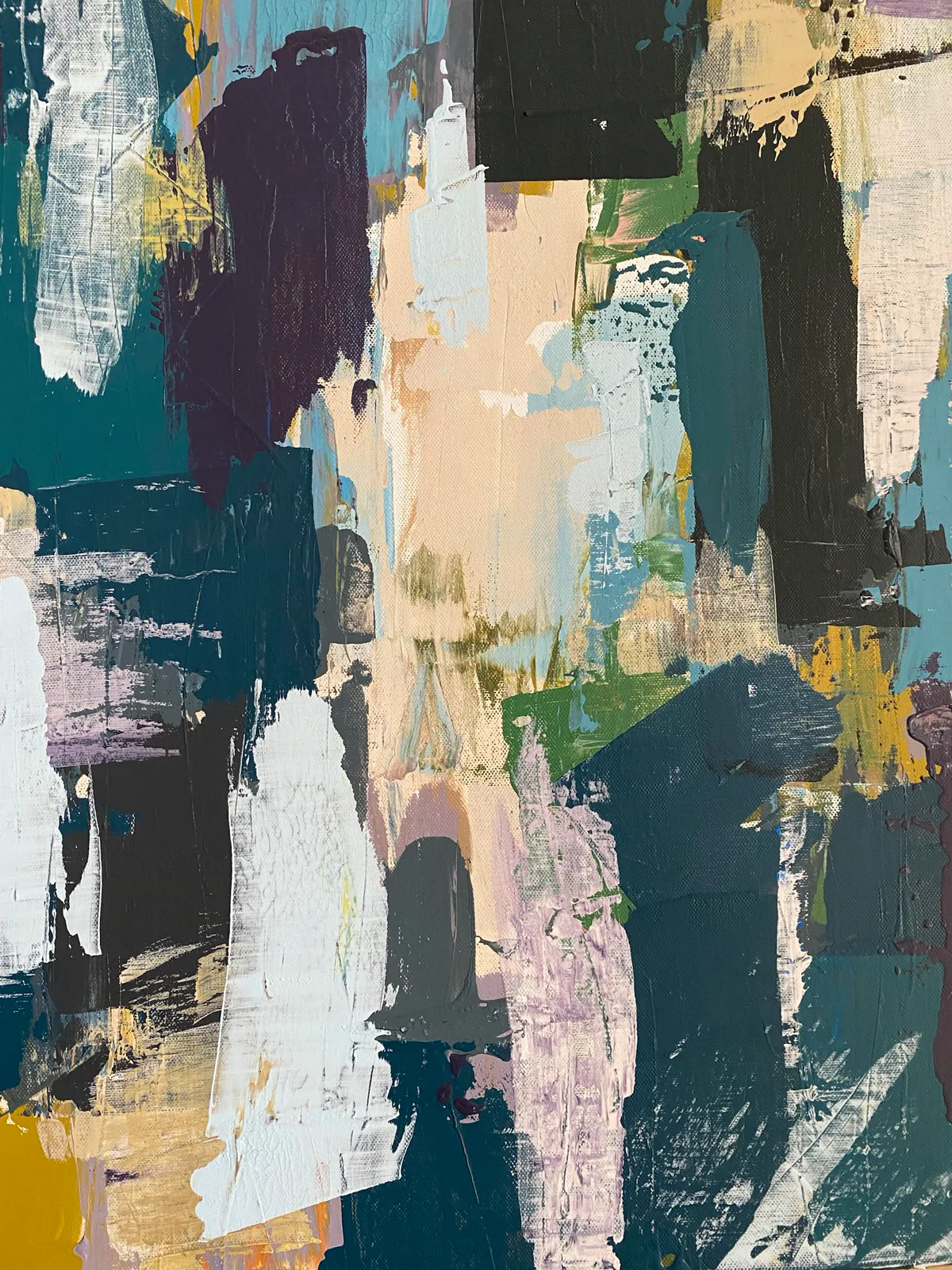
The Technical Appeal of 4K Resolution on Mobile
When we discuss 4K in the context of an iPhone, we are talking about a level of detail that far exceeds the native resolution of the hardware. While the physical pixels of a phone screen are fewer than those of a 4K television, using a 4K source image ensures that the image remains crisp regardless of how you crop, zoom, or shift the wallpaper to fit your specific model. This overhead in resolution prevents the appearance of blurring or pixelation, which is especially noticeable in abstract art where sharp edges and fine gradients are crucial.
The high pixel density allows for a seamless transition between colors. In abstract paintings, particularly those that utilize gradients or blending techniques, a lower resolution can result in ‘banding’—those unsightly stripes where one color shifts to another. A 4K file provides enough data to maintain a smooth, buttery transition, mimicking the way paint blends on a real canvas. This technical fidelity is what transforms a simple background into an immersive visual experience.
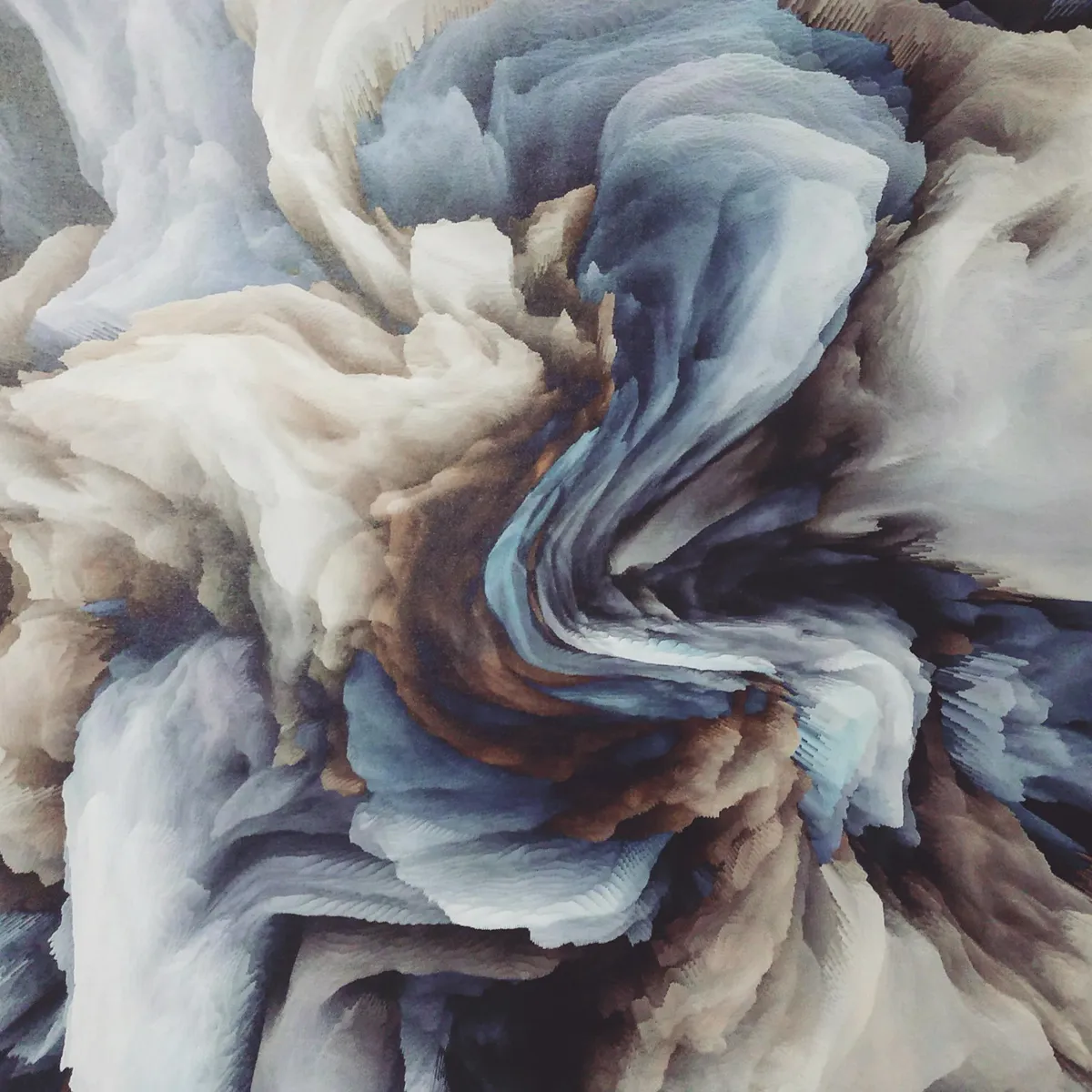
Exploring Styles of Abstract Art for Your Device
Abstract art is a broad umbrella covering various movements and techniques. Depending on your psychological state or the ‘vibe’ you want your phone to emit, different styles will serve different purposes. Understanding these styles helps in selecting a background that complements your daily routine.
Minimalist Abstraction
Minimalism is about the ‘less is more’ philosophy. These wallpapers often feature a single bold line, a solitary geometric shape, or a subtle play of light across a neutral background. For many users, a minimalist approach is the most practical. Because these designs avoid clutter, they do not interfere with the visibility of app icons or widgets. A minimalist digital art piece can reduce visual noise, helping the user stay focused and calm during a hectic workday.
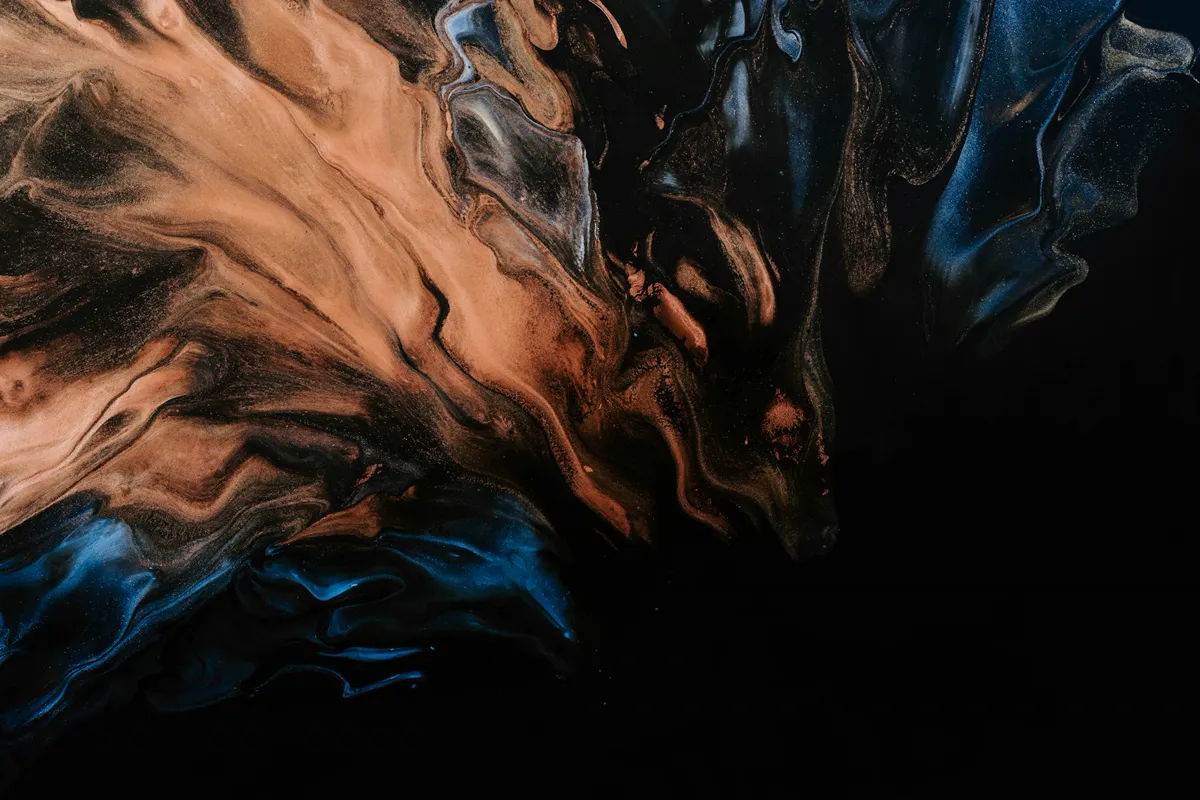
Fluid Art and Acrylic Pouring
Fluid art is characterized by organic, swirling patterns and marbled effects. These images often look like satellite views of distant planets or microscopic views of biological cells. The appeal here lies in the lack of rigid structure. The flowing nature of these paintings evokes a sense of movement and energy. When set as a 4K wallpaper, the intricate veins of color and the shimmering highlights create a sense of depth that can make the screen feel three-dimensional.
Geometric Abstraction
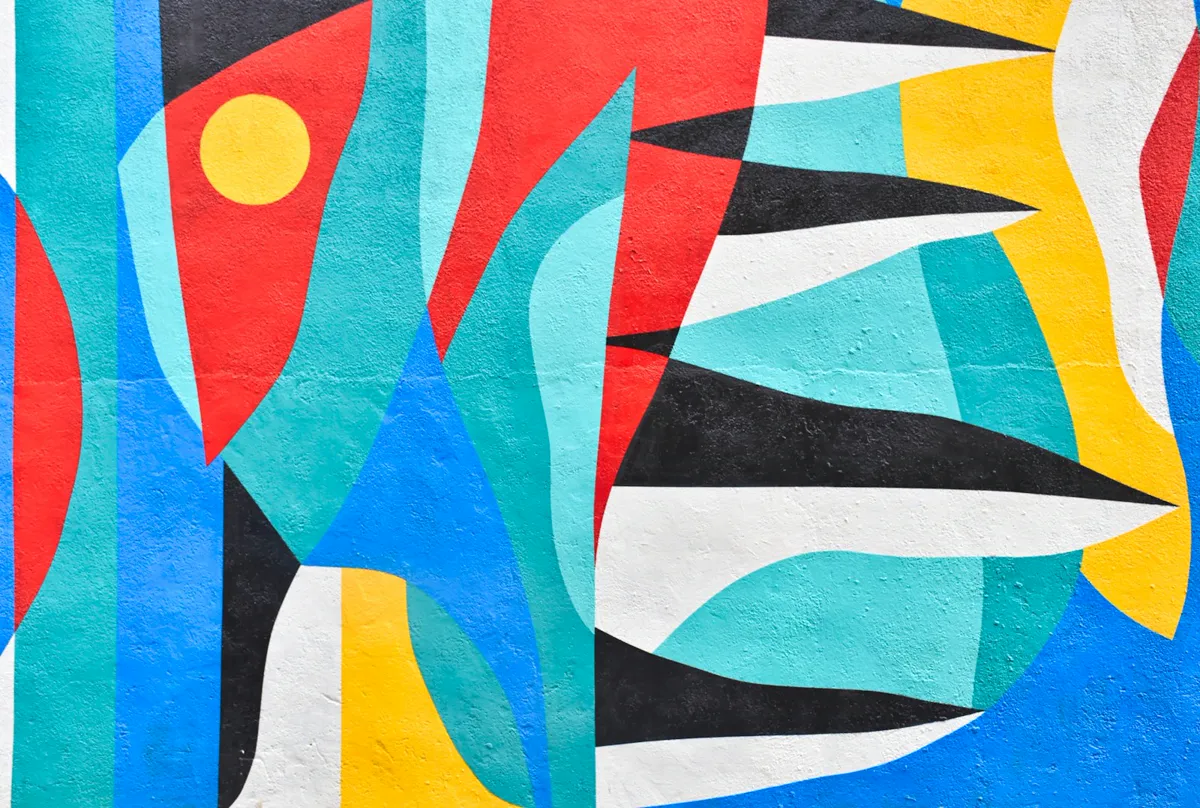
If you prefer order and logic, geometric abstraction is the ideal choice. This style utilizes circles, squares, and triangles to create a balanced composition. Often associated with the Bauhaus movement or mid-century modern design, geometric wallpapers provide a sense of stability and professional polish. They work exceptionally well with the structured grid of an iPhone’s home screen, creating a harmonious alignment between the art and the interface.
Abstract Expressionism
For those who want their phone to radiate emotion and raw power, abstract expressionism is the way to go. Think of bold brushstrokes, splatters of paint, and high-contrast color palettes. This style is not about beauty in the traditional sense but about the expression of an internal state. A vibrant, expressionist background can serve as a burst of inspiration every time you check your notifications, acting as a small, digital catalyst for creativity.
The Psychology of Color in Digital Wallpapers
The colors we choose for our screens have a documented effect on our mood and cognitive function. Since we interact with our phones hundreds of times a day, the color palette of your abstract painting wallpaper 4k iphone can subtly influence your subconscious.
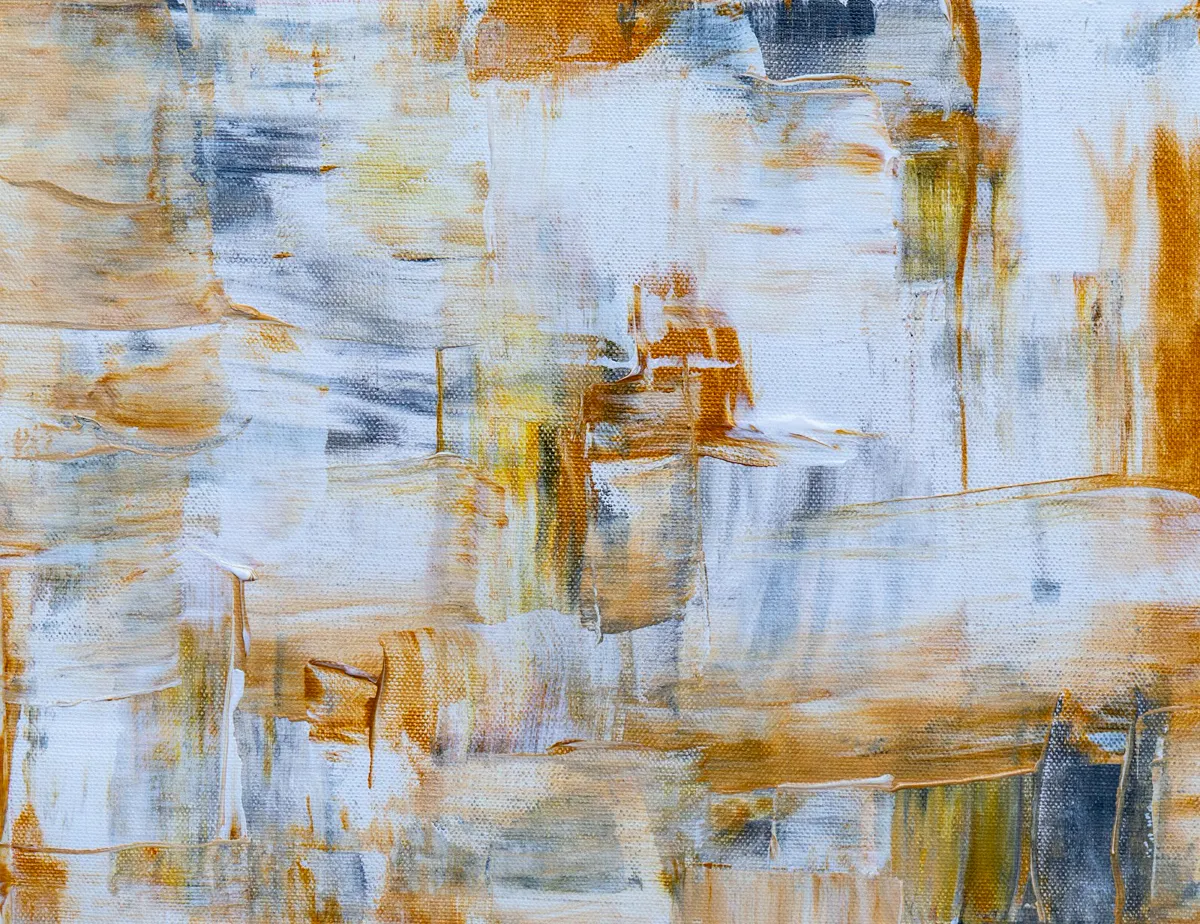
- Deep Blues and Teals: These colors are associated with calm, trust, and intelligence. They are ideal for users who use their phones for work and need to maintain a sense of serenity.
- Warm Oranges and Yellows: These hues evoke energy, optimism, and warmth. They are perfect for those who want a ‘wake-up call’ every time they look at their device.
- Monochromatic Greys and Blacks: Beyond the benefit of saving battery life on OLED screens, dark abstract art conveys sophistication, mystery, and focus.
- Vibrant Purples and Pinks: These colors often represent creativity, luxury, and playfulness, making the device feel more like a personal accessory than a tool.
When selecting a premium background options, it is helpful to consider the ‘Visual Weight’ of the image. A dark image with a single bright focal point can draw the eye and create a sophisticated look, while a bright, multi-colored image can feel more energetic and youthful.
Optimizing Your Wallpaper for the iPhone Experience
Simply downloading a 4K image is the first step, but optimizing it for the iOS interface is where the real customization happens. The iPhone’s software interacts with the wallpaper in several ways that can either enhance or detract from the art.
First, consider the ‘Depth Effect’ introduced in recent iOS versions. This feature allows a part of the image to overlap the clock on the lock screen, creating a layered, 3D effect. To achieve this with abstract art, look for images with a clear subject or a strong vertical element that can ‘break’ the top of the frame. While abstract art is often non-representational, a bold swoop of color or a sharp geometric peak can work perfectly with this feature.
Secondly, think about the ‘Blur’ effect on the home screen. Many users prefer a sharp image for the lock screen but a blurred version for the home screen to make app names easier to read. Abstract art is particularly well-suited for this, as the blurred version of an abstract painting often creates a beautiful, soft gradient that maintains the color scheme of the original piece without the distracting detail.
Where to Find and How to Curate High-Resolution Art
The internet is flooded with low-quality ‘stretched’ images that claim to be 4K but are actually upscaled low-res files. To find genuine 4K abstract paintings, it is essential to use reputable sources. Digital art platforms, professional photography sites, and dedicated wallpaper communities are the best starting points. When browsing, always check the actual pixel dimensions; for a true 4K experience on a modern iPhone, look for images that are at least 2160 pixels in height.
Curating your collection is also a rewarding process. Instead of randomly downloading images, try creating ‘themes’ based on the season or your current goals. For example, during the winter, you might opt for cool-toned, crystalline abstract patterns. In the spring, you might transition to floral-inspired, soft-pastel fluid art. This rotation keeps the digital experience fresh and prevents ‘screen fatigue,’ where you become so accustomed to your wallpaper that you no longer notice it.
The Intersection of Art and Technology
The use of abstract painting as a mobile background represents a fascinating intersection of traditional art theory and modern display technology. We are essentially using a piece of cutting-edge hardware to display an art form that deliberately avoids the constraints of reality. This contrast—the rigid, mathematical nature of the iPhone’s circuitry versus the free-form nature of abstract art—creates a pleasing balance.
Moreover, the accessibility of this art encourages users to explore aesthetics they might not otherwise encounter. Someone who has never stepped foot in an art gallery might find themselves drawn to the patterns of an algorithmic abstract piece, sparking an interest in art history or digital creation. In this way, the simple act of changing a wallpaper becomes a gateway to artistic appreciation.
Conclusion
Choosing an abstract painting wallpaper 4k iphone is more than just a cosmetic change; it is an exercise in personal curation. Whether you are drawn to the structured precision of geometric shapes, the organic flow of fluid art, or the raw emotion of expressionism, the right image can transform your device into a source of daily inspiration. By understanding the technical requirements of 4K resolution and the psychological impact of color, you can create a digital environment that supports your mood and reflects your personality. As technology continues to evolve, the canvas of our screens will only become more vivid, allowing the world of abstract art to shine brighter than ever before.
Frequently Asked Questions
How do I know if a wallpaper is actually 4K resolution?
To verify if an image is 4K, check the file properties or ‘info’ section. A true 4K image typically has a width of 3840 pixels or a height of 2160 pixels. If the image dimensions are significantly lower (e.g., 1080p), it may look blurry when zoomed or cropped on a high-end iPhone display. Always look for files that exceed the native resolution of your screen to ensure maximum clarity.
Will a 4K wallpaper drain my iPhone battery faster?
The resolution of the image file itself does not significantly impact battery life. However, the colors in the image do. If you have an iPhone with an OLED screen, wallpapers with deep blacks or dark abstract themes can actually save battery because the pixels in those areas are completely turned off. Bright, vibrant white backgrounds will consume slightly more power than dark ones.
Why does my abstract wallpaper look pixelated after I set it?
Pixelation usually happens for two reasons: either the source image was low-resolution and was stretched to fit the screen, or you zoomed in too far while setting the wallpaper. To avoid this, ensure you are using a high-resolution 4K file and avoid excessive zooming. Using an image with an aspect ratio close to your iPhone’s screen (usually 19.5:9) helps maintain image quality.
What colors are best for a professional-looking phone setup?
For a professional aesthetic, stick to a palette of muted tones, deep navy, charcoal grey, or forest green. Minimalist abstract art with a high contrast between a dark background and a single accent color (like gold or white) often looks sophisticated. Avoid overly neon or clashing colors if you want the device to feel more formal and understated.
Can I create my own abstract 4K wallpaper?
Yes, you can use digital art apps like Procreate or Adobe Fresco on an iPad or iPhone. To ensure it is 4K, set your canvas size to at least 2160 x 3840 pixels before you start painting. Using layers and high-resolution brushes allows you to create a custom piece of art that perfectly matches your personal style and fits your screen perfectly.
Related posts:
Abstract work rewards a second look — browse more of 4k-backgrounds when you are ready for a new backdrop.
Share this page with a fellow art lover looking for their next wallpaper.
