
The visual experience of using a modern Mac or iPhone is not merely about the hardware specifications; it is about the synergy between the Liquid Retina XDR display and the imagery that graces it. An Apple abstract wallpaper 4K serves as more than just a backdrop; it defines the mood of your workspace, minimizes visual noise, and showcases the peak capabilities of high-pixel-density screens. In an era where we spend hours staring at digital interfaces, the choice of a high-resolution abstract background can significantly influence cognitive load and creative flow.
- Why Abstract Wallpapers Suit the Apple Ecosystem
- The Psychology of Color in Minimalist Backgrounds
- Technical Requirements for 4K and 5K Retina Displays
- Choosing the Right Abstract Style for Your Workflow
- Optimization Tips for Battery and Performance
- Conclusion
Why Abstract Wallpapers Suit the Apple Ecosystem
Apple’s design philosophy has long been rooted in minimalism and functional elegance. Abstract imagery aligns perfectly with this ethos because it avoids the distractions of literal subjects. Unlike a photograph of a landscape or a city, which can anchor the mind to a specific place or memory, abstract art leverages geometric harmony and organic flows to create a sense of openness.
Integrating a well-curated design into your desktop environment helps in maintaining a professional atmosphere. For many users, the shift toward abstract visuals is a response to the ‘digital clutter’ of modern operating systems. By utilizing a 4K resolution image, you ensure that the lines remain crisp and the gradients smooth, avoiding the jagged edges known as aliasing that can occur with lower-quality images on high-PPI screens. When paired with a macbook, these visuals accentuate the thin bezels and the vivid color accuracy of the hardware.
The Role of Visual Hierarchy
Abstract wallpapers allow the UI elements of macOS and iOS to stand out. Because abstract backgrounds often lack a single focal point, your application icons and folders become the primary points of interest. This creates a natural visual hierarchy, making it easier for the brain to locate tools and files without fighting against a busy background image.
The Psychology of Color in Minimalist Backgrounds
The colors within an Apple abstract wallpaper 4K are not just aesthetic choices; they are psychological triggers. The way a gradient shifts from a deep indigo to a soft violet can alter the emotional state of the user, impacting both productivity and stress levels.
- Cool Tones (Blues, Greens, Purples): These are often associated with stability, calm, and focus. Deep blue abstract patterns are ideal for high-pressure work environments where maintaining a sense of serenity is paramount.
- Warm Tones (Reds, Oranges, Yellows): These evoke energy, creativity, and urgency. A vibrant orange gradient can stimulate the mind during brainstorming sessions or creative design phases.
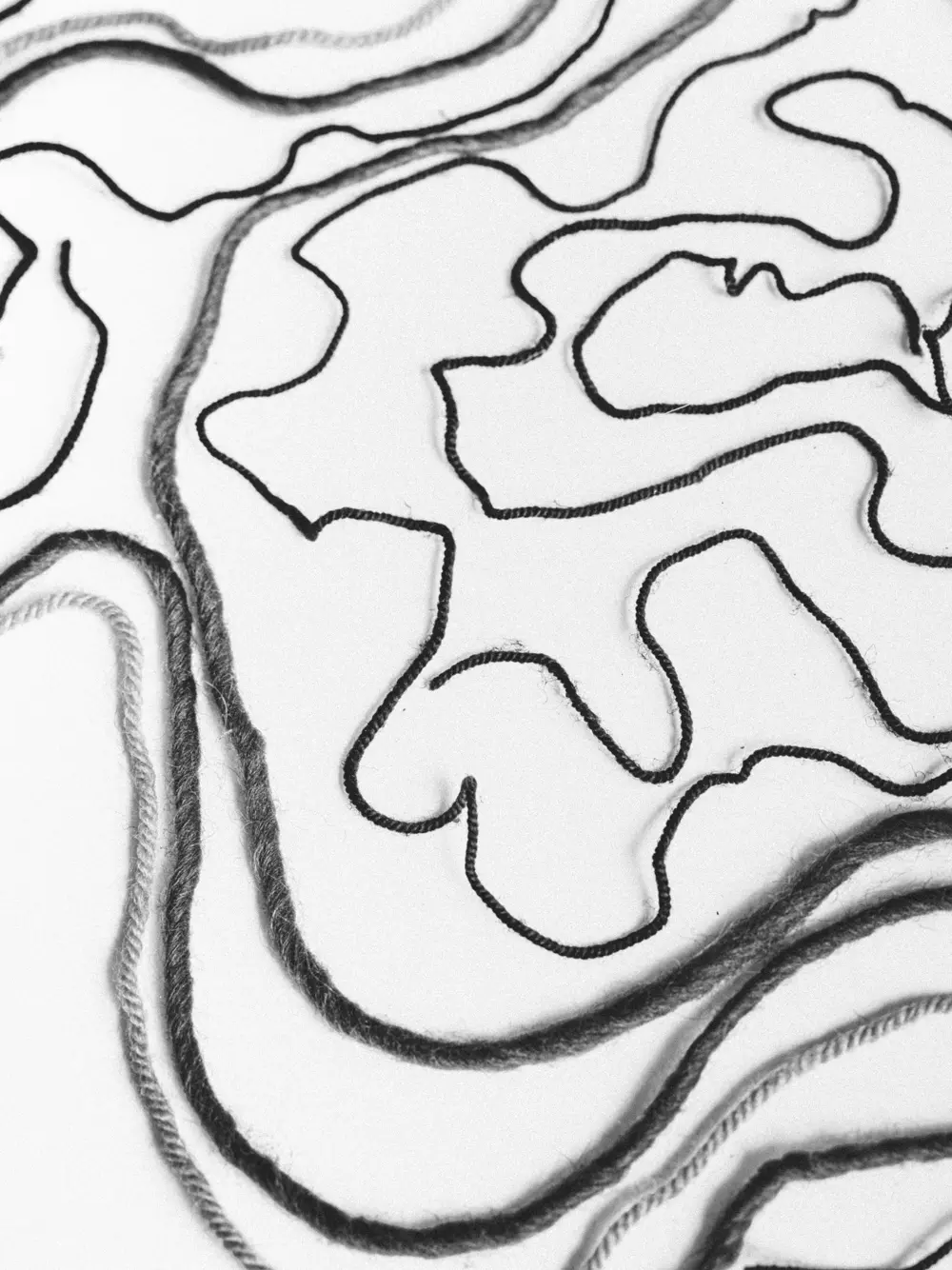
- Monochromatic and Neutral Scales (Greys, Blacks, Whites): These represent sophistication and neutrality. High-contrast black and white abstract art is particularly effective for users who want to eliminate all color distractions.
The Impact of Gradients and Depth
Modern 4K abstract art often employs Gaussian blurs and layered depth to create a 3D effect. This depth mimics the physical world, reducing the flatness of the screen and providing a more immersive experience. The use of soft lighting and shadows within the wallpaper can make the screen feel like a window into a digital sculpture rather than a flat panel of pixels.
Technical Requirements for 4K and 5K Retina Displays
To truly appreciate an Apple abstract wallpaper 4K, one must understand the technical demands of Retina displays. A standard 4K resolution (3840 x 2160) provides a massive amount of detail, but Apple devices often use non-standard aspect ratios and higher densities.
Understanding Pixel Density (PPI)
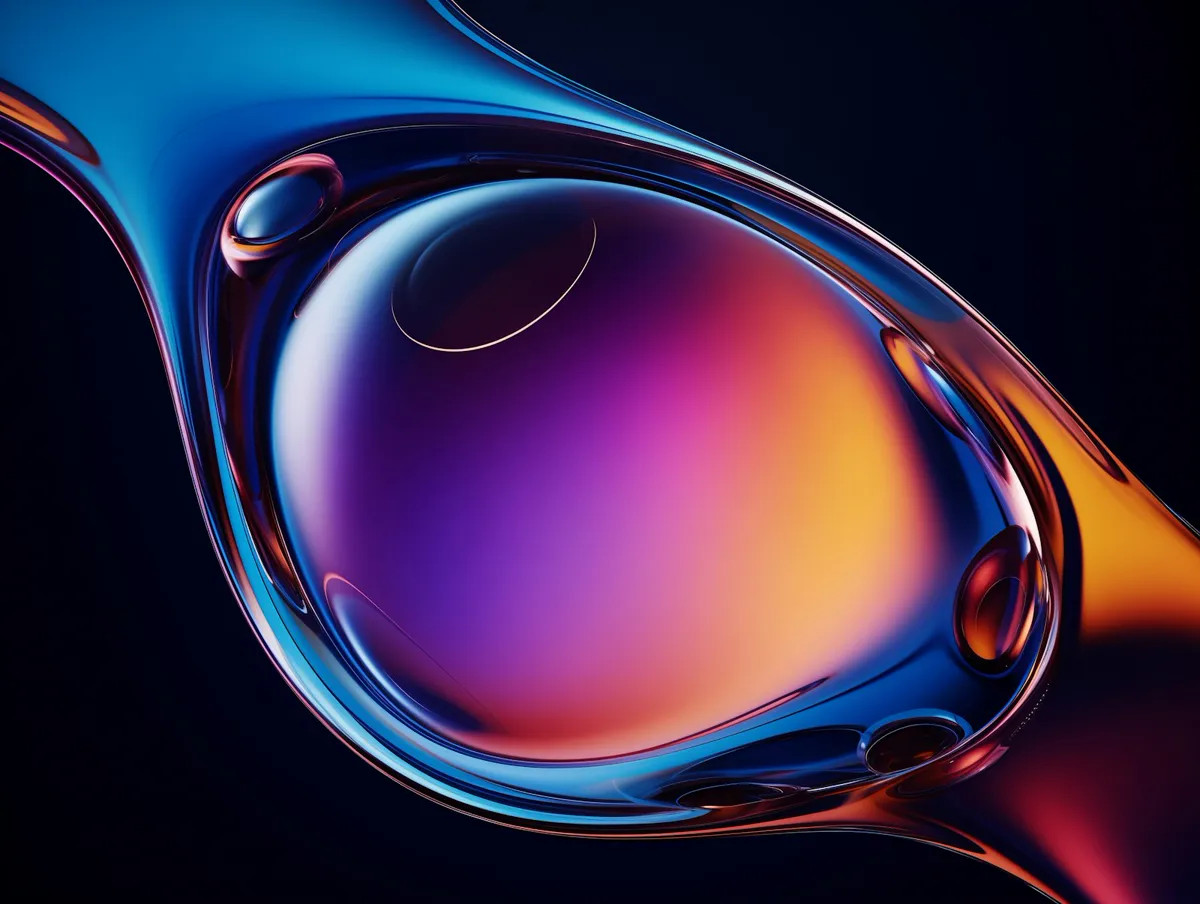
The magic of the Retina display lies in its pixels per inch (PPI). When you apply a 4K wallpaper, the OS scales the image to fit the screen. If the source image is low-resolution, the interpolation process creates blurriness. A native 4K image ensures that the bit depth is sufficient to render millions of colors without visible banding, which is especially critical in abstract gradients.
Color Spaces: sRGB vs. P3
Most high-end Apple displays support the Display P3 wide color gamut. When selecting an abstract wallpaper, ensuring it is exported in a color space that supports P3 allows for more saturated reds and greens than the standard sRGB. This results in a more vivid, lifelike appearance that takes full advantage of the OLED or Mini-LED technology found in newer MacBook Pros and iPhones.
Choosing the Right Abstract Style for Your Workflow
Not all abstract art is created equal. Depending on your primary use case—whether it be coding, writing, or digital art—different styles of Apple abstract wallpaper 4K will serve you better.
Liquid and Organic Flows
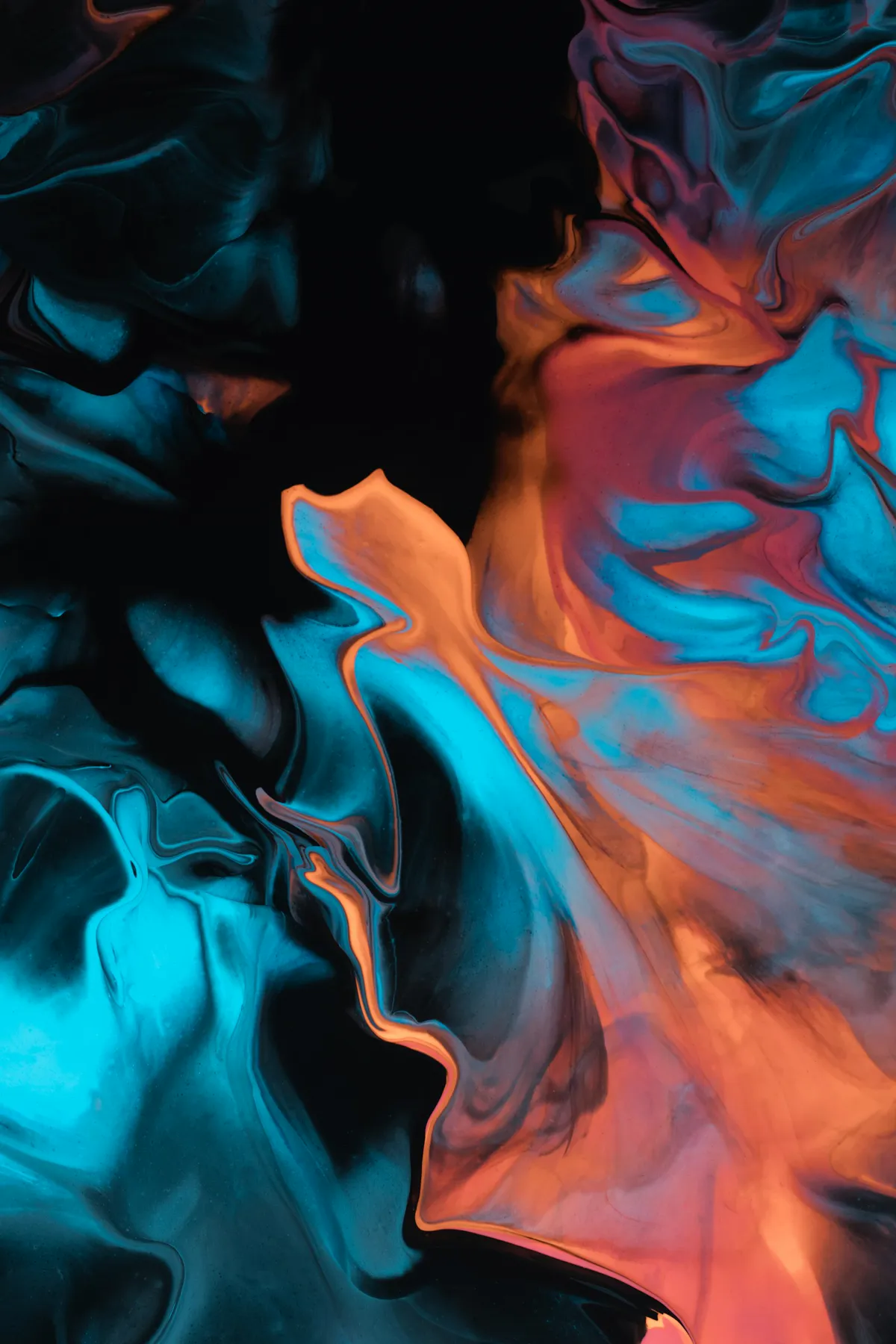
Liquid abstracts, characterized by swirling colors and fluid shapes, are excellent for those in creative fields. These patterns mimic natural phenomena, which can help in triggering divergent thinking and fluidity of thought. They are visually stimulating but not distracting.
Geometric and Architectural Precision
For engineers, developers, and analysts, geometric abstracts—featuring sharp lines, polygons, and mathematical symmetry—are often preferred. These styles reflect structure and order, mirroring the logical nature of the work being performed. The precision of a 4K geometric render reinforces a feeling of accuracy and control.
Ambient and Ethereal Textures
Ambient wallpapers, which often look like clouds of smoke or distant nebulae, are best for users who prioritize mental wellness and stress reduction. These images provide a soft visual anchor that doesn’t demand attention, allowing the user to enter a state of flow more easily.
Optimization Tips for Battery and Performance
While a high-resolution wallpaper is primarily a visual choice, it can have minor implications for hardware performance, particularly on battery-powered devices.
- OLED Optimization: If you are using an iPhone or a MacBook with an OLED screen, choose abstract wallpapers with deep blacks. Since OLED pixels turn off completely to show black, darker wallpapers can actually preserve battery life.
- Avoid Overly Complex Live Wallpapers: While macOS supports dynamic wallpapers that change with the time of day, excessively complex animations can consume more CPU/GPU cycles. For maximum efficiency, stick to static 4K renders.
- Correct Aspect Ratio: Always ensure the wallpaper matches the aspect ratio of your screen (e.g., 16:10 for MacBooks) to avoid stretching, which can distort the abstract geometry and degrade image quality.
Conclusion
Choosing the perfect Apple abstract wallpaper 4K is an exercise in balancing aesthetics with functionality. By understanding the interplay between color psychology, technical resolution, and design philosophy, you can transform your device from a mere tool into an inspiring digital environment. Whether you opt for the structured precision of geometric shapes or the calming flow of liquid gradients, the right background enhances your focus and celebrates the engineering marvel of the Retina display.
Frequently Asked Questions
What is the ideal resolution for a 4K Apple wallpaper?
While 3840 x 2160 is the standard for 4K, for Apple devices, it is often better to look for resolutions that match the specific native resolution of the display (such as 5120 x 2880 for some iMacs) to ensure maximum sharpness and no scaling artifacts.
How do abstract wallpapers affect battery life on OLED screens?
On OLED displays, pixels that are completely black are powered off. Therefore, an abstract wallpaper with a high percentage of true black pixels can reduce power consumption compared to a bright, white, or highly colorful image.
Where can I find royalty-free 4K abstract backgrounds?
High-quality, royalty-free images can be found on platforms like Unsplash, Pexels, and Pixabay. Search for terms like ‘abstract 4k’, ‘liquid gradient’, or ‘minimalist architecture’ to find professional-grade visuals.
What is the difference between a static and dynamic wallpaper?
A static wallpaper is a single high-resolution image. A dynamic wallpaper in macOS changes its appearance based on the time of day, shifting lighting and colors to match the natural progression of the sun, which can help align your circadian rhythm with your workspace.
How often should I change my desktop background for productivity?
There is no set rule, but many productivity experts suggest changing your wallpaper every few weeks. A fresh visual environment can prevent cognitive boredom and provide a subtle mental reset, keeping you engaged with your digital workspace.
Related posts:
Pieces in 4k-backgrounds talk to each other across pages — follow the thread with Abstract Apple Logo Wallpaper: High-Resolution Design Trends.
Pass this link to someone who appreciates bold, abstract design.
