

iPhone Wallpapers: Finding the Perfect Aesthetic
Your iPhone isn’t just a device; it’s an extension of your personality. And what better way to express yourself than through a stunning wallpaper? With countless options available, finding the perfect background can feel overwhelming. This guide explores the world of iPhone wallpapers, covering different styles, where to find them, and tips for making your screen truly stand out.
The right wallpaper can elevate your daily experience, providing a moment of joy each time you glance at your phone. Whether you prefer minimalist designs, vibrant landscapes, or artistic abstractions, there’s a wallpaper out there to suit your taste. Let’s dive into the possibilities.

Understanding Wallpaper Styles
The world of iPhone wallpapers is incredibly diverse. Here’s a breakdown of some popular styles:
- Minimalist: Clean lines, simple shapes, and muted colors. These wallpapers are perfect for a clutter-free aesthetic.
- Abstract: Bold colors, geometric patterns, and artistic designs. Abstract wallpapers can add a touch of creativity and visual interest.
- Landscape/Nature: Breathtaking photos of mountains, forests, beaches, and other natural wonders. These wallpapers bring the outdoors to your screen.
- Cityscapes: Stunning views of iconic cities around the world. Ideal for urban enthusiasts and travel lovers.
- Artistic/Illustrative: Paintings, drawings, and digital art. These wallpapers offer a unique and personalized touch.
- Geometric: Patterns and shapes that create a visually appealing and modern look.
Where to Find High-Quality iPhone Wallpapers
Several resources offer a vast selection of iPhone wallpapers. Here are some of the best:
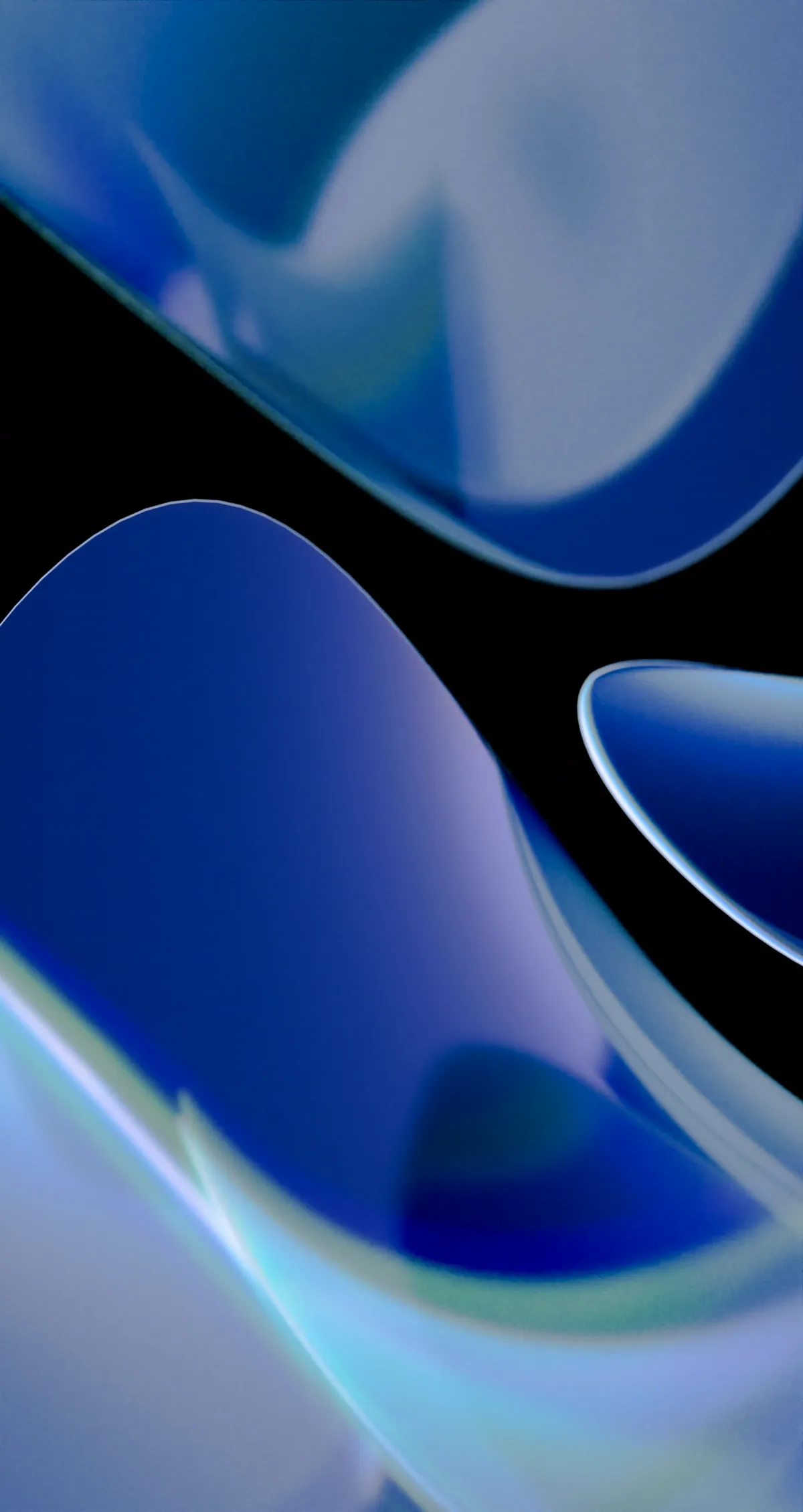
- Unsplash: A popular platform with a huge library of free, high-resolution photos.
- Pexels: Another excellent source for free stock photos and wallpapers.
- Wallpapers.com: Offers a wide variety of wallpapers, including iPhone-specific options.
- Zedge: A dedicated wallpaper app with a massive community and tons of user-submitted content.
- App Store Wallpaper Apps: Numerous apps in the App Store specialize in iPhone wallpapers, often with curated collections and daily updates.
When choosing a wallpaper, pay attention to the resolution. For optimal clarity on your iPhone’s Retina display, look for images with a resolution of at least 1080 x 1920 pixels. Consider how the wallpaper will interact with your iPhone’s icons and widgets. A busy wallpaper might make it difficult to see your apps, while a simple wallpaper can provide a clean and organized look. If you’re looking for something truly unique, you might even consider creating your own wallpaper using graphic design software.
Optimizing Your Wallpaper for iPhone
Once you’ve found a wallpaper you love, here’s how to set it up on your iPhone:
- Download the image to your iPhone’s Photos app.
- Open the Photos app and select the image.
- Tap the Share button (the square with an upward arrow).
- Scroll down and tap “Use as Wallpaper.”
- Adjust the image to your liking. You can zoom in, zoom out, and move it around.
- Choose between “Perspective Zoom” (which creates a slight parallax effect) and “Still.”
- Tap “Set” and choose whether you want to set it for your Lock Screen, Home Screen, or both.
Experiment with different settings to find what looks best on your device. You can also use the built-in wallpaper features in iOS to create dynamic wallpapers that change throughout the day. If you’re interested in customizing your entire iPhone experience, you might explore themes and icon packs. Finding the right aesthetic can really transform your phone into something special. For more information on customizing your iPhone, you can explore iphone settings and features.
The Impact of Color and Mood
The colors and mood of your wallpaper can significantly impact your overall experience. Cool colors like blue and green can create a calming and relaxing effect, while warm colors like red and orange can evoke energy and excitement. Consider your personality and the emotions you want to associate with your phone when choosing a wallpaper. A dark wallpaper can help conserve battery life on iPhones with OLED displays. Experiment with different color palettes to see what resonates with you. A well-chosen wallpaper can be a subtle but powerful way to enhance your mood and productivity.

Staying Updated with Wallpaper Trends
Wallpaper trends are constantly evolving. Keep an eye on design blogs, social media platforms like Pinterest and Instagram, and wallpaper apps to discover the latest styles. Seasonal wallpapers can be a fun way to celebrate holidays and special occasions. Don’t be afraid to change your wallpaper frequently to keep things fresh and exciting. The best wallpaper is the one that makes you happy. If you’re looking for inspiration, consider browsing design websites and communities.
Conclusion
Finding the perfect iPhone wallpaper is a personal journey. By exploring different styles, utilizing available resources, and optimizing your settings, you can create a visually stunning and personalized experience. Don’t be afraid to experiment and have fun with it! Your iPhone wallpaper is a reflection of your unique taste and personality, so choose wisely and enjoy.

Frequently Asked Questions
- Question: How can I find wallpapers that perfectly fit my iPhone’s screen size?
- Question: What’s the difference between ‘Perspective Zoom’ and ‘Still’ when setting a wallpaper?
- Question: Can I use my own photos as iPhone wallpapers?
- Question: Are there any apps that automatically change my wallpaper daily?
- Question: How do I create a collage wallpaper for my iPhone?
Answer: Look for wallpapers specifically labeled for your iPhone model (e.g., iPhone 14 Pro Max). Websites like Unsplash and Pexels often have filters to select the appropriate resolution. Alternatively, use the iPhone’s built-in wallpaper settings, which automatically adjust the image to fit your screen.
Answer: ‘Perspective Zoom’ creates a subtle parallax effect, where the wallpaper shifts slightly as you tilt your iPhone. ‘Still’ keeps the wallpaper fixed in place. The best option depends on your personal preference – some people find Perspective Zoom more dynamic, while others prefer the stability of Still.
Answer: Absolutely! You can easily use photos from your Camera Roll as wallpapers. Simply select the photo, tap the Share button, and choose “Use as Wallpaper.” Make sure the photo has a sufficient resolution for optimal clarity.
Answer: Yes, several apps in the App Store offer this feature. Some popular options include Walli, Vellum, and Live Wallpaper Maker. These apps allow you to set up automatic wallpaper rotations based on various criteria.
Answer: You can use photo editing apps like PicCollage or Layout from Instagram to create a collage from multiple photos. Once you’ve created the collage, save it as an image and then set it as your wallpaper using the standard iPhone settings.
Related posts:


Your next desktop or phone look is hiding somewhere in aesthetic. The related sets below are a good place to dig.
Save the pieces you love and share the collection with your circle.
