
Abstract Black and White Live Wallpaper: A Guide to Minimalist Style
In an era of constant digital noise and an endless stream of vibrant, saturated colors, there is a growing movement toward visual silence. Many users are discovering that the most powerful statement a screen can make is often the simplest one. An abstract black and white live wallpaper offers more than just a background; it provides a curated atmospheric experience that transforms a device from a mere tool into a piece of modern art.
The allure of monochrome animation lies in its ability to evoke emotion without the distraction of hue. By stripping away the color palette, the focus shifts entirely to form, motion, and contrast. Whether it is the slow ripple of digital ink or the sharp geometric shift of a vector pattern, these wallpapers create a sophisticated backdrop that complements any app icon or widget, ensuring that the user interface remains clean and legible.
The Psychology of Monochrome Aesthetics
Black and white imagery has long been associated with timelessness, elegance, and authority. In the context of digital design, removing color reduces cognitive load. When we are bombarded with bright notifications and colorful app badges, a neutral background acts as a visual anchor, providing a sense of stability and calm.
Abstract forms—those that do not represent a specific object or person—allow the mind to wander. A swirling cloud of charcoal grey or a pulsing white orb does not demand a specific interpretation; instead, it invites a feeling. This ambiguity is exactly what makes these wallpapers so effective for long-term use. Unlike a photo of a landscape or a person, which can become repetitive or stagnant, abstract motion feels organic and ever-changing.
The Power of Contrast
The interplay between light and dark is the fundamental building block of visual storytelling. In a monochrome live wallpaper, contrast is used to create depth and dimension. High-contrast designs, featuring stark whites against deep blacks, create a bold, energetic vibe. Conversely, low-contrast designs utilizing various shades of grey evoke a mood of mystery and softness.
This dynamic range is particularly effective when the animation is subtle. A slow fade from a dark grey to a light silver can mimic the passage of time or the movement of clouds, bringing a meditative quality to the smartphone experience. It transforms the act of unlocking a phone from a habitual reflex into a brief moment of mindfulness.
Optimizing for Modern Display Technology
The rise of OLED and AMOLED screens has revolutionized how we perceive black and white digital art. Unlike traditional LCD screens, which use a backlight that shines through the entire panel, OLED pixels are self-emissive. This means that to produce the color black, the pixel simply turns off completely.
When using an abstract black and white live wallpaper with a heavy emphasis on deep blacks, the result is a ‘true black’ that blends seamlessly into the physical bezel of the phone. This creates an illusion of an infinite screen, where the animated elements seem to float in a void. This is where users can explore various digital wallpaper options to see which contrast levels best suit their specific hardware.

Energy Efficiency and Battery Life
One of the most practical advantages of choosing dark-themed monochrome wallpapers is energy conservation. Since OLED pixels are powered off when displaying black, the battery drain is significantly reduced compared to a bright, colorful live wallpaper. While any animation requires some CPU and GPU resources, the reduction in screen power consumption often offsets the cost of the motion.
For those who prioritize battery longevity but refuse to sacrifice style, a dark abstract animation is the ideal compromise. The key is to look for wallpapers with ‘black-heavy’ compositions, where the movement occurs in small, concentrated areas of light against a vast, dark canvas.
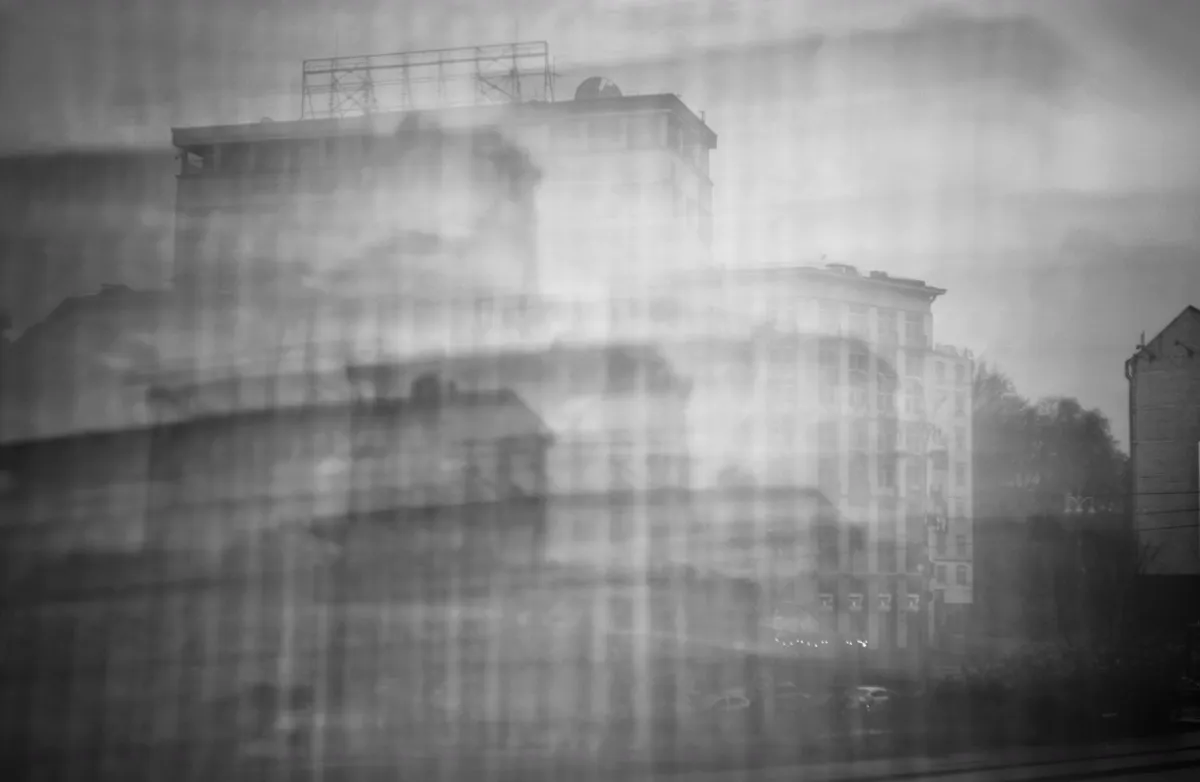
Exploring Types of Abstract Motion
Not all abstract animations are created equal. Depending on the style of motion, a wallpaper can change the entire mood of your device. Understanding these categories helps in selecting a design that aligns with your personal energy.
Fluid and Liquid Simulations
Fluid dynamics are among the most popular choices for live backgrounds. These often resemble ink dropping into water, swirling smoke, or molten metal. The motion is typically slow, graceful, and unpredictable. This style is perfect for those who want their device to feel organic and soothing. The seamless blending of greys creates a holographic effect that adds a layer of sophistication to the home screen.
Geometric and Mathematical Patterns
For those who prefer structure over fluidity, geometric abstract wallpapers provide a sense of order and precision. These may include shifting polygons, rotating lines, or pulsating grids. These designs often feel more ‘tech-forward’ and architectural. They pair exceptionally well with professional environments and structured app layouts, reinforcing a feeling of efficiency and clarity.
Generative and Particle Art
Generative art uses algorithms to create motion that never repeats exactly the same way twice. Particle systems—where thousands of tiny dots move in coordination—can create stunning effects like digital wind or cosmic dust. Because the movement is calculated in real-time, the wallpaper feels ‘alive’ in a way that a looping video cannot. This adds a layer of interactive depth to the user experience.
Curating Your Digital Workspace
A wallpaper is only one part of the visual equation. To truly maximize the impact of an abstract black and white live wallpaper, one must consider the entire ecosystem of the device’s interface. This involves a holistic approach to device customization that ensures nothing clashes with the monochrome theme.
Icon Packs and Color Coordination
The most immediate conflict with a B&W wallpaper is the colorful nature of standard app icons. To maintain the aesthetic, many users opt for monochrome icon packs. By converting all icons to white, grey, or black, the home screen becomes a unified piece of art. This removes the ‘visual clutter’ and allows the abstract motion of the wallpaper to take center stage.
Widget Integration
Widgets can either enhance or ruin a minimalist setup. The goal is to use widgets that feature transparent backgrounds or simple line art. A minimalist clock or a clean weather widget in a matching grey scale ensures that the functional elements of the phone blend into the background rather than sitting on top of it awkwardly.
The Role of Dark Mode
System-wide Dark Mode is the natural partner for monochrome wallpapers. When the menus, settings, and messaging apps all share the same dark palette as the wallpaper, the transition from the home screen to an app becomes seamless. This reduces eye strain, especially in low-light environments, and completes the immersive experience.
Technical Considerations for Live Wallpapers
While the visual appeal is paramount, the technical implementation of a live wallpaper can impact the device’s performance. It is important to understand what happens behind the scenes when a screen is constantly animating.
Frame Rates and Smoothness
A choppy animation can be more distracting than a static image. For a live wallpaper to feel premium, it needs a consistent frame rate. High-refresh-rate screens (90Hz or 120Hz) make abstract motions look buttery smooth. When choosing a wallpaper, ensure it is optimized for your screen’s refresh rate to avoid stuttering, which can break the immersion.
Resolution and Aspect Ratio
Abstract art relies on clean lines and smooth gradients. If a wallpaper is low-resolution, you will see ‘banding’—ugly stripes of color in the gradients—which ruins the professional look. Always seek out wallpapers that match or exceed your screen’s native resolution (e.g., 1440p or 4K). Furthermore, ensure the aspect ratio is correct so that the animation isn’t stretched or cropped in a way that ruins the composition.
Resource Consumption
Not all live wallpapers are equal in terms of resource usage. A simple looping video file is generally less demanding than a real-time generative shader. If you notice your phone heating up or apps lagging, it may be time to switch to a more optimized file format or a simpler animation. A minimalist approach to motion usually results in better performance and a longer device lifespan.
Finding the Right Vibe for Your Personality
Choosing the perfect abstract background is a deeply personal process. The ‘right’ wallpaper is one that reflects your internal state or the state you wish to achieve when you look at your phone.
- The High-Achiever: Likely prefers sharp lines, high contrast, and fast-moving geometric patterns. This stimulates the brain and evokes a sense of momentum and precision.
- The Creative: Often drawn to fluid simulations, ink-blot styles, and organic shapes. These encourage divergent thinking and a sense of playfulness.
- The Stoic: Prefers slow-moving, low-contrast grey gradients or nearly static black backgrounds. This promotes calm, focus, and a reduction in anxiety.
- The Tech Enthusiast: Attracted to particle systems, digital grids, and ‘matrix-style’ monochrome rain. This celebrates the digital nature of the device itself.
Conclusion
An abstract black and white live wallpaper is more than a decorative choice; it is a commitment to a specific digital philosophy. By prioritizing form over color and motion over static imagery, users can create a sanctuary on their screens. The combination of OLED efficiency, psychological calm, and modern aesthetic trends makes monochrome animation a timeless choice for anyone looking to elevate their device’s appearance.
Whether you are seeking to increase your focus, save battery life, or simply express a sophisticated taste in art, the world of abstract B&W motion offers endless possibilities. By carefully pairing your wallpaper with a cohesive icon set and optimized settings, you transform your smartphone from a distracting gadget into a streamlined, elegant companion.
Frequently Asked Questions
How do live wallpapers affect battery life on modern phones?
Live wallpapers consume more power than static ones because they require the GPU to render motion. However, abstract black and white designs are more efficient on OLED screens because black pixels are turned off. To minimize drain, choose animations with high black content and avoid high-brightness settings.
Where can I find high-quality monochrome live backgrounds?
You can find professional options on dedicated wallpaper apps, digital art platforms like Behance or ArtStation, and community-driven forums. Look for ‘AMOLED’ or ‘Minimalist’ categories to find the highest contrast and best-optimized files for your device.
What is the difference between a video wallpaper and a live wallpaper?
A video wallpaper is a pre-recorded loop (like an MP4) that plays on repeat. A true live wallpaper is often an interactive app or a generative script that creates motion in real-time. Generative wallpapers often look smoother and can react to your touch or the phone’s gyroscope.
Do abstract B&W wallpapers help with focus and productivity?
Yes, by reducing ‘visual noise.’ Bright colors and complex images can be distracting. A neutral, monochrome background reduces cognitive load, making it easier to focus on the task at hand and reducing the urge to mindlessly browse through apps.
How do I set up a live wallpaper on Android or iOS?
On Android, long-press the home screen, select ‘Wallpapers,’ and choose ‘Live Wallpapers.’ On iOS, go to Settings, then Wallpaper, and select ‘Add New Wallpaper,’ choosing from the ‘Live’ or ‘Dynamic’ options available in the gallery.
Related posts:

Your next desktop or phone look is hiding somewhere in black-and-white. The related sets below are a good place to dig.
Share this page with a fellow art lover looking for their next wallpaper.
