
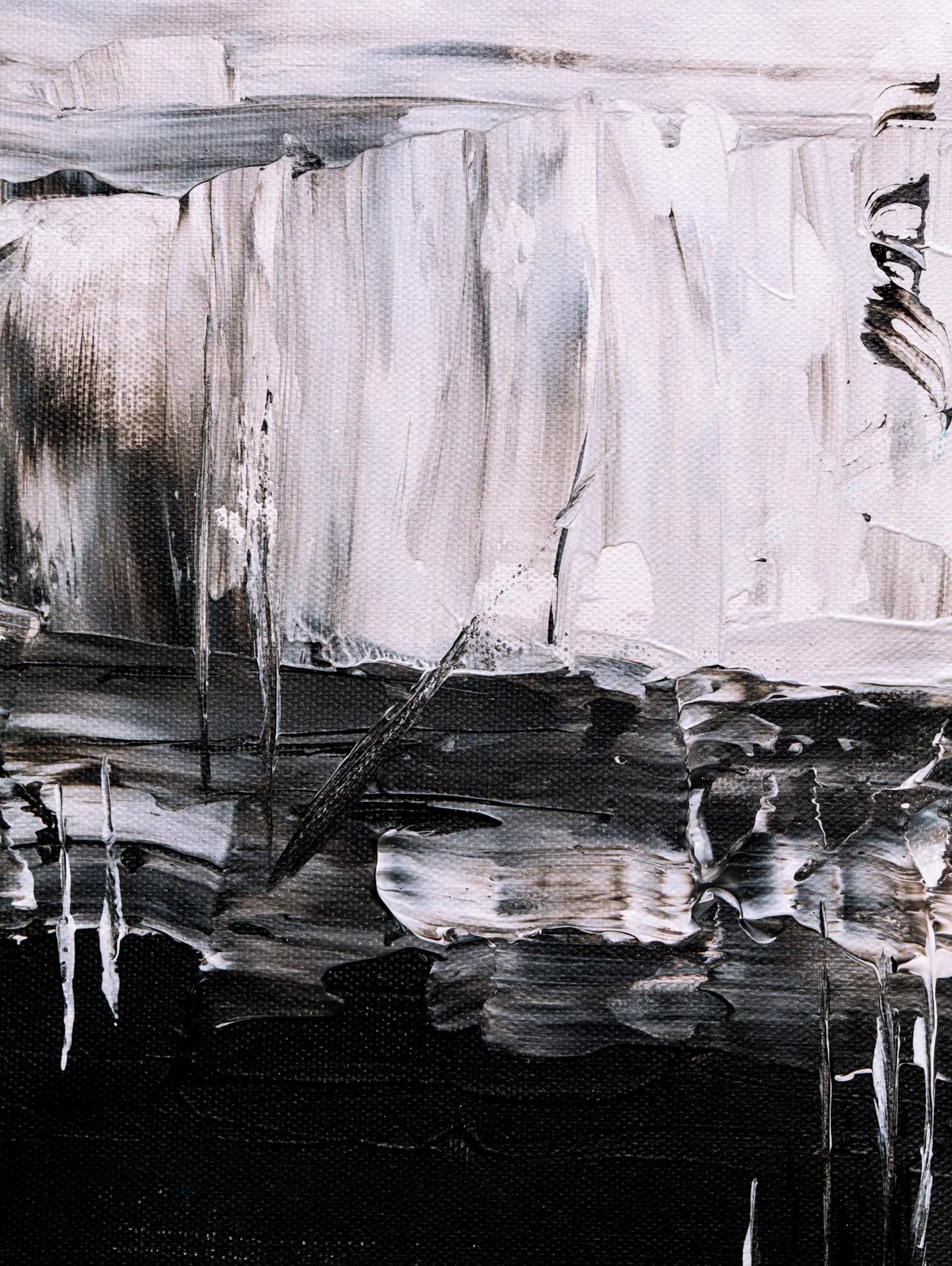
Black and White Abstract Wallpaper 1920×1080: A Guide
The digital workspace is more than just a place where we manage files and run applications; it is a visual extension of our personal environment. For many, the choice of a desktop background is a subconscious reflection of their current mood, their professional aspirations, or their aesthetic preferences. Among the vast array of options available, the black and white abstract wallpaper 1920×1080 remains a perennial favorite. Its timeless appeal lies in its ability to provide a sophisticated, clean, and distraction-free backdrop that complements any hardware setup.
Choosing a monochrome abstract design is not merely about removing color. It is about embracing the essence of form, contrast, and composition. In a world saturated with high-contrast RGB lighting and vivid digital displays, the restraint of a grayscale palette offers a sense of calm and order. Whether you are a creative professional looking for an inspiring canvas or a corporate employee seeking to minimize visual clutter, the 1080p abstract aesthetic provides the perfect balance between artistic expression and functional utility.
The Psychology of Monochrome Aesthetics
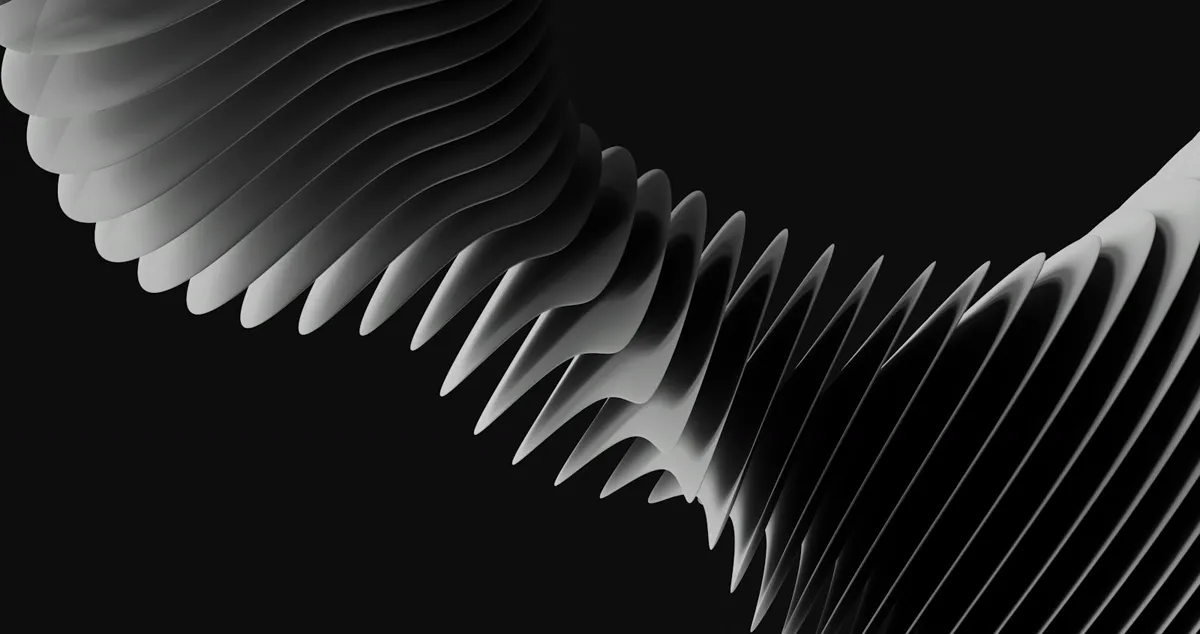
Color has a profound impact on human psychology, but the absence of color—or the strategic use of grayscale—carries its own powerful set of emotional cues. Black and white imagery strips away the emotional noise associated with specific hues, forcing the viewer to focus on the fundamental elements of the image: light, shadow, and shape. This reductionist approach often leads to a feeling of clarity and focus, which is why many high-productivity environments lean toward minimalist visuals.
In the context of a digital wallpaper, a black and white abstract design can evoke different moods depending on the level of contrast. High-contrast images, featuring deep blacks and stark whites, often feel energetic, bold, and modern. They create a sense of drama and urgency. On the other hand, wallpapers that utilize a wide range of gray tones tend to be more soothing and atmospheric, mimicking the soft light of a cloudy day or the subtle gradients of polished stone. By applying minimalist design principles to your screen, you can effectively reduce the cognitive load on your brain, allowing you to focus more deeply on the tasks at hand.
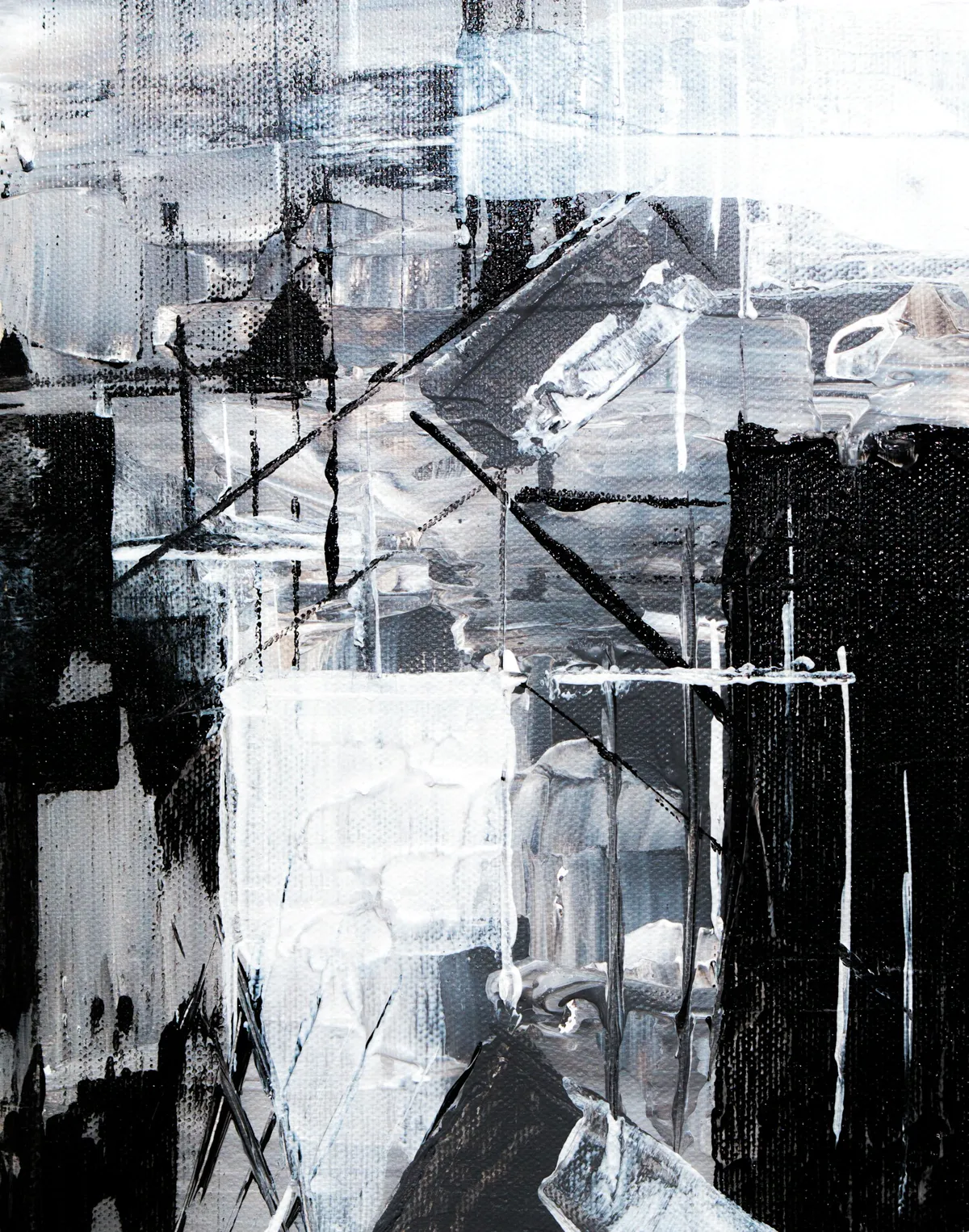
Furthermore, monochrome aesthetics are intrinsically linked to the concept of timelessness. While color trends shift—from the neons of the 80s to the muted pastels of recent years—the interplay between black and white remains constant. A grayscale abstract background does not date your setup; it maintains a professional and polished appearance regardless of when it was installed.
Understanding Abstract Art in Digital Backgrounds
Abstract art is defined by its departure from representational accuracy. Instead of depicting a specific person, place, or object, abstract wallpapers use shapes, forms, and gestures to achieve their effect. When applied to a 1920×1080 canvas, these elements can be categorized into several distinct styles, each offering a different visual experience.
Geometric Abstraction
Geometric abstraction relies on hard edges, straight lines, and mathematical precision. Think of intersecting triangles, concentric circles, or complex grids of varying thickness. These designs often convey a sense of structure, logic, and stability. For someone working in engineering, coding, or data analysis, a geometric black and white wallpaper can mirror the structured nature of their work, providing a cohesive visual environment that feels orderly and intentional.
Organic and Fluid Forms
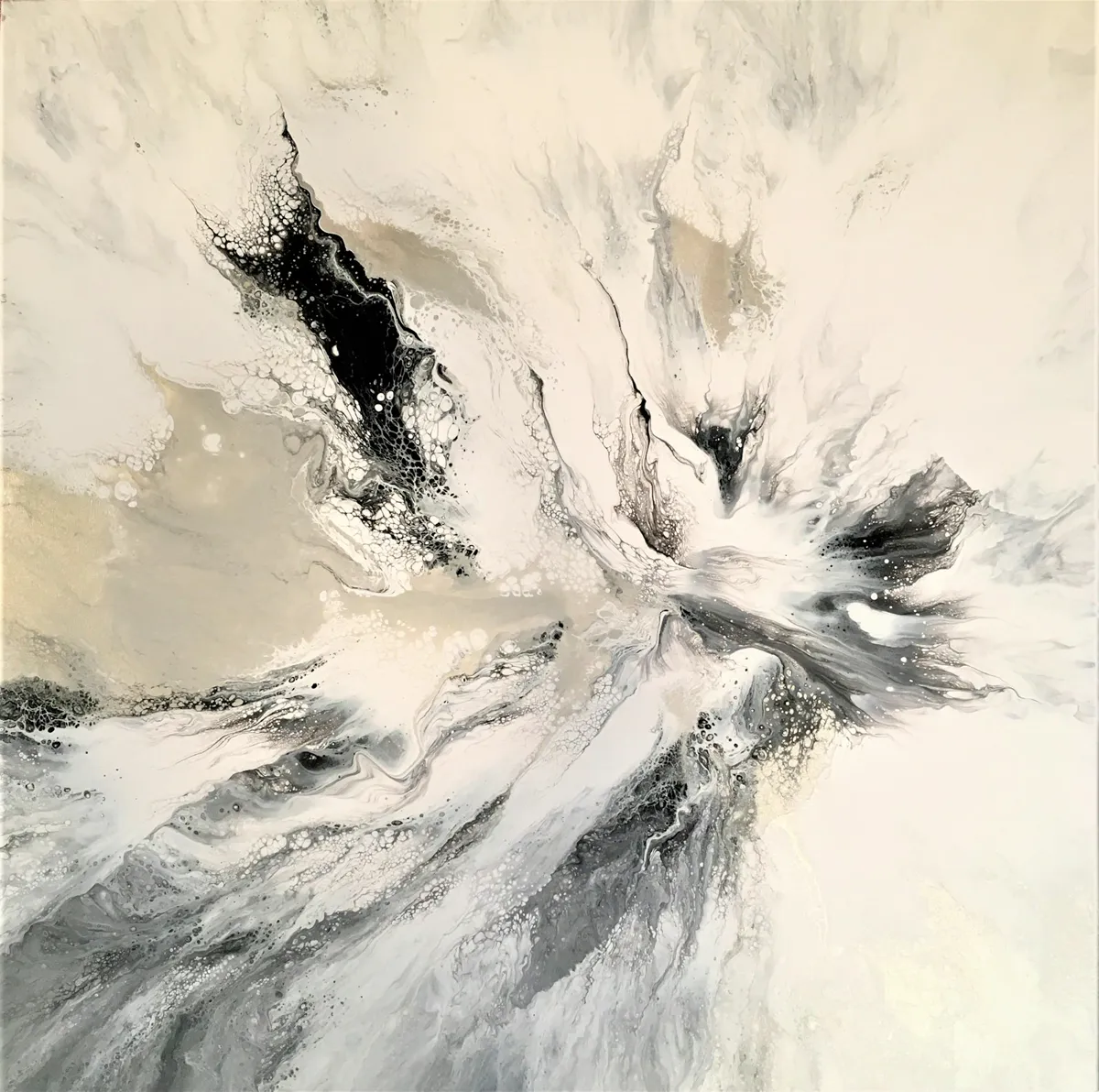
In contrast to geometric shapes, organic abstraction focuses on flowing lines, curves, and irregular shapes that mimic nature. These might look like swirling smoke, ink dropping into water, or the undulating ridges of a sand dune. Fluid designs are generally more relaxing and are often used to create a serene atmosphere. They break the rigid rectangularity of the monitor screen, adding a sense of movement and breathability to the desktop.
Minimalist and Texture-Based Art
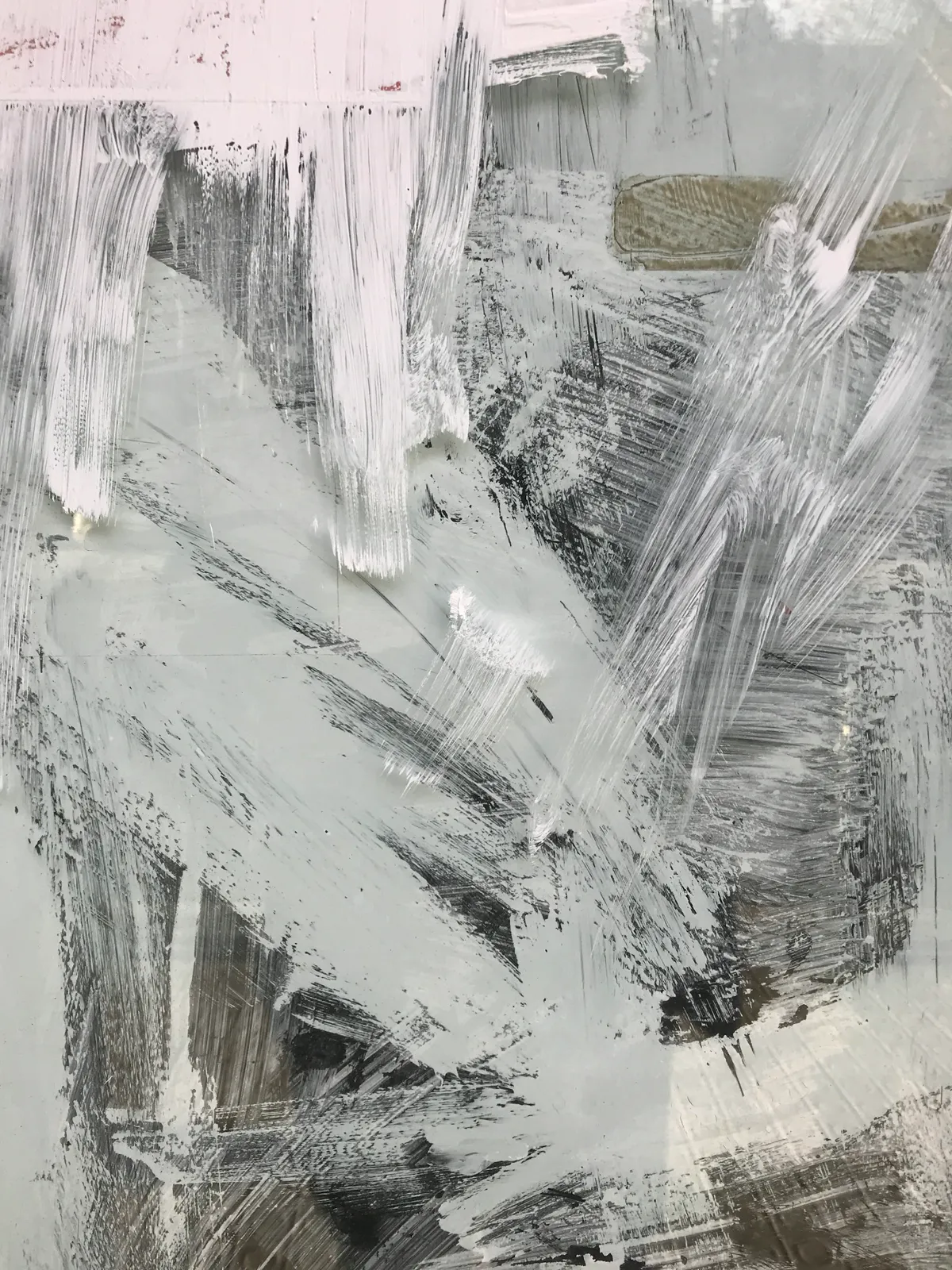
Some of the most effective abstract wallpapers are those that focus on texture rather than shape. This could be a high-resolution shot of brushed aluminum, the grain of dark charcoal paper, or a subtle gradient of gray that creates a faux-3D depth effect. Texture-based backgrounds provide a tactile quality to the screen, making the digital space feel more physical and grounded. This subtle approach is ideal for users who find complex patterns distracting but want something more interesting than a solid flat color.
The Technical Significance of 1920×1080 Resolution
While 4K and 8K monitors are becoming more common, 1920×1080 (Full HD) remains the most widely used resolution globally. This is primarily due to its perfect balance between clarity and performance. A resolution of 1920 pixels horizontally by 1080 pixels vertically creates a 16:9 aspect ratio, which is the industry standard for most laptops, desktop monitors, and televisions.
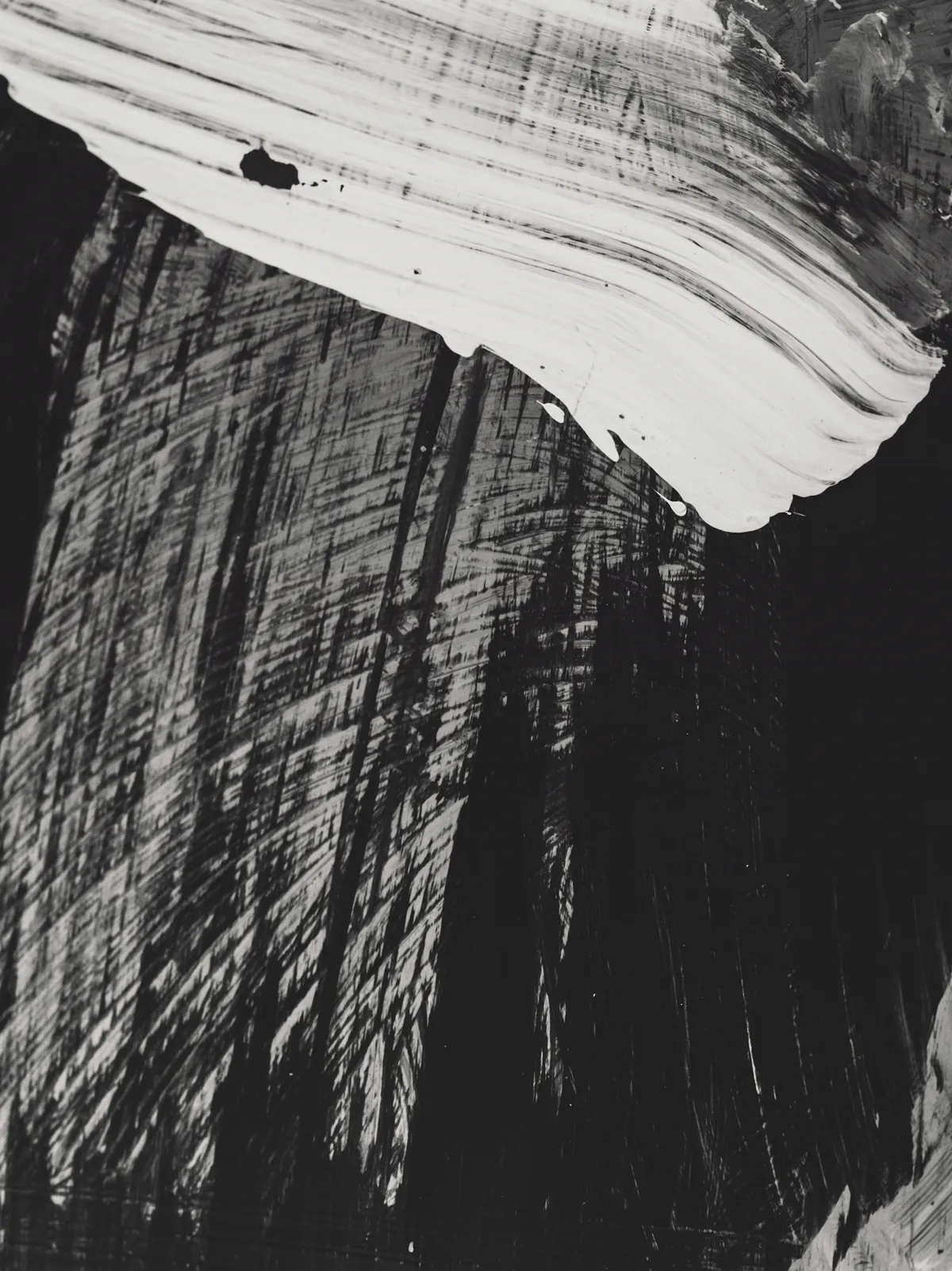
When searching for a black and white abstract wallpaper, ensuring it is exactly 1920×1080 is crucial for several reasons. First, if an image is smaller than the native resolution of your screen, the operating system will stretch the pixels to fit the area, resulting in a blurry or “pixelated” appearance. In abstract art, where sharp lines and smooth gradients are essential, pixelation can ruin the entire aesthetic effect. Second, an image that is significantly larger than 1080p may consume more system RAM to render, which, while negligible on modern machines, can still impact the perceived snappiness of a system on older hardware.
The 16:9 ratio also ensures that the composition of the abstract art is preserved. Abstract pieces are often carefully composed to lead the eye in a certain direction. If you use a square image on a widescreen monitor, you are forced to either crop out essential parts of the art or leave unsightly black bars on the sides. By sticking to the native 1920×1080 format, you ensure that the artist’s intended balance and symmetry are maintained across your entire display.
Choosing the Right Pattern for Your Workspace
Not all abstract wallpapers are created equal. The specific pattern you choose can influence your productivity and mood. To select the right one, it is helpful to consider how you use your computer throughout the day.
- For Deep Focus: If your work requires intense concentration, opt for a dark-themed abstract wallpaper with low contrast. A background that is primarily charcoal or deep gray with subtle, flowing lines prevents your eyes from being drawn away from your active windows. Avoid high-contrast “zebra” stripes or sharp geometric spikes, as these can create visual tension.
- For Creative Inspiration: If you use your computer for brainstorming or artistic projects, look for dynamic compositions. High-contrast black and white imagery with bold shapes can stimulate the brain and encourage divergent thinking. An image that feels “unresolved” or complex can act as a visual prompt for new ideas.
- For Professionalism: In a corporate or client-facing environment, a subtle grayscale gradient or a soft geometric pattern is best. It signals a level of sophistication and attention to detail without being distracting. The goal here is to provide a polished frame for your icons and folders.
One often overlooked aspect of choosing a wallpaper is optimizing your desktop layout. The pattern of your abstract background should complement the placement of your shortcuts. For example, if your wallpaper has a strong vertical element on the left side, placing your icons on the right side creates a balanced composition that is pleasing to the eye.
Tips for Organizing Icons with Minimalist Wallpapers
One of the greatest advantages of a black and white abstract wallpaper is that it makes your desktop icons easier to see. Since most folder icons are yellow or blue, they pop vividly against a monochrome background. However, without a plan, a cluttered desktop can quickly negate the beauty of a minimalist wallpaper.
To maintain the aesthetic, try the “Zone Method.” Group your icons into specific zones—such as “Active Projects,” “Tools,” and “Archives.” Leave the central part of the abstract art unobstructed. If the wallpaper features a focal point (like a single white sphere or a dramatic line), treat that area as “sacred space” and keep it clear of icons. This allows you to appreciate the art while still maintaining a functional workspace.
Additionally, consider changing your system accent color to match the theme. In Windows or macOS, you can set your window borders and highlight colors to a matching gray or a stark white. This creates a seamless transition between the wallpaper and the operating system’s interface, resulting in a unified visual identity for your machine.
Creating Your Own Abstract Wallpapers
If you cannot find the perfect black and white abstract image, you can create one using basic digital tools. You don’t need to be a professional artist to produce a stunning 1920×1080 background. Many free tools like Canva or GIMP, as well as paid software like Adobe Photoshop, offer simple ways to experiment with abstract forms.
Start by creating a canvas of exactly 1920×1080 pixels. Begin with a solid gray background and experiment with the “Gaussian Blur” tool on random white and black shapes to create soft, cloud-like formations. Alternatively, use the “Pen Tool” to create sharp, intersecting lines for a geometric look. The secret to a great abstract piece is knowing when to stop. The most effective minimalist wallpapers are often those that have the fewest elements possible, allowing the negative space to do the heavy lifting.
With the rise of generative AI, creating custom abstract art has become even easier. By using prompts like “minimalist black and white ink flow, 8k resolution, high contrast,” you can generate unique patterns that are tailored exactly to your taste. Once generated, simply crop and resize the image to 1920×1080 to ensure a perfect fit for your monitor.
Conclusion
A black and white abstract wallpaper 1920×1080 is more than just a decorative choice; it is a tool for enhancing your digital environment. By stripping away the distraction of color, these images provide a sanctuary of focus and a touch of modern elegance. Whether you prefer the rigid structure of geometric shapes or the calming flow of organic patterns, the monochrome palette ensures that your workspace remains professional, timeless, and visually balanced.
As you curate your digital space, remember that the best wallpaper is one that serves your needs—whether that is to energize your creativity or to quiet your mind during a stressful workday. By pairing a high-quality Full HD image with a thoughtful organizational strategy, you can transform your monitor from a simple tool into a piece of digital art that inspires you every time you boot up your system.
Frequently Asked Questions
How do I find high-resolution monochrome backgrounds that won’t look blurry?
To avoid blurriness, always search for images specifically labeled as ‘1920×1080’ or ‘Full HD’. Use reputable stock sites or wallpaper repositories and check the image dimensions before downloading. If an image is smaller than your screen resolution, it will be stretched, causing pixelation. If it is larger, your computer can scale it down without losing quality, so prioritizing high-resolution files is always the safest bet.
Why is 1920×1080 the most common wallpaper size?
This resolution is the standard for the 16:9 aspect ratio, which most modern monitors and laptop screens use. Because it provides a clear, sharp image without requiring massive amounts of processing power or memory, it has become the universal baseline for digital content. Most hardware manufacturers design their displays to be native to this resolution, ensuring that images and videos fit perfectly without cropping.
Does a black and white wallpaper save battery on laptops?
It depends on your screen technology. On traditional LCD or LED screens, the backlight is always on, so the color of the wallpaper has little to no effect on battery life. However, on OLED screens, black pixels are actually turned off completely. Therefore, a wallpaper that is primarily black or very dark gray can significantly reduce power consumption and extend your battery life compared to a bright, white, or colorful background.
What is the difference between abstract and minimalist wallpapers?
While they often overlap, they are different concepts. Abstract art focuses on non-representational forms, shapes, and colors to create an effect, and it can be very complex or busy. Minimalism is a philosophy of ‘less is more,’ focusing on the absolute minimum amount of elements needed to convey an idea. An abstract wallpaper can be minimalist (e.g., a single white line on a black field), but it can also be maximalist (e.g., a chaotic swirl of grayscale patterns).
Where can I get custom abstract digital art for my desktop?
You can find custom art on platforms like Etsy or Behance where digital artists sell unique wallpaper packs. For a more personalized approach, you can use graphic design tools like Canva or GIMP to create your own. Additionally, AI art generators allow you to create one-of-a-kind abstract images by entering specific descriptive prompts, which you can then resize to 1920×1080 for your specific monitor.
Related posts:


If this set speaks to you, Black and White Abstract Wallpaper Aesthetic: A Visual Guide continues the abstract-wallpaper conversation in a new direction.
Share this page with a fellow art lover looking for their next wallpaper.
