
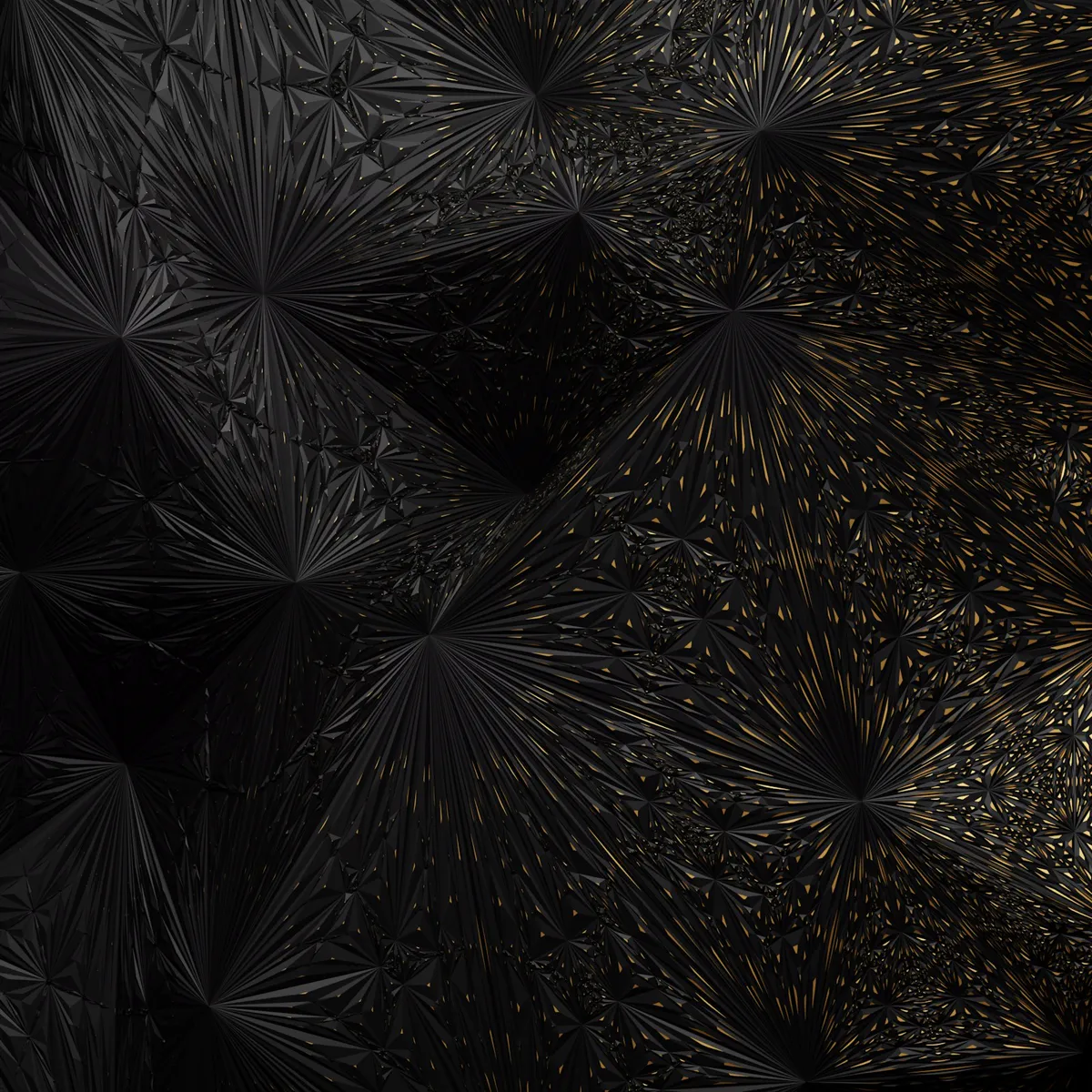
Dark Abstract Wallpaper for iPad: Elevate Your Tablet’s Look
The iPad has evolved from a simple media consumption device into a powerhouse for creativity, productivity, and professional work. As we spend more hours staring at these high-resolution screens, the visual environment we create for ourselves becomes increasingly important. One of the simplest yet most effective ways to personalize this experience is by choosing a dark abstract wallpaper for iPad. Unlike standard photography or bright illustrations, abstract art evokes emotion and mood without being distracting, providing a sophisticated backdrop for your apps and widgets.
For many users, the shift toward darker aesthetics is not just a matter of style but a response to the way we interact with technology. Whether you are using an iPad Pro with a Liquid Retina XDR display or a standard iPad Air, the way deep blacks and rich shadows interact with the hardware can fundamentally change how the device feels in your hand. A well-chosen background can transform a piece of aluminum and glass into a personalized digital sanctuary, reducing visual noise and helping you focus on the tasks at hand.
Why Choose Dark Abstract Aesthetics?
The preference for dark-themed visuals has surged in recent years, coinciding with the rise of ‘Dark Mode’ across almost every major operating system. When searching for custom wallpaper options, many users find that dark abstract patterns offer a timeless quality that doesn’t tire the eyes. The primary appeal lies in the balance between minimalism and complexity. An abstract image doesn’t represent a specific object, which means your brain doesn’t have to process a recognizable scene every time you return to your home screen.
From a physiological standpoint, bright white backgrounds can be jarring, especially in low-light environments. This ‘flashlight effect’ can lead to eye strain and fatigue during late-night browsing or creative sessions. Dark abstract wallpapers mitigate this issue by lowering the overall luminance of the screen. By utilizing deep charcoal, navy, obsidian, and midnight purple tones, you create a softer transition between the physical world and the digital display, making the user experience more comfortable over long durations.
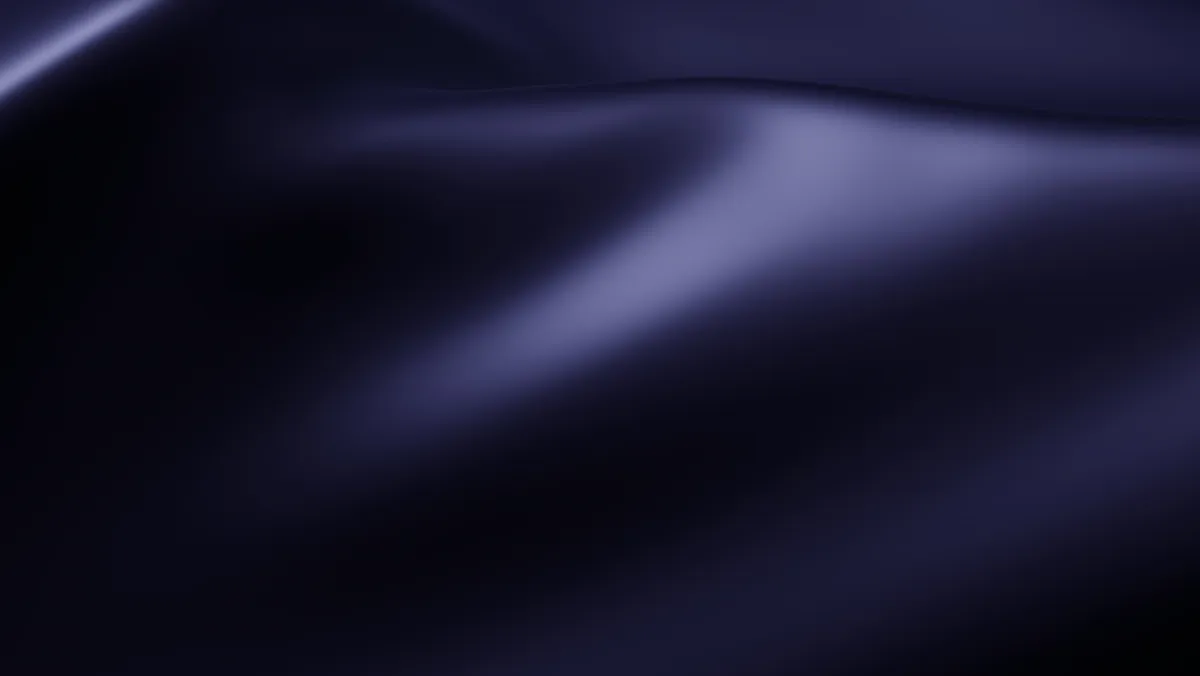
Furthermore, there is a distinct psychological advantage to using abstract art. Because these images rely on shape, color, and texture rather than concrete subjects, they allow for a level of subjectivity. One person might see a swirling nebula in a dark fluid pattern, while another sees a microscopic view of mineral deposits. This ambiguity keeps the visual experience fresh and prevents the wallpaper from feeling ‘stale’ after a few weeks of use.
Popular Styles of Dark Abstract Wallpapers
Fluid and Organic Shapes
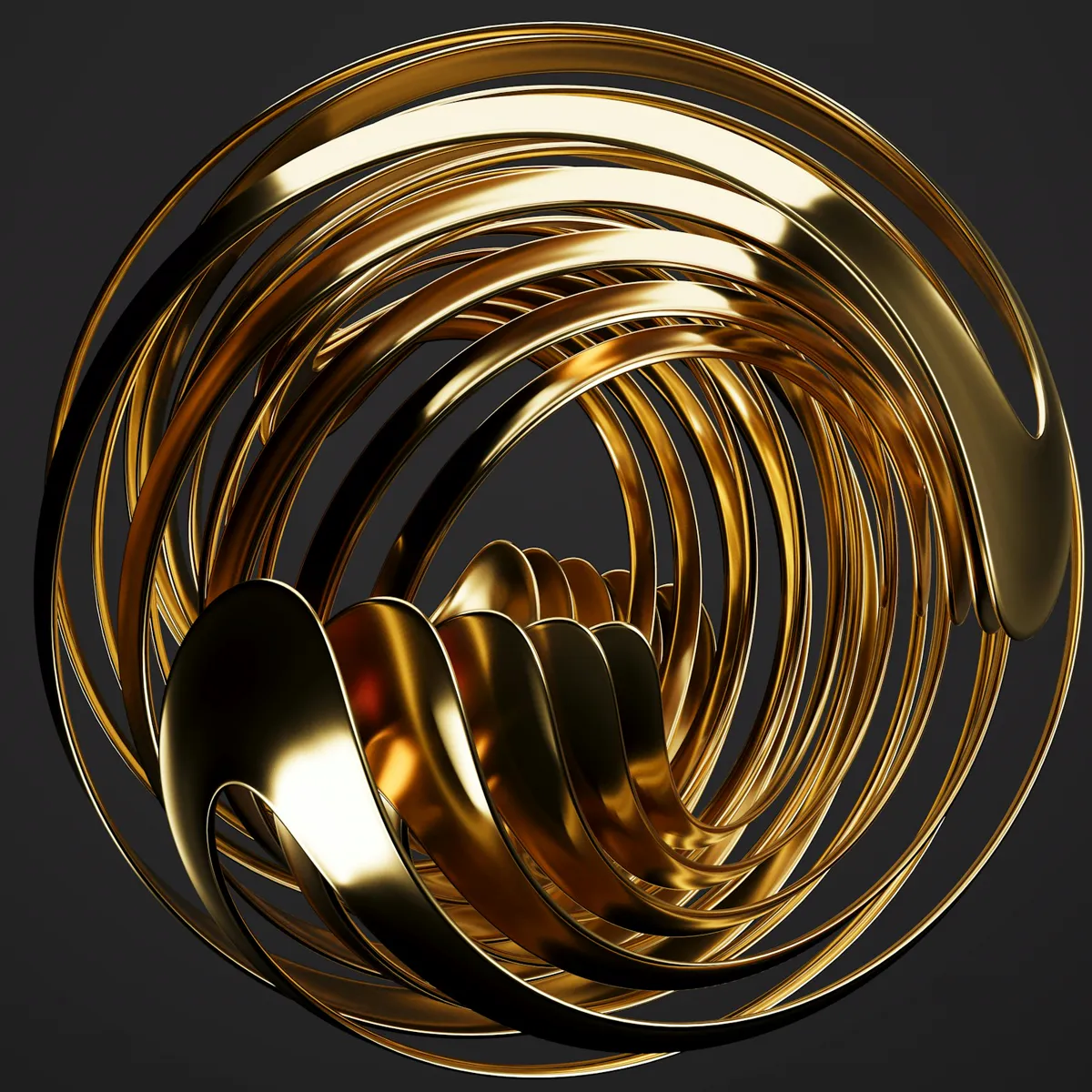
Fluid abstraction often mimics the movement of liquids, such as ink dropping into water or the swirling patterns of molten glass. These wallpapers are characterized by smooth gradients and flowing curves. The contrast between a pitch-black background and a single streak of deep gold or electric blue can create a stunning three-dimensional effect. This style is particularly effective on iPad screens because the high pixel density allows the subtle transitions of color to appear seamless, giving the impression that the screen is a window into a liquid void.
Geometric and Architectural Precision
For those who prefer order and structure, geometric dark abstracts are the ideal choice. These often feature intersecting lines, isometric cubes, or repetitive polygonal patterns. The beauty of this style lies in its precision. When a dark grey geometric pattern is paired with thin, glowing lines of neon light, it creates a futuristic, ‘cyberpunk’ aesthetic. This approach aligns well with minimalist design principles, where the focus is on the purity of the form rather than the complexity of the subject.
Textural and Grunge Elements
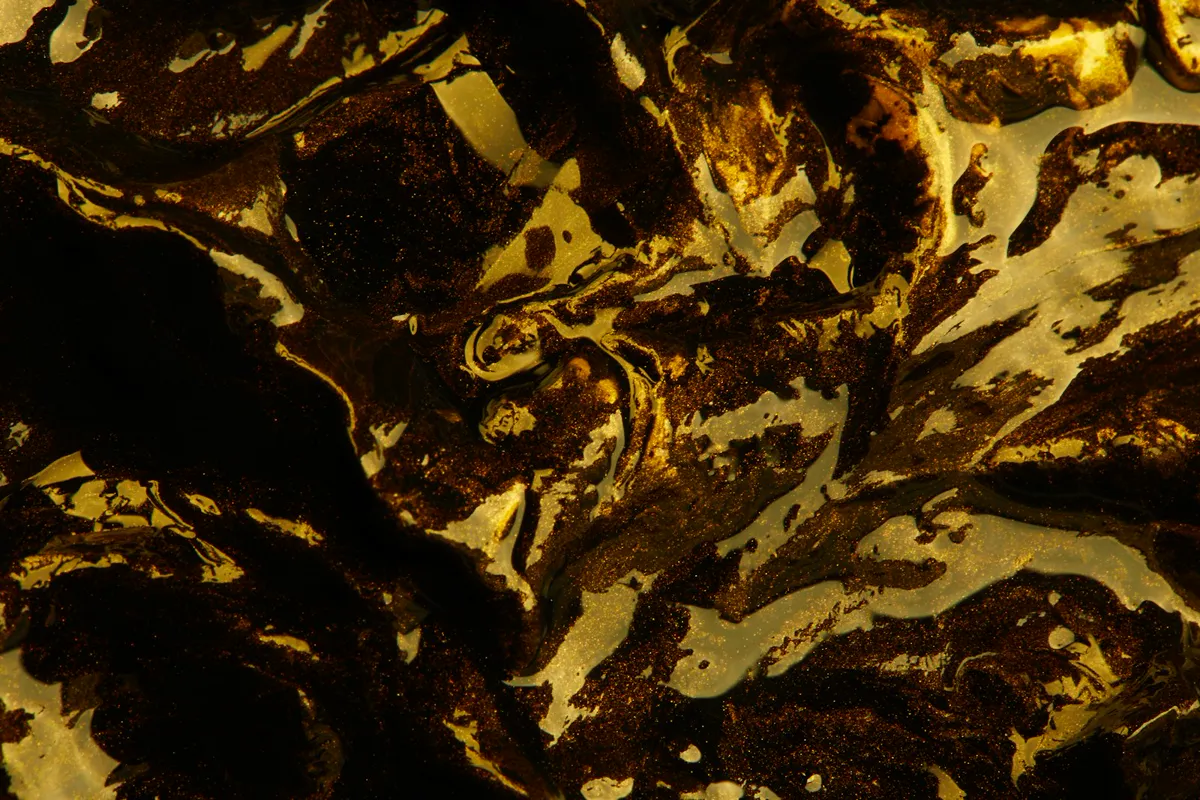
Not all abstract art is smooth. Textural wallpapers focus on the ‘feel’ of a surface. Imagine the look of brushed carbon fiber, weathered slate, or oxidized metal, all rendered in deep, moody tones. These wallpapers add a tactile quality to the iPad, making the device feel more rugged and industrial. The interplay of light and shadow on a simulated rough surface adds depth that flat colors cannot achieve, providing a sophisticated, mature look that is highly favored in professional settings.
Cosmic and Atmospheric Depths
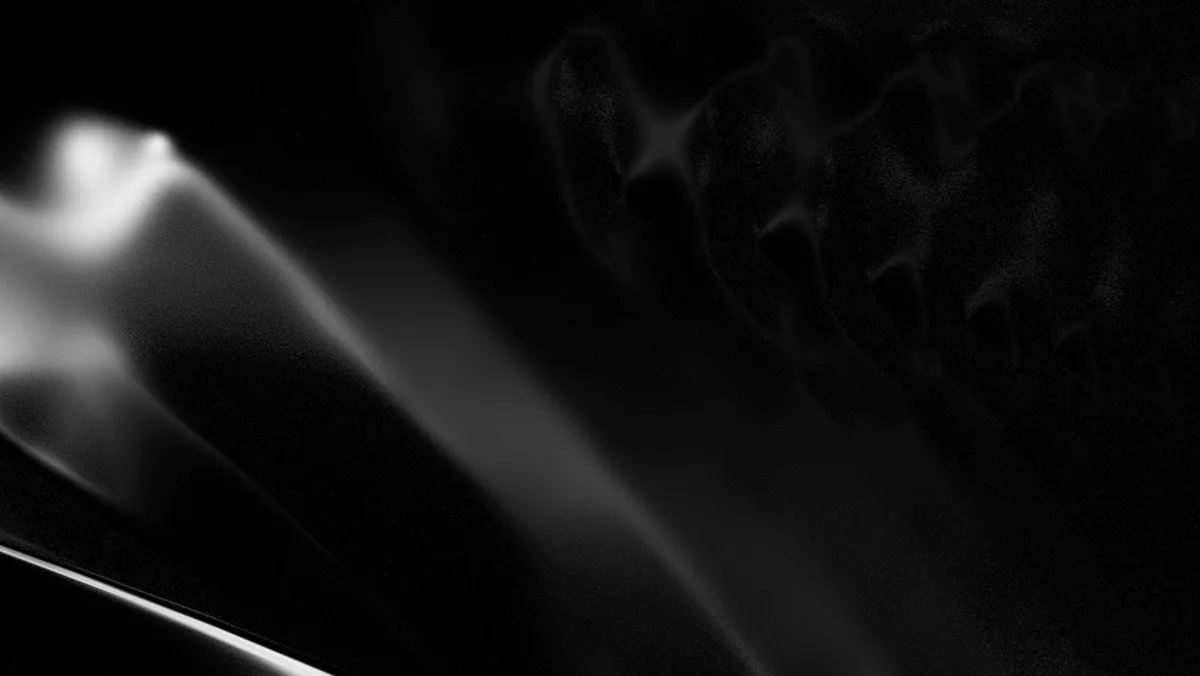
Deep space is the ultimate source of dark abstract inspiration. Wallpapers featuring stylized nebulae, distant star clusters, or the event horizon of a black hole blend science with art. By using a palette of deep violets, indigos, and blacks, these images create a sense of vastness. The contrast provided by tiny, sharp points of light against a void of darkness makes the iPad’s display pop, highlighting the quality of the panel and giving the user a sense of tranquility and wonder.
Optimizing Your Wallpaper for Different iPad Models
Not all iPads are created equal, and the wallpaper you choose should ideally complement the specific hardware you own. The iPad Pro, for instance, features a display that can produce incredibly deep blacks. When you use a dark abstract wallpaper on a Pro model, the pixels in the darkest areas are essentially turned off or dimmed significantly. This results in an ‘infinite contrast’ effect where the artwork seems to float on the screen rather than being trapped behind glass.
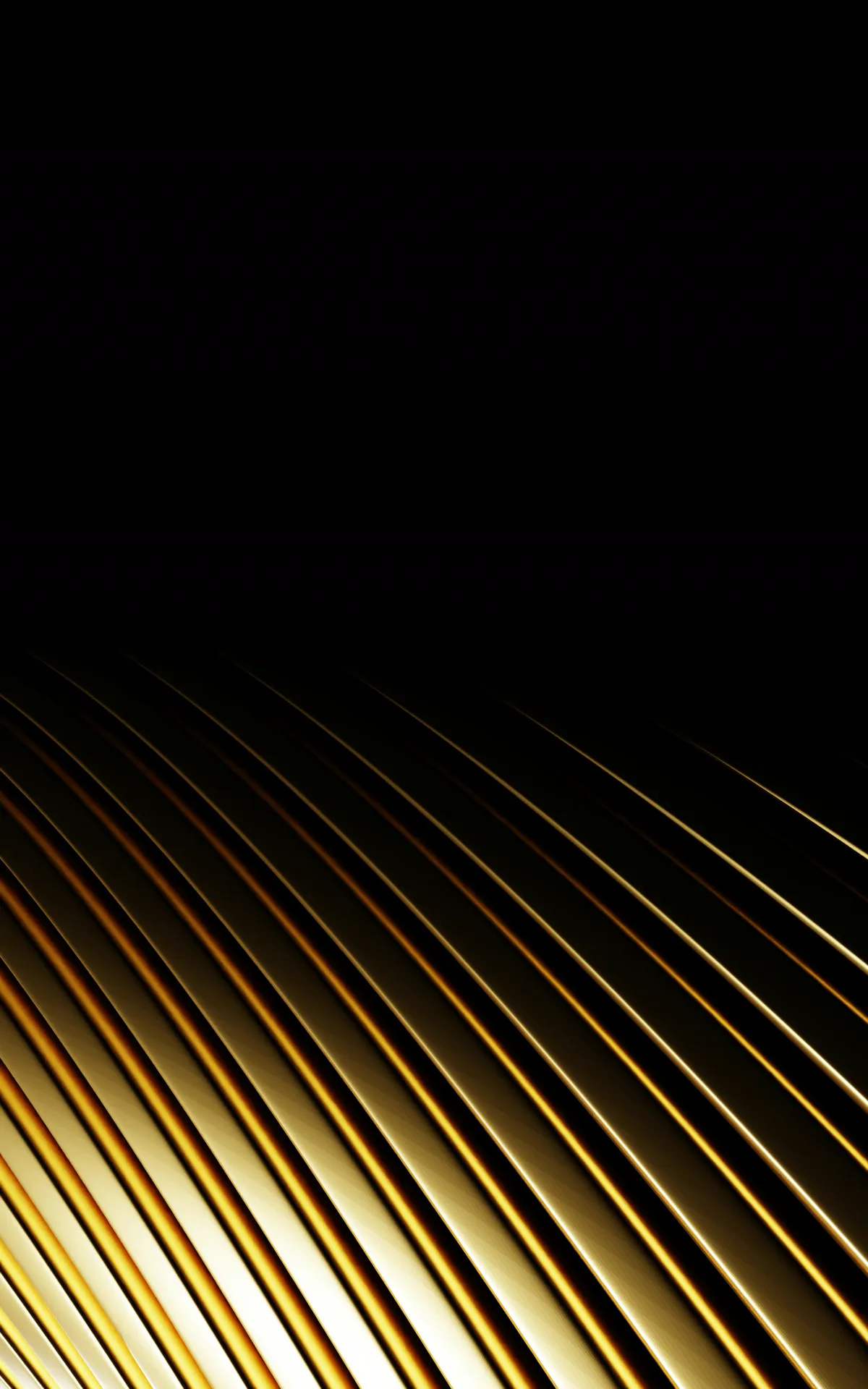
For the iPad Air and the standard iPad, which may use different backlight technologies, the goal is to find a balance. Instead of relying on absolute black (#000000), look for wallpapers that utilize deep greys and rich saturated tones. This prevents ‘banding’—those unsightly lines that sometimes appear in gradients on lower-end displays—and ensures that the image looks smooth from every angle.
Aspect ratio is another critical consideration. iPads have a more square-like aspect ratio compared to the elongated screens of iPhones. When selecting an abstract image, ensure it is high-resolution (at least 2048 x 2732 pixels) and composed in a way that looks good in both portrait and landscape orientations. Because the iPad rotates, the ‘weight’ of the abstract composition should be balanced so that the image doesn’t feel lopsided when you flip the device to watch a movie or draw with the Apple Pencil.
Integrating Wallpapers with iPadOS Features
One of the most powerful features of modern iPadOS is the ability to synchronize your visual environment with your activities. The ‘Focus’ mode allows you to set different home screens and wallpapers based on whether you are Working, Sleeping, or Playing. This is where a dark abstract wallpaper truly shines. You can assign a muted, dark grey geometric pattern to your ‘Work’ focus to minimize distractions and maintain a professional headspace.
Conversely, for a ‘Personal’ or ‘Creative’ focus, you might choose a more vibrant, fluid dark abstract with pops of magenta or teal. This visual cue tells your brain that it is time to shift from productivity to relaxation. By rotating your backgrounds based on the time of day—using a lighter abstract in the morning and transitioning to a deep, dark abstract in the evening—you can help regulate your circadian rhythm by reducing blue light exposure before bed.
Additionally, the way widgets interact with your background is a key design consideration. If your wallpaper is too busy or has too many high-contrast elements, your widgets can become difficult to read. Dark abstract wallpapers solve this problem by providing a consistent tone. When the background is predominantly dark, the white and colorful icons of the iPad apps stand out clearly, improving navigation speed and reducing the cognitive load required to find your most-used tools.
The Psychology of Dark Colors in Digital Spaces
The choice of a dark abstract wallpaper is often an unconscious reflection of a user’s psychological needs. Black and its derivatives are frequently associated with power, elegance, and mystery. In a digital context, these colors provide a sense of stability. While bright colors can stimulate and energize, they can also overwhelm. Dark tones, on the other hand, tend to ground the user, creating a sense of calm and enclosure.
Abstract art specifically engages the part of the brain responsible for pattern recognition and imagination. When you gaze at a dark abstract image, your mind naturally seeks to find meaning in the shapes. This can act as a form of micro-meditation. In the brief moments between opening apps, a glance at a soothing, dark fluid pattern can lower stress levels and provide a momentary mental reset.
Furthermore, the ‘dark aesthetic’ is often linked to a desire for privacy and discretion. A bright wallpaper is visible from across a room, whereas a dark abstract wallpaper keeps the screen’s contents more discreet. This adds a layer of perceived privacy and sophistication, making the device feel less like a toy and more like a high-end piece of professional equipment.
How to Source and Set Up High-Quality Wallpapers
Finding the perfect dark abstract wallpaper requires knowing where to look. While there are countless free wallpaper apps, many of them compress images, leading to a loss of detail that is noticeable on the iPad’s sharp display. To get the best results, seek out platforms that offer high-resolution, royalty-free imagery. Digital art communities and specialized design portfolios are often the best sources for truly unique abstract pieces that aren’t overused.
Once you have found an image, the setup process in iPadOS is straightforward but offers some customization. When setting the wallpaper, you can choose to ‘Perspective Zoom,’ which adds a subtle movement effect as you tilt the device. For abstract images, this can add a surprising amount of depth, making the shapes feel as though they are floating in a 3D space.
For those who cannot decide on a single image, the ‘Photo Shuffle’ feature is a game-changer. By creating a folder of your favorite dark abstract images, you can set the iPad to rotate the wallpaper every time you wake the screen or every hour. This keeps the device feeling fresh and allows you to enjoy a variety of moods throughout the day without having to manually change the settings.
Conclusion
A dark abstract wallpaper for iPad is more than just a cosmetic choice; it is an investment in your digital wellbeing and a reflection of your personal style. By reducing eye strain, optimizing battery performance on high-end displays, and creating a sophisticated, non-distracting environment, these backgrounds enhance the overall utility of the device. Whether you are drawn to the precision of geometry, the flow of organic shapes, or the mystery of the cosmos, the right abstract image can turn your iPad into a seamless extension of your creative and professional life.
Frequently Asked Questions
How do I find high-resolution dark wallpapers for my iPad?
The best way to find high-quality images is to use dedicated photography sites like Unsplash or Pexels, or digital art platforms like Behance and ArtStation. Search for terms like ‘dark abstract,’ ‘minimalist black,’ or ‘fluid dark textures.’ Always check the resolution before downloading; for an iPad, look for images that are at least 2048 x 2732 pixels to ensure the image remains sharp and doesn’t appear pixelated when scaled to fit the screen.
Do dark wallpapers actually save battery on iPad?
Yes, but primarily on iPad models with OLED or Liquid Retina XDR displays. On these screens, black pixels are either turned off or dimmed significantly, which requires less power than illuminating a pixel with bright white light. While the energy savings might be modest for a single image, using a dark theme across the entire OS (including apps) can lead to a noticeable increase in battery longevity over time.
What is the best resolution for an iPad Pro wallpaper?
To ensure maximum clarity, you should use an image that matches or exceeds the native resolution of your specific model. For most modern iPad Pros, a resolution of 2732 x 2048 pixels is the gold standard. Using an image with this resolution prevents the system from having to ‘stretch’ the photo, which maintains the crispness of the abstract lines and the smoothness of the gradients.
How can I change my wallpaper automatically based on the time of day?
You can achieve this by using the ‘Focus’ filters in iPadOS. Create different Focus modes (e.g., ‘Day’ and ‘Night’) and assign a specific wallpaper to each. You can then schedule these Focus modes to activate at specific times. When the schedule triggers, your iPad will automatically switch from your daytime wallpaper to your chosen dark abstract background, helping you transition into a nighttime routine.
Where can I find royalty-free abstract images for my device?
Websites like Unsplash, Pixabay, and Pexels offer vast libraries of royalty-free, high-resolution images that are free for personal and commercial use. Simply search for ‘dark abstract’ or ‘black background’ and filter by orientation if possible. These sites are excellent because they provide professional-grade photography and digital art without the need for a paid subscription or worrying about copyright issues.
Related posts:
Before you choose, take in iOS Dark Abstract Wallpapers: Enhance Your Screen’s Aesthetic as well. The contrast might surprise you.
Bookmark this set for the next time your screen needs a new mood.
