
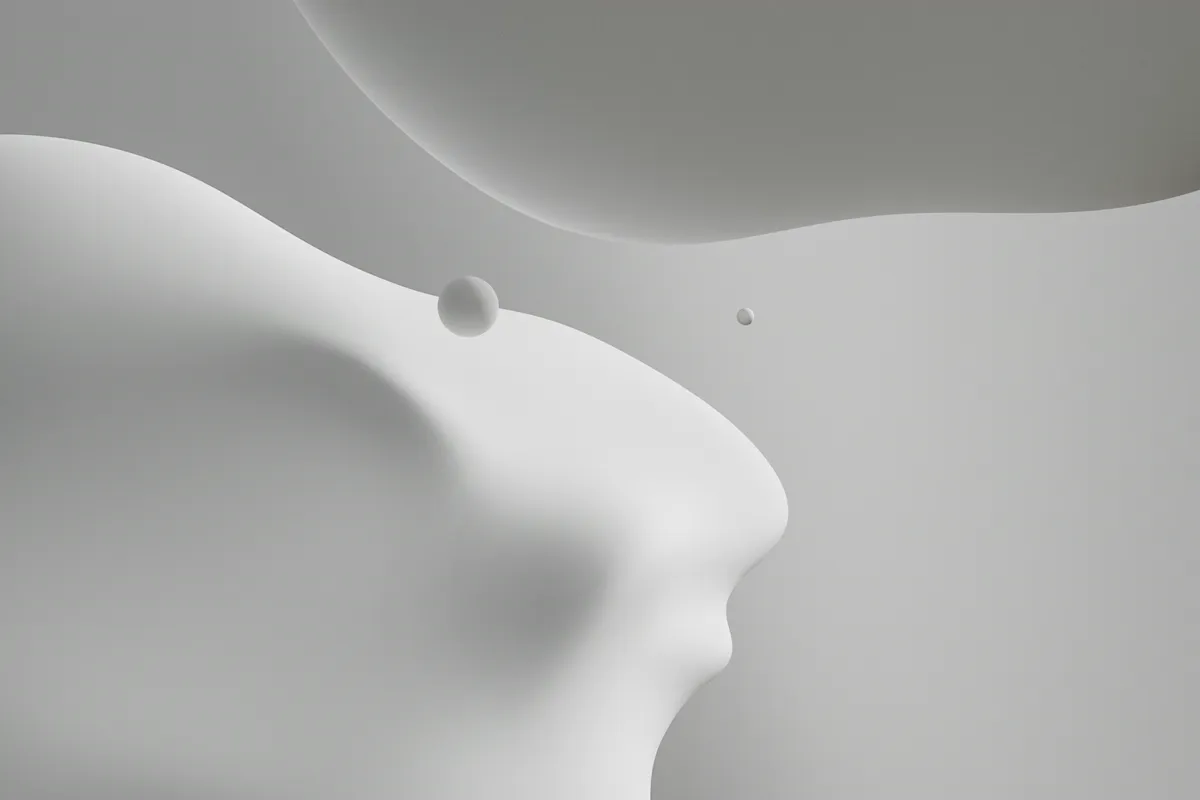
Black and White Abstract Wallpaper for PC: Elevate Your Desktop
The visual environment of your computer desktop is more than just a backdrop for your icons; it is a digital extension of your personal space. For many, the choice of a background is a reflection of their current mood, their professional identity, or their desire for a specific psychological state while working. Among the countless options available, a black and white abstract wallpaper for PC stands out as a timeless choice that transcends fleeting design trends. By stripping away the distraction of color, monochrome imagery focuses the viewer’s attention on form, contrast, and composition.
Choosing a grayscale palette for your workspace is often a conscious decision to reduce visual noise. In an era where we are bombarded by high-saturation notifications and flashing advertisements, the simplicity of a black and white aesthetic provides a necessary respite. Whether it is the sharp edge of a geometric pattern or the soft flow of digital ink, abstract imagery allows the mind to wander without being anchored to a specific real-world object, fostering a sense of creativity and openness.
The Psychology of Monochrome Aesthetics
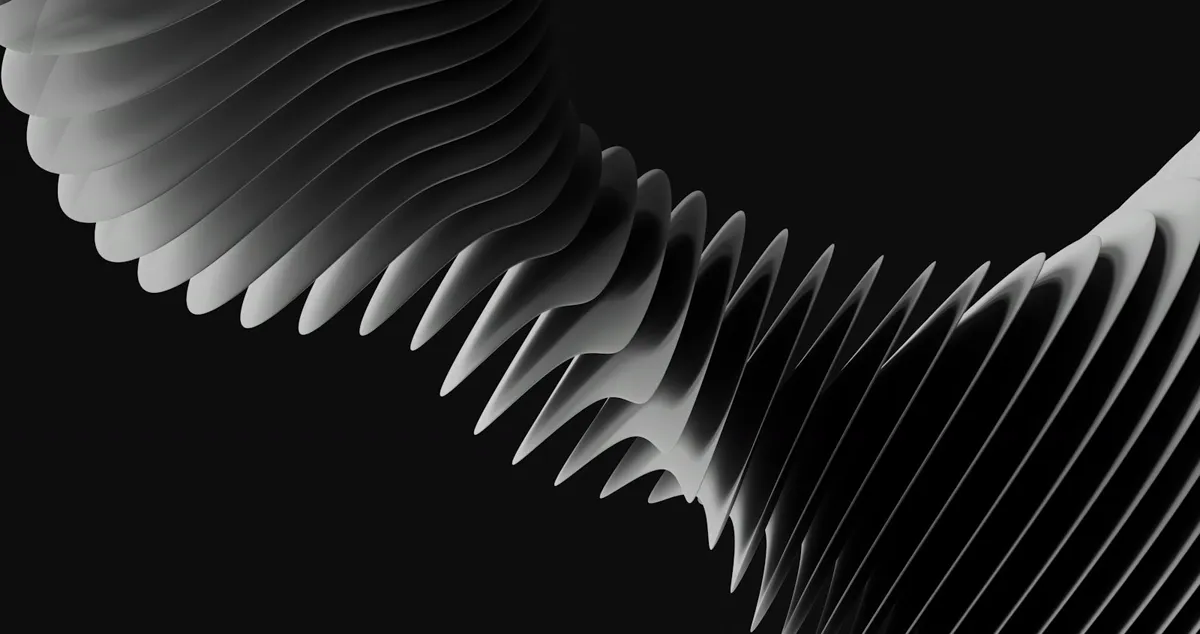
The impact of color on the human psyche is well-documented, but the absence of color—or the strategic use of grayscale—has its own unique set of benefits. When you employ a black and white abstract wallpaper for PC, you are essentially creating a low-stimulation environment. This can be particularly beneficial for those who struggle with overstimulation or anxiety during high-pressure workdays. The high contrast between deep blacks and bright whites creates a sense of balance and clarity that colorful images often lack.
Psychologically, black is often associated with power, elegance, and mystery, while white represents purity, clarity, and openness. When these two extremes merge in an abstract composition, they create a visual tension that is both stimulating and grounding. This duality can help a user maintain a professional mindset while still feeling a sense of artistic inspiration. Moreover, monochrome themes are less likely to clash with the colors of your software interfaces or the physical lighting of your room, making the transition from the physical world to the digital screen seamless.
Exploring Different Styles of Abstract Monochrome Art
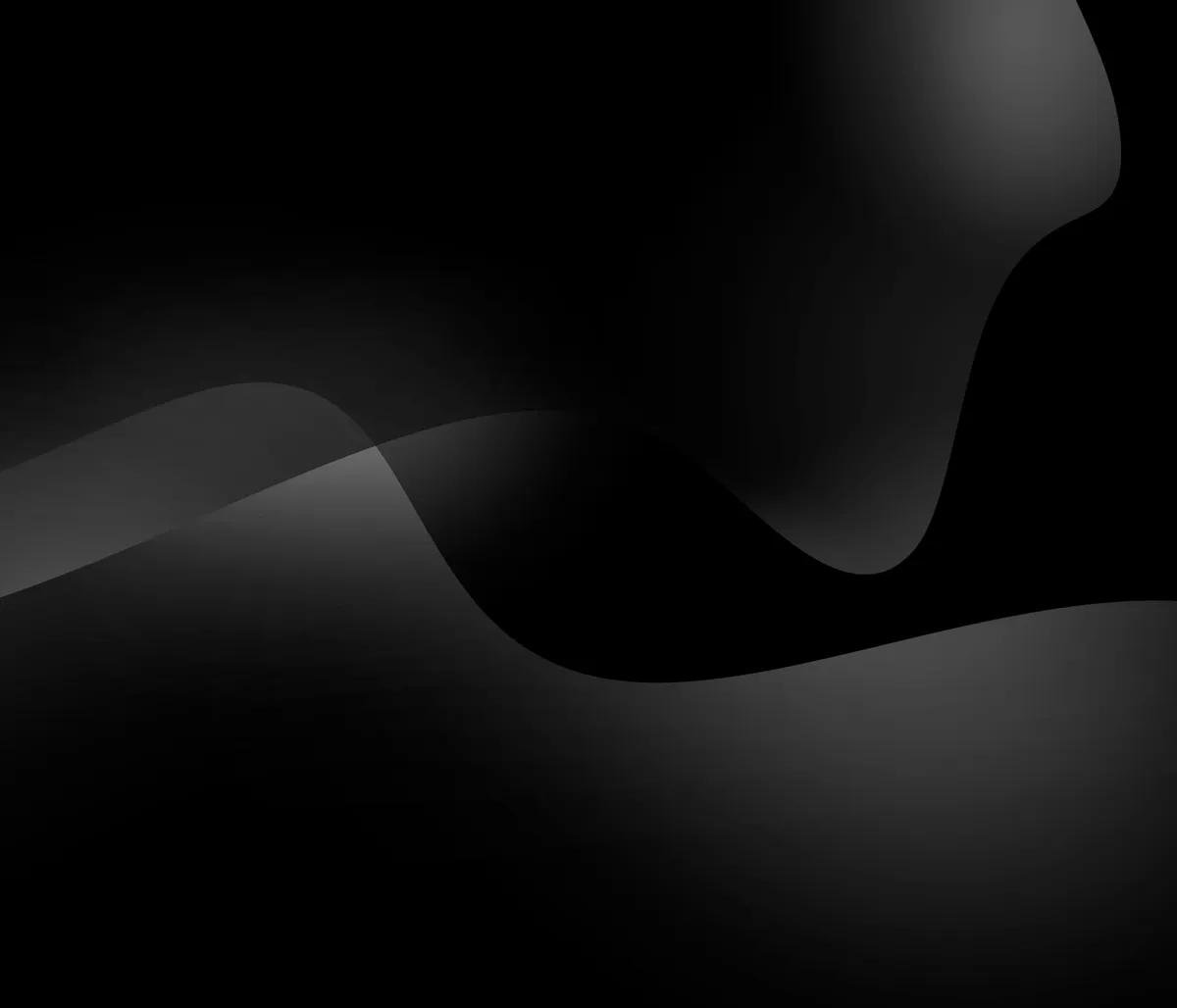
Not all abstract wallpapers are created equal. Depending on the patterns and shapes used, a black and white background can evoke entirely different emotions and vibes. Understanding these styles helps you choose a wallpaper that aligns with your specific goals for your desktop setup.
Geometric Precision and Linear Art
Geometric abstracts rely on mathematical precision. Think of intersecting lines, concentric circles, and repeating polygons. These designs often draw inspiration from the Bauhaus movement or mid-century modernism. For a user, this style of modern digital aesthetics can promote a feeling of order and discipline. When your background consists of sharp angles and perfect symmetry, it can subtly encourage a more organized approach to your digital files and tasks. The stark contrast of a white line against a black void creates a focal point that is clean and uncompromising.
Fluidity and Organic Forms
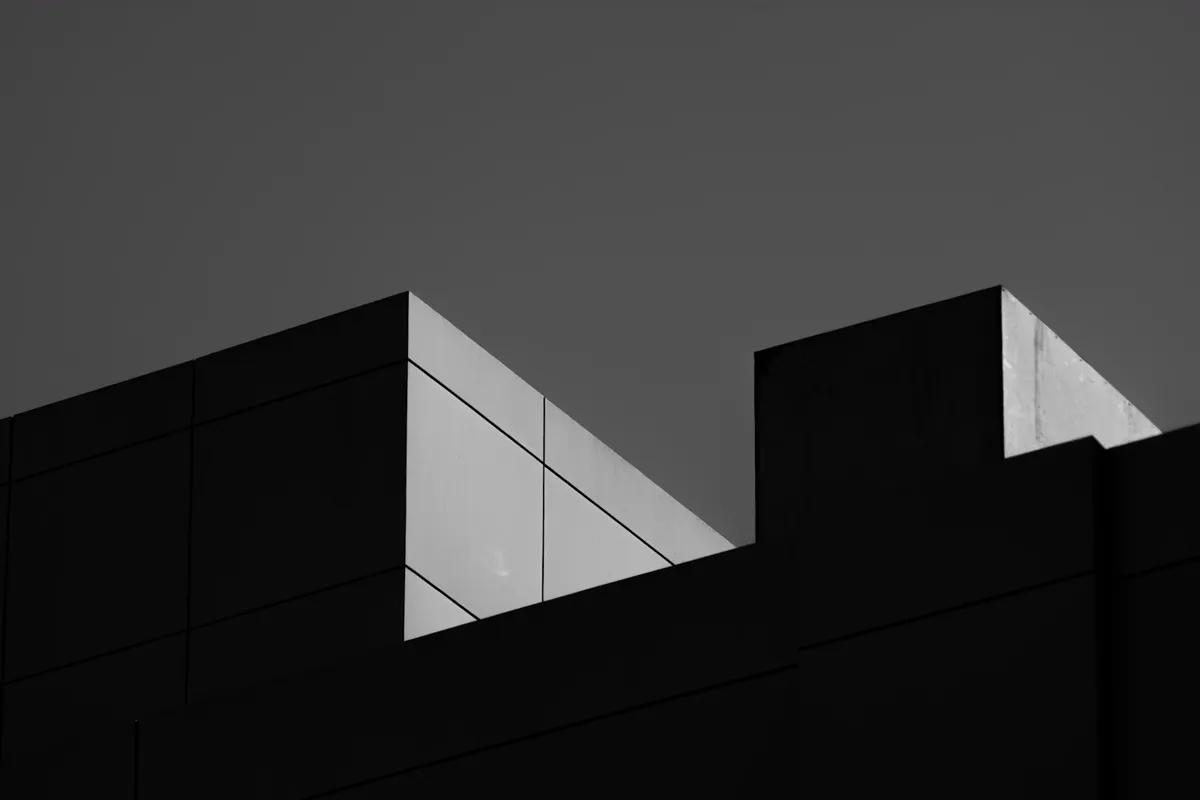
In contrast to geometric shapes, organic abstract wallpapers mimic the unpredictability of nature. These might include images that look like smoke curling in the air, ink dropping into water, or the marbled veins of a piece of stone. These patterns are softer and more forgiving, providing a calming effect on the viewer. Fluid shapes encourage a flow state, making them ideal for creative professionals such as writers, designers, or musicians who need their environment to feel flexible and imaginative rather than rigid.
Brutalist and Textural Abstracts
Brutalist design emphasizes raw materials and stark honesty. In the realm of black and white wallpapers, this translates to high-grain textures, concrete-like surfaces, and heavy shadows. These images often feel more ‘physical’ and tactile, even on a flat screen. The use of grit and texture adds depth to the desktop, preventing the image from feeling too sterile. This style is often favored by those who appreciate industrial design and the beauty of imperfection.
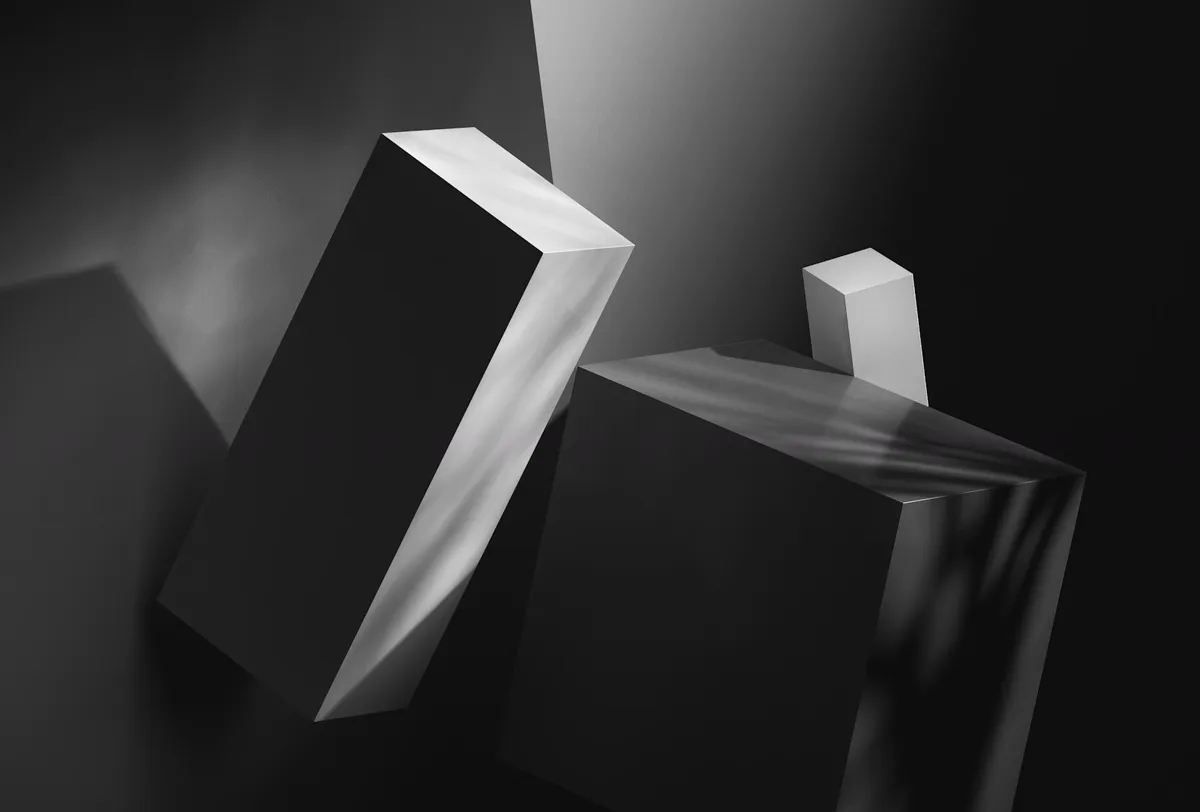
Minimalist Negative Space
Minimalism is the art of subtraction. A minimalist black and white abstract wallpaper might consist of a single curved line on a vast white canvas or a small white dot in a sea of black. The power of this style lies in negative space—the areas of the image that are left empty. By embracing emptiness, these wallpapers reduce cognitive load to the absolute minimum, allowing the user to focus entirely on the tasks at hand without any visual interference from the background.
Optimizing Your Wallpaper for Hardware and Resolution
To truly appreciate a black and white abstract wallpaper for PC, the technical implementation is just as important as the artistic choice. A low-resolution image can lead to blurring or pixelation, which destroys the sharp contrast that makes monochrome art so appealing. To maintain the integrity of the design, it is crucial to match the image resolution to your monitor’s native specifications.
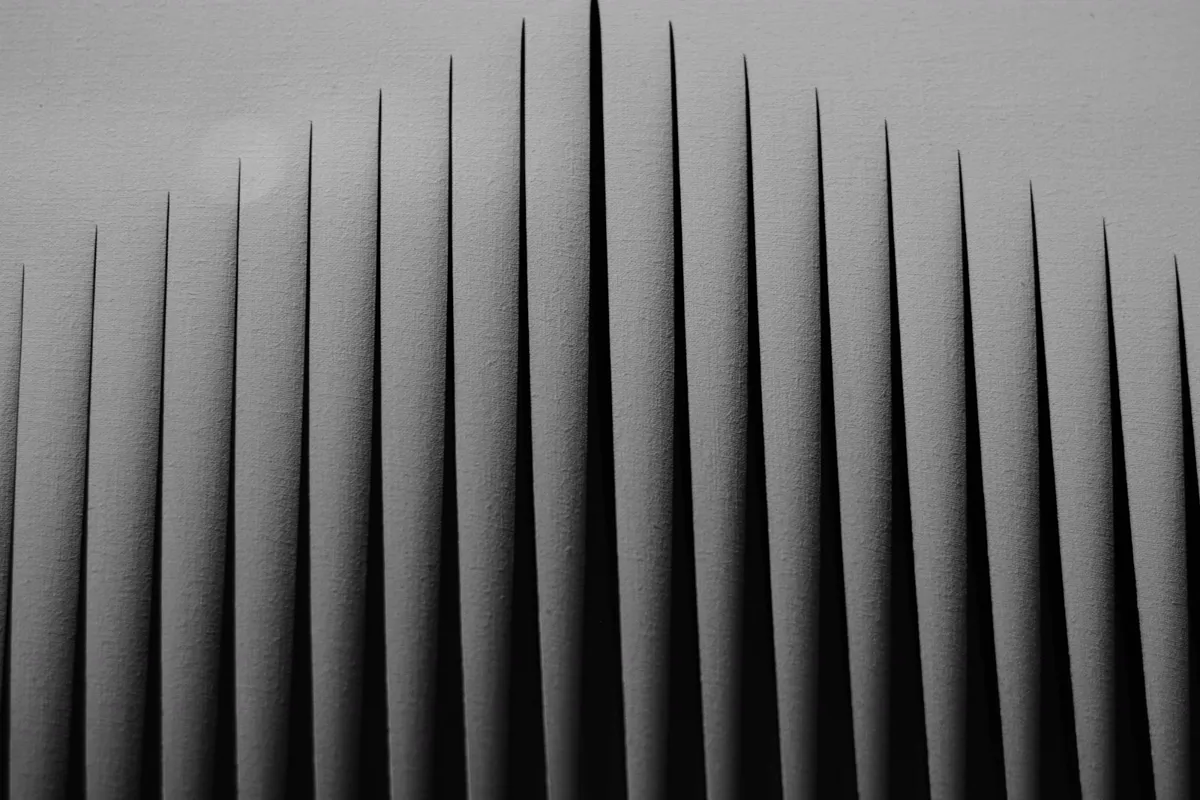
For those using standard Full HD monitors, 1920×1080 is the baseline. However, with the rise of 4K and 5K displays, looking for Ultra HD assets is essential. A 4K monochrome image ensures that the gradients between gray tones are smooth and that the lines remain crisp. If you are using an ultrawide monitor, you will need specific aspect ratios (such as 21:9) to avoid the image being stretched or cropped awkwardly, which can ruin the composition of an abstract piece.
The Role of Panel Technology: OLED vs. LCD
The type of screen you own significantly changes how a black and white wallpaper looks. On a standard LCD or LED screen, ‘black’ is actually a very dark gray because the backlight is always on. This can sometimes make a monochrome wallpaper look slightly washed out.
However, on an OLED screen, pixels can be turned off completely. This means that the black areas of your minimalist wallpaper trends are truly black, creating an infinite contrast ratio. This makes abstract art pop with an intensity that is almost three-dimensional. For OLED users, choosing a wallpaper with a high percentage of true black not only looks stunning but can also contribute to energy efficiency and prevent screen burn-in over long periods.
Integrating Your Wallpaper into a Productive Workspace
Your desktop wallpaper is the foundation of your digital workspace. When paired with a black and white abstract theme, you have a unique opportunity to optimize your productivity. The key is to ensure that your icons and folders do not clash with the background patterns.
- Icon Placement: If your wallpaper has a strong vertical element on the left, move your most-used icons to the right to maintain visual balance.
- Folder Coloration: On some operating systems, you can customize folder icons. Using a neutral or grayscale icon set complements the monochrome theme perfectly.
- Taskbar Transparency: Setting your taskbar to be semi-transparent or completely clear allows the abstract art to bleed through, creating a more immersive experience.
By treating your desktop as a curated gallery rather than a dumping ground for shortcuts, you create a mental trigger that signals ‘work mode’ or ‘relaxation mode.’ The lack of color prevents the ‘visual fatigue’ that occurs when a screen is too bright or too busy, allowing you to work for longer periods without feeling drained.
Where to Source High-Quality Monochrome Art
Finding the perfect black and white abstract wallpaper for PC requires knowing where to look. While a quick search can yield thousands of results, the quality varies wildly. To find professional-grade imagery, consider the following avenues:
First, dedicated stock photography sites often have curated ‘abstract’ categories. These are generally shot by professional photographers who understand lighting and composition. Look for keywords like ‘monochrome,’ ‘minimalist,’ and ‘geometric’ to narrow down the results. Many of these sites offer high-resolution downloads for free, provided you attribute the artist.
Second, the rise of AI-generated art has opened up a new world of abstract possibilities. Tools like Midjourney or DALL-E allow users to create hyper-specific monochrome images. For example, you could prompt the AI to create ‘a high-contrast 8k abstract liquid metal sculpture in black and white’ to get something truly unique that no one else has on their desktop.
Third, for those with an artistic streak, creating your own wallpaper is a rewarding process. Simple graphic design software can be used to create vector shapes and gradients. Since you are working with only two colors, you don’t need to be a color theory expert to create something visually striking. Experimenting with optimizing your desktop layout alongside a custom creation can give you a sense of ownership over your digital environment.
Maintaining the Aesthetic Over Time
One of the greatest strengths of a black and white abstract wallpaper for PC is its longevity. Unlike a photo of a specific place or a character from a movie, abstract art does not ‘date’ in the same way. However, to keep your workspace feeling fresh, you might consider a ‘seasonal’ rotation of monochrome styles.
During the winter months, you might prefer a stark, high-contrast geometric pattern that reflects the crispness of the season. In the spring or summer, a softer, more fluid organic abstract can bring a sense of lightness and air to your screen. This allows you to keep the benefits of a monochrome palette while subtly shifting the energy of your workspace.
Conclusion
A black and white abstract wallpaper for PC is more than just a stylistic choice; it is a tool for mental clarity and aesthetic refinement. By removing the complexities of color, you invite a sense of order and peace into your digital life. Whether you prefer the rigid structure of geometry or the flowing grace of organic forms, monochrome art provides a sophisticated backdrop that enhances both productivity and mood. In a world filled with visual noise, the simplicity of black and white is not just a design preference—it is a sanctuary for the eyes and the mind.
Frequently Asked Questions
Why is black and white abstract art better for productivity?
Monochrome images reduce visual stimulation and cognitive load. By eliminating vibrant colors that compete for your attention, these wallpapers create a neutral environment that allows you to focus more deeply on your work and reduces eye strain over long periods.
What resolution should I look for in a PC wallpaper?
You should always match the wallpaper resolution to your monitor’s native resolution. For most modern PCs, this means searching for 1920×1080 (Full HD), 2560×1440 (QHD), or 3840×2160 (4K) to ensure the image remains sharp and professional.
How do OLED screens handle monochrome wallpapers?
OLED screens are ideal for black and white wallpapers because they can turn off individual pixels to produce ‘true black.’ This results in an infinite contrast ratio, making the white elements of an abstract design appear more vivid and three-dimensional.
Where can I find royalty-free abstract backgrounds?
Websites like Unsplash, Pexels, and Pixabay offer vast libraries of high-resolution, royalty-free abstract imagery. You can search for terms like ‘monochrome abstract’ or ‘minimalist black and white’ to find high-quality assets for your PC.
How do I create my own custom abstract wallpaper?
You can use free tools like Canva or professional software like Adobe Illustrator. Start with a canvas matching your screen resolution, use a black background, and add white vector shapes, lines, or gradients to create a composition that suits your taste.
Related posts:

Your next desktop or phone look is hiding somewhere in abstract-backgrounds. The related sets below are a good place to dig.
Pass this link to someone who appreciates bold, abstract design.
