
Transforming Your Workspace with High-Quality Abstract Visuals
Your computer desktop is more than just a launching pad for applications; it is a digital environment that significantly influences your mood, focus, and productivity. For users operating on a 1366×768 resolution, finding the perfect balance between visual appeal and technical fit can be challenging. Abstract wallpapers offer a unique advantage because they transcend literal representation, providing a sophisticated backdrop that doesn’t distract the eye but instead enhances the overall aesthetic of the machine. Whether you are looking for minimalist gradients to reduce mental clutter or vibrant geometric shapes to spark creativity, choosing the right imagery is an art form in itself.
- The Significance of the 1366×768 Aspect Ratio
- The Psychology of Abstract Visuals in the Workspace
- Popular Abstract Styles for Laptops
- Technical Guide to Image Quality and Fit
- Curating Your Visual Workspace for Productivity
- Conclusion
- Frequently Asked Questions
The Significance of the 1366×768 Aspect Ratio
The 1366×768 resolution is one of the most common standards for budget and mid-range laptops. Often referred to as ‘HD’, it follows a roughly 16:9 aspect ratio, though it is slightly narrower than the true 1080p standard. When searching for the ideal resolution settings for your background, understanding this specific pixel count is crucial. If you use an image that is too small, the system will stretch the pixels, resulting in a blurry or ‘pixelated’ look. Conversely, using an image that is excessively large can sometimes lead to awkward cropping depending on how your operating system handles image scaling.
To achieve a professional look, it is essential to use images designed specifically for this scale or higher. By prioritizing pixel density and correct scaling, you ensure that the lines in your abstract art remain crisp and the color transitions stay smooth. Many users overlook the importance of design consistency, but matching your wallpaper’s color palette with your system’s accent colors can create a seamless, integrated user experience.
The Psychology of Abstract Visuals in the Workspace
Why choose abstract art over a photograph of a landscape or a city? The answer lies in cognitive load. Literal images—such as a detailed photo of a forest—can sometimes compete for your attention, especially when you have numerous folders and icons scattered across your screen. Abstract art, however, uses form, color, and line to evoke emotion without demanding a specific narrative interpretation.
For instance, cool tones like deep blues, teals, and soft purples are known to promote calmness and focus, making them ideal for high-stress work environments. On the other hand, warm tones such as orange, gold, and vibrant red can stimulate energy and enthusiasm, which is perfect for creative projects or gaming setups. By leveraging color theory, you can effectively ‘prime’ your brain for the task at hand simply by changing your background. The absence of a concrete subject in abstract wallpapers allows the mind to wander slightly during breaks, which is a proven method for triggering divergent thinking and problem-solving.
Popular Abstract Styles for Laptops
Not all abstract art is created equal. Depending on your personality and the purpose of your computer, different styles will serve you better.
Geometric Patterns and Polygons
Geometric abstraction focuses on clean lines, sharp angles, and mathematical precision. These wallpapers often feature low-poly art or intersecting triangles and hexagons. This style communicates a sense of order, structure, and modernity. It is particularly effective for those in technical fields like software engineering or architecture, as it mirrors the structured nature of their work.
Fluid and Organic Shapes
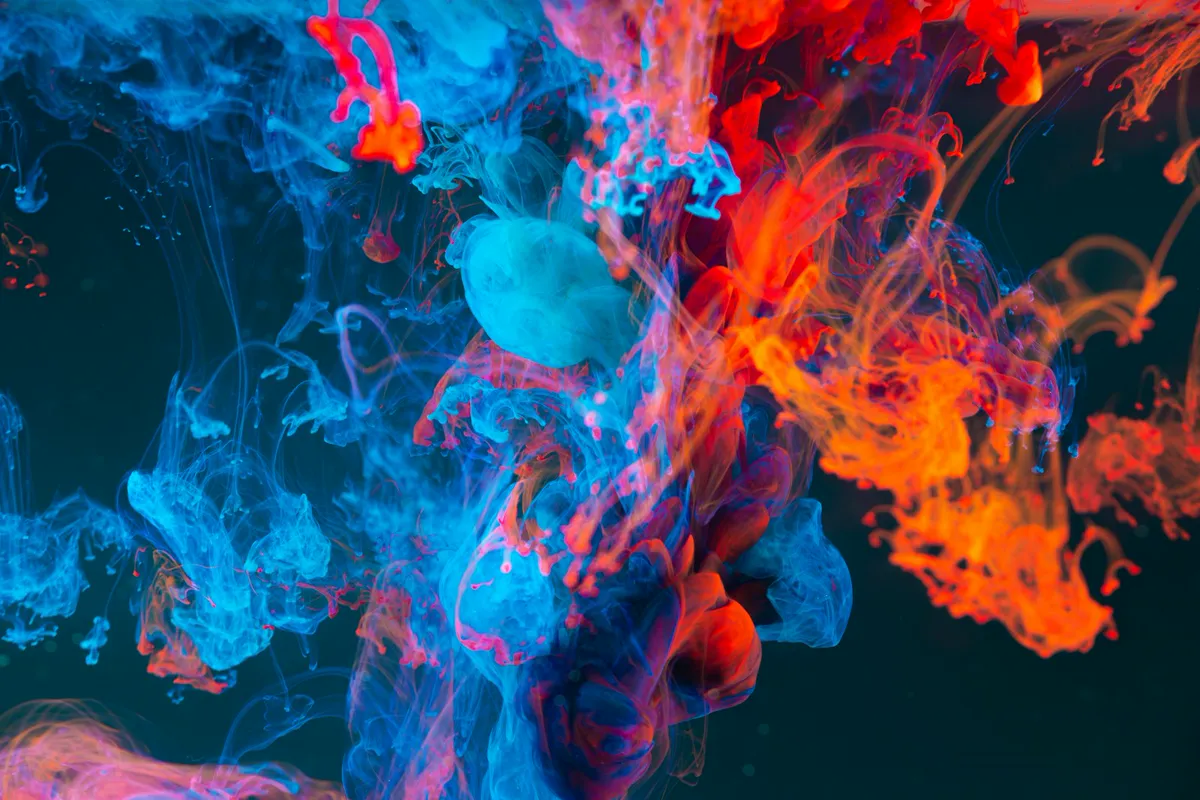
In contrast to geometric styles, fluid art mimics the movement of liquids, smoke, or ink in water. These designs are characterized by sweeping curves and blending colors. Organic abstraction reduces the rigidity of the digital screen, introducing a sense of flow and natural movement. This is often the best choice for users who want their desktop to feel like a piece of modern art rather than a technical tool.
Minimalist Gradients and Soft Blurs
For the ultimate in distraction-free computing, minimalist gradients are the gold standard. These wallpapers typically transition smoothly from one hue to another, creating a soft, atmospheric glow. By avoiding harsh lines and complex shapes, these backgrounds allow your desktop icons to stand out clearly, reducing the time it takes to locate files while maintaining a high-end, polished look.
Technical Guide to Image Quality and Fit
To ensure your 1366×768 abstract wallpaper looks its best, you must consider the technical specifications of the image file. The most common mistake is downloading a low-resolution thumbnail and attempting to set it as a background.
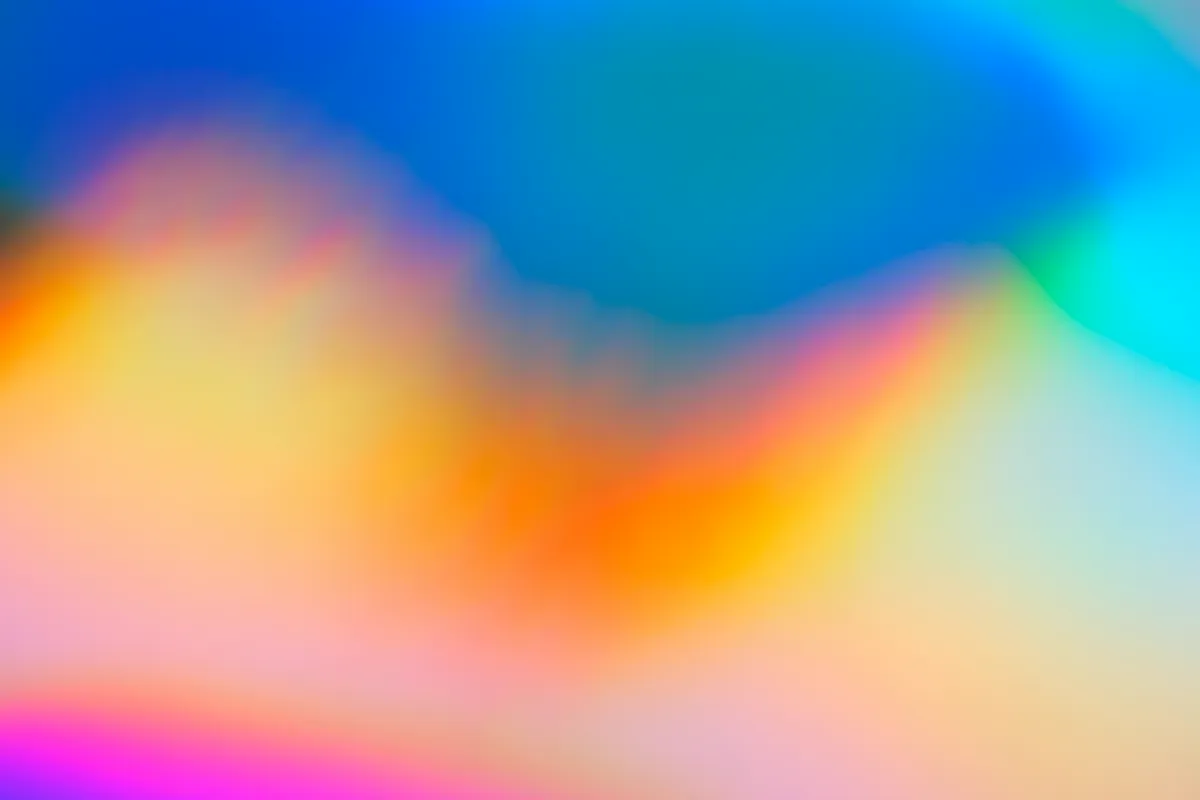
Image Formats: For abstract art, PNG is generally superior to JPEG. Because abstract designs often feature smooth gradients and solid blocks of color, JPEG compression can introduce ‘banding’—those ugly, visible lines in a color transition. PNGs are lossless, meaning the color depth remains intact, ensuring a professional finish.
Scaling Options: If you find a piece of art you love that isn’t exactly 1366×768, use the ‘Fill’ or ‘Fit’ settings in your OS. ‘Fill’ will expand the image to cover the whole screen, which is usually the best option for abstract art since losing a few pixels at the edges doesn’t ruin the composition. Avoid ‘Stretch’, as this will distort the aspect ratio and make circles look like ovals.
Curating Your Visual Workspace for Productivity
A wallpaper is only half the battle; the way you interact with it determines your productivity. If you have a cluttered desktop, even the most beautiful abstract background will be hidden. Consider the visual weight of your wallpaper. If you have a dark, moody abstract background, use light-colored folder icons or a light-themed taskbar to create contrast.
Many power users employ a ‘zone’ strategy. They choose abstract wallpapers that have a ‘quiet’ area (usually a solid color or a simple gradient) on one side of the screen. By placing all their icons in this neutral zone, they leave the ‘active’ part of the abstract art visible, maintaining the aesthetic beauty of the screen without sacrificing functionality. This approach turns your desktop into a curated gallery that serves a functional purpose.
Conclusion
Selecting the right 1366×768 abstract wallpaper is a small change that yields significant results in how you feel while using your computer. By understanding the technical requirements of your screen, applying the principles of color psychology, and choosing a style that aligns with your professional or personal goals, you can transform a standard laptop into a personalized sanctuary. Remember that your digital environment should evolve; don’t be afraid to rotate your backgrounds based on the season or your current project to keep your mind fresh and inspired.
Frequently Asked Questions
How do I ensure a wallpaper fits 1366×768 without stretching?
The best way is to search for images specifically tagged with ‘1366×768’. If the image is larger, use the ‘Fill’ setting in your display options. This crops the edges slightly but maintains the correct proportions, preventing the image from looking distorted.
What are the best color schemes for increasing productivity?
Generally, cool colors like blue and green are associated with focus, stability, and calm. If you need an energy boost for creative work, accents of yellow or orange can stimulate the brain. For those who work late at night, dark-themed abstract wallpapers reduce eye strain by lowering the amount of blue light emitted.
Where can I find high-quality, royalty-free abstract backgrounds?
Websites like Unsplash, Pexels, and Pixabay offer massive libraries of high-resolution abstract images. When searching, use keywords like ‘abstract 4k’ or ‘minimalist background’ and then crop or scale them to 1366×768 for the best quality.
Does the resolution of my wallpaper affect laptop performance?
Generally, no. A high-resolution image takes up slightly more RAM when first loaded, but it does not impact the processing speed of your apps. However, using an extremely large file (e.g., 100MB TIFF) could cause a slight delay during the boot-up sequence.
What is the difference between 1366×768 and 720p?
While both are similar in height, 720p (1280×720) is a standard broadcast resolution. 1366×768 is a hardware standard for laptop panels. Using a 720p image on a 1366×768 screen will result in a small amount of stretching or black bars if not scaled correctly.
Related posts:


This page samples just one mood of 1366x768. The category holds many more pieces in a similar vein.
Bookmark this set for the next time your screen needs a new mood.
