
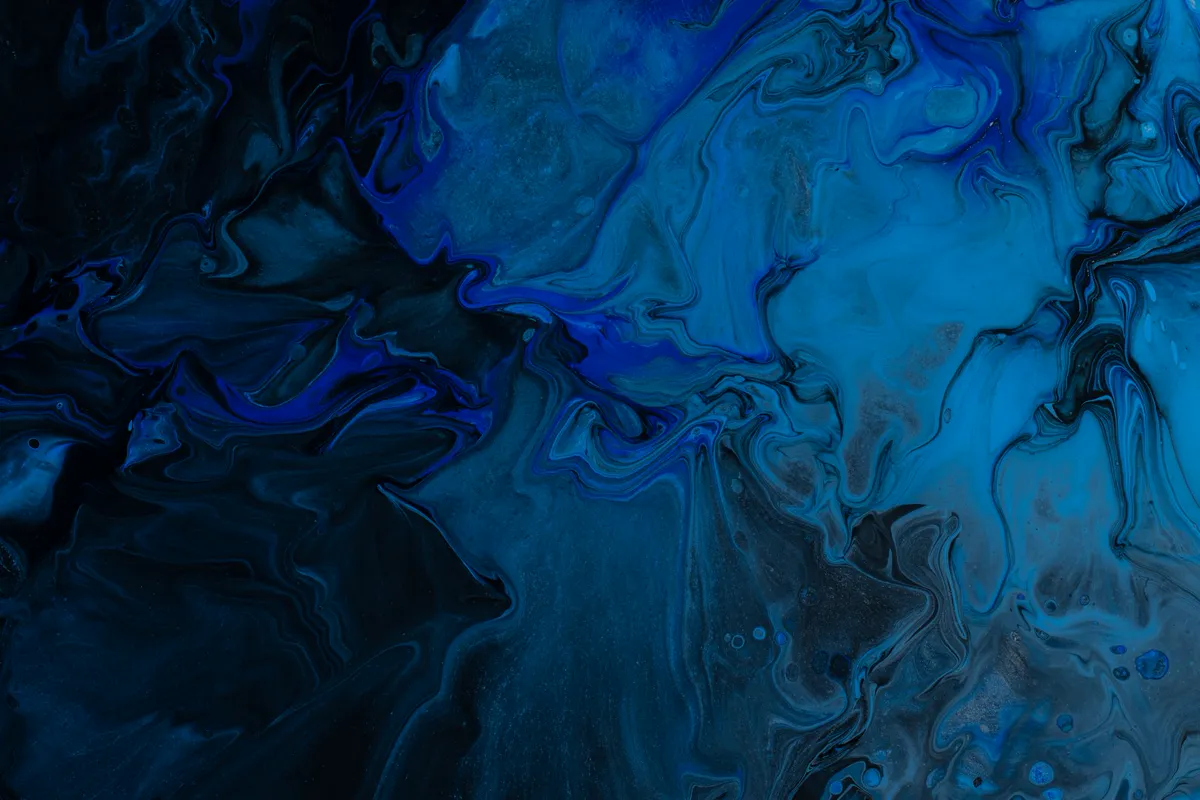
Your iPhone is more than just a communication tool; it is a piece of digital jewelry that accompanies you throughout the day. One of the most immediate ways to personalize this experience is through the selection of a high-quality wallpaper. While photography is popular, abstract wallpapers offer a unique advantage: they evoke emotion and mood without the distraction of a concrete subject. From fluid gradients to geometric precision, abstract art transforms the Super Retina XDR display into a portable gallery, allowing users to reflect their personality and current mindset through color and form.
- Understanding the Apple Display Standard
- Popular Styles of Abstract Wallpapers
- OLED vs. LCD: The Impact of Color Choice
- Tips for Optimizing Wallpaper Quality
- Where to Source Professional Abstract Art
- Conclusion
Understanding the Apple Display Standard
To truly appreciate abstract art on an iPhone, one must understand the hardware it resides on. Modern iPhones utilize OLED (Organic Light Emitting Diode) technology, which allows for true blacks because pixels can be turned off completely. This creates an infinite contrast ratio, making abstract designs with deep shadows or dark backgrounds pop with incredible vibrancy.
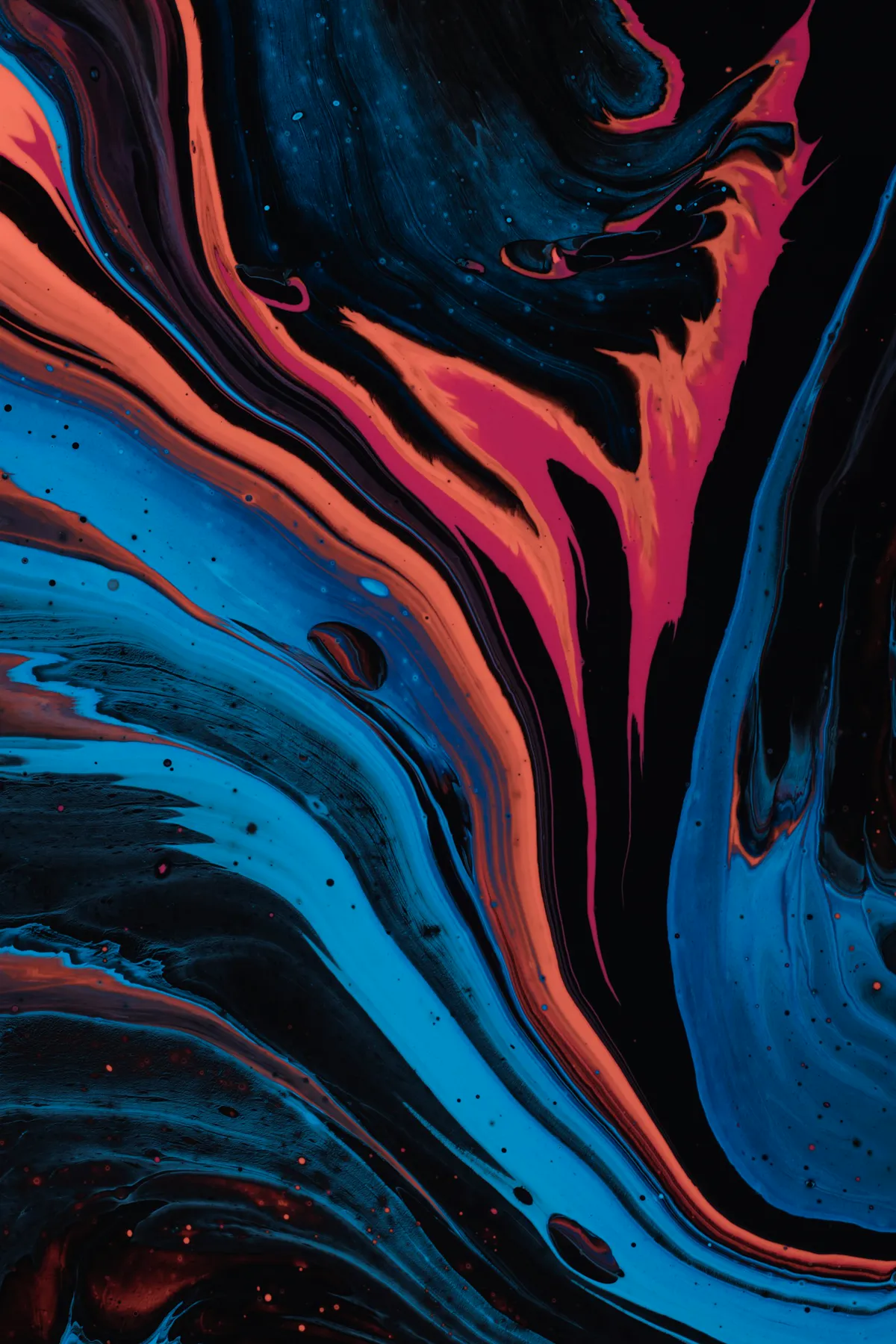
When searching for the perfect background, it is essential to consider the aspect ratio and pixel density. Since Apple uses varying resolutions across the Pro and standard models, selecting images with a minimum 4K resolution ensures that the lines remain crisp and the gradients smooth, avoiding the dreaded pixelation that occurs when a low-resolution image is stretched to fit the screen. Many users find that customization options in iOS 16 and later allow for even more creativity, such as depth effects that interact with the clock.
Furthermore, the color gamut supported by Apple devices is extensive. Abstract art often relies on subtle shifts in hue and saturation. By choosing wallpapers that leverage the P3 wide color spectrum, you can experience colors that feel more lifelike and intense than those found on standard sRGB displays.
Popular Styles of Abstract Wallpapers
Fluid and Organic Gradients
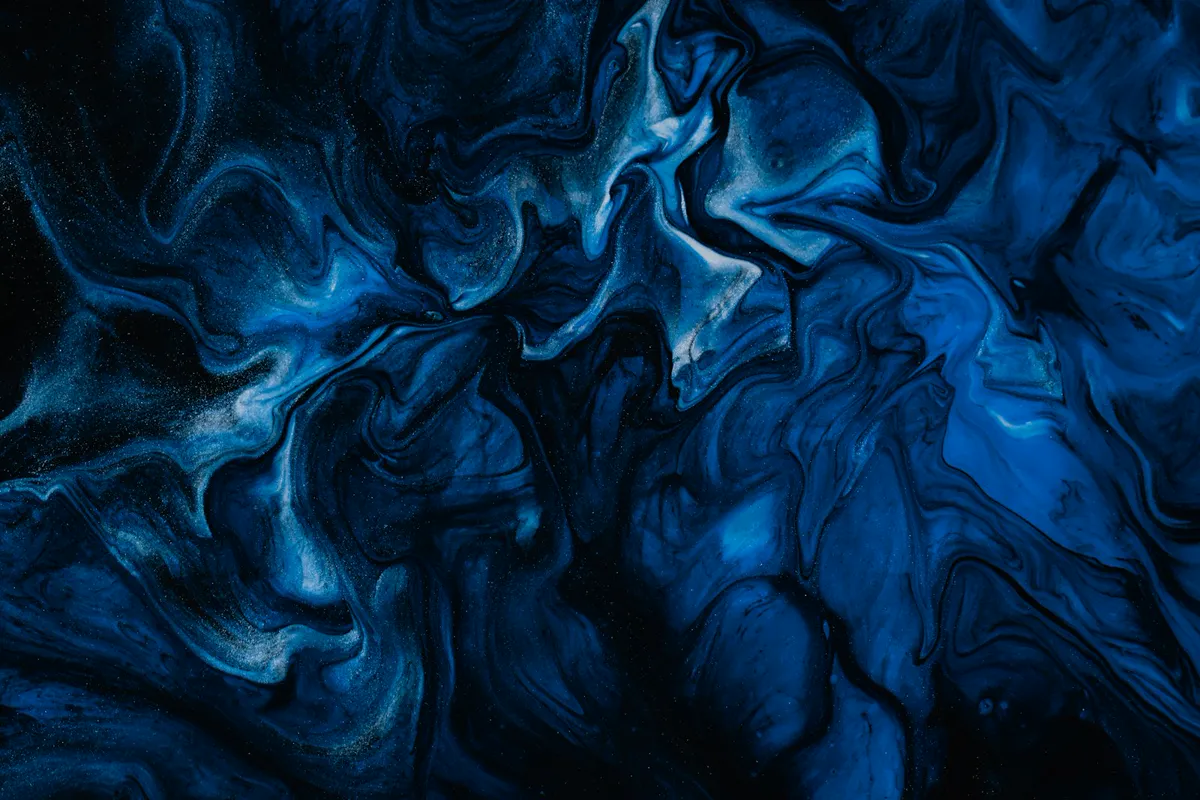
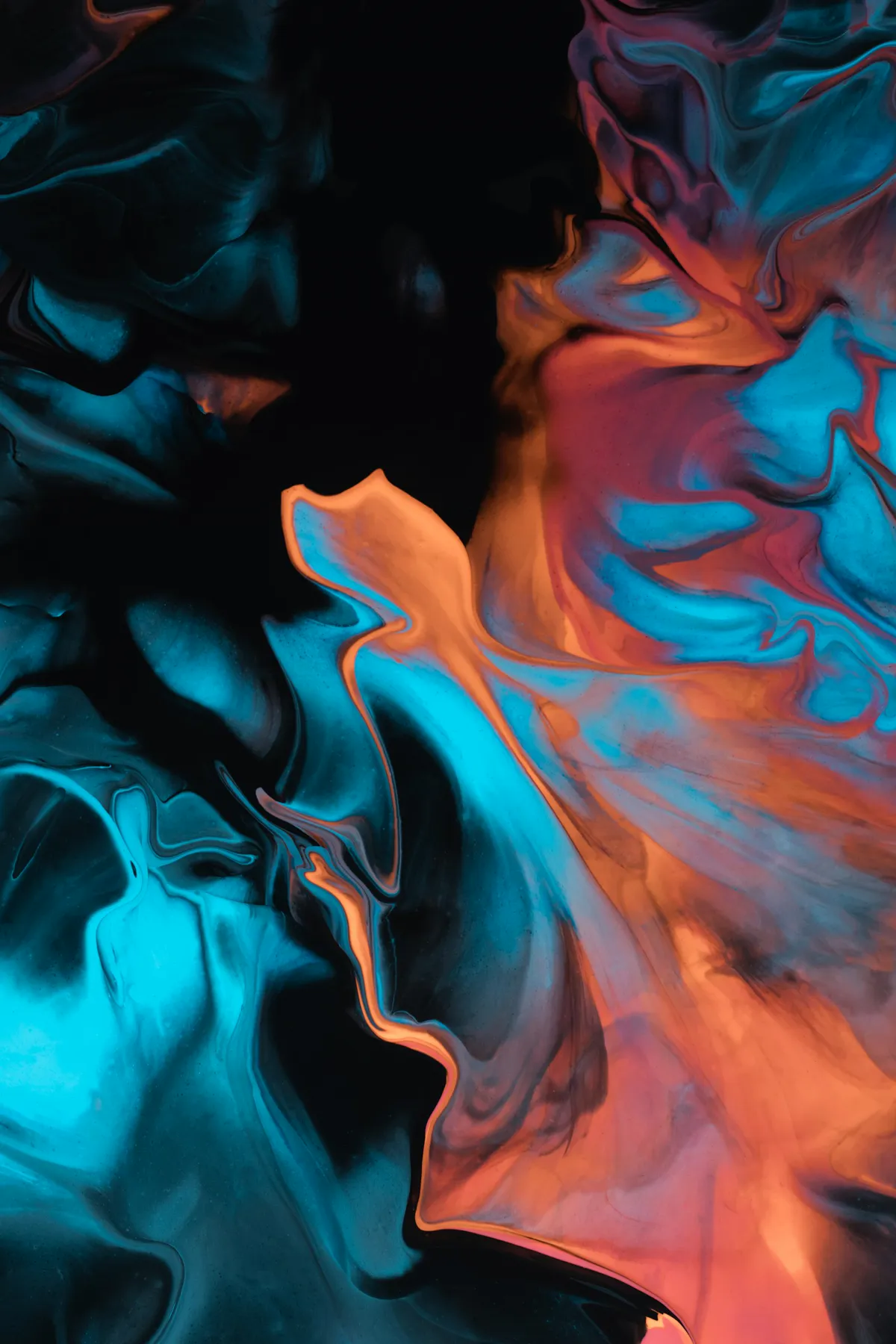
Fluid art is currently one of the most dominant trends in the digital art community. These wallpapers mimic the movement of liquids, such as acrylic pours or swirling ink in water. The soft transitions between colors create a calming effect, making them ideal for those who want a sophisticated look that doesn’t distract from the app icons on the home screen. These designs often utilize mesh gradients to create a sense of three-dimensional depth.
Geometric and Minimalist Precision
For users who prefer order and structure, geometric abstract wallpapers provide a clean, professional aesthetic. These often involve sharp lines, polygons, and mathematical symmetry. Minimalism in this context means using a limited color palette—often monochromatic or complementary tones—to create a visual balance. Such designs are particularly effective for those who organize their home screens with a strict visual hierarchy, as the structured background complements the grid layout of iOS.
3D Renders and Surrealism
With the rise of powerful rendering software, 3D abstract art has become a staple for iPhone users. These images often feature floating spheres, iridescent ribbons, or architectural anomalies that defy gravity. The use of global illumination and ray tracing in these renders creates a realistic interplay of light and shadow, making the wallpaper feel as though it is an actual object sitting behind the glass of the screen.
OLED vs. LCD: The Impact of Color Choice
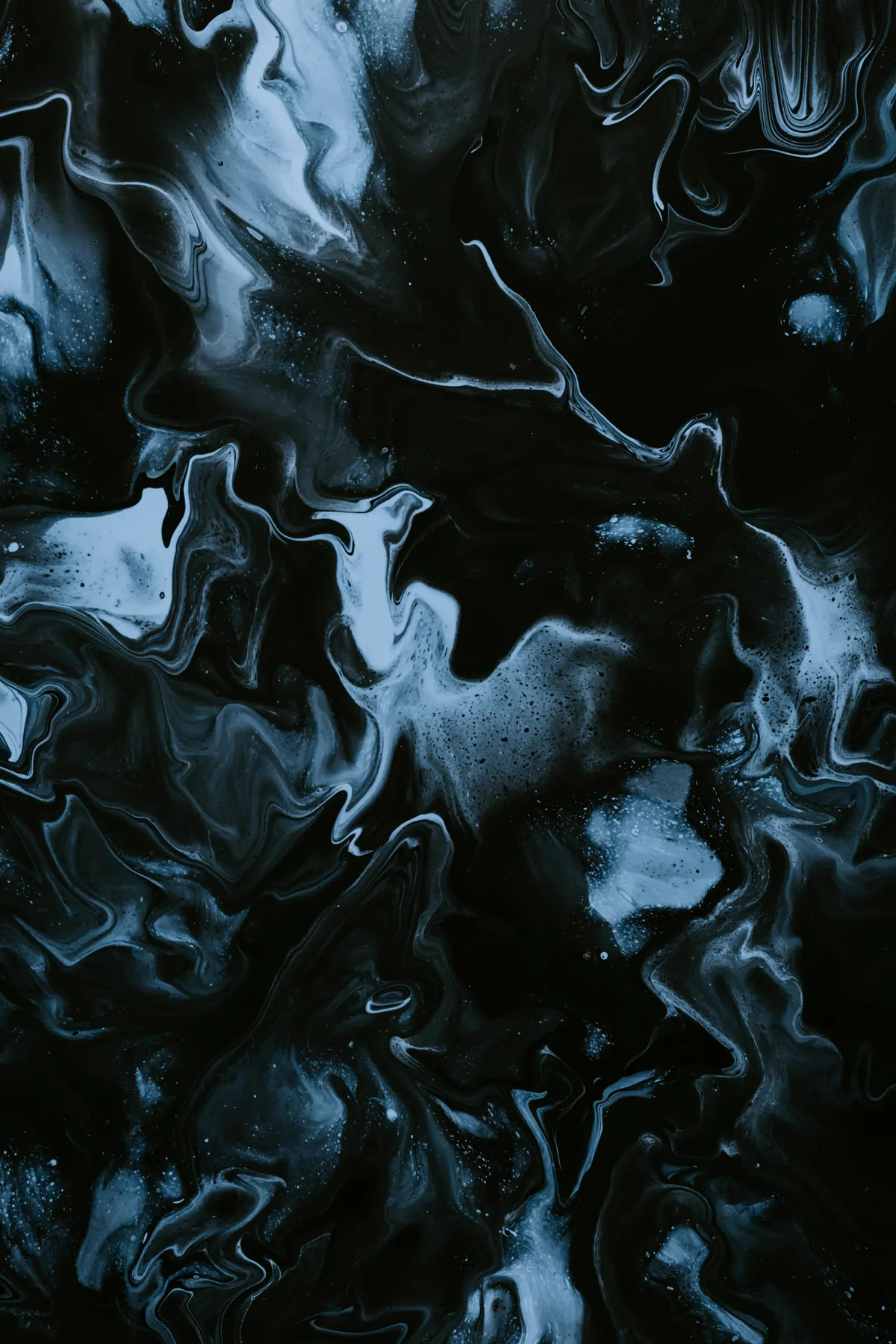
Choosing an abstract wallpaper isn’t just about aesthetics; it can actually impact your device’s performance. On an OLED screen, a pixel that is pure black consumes zero power. Therefore, abstract wallpapers that feature large areas of true black (#000000) can marginally extend battery life, especially when paired with the system-wide Dark Mode.
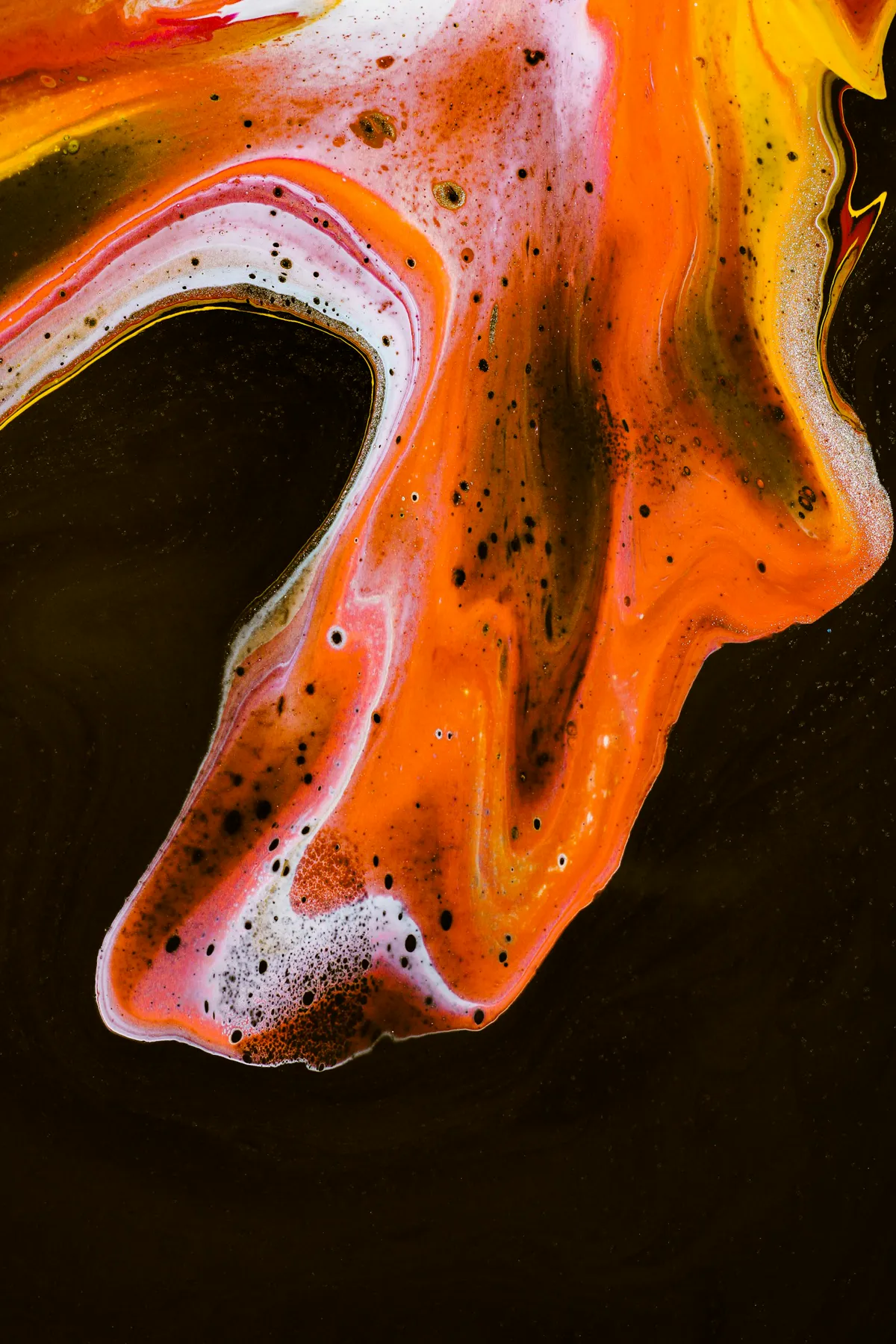
In contrast, bright, vibrant abstract designs—such as those with neon yellows or bright whites—require more energy to illuminate. While the difference may be negligible for a single user in a short session, the cumulative effect over a day of usage is measurable. This is why many professional designers create ‘Dark’ and ‘Light’ versions of their abstract collections, allowing users to switch based on their current battery needs or the lighting conditions of their environment.
When selecting colors, consider the psychology of color. Blue and green abstracts tend to promote calmness and focus, making them great for work-centric devices. Red and orange tones evoke energy and passion, which can be stimulating but may become overwhelming if used as a primary background for long periods.
Tips for Optimizing Wallpaper Quality
To get the most out of your abstract wallpaper, avoid simply downloading a thumbnail from a search engine. Always seek the original high-resolution file. Here are a few professional tips for optimization:
- Avoid Heavy Compression: Use formats like PNG or high-quality JPG. Over-compressed images often show ‘banding’ in gradients, which is very noticeable on high-resolution iPhone screens.
- Mind the ‘Safe Zones’: Remember that the top of your screen is occupied by the clock and the bottom by the dock. Choose abstract designs where the visual interest is concentrated in the center or slightly offset, ensuring that important elements of the art aren’t obscured by system UI.
- Test the Perspective Zoom: iOS has a ‘Perspective Zoom’ feature that creates a parallax effect. To ensure your abstract art looks its best, check if the image has enough ‘bleed’ (extra space) around the edges to allow for this movement without showing black bars.
Where to Source Professional Abstract Art
Finding high-quality abstract wallpapers requires knowing where the artists congregate. While there are many free repositories, some platforms offer superior quality and curated collections. Unsplash and Pexels are excellent for high-resolution, royalty-free photography and abstract renders. For those looking for more unique, artist-driven work, platforms like Behance and Dribbble allow you to discover emerging digital artists who often share their work as free downloads.
Additionally, many users turn to dedicated wallpaper apps. When using these, be wary of apps that bundle too many ads or low-quality ‘stretched’ images. The best sources are typically those that specify the pixel dimensions of the images to ensure they are native to the iPhone’s screen resolution.
Conclusion
The choice of an abstract wallpaper is a subtle but powerful way to define your relationship with your technology. Whether you prefer the serene flow of a liquid gradient or the rigid logic of a geometric pattern, the right image can turn your iPhone into a source of inspiration every time you wake the screen. By understanding the capabilities of the Super Retina XDR display and the energy efficiency of OLED blacks, you can balance visual brilliance with practical performance. Ultimately, the best wallpaper is one that resonates with your personal style and enhances the overall user experience of your device.
Frequently Asked Questions
What is the ideal resolution for an iPhone abstract wallpaper?
For most modern iPhones, a resolution of 1290 x 2796 pixels or higher is recommended. To ensure the image looks sharp across different models and allows for Perspective Zoom, a 4K image (roughly 3840 x 2160) is often the safest bet.
Do dark abstract wallpapers really save battery life?
Yes, on iPhones with OLED screens (iPhone X and newer, excluding SE models), black pixels are completely turned off. Wallpapers with significant areas of true black reduce the power draw of the display, which can help extend battery longevity.
How do I stop my wallpaper from looking blurry?
Blurriness usually occurs due to low image resolution or aggressive compression. Always download the ‘Original Size’ image rather than a preview. Also, ensure the image aspect ratio matches your phone to avoid unnatural stretching.
What is the difference between a static and a dynamic abstract wallpaper?
A static wallpaper is a single image. A dynamic wallpaper can change based on the time of day or respond to the movement of the phone (parallax), creating a more immersive and living experience on the home screen.
Can I create my own abstract wallpaper using an iPhone?
Absolutely. You can use apps like Procreate or Adobe Fresco to draw abstract shapes, or use photo editing apps to apply extreme filters and blurs to existing photos, turning them into unrecognizable, artistic abstract patterns.
Related posts:
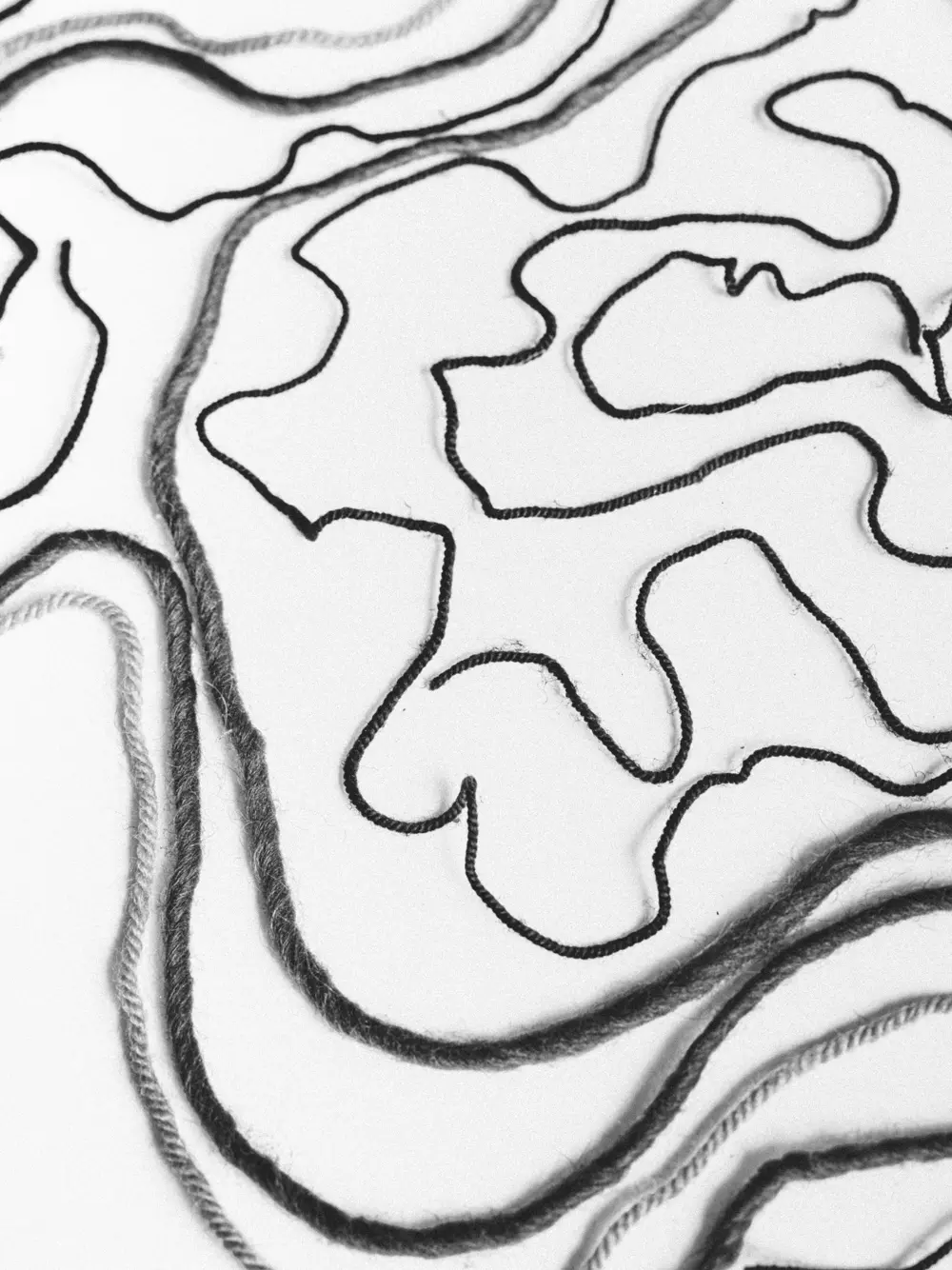
If this set speaks to you, Black Color Abstract Wallpaper: The Ultimate Guide to Dark Aesthetics continues the abstract-art conversation in a new direction.
Pass this link to someone who appreciates bold, abstract design.
