
The digital landscape is currently witnessing a massive resurgence of vibrant, surrealist aesthetics, with the abstract 3d purple illustration emerging as a dominant trend in high-end branding and user interface design. Purple, a color historically associated with royalty, mystery, and spirituality, takes on a futuristic quality when rendered in three dimensions. Whether it is the flowing curves of an organic shape or the sharp, crystalline structures of a mathematical fractal, the intersection of 3D depth and purple hues creates a visual experience that evokes both luxury and innovation. For designers and marketers, mastering this aesthetic is not just about choosing a color, but about understanding the interplay of light, shadow, and spatial geometry to capture user attention in an increasingly crowded digital space.
- The Psychology of Purple in 3D Design
- Core Elements of Abstract 3D Compositions
- Industry-Leading Tools for 3D Creation
- Implementing 3D Art in Modern UI/UX
- Advanced Rendering Techniques for Depth
- Common Pitfalls and Best Practices
The Psychology of Purple in 3D Design
Color theory plays a pivotal role in how users perceive a brand. In the context of an abstract 3d purple illustration, the color choice is rarely accidental. Purple sits at the intersection of the stability of blue and the energy of red, making it a powerful tool for conveying creative ambition and sophistication. When translated into a 3D environment, the depth adds a layer of tactile realism that flat design lacks.
Deep violets often suggest luxury and exclusivity, making them ideal for premium software services or luxury goods. Conversely, lighter shades like lavender or neon purple are frequently used in the tech and gaming sectors to represent the ‘metaverse’ or futuristic concepts. By leveraging modern design principles, artists can manipulate the saturation and brightness of purple to evoke specific emotional responses, from calm contemplation to high-energy excitement. This emotional resonance is further amplified by the use of ambient occlusion and soft shadows, which make the purple forms feel tangible and immersive.
Core Elements of Abstract 3D Compositions
Creating a compelling abstract piece requires more than just a 3D model; it requires a balance of form and void. Most successful abstract 3d purple illustrations rely on several key visual pillars:
Organic vs. Geometric Forms
The tension between organic shapes (blobs, fluid ribbons, spheres) and geometric structures (cubes, pyramids, lattices) creates visual interest. Organic shapes often feel more human and approachable, while geometric forms convey precision and technical mastery. Combining these—such as a fluid purple silk ribbon winding through a grid of floating cubes—creates a dynamic contrast that guides the viewer’s eye across the canvas.
Materiality and Texture
The ‘feel’ of the illustration is determined by the material properties. Popular choices include:
- Glassmorphism: Using semi-transparent, frosted glass textures that refract purple light.
- Iridescence: Adding a holographic sheen that shifts between purple, blue, and pink as the viewing angle changes.
- Matte Plastic: Creating a soft, non-reflective surface that emphasizes the shape and volume of the object.
- Liquid Chrome: A highly reflective, metallic finish that mirrors the surrounding environment, creating a hyper-modern look.
Lighting and Color Grading
Lighting is what transforms a flat 3D shape into a masterpiece. To achieve that iconic purple glow, artists often use three-point lighting combined with HDRIs (High Dynamic Range Images) to ensure realistic reflections. The use of complementary colors—such as subtle hints of yellow or gold in the highlights—can make the purple tones pop, preventing the image from looking monochromatic or dull.
Industry-Leading Tools for 3D Creation
Depending on the level of complexity required, different software suites offer unique advantages for crafting these visuals. The choice of tool often depends on whether the final output is a static image or an interactive web element.
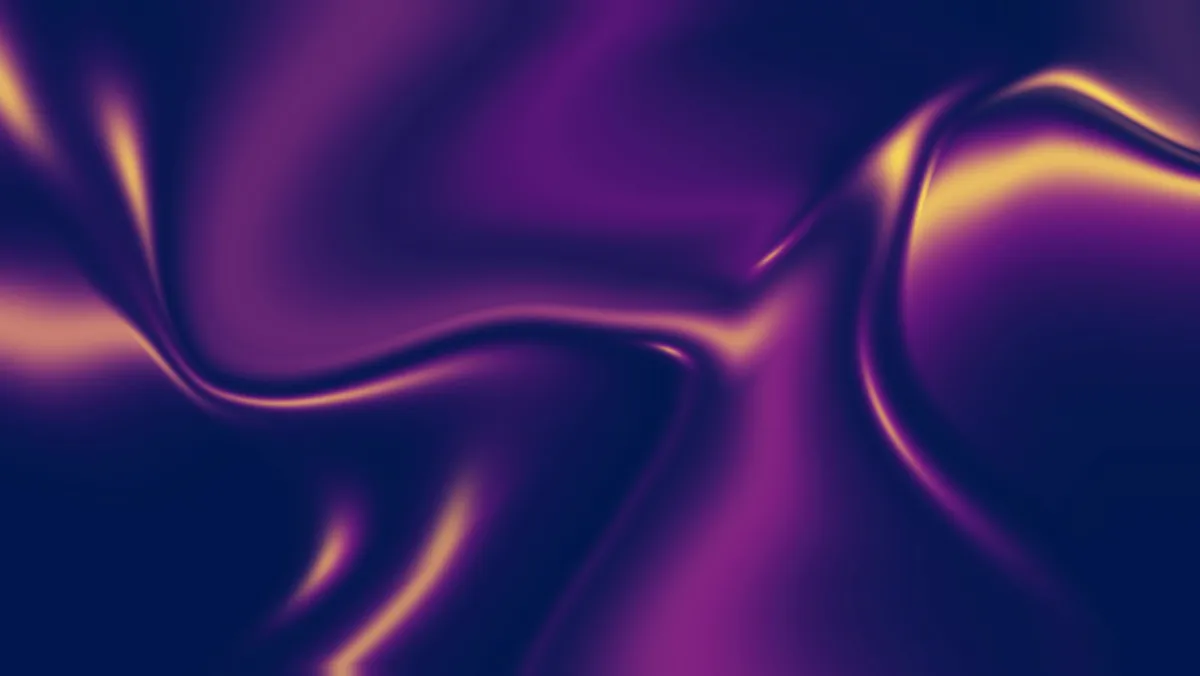
Blender: The All-in-One Powerhouse
Blender has become the gold standard for independent artists due to its powerful Cycles and Eevee rendering engines. It allows for complex procedural generation, meaning artists can create intricate purple patterns using nodes rather than manual sculpting. This is particularly useful for creating complex abstract landscapes or undulating fabric simulations.
Cinema 4D and Octane Render
In professional advertising agencies, Cinema 4D paired with Octane Render is a frequent choice. Octane is a GPU-based renderer known for its photorealistic handling of light and materials. It excels at producing the ‘hyper-real’ look common in high-budget corporate 3D art, where every reflection of purple light is calculated with mathematical precision.
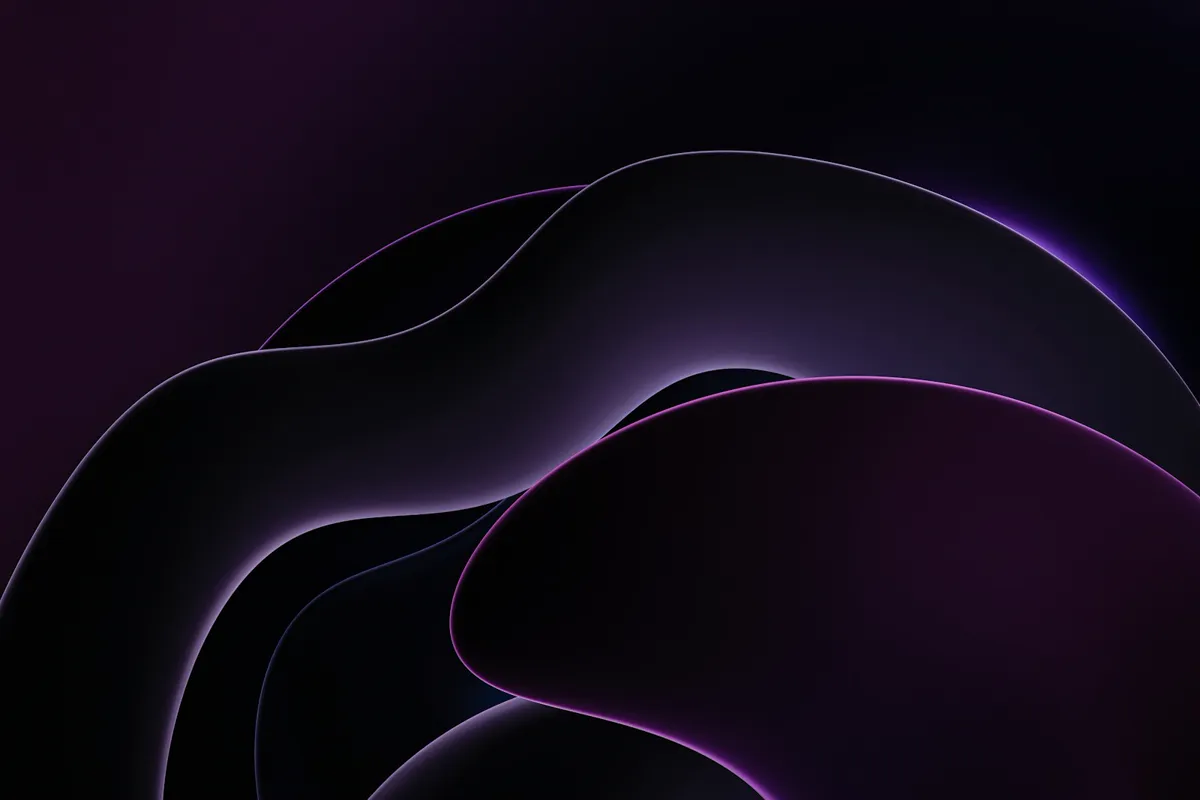
Spline: The Web-Native Approach
For those integrating 3D art directly into websites, Spline is a game-changer. Unlike traditional software that exports a static image, Spline allows for the creation of interactive 3D scenes. This means a user can rotate a purple abstract shape in real-time as they scroll down a page, significantly increasing user engagement and dwell time.
Implementing 3D Art in Modern UI/UX
An abstract 3d purple illustration is most effective when it serves a purpose within the user interface. It should not be a distraction but a guide. The most common application is in the Hero Section of a landing page, where it acts as a visual hook to establish the brand’s identity immediately.
To integrate these elements successfully, designers often use a technique called layered depth. By placing 3D elements behind text and semi-transparent overlays, they create a sense of spatial hierarchy. This is often paired with a dark mode interface, as deep purple tones contrast beautifully against charcoal or midnight-black backgrounds, reducing eye strain while maintaining a high-end aesthetic. Additionally, utilizing SVG exports or optimized WebP formats ensures that these visually heavy files do not compromise the website’s loading speed, which is critical for SEO and user experience.
Advanced Rendering Techniques for Depth
To move from a basic render to a professional-grade illustration, one must delve into advanced rendering settings. The secret to that ‘glowy’ purple look often lies in Subsurface Scattering (SSS). SSS simulates the way light penetrates the surface of a translucent object (like wax, skin, or frosted plastic) and scatters inside it. When applied to a purple object, it creates a soft, inner radiance that makes the form feel organic and alive.
Another critical technique is Global Illumination (GI). GI ensures that light bounces off one surface and affects another. For instance, if a bright purple sphere is placed next to a white wall, the wall should pick up a subtle purple tint. This ‘color bleeding’ is what tricks the human brain into perceiving the scene as real, even if the subject matter is entirely abstract. Finally, adding a touch of Depth of Field (DoF)—where the background or foreground is slightly blurred—mimics a real camera lens, focusing the viewer’s attention on the most important part of the composition.
Common Pitfalls and Best Practices
While the allure of purple is strong, there are common mistakes that can ruin a 3D piece. One major pitfall is over-saturation. When purple is too saturated, it can cause ‘clipping’ in the render, where the colors lose detail and become flat blocks of neon. The solution is to use a balanced color palette with varying tones of mauve, indigo, and violet.
Another mistake is ignoring compositional balance. An abstract piece can easily become chaotic. Following the Rule of Thirds or using leading lines helps organize the abstraction, ensuring that the viewer’s eye is led toward the desired call-to-action (CTA) on a webpage. Lastly, always ensure that your lighting is not too uniform; high-contrast lighting (deep shadows and bright highlights) is what gives 3D art its characteristic ‘pop’ and professional finish.
Conclusion
The rise of the abstract 3d purple illustration is a testament to the evolving intersection of art and technology. By combining the psychological depth of the color purple with the spatial capabilities of 3D rendering, designers can create visuals that are not only aesthetically pleasing but also strategically aligned with brand goals. From the precision of Cinema 4D to the accessibility of Spline, the tools available today allow for an unprecedented level of creative expression. As we move further into the era of immersive web experiences, the ability to manipulate light, material, and color in 3D will remain a vital skill for any digital creator.
Frequently Asked Questions
How do I choose the right shade of purple for my 3D illustration?
The choice depends on your brand’s goal. For a futuristic, high-tech feel, opt for neon purples and violets. For a luxury or sophisticated feel, use deeper, desaturated tones like plum or royal purple. Always test your shades against your background color to ensure sufficient contrast.
What is the best software for beginners to start creating 3D abstract art?
Blender is highly recommended for beginners because it is free, open-source, and has a massive community of tutorials. If you want something simpler and more web-focused, Spline is an excellent starting point as it requires less technical knowledge of rendering engines.
How can I prevent my purple 3D renders from looking ‘flat’ or ‘muddy’?
The key is to introduce contrast through lighting and material variation. Use a combination of matte and glossy surfaces, and implement Global Illumination to allow light to bounce naturally. Adding a complementary accent color (like a soft gold or cyan) can also provide the necessary contrast to make the purple stand out.
Can 3D illustrations slow down my website’s loading speed?
Yes, high-resolution 3D renders can be large files. To prevent this, export your images in WebP format or use a tool like Spline to embed the scene as a lightweight web component. For static images, use a CDN and implement lazy loading to ensure a smooth user experience.
What is the difference between organic and geometric abstraction in 3D?
Organic abstraction focuses on fluid, natural, and curving shapes that mimic biology or liquids, evoking feelings of comfort and creativity. Geometric abstraction uses sharp lines, mathematical grids, and rigid shapes, evoking feelings of stability, precision, and logic.
Related posts:

Your next desktop or phone look is hiding somewhere in 3d-illustration. The related sets below are a good place to dig.
Pass this link to someone who appreciates bold, abstract design.
