
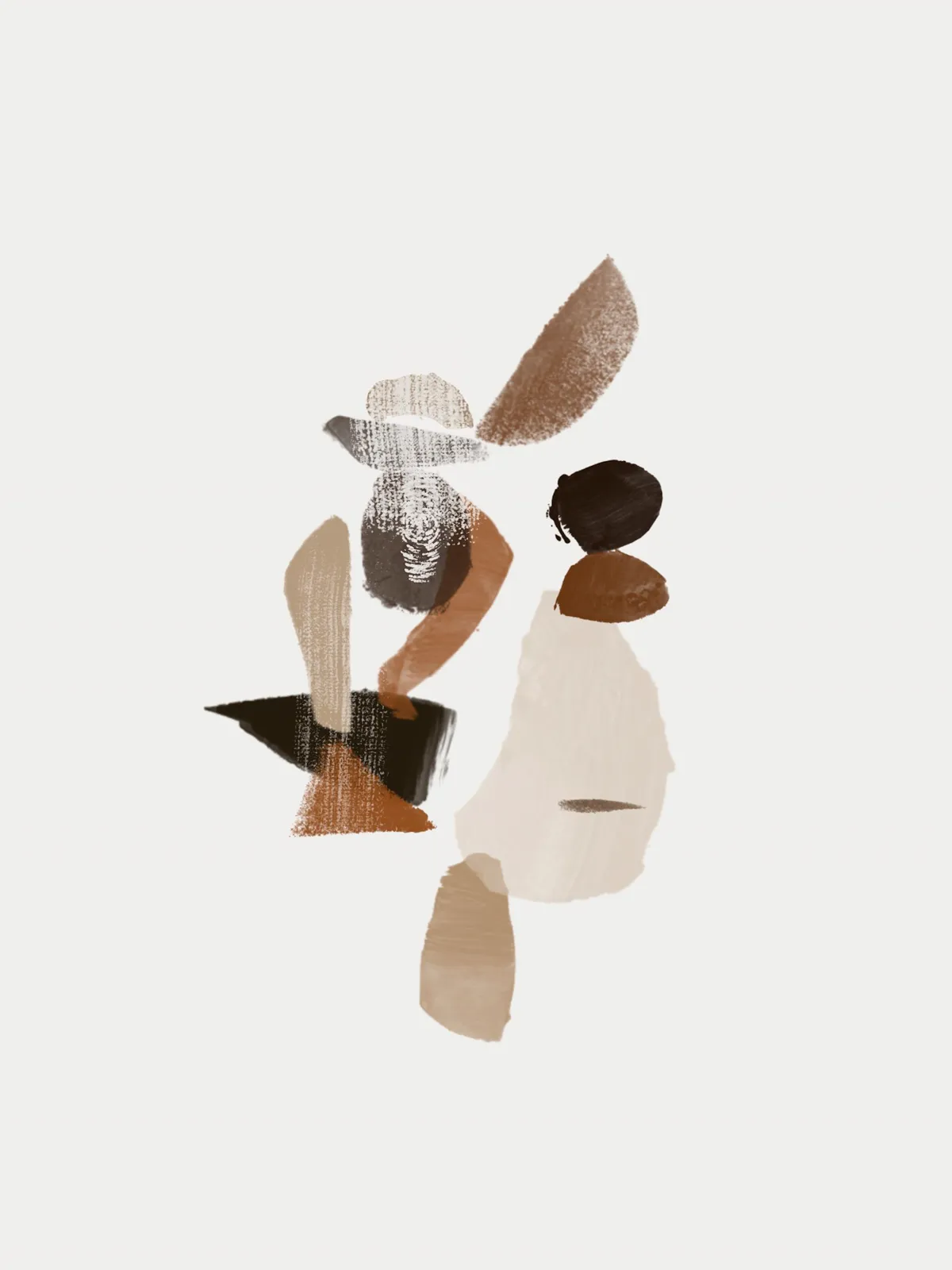
In an era of digital saturation, where our screens are constantly bombarded with high-intensity colors and complex imagery, the shift toward minimalist aesthetics has become more than just a trend—it is a necessity for mental clarity. One of the most sophisticated ways to achieve this visual serenity is by using a line art abstract wallpaper for iPhone. Unlike traditional photography or heavily rendered digital art, line art strips away the noise, leaving only the essential essence of a form. This approach to screen customization transforms a utility device into a piece of modern art, reducing visual fatigue and creating a cohesive, professional look for your mobile interface.
- Why Line Art Enhances the iPhone Experience
- Exploring Styles of Abstract Line Art
- Technical Optimization for Super Retina XDR Displays
- Curating a Cohesive Digital Ecosystem
- Finding and Creating High-Resolution Line Art
- Conclusion
- Frequently Asked Questions
Why Line Art Enhances the iPhone Experience
The appeal of abstract line art lies in its ability to communicate complex emotions and shapes through the simplest of means. When applied as a background for a smartphone, this simplicity serves a functional purpose. Most users experience a high degree of cognitive load due to the sheer number of apps, notifications, and widgets on their home screens. A complex wallpaper often competes with these elements, leading to a cluttered feeling that can subconsciously increase stress.
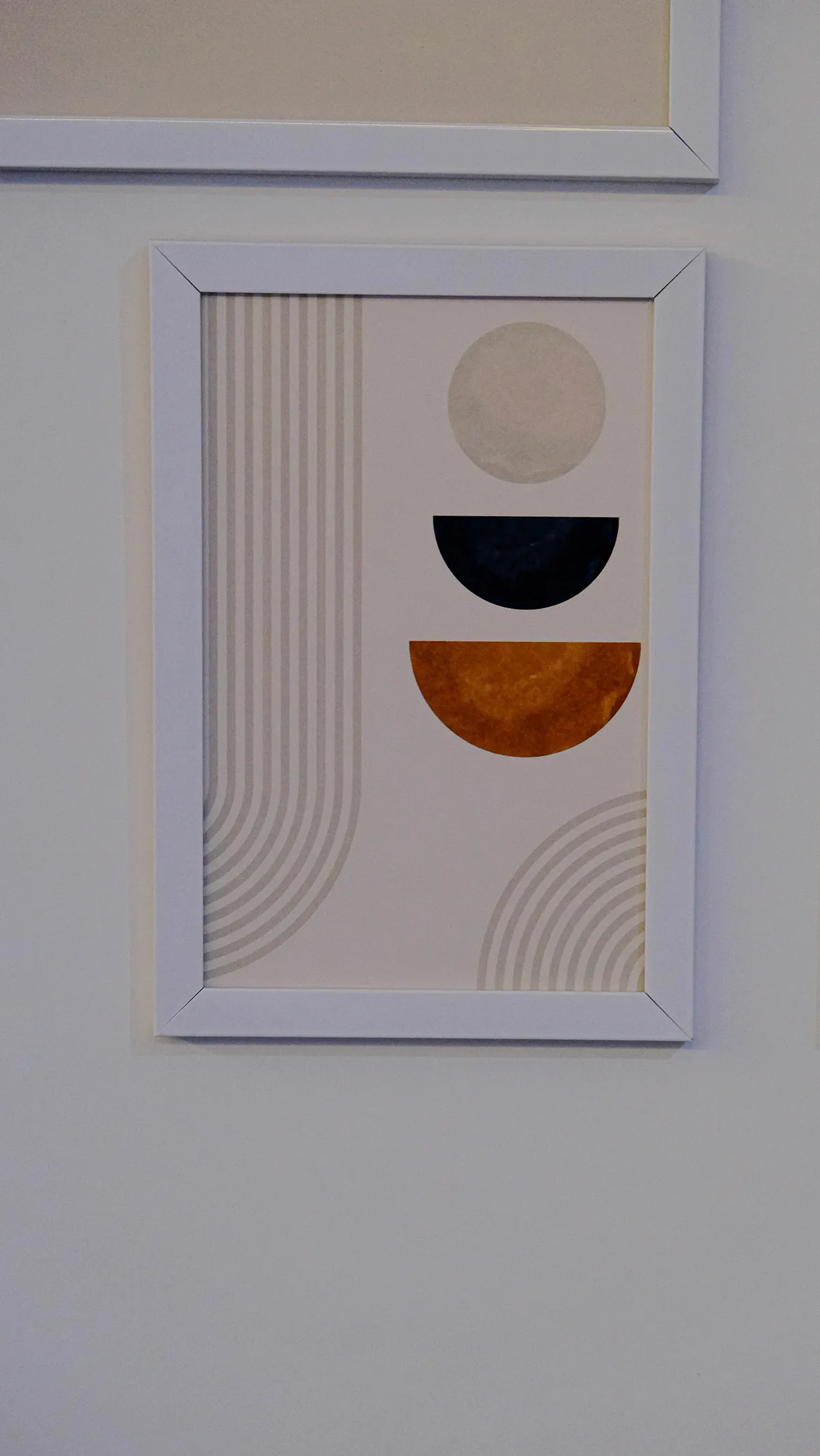
By choosing a minimalism approach, you create a neutral canvas that allows your icons to pop and your notifications to remain legible. Furthermore, line art naturally complements the industrial design of the iPhone. The clean edges of the hardware and the fluid animations of iOS mirror the precision and flow found in professional vector line work. This synergy between hardware and software design creates a sense of visual harmony that is deeply satisfying to the user.
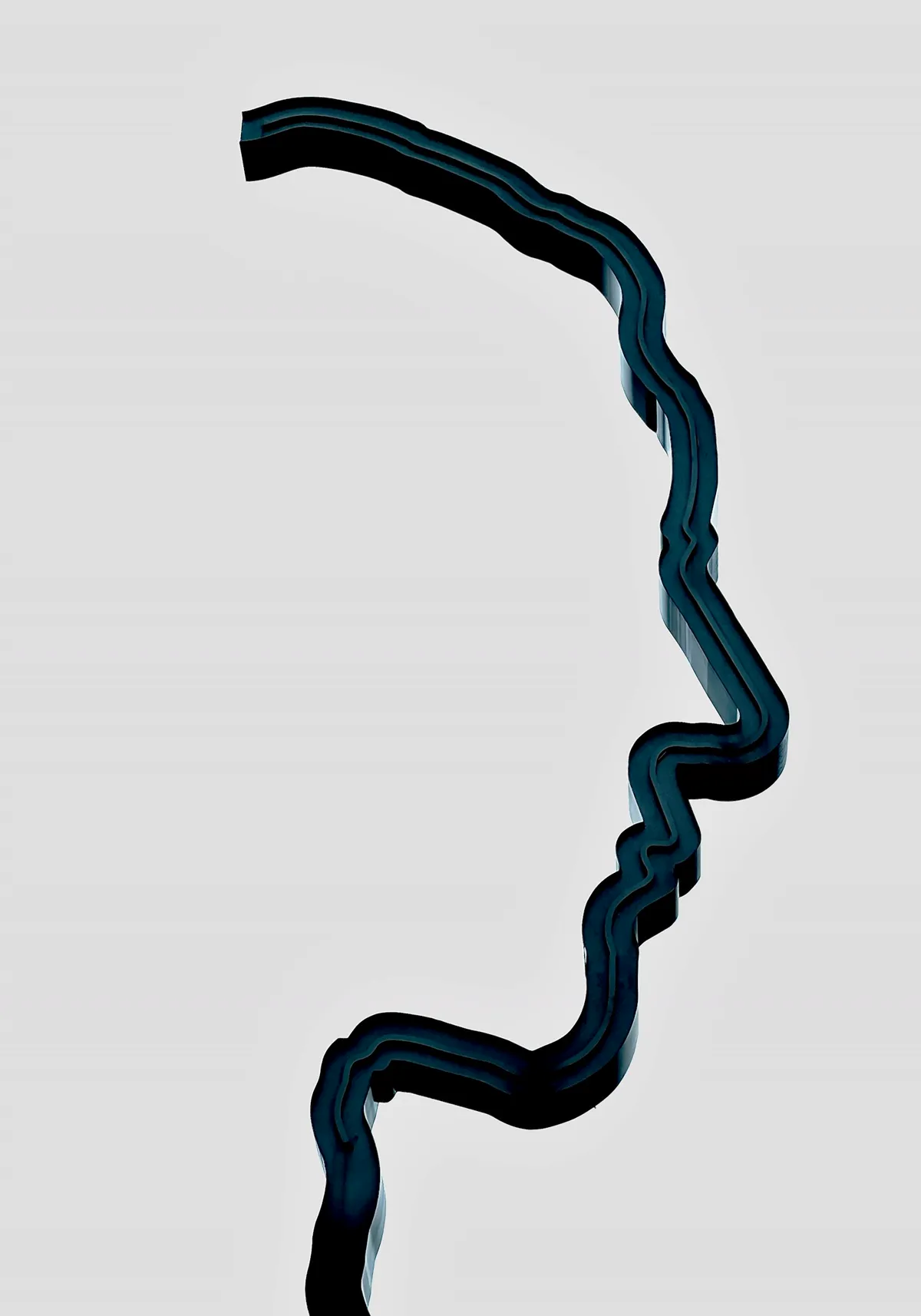
From a psychological perspective, the use of negative space in abstract line art encourages a feeling of openness. Whether it is a single continuous line forming a face or a series of intersecting geometric paths, these images provide a focal point without demanding total attention. This makes the device feel less like a source of distraction and more like a curated tool for productivity and creativity.
Exploring Styles of Abstract Line Art
Not all line art is created equal. Depending on the mood you want to evoke, different styles of abstraction can drastically change the vibe of your device. Understanding these distinctions allows you to select a wallpaper that aligns with your personal brand or current state of mind.
Continuous Line Art
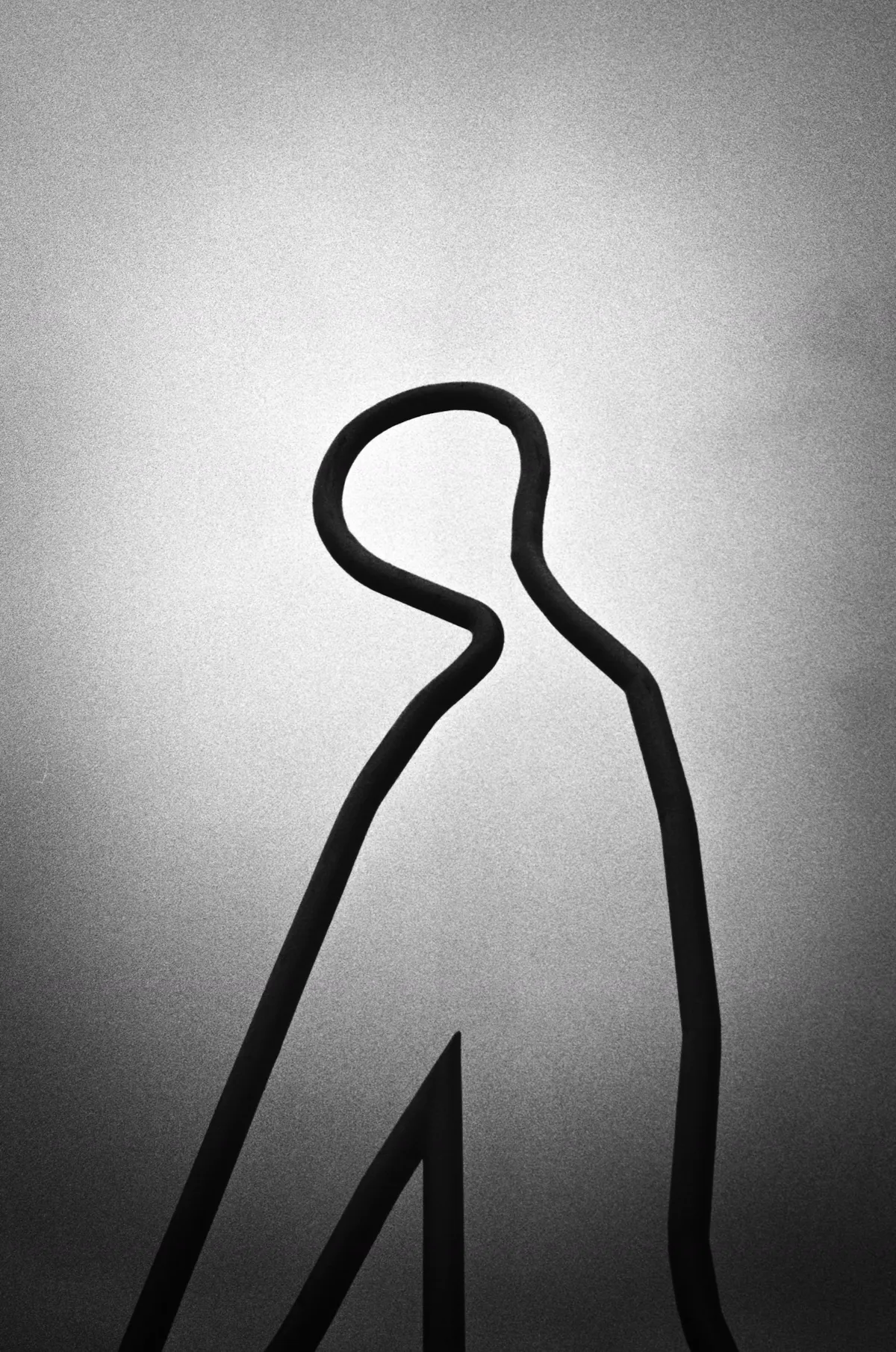
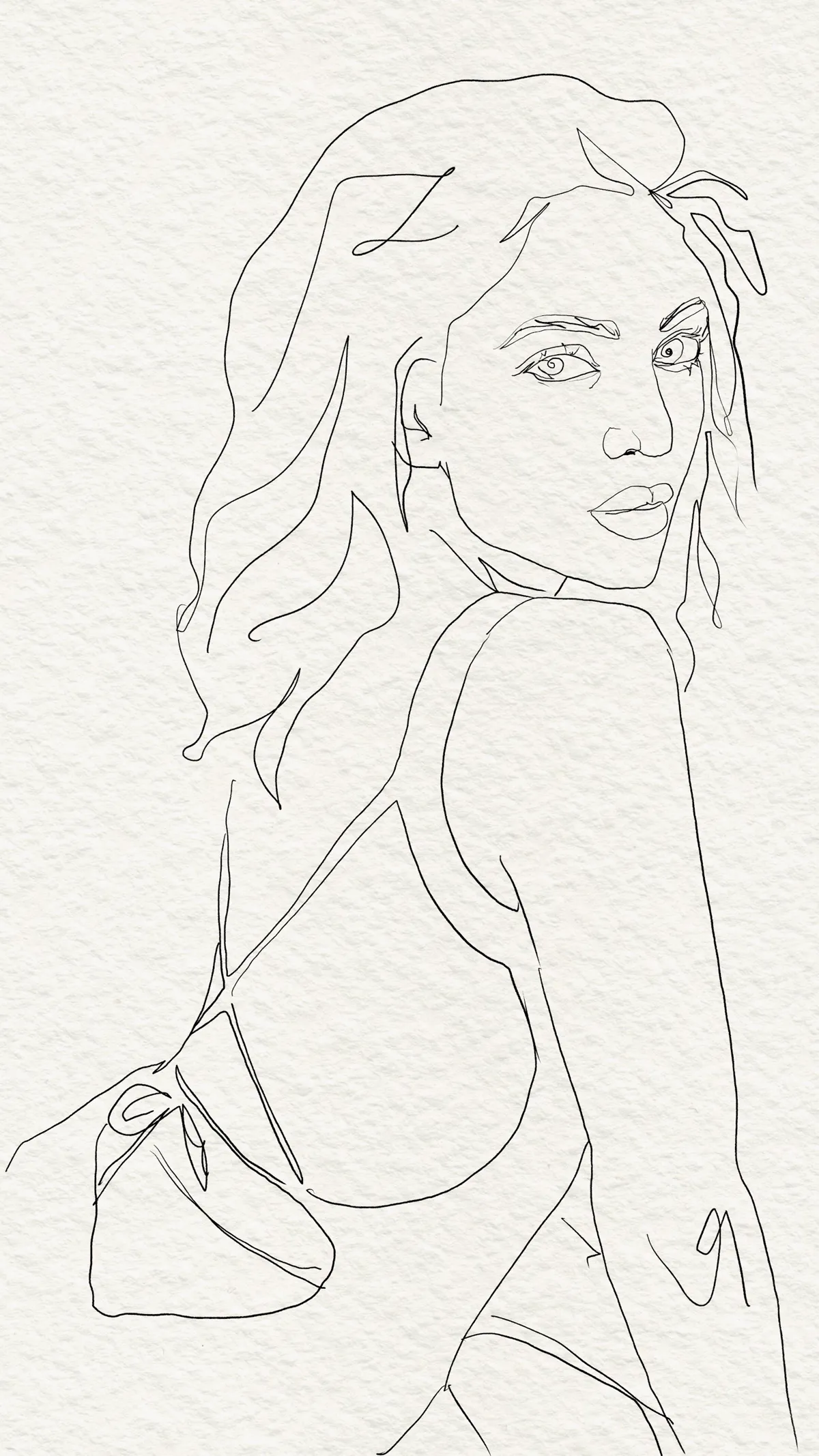
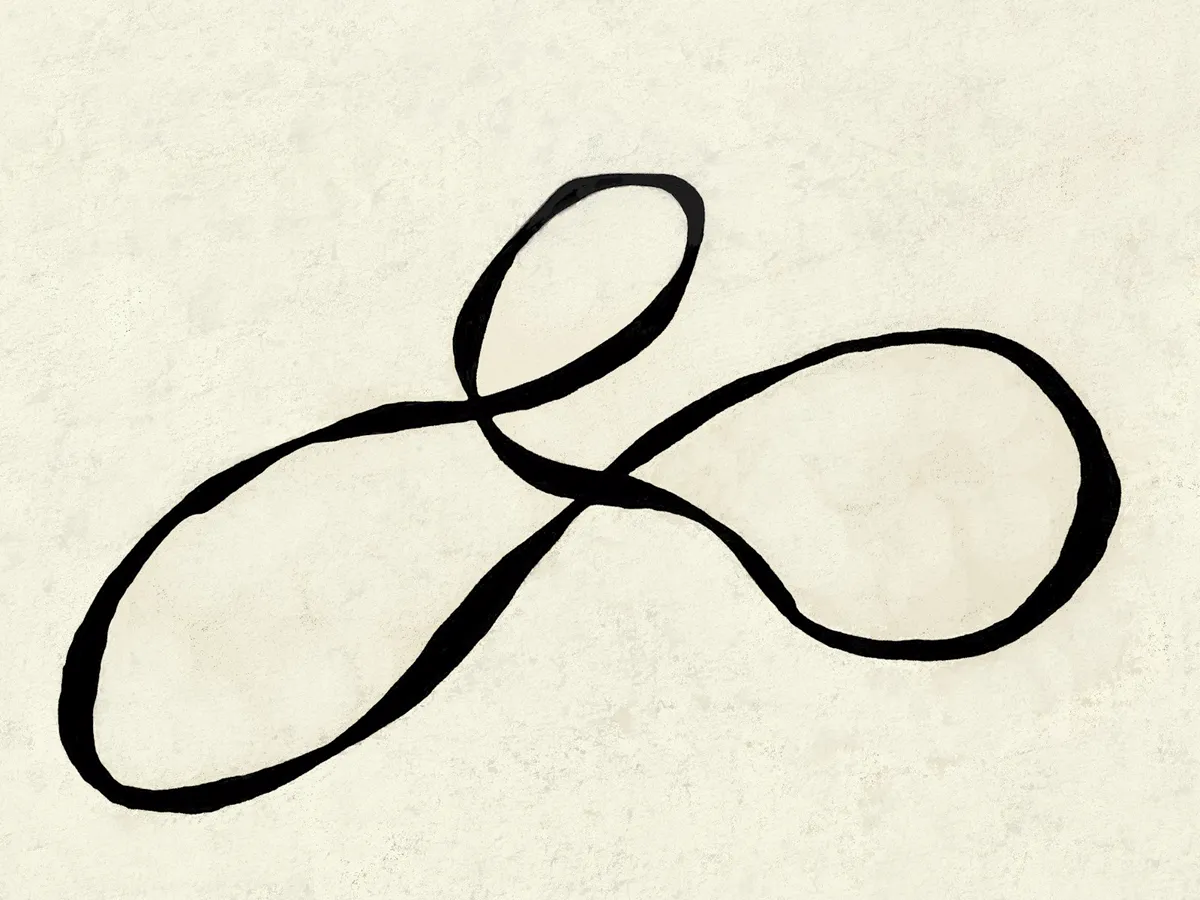
Also known as ‘one-line drawings,’ this style involves a single, unbroken line that traverses the screen to create a figure or shape. This technique represents fluidity and connectivity. In an abstract context, continuous lines often create ethereal, dream-like patterns that guide the eye across the screen. These are particularly effective for lock screens, where the flowing nature of the art can wrap around the clock digits elegantly.
Geometric Abstraction
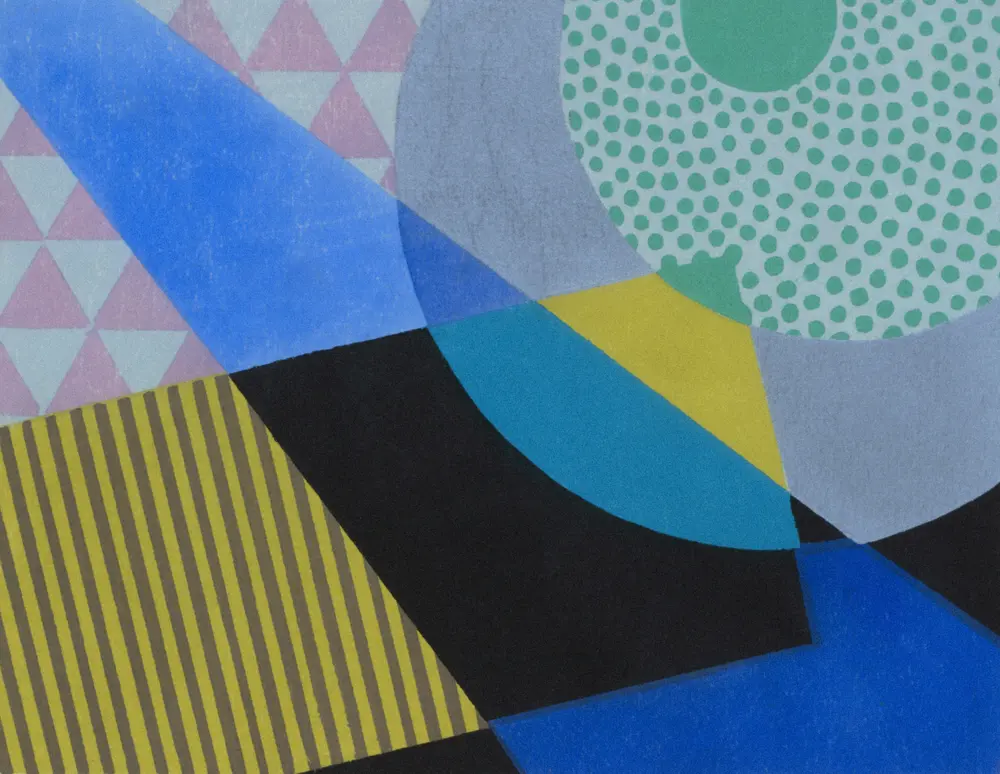
If you prefer a more structured and disciplined look, geometric line art is the ideal choice. This style utilizes precise angles, circles, and polygons. Inspired by movements like Bauhaus and Constructivism, geometric abstractions convey a sense of stability, logic, and modernism. Using thin, crisp lines against a high-contrast background can make the iPhone screen look like a blueprint or a piece of architectural drafting.
Organic and Botanical Lines
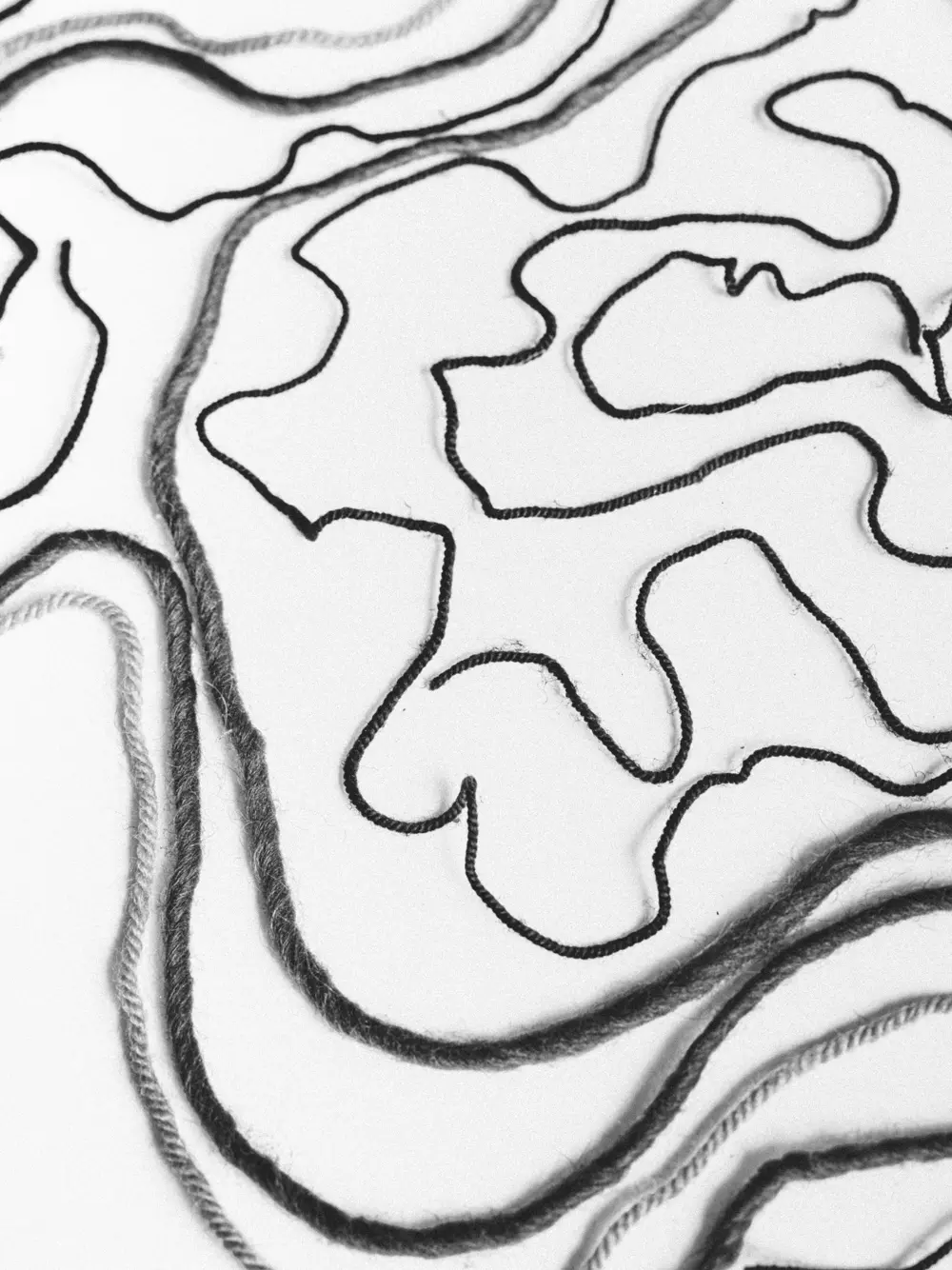
Abstracting nature through lines results in a calming, Zen-like aesthetic. This often involves simplified representations of leaves, vines, or water ripples. These biophilic designs bring a touch of the natural world into the digital space without the visual weight of a full photograph. They are excellent for users who want a soft, approachable look that feels organic rather than clinical.
Minimalist Surrealism
Some of the most intriguing wallpapers blend line art with a touch of the surreal. Imagine a single line forming an impossible shape or a floating geometric object in a void. This style sparks curiosity and adds a layer of intellectual depth to your phone’s appearance, making your device a conversation starter.
Technical Optimization for Super Retina XDR Displays
To truly appreciate a line art abstract wallpaper for iPhone, the image must be technically optimized for the hardware. Apple’s Super Retina XDR displays are capable of incredible contrast and color accuracy, which can be leveraged to make line art look stunning.
One of the most significant advantages of OLED screens is the ability to render true blacks. When a pixel is turned off completely, it consumes no power and provides infinite contrast. For line art, this means using a pitch-black background (#000000) with thin, brightly colored or white lines. This not only creates a striking ‘floating’ effect where the art seems to hover over the glass but also helps in extending battery life.
Aspect ratio is another critical factor. iPhones have evolved to have taller screens (typically 19.5:9). If you use a standard 4:3 or 16:9 image, you will encounter unwanted cropping or blurring. To ensure the compositional balance remains intact, always look for wallpapers specifically designed for the iPhone’s resolution. Pay close attention to the ‘safe zones’—the area occupied by the Dynamic Island or the notch—to ensure the most intricate part of the line art isn’t obscured by system hardware.
Curating a Cohesive Digital Ecosystem
A wallpaper is only one part of the visual equation. To maximize the impact of your line art, you should coordinate the rest of your iOS environment. This process is known as digital curation.
Start by matching your color palette. If your line art is gold on black, consider using a custom icon pack with gold accents or setting your system accent color to a complementary warm tone. If you are using a monochrome white-on-black aesthetic, sticking to a grayscale icon theme creates a sophisticated, professional look that feels like a custom OS.
The use of widgets also plays a role. Large, colorful widgets can clash with the subtlety of line art. Instead, opt for minimalist widgets with transparent backgrounds or simple typography. This ensures that the wallpaper remains the star of the show while the functional elements of the phone blend into the background. By treating your home screen like a gallery wall, you ensure that every element serves a purpose without creating visual chaos.
Finding and Creating High-Resolution Line Art
Finding the perfect piece of art often requires looking beyond standard wallpaper apps. For those seeking professional-grade vector art, platforms like Behance or Dribbble are goldmines for discovering independent artists who specialize in minimalist abstraction.
If you have an interest in creation, tools like Adobe Illustrator or Procreate allow you to design your own. When creating line art for a phone, focus on ‘line weight.’ Lines that are too thin may disappear on lower brightness settings, while lines that are too thick lose the elegance of the minimalist style. A medium-thin stroke with a slight taper at the ends often yields the most professional result.
When downloading images, always prioritize PNG or SVG formats over compressed JPEGs. Line art relies on sharp edges; any compression artifacts (blurring around the lines) become immediately apparent on a high-density Retina display. A crisp, clean edge is what separates a mediocre wallpaper from a high-end digital art piece.
Conclusion
Integrating a line art abstract wallpaper for iPhone is a simple yet powerful way to redefine your relationship with your device. By embracing the philosophy of ‘less is more,’ you transform your most-used tool into a source of visual calm and sophistication. Whether you gravitate toward the rigid precision of geometry or the flowing grace of continuous lines, the key is to balance composition, contrast, and color. In a world of digital noise, the elegance of a single line is a bold statement of clarity and intent.
Frequently Asked Questions
Why does line art look better on OLED iPhone screens than LCD?
OLED screens can turn off individual pixels to create perfect blacks. In line art, this creates an infinite contrast ratio between the black background and the colored lines, making the art look like it is floating on the screen, whereas LCDs have a slight ‘glow’ in the dark areas.
How do I prevent the iPhone clock from covering the best part of my line art?
When selecting or creating a wallpaper, ensure the primary focal point of the art is located in the bottom two-thirds of the image. This leaves the top area clear for the lock screen clock and date, maintaining a balanced composition.
Will a very detailed line art wallpaper slow down my phone?
No, a wallpaper is a static image file. Whether the image is a simple line or a complex painting, it does not impact the processing speed of the iPhone. However, using a high-resolution PNG is better for visual quality than a low-res image that the system has to stretch.
What is the best color combination for a professional-looking line art wallpaper?
For a professional aesthetic, monochrome (white on black or black on white) is unbeatable. If you want color, try ‘muted metallics’ like champagne gold, slate blue, or sage green against a dark charcoal background for a modern, luxurious feel.
Can I use line art wallpapers to help reduce screen fatigue?
Yes, by reducing the amount of high-contrast, saturated colors and complex patterns, line art minimizes the visual stimuli your brain has to process. This results in a more relaxing experience, especially during late-night usage.
Related posts:
This page samples just one mood of abstract-background. The category holds many more pieces in a similar vein.
Save the pieces you love and share the collection with your circle.
