

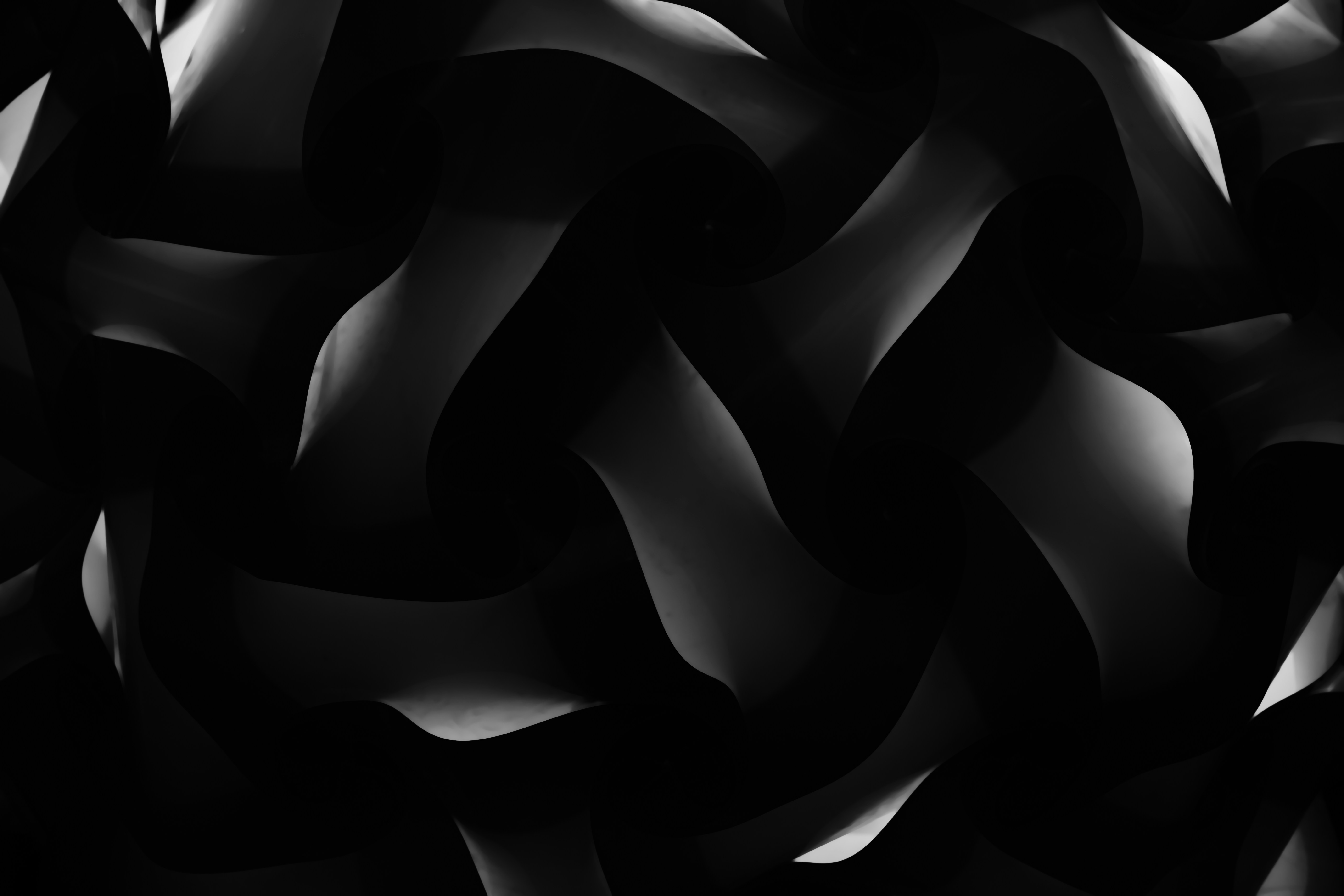
In an era where digital personalization is paramount, the traditional approach of searching through endless galleries of stock images for the perfect background is becoming obsolete. The emergence of the AI abstract wallpaper generator has shifted the power from the curator to the creator. Instead of settling for a generic gradient or a repetitive pattern, users can now harness the power of generative adversarial networks (GANs) and diffusion models to manifest their specific aesthetic visions. Whether you are seeking a calming minimalist flow for your workspace or a high-energy neon explosion for your gaming rig, artificial intelligence allows for a level of customization that was previously reserved for professional digital artists.
- How AI Wallpaper Generators Work
- Top Tools for Creating Abstract Backgrounds
- Mastering Prompts for Abstract Aesthetics
- Optimizing Resolution and Aspect Ratios
- The Ethics and Legality of AI Art
- Conclusion
How AI Wallpaper Generators Work
At its core, an AI abstract wallpaper generator doesn’t simply ‘search’ for an image; it synthesizes one from scratch. Most modern tools utilize latent diffusion models. These systems are trained on billions of image-text pairs, learning the relationship between linguistic descriptions and visual patterns. When you input a prompt, the AI begins with a field of random noise—essentially a digital static—and iteratively refines it, removing ‘noise’ to reveal an image that matches your description.

For those interested in the intersection of technology and creativity, this process is akin to sculpting. The AI doesn’t copy-paste elements from existing photos; rather, it understands the semantic essence of concepts like ‘fluidity,’ ‘symmetry,’ or ‘ethereal lighting.’ By manipulating the latent space, the generator can produce an infinite variety of abstract forms, ensuring that your wallpaper is truly one-of-a-kind. This capability is particularly useful for those who want to align their digital environment with their current mood or brand identity, blending design principles with algorithmic precision.
Top Tools for Creating Abstract Backgrounds
Not all AI generators are created equal. Depending on your technical skill and the desired style, different platforms offer varying levels of control.

Midjourney: The Artistic Powerhouse
Midjourney is widely regarded as the gold standard for aesthetic quality. It excels in creating textures and lighting that feel organic and high-end. For abstract wallpapers, Midjourney is unmatched in its ability to handle complex concepts like iridescent surfaces or biomorphic shapes. Its strength lies in its ‘stylize’ parameter, which allows users to dial up the AI’s creative liberty, often resulting in breathtakingly unexpected abstract compositions.
DALL-E 3: The Precision Tool
Integrated into ChatGPT, DALL-E 3 is the best choice for users who want strict adherence to a prompt. If you need a specific color palette—for example, ‘a deep navy blue background with thin, gold geometric lines forming a Fibonacci spiral’—DALL-E 3 will likely execute the logic more accurately than its competitors. It is ideal for users who have a clear vision and want the AI to act as a precise digital brush.

Stable Diffusion: The Open-Source Customizer
For the power user, Stable Diffusion offers unparalleled control. Because it can be run locally, users can utilize LoRA (Low-Rank Adaptation) and ControlNet to guide the AI’s composition. If you have a rough sketch of an abstract shape and want the AI to render it in a glassmorphism style, Stable Diffusion is the only tool that provides that level of structural guidance.
Mastering Prompts for Abstract Aesthetics
The quality of your wallpaper depends entirely on your prompt engineering. Generic prompts like ‘abstract background‘ often yield bland results. To achieve professional-grade art, you must use descriptive modifiers and technical art terms.

Defining the Texture and Material
To move beyond flat colors, specify the material. Try using terms such as:
- Liquid Chrome: Creates a futuristic, reflective, and fluid look.
- Frosted Glass: Produces a soft, blurred, and modern aesthetic known as glassmorphism.
- Acrylic Pour: Mimics the physical art of pouring paint, resulting in organic swirls and cells.
- Holographic Foil: Adds a shimmering, multi-colored spectral effect.
Controlling the Composition and Mood
Abstract art is about emotion and balance. Influence the ‘feel’ of the generator by adding these keywords:

- Minimalist: Keeps the image clean with plenty of negative space, perfect for desktop icons.
- Maximalist: Fills the frame with intricate detail and high contrast.
- Symmetrical: Creates a sense of stability and order.
- Ethereal: Produces soft lighting, pastel gradients, and a dreamlike quality.
Example Prompt: ‘A high-resolution 8K abstract wallpaper featuring fluid iridescent ribbons flowing through a dark void, cinematic lighting, deep violets and electric teals, minimalist composition, octane render, hyper-detailed textures.’
Optimizing Resolution and Aspect Ratios
A common mistake when using an AI abstract wallpaper generator is neglecting the technical specifications. An image that looks great on a web browser may appear pixelated when stretched across a 32-inch 4K monitor.
Choosing the Right Aspect Ratio
Standard AI outputs are often square (1:1). To make them functional as wallpapers, you must specify the ratio:
- Desktop/Laptop: Use 16:9 or 21:9 for ultrawide monitors.
- Mobile Phones: Use 9:16 or 19.5:9 for modern tall screens.
Upscaling for High Density
Since most AI generators produce images at a moderate resolution (e.g., 1024×1024), you will need an AI Upscaler. Tools like Topaz Gigapixel AI or free web-based enhancers use super-resolution algorithms to increase the pixel count without losing sharpness. This process fills in the gaps between pixels by predicting what the detail should be, ensuring your abstract lines remain crisp and your gradients stay smooth.
The Ethics and Legality of AI Art
As with all generative AI, the creation of wallpapers brings up questions of copyright and ownership. Currently, the legal landscape is evolving. In many jurisdictions, AI-generated images without significant human modification cannot be copyrighted. However, for personal use—such as a wallpaper on your own device—this is a non-issue.
If you intend to distribute your AI-generated wallpapers as a digital product, it is crucial to check the Terms of Service of the tool you used. Midjourney’s paid plans, for instance, generally grant commercial rights to the user. The ethical debate centers on the training data; since these models learned from existing artists, some argue that generative art is a form of derivative work. To navigate this, many creators use AI as a starting point, further editing the image in software like Photoshop to add a unique human touch.
Conclusion
The AI abstract wallpaper generator is more than just a novelty; it is a gateway to personal digital expression. By moving away from static image libraries and embracing prompt engineering, you can curate an environment that inspires you. From the fluid elegance of Midjourney to the precise logic of DALL-E 3, the tools available today allow anyone to become a digital architect. As resolution technology and model intelligence continue to evolve, the boundary between human imagination and digital execution will only continue to blur, making the possibilities for your screen truly infinite.
Frequently Asked Questions
What are the best keywords for a clean, professional abstract wallpaper?
Focus on terms like ‘minimalist,’ ‘soft gradients,’ ‘negative space,’ ‘corporate Memphis,’ and ‘muted tones.’ Avoid overly complex prompts to ensure the image doesn’t distract from your desktop icons.
Can I use AI-generated wallpapers for my company’s branding?
Yes, provided you use a tool that grants commercial usage rights (like the paid tiers of Midjourney or Adobe Firefly). However, be aware that you may not be able to trademark an AI-generated image as a unique logo.
Why does my AI wallpaper look blurry on my 4K screen?
AI generators typically output at 72 or 96 DPI. To fix this, you must use an AI upscaler to increase the resolution to 3840×2160 pixels and ensure the image is saved in a lossless format like PNG.
What is the difference between ‘abstract’ and ‘generative’ art in AI?
‘Abstract’ refers to the style—art that does not attempt to represent external reality. ‘Generative’ refers to the process—art created with the use of an autonomous system (the AI). An image can be both generative and abstract.
How do I get a specific color scheme in my AI wallpaper?
The most effective way is to name the specific colors (e.g., ‘Midnight Cobalt and Champagne Gold’) rather than general terms like ‘blue and yellow.’ You can also reference specific color palettes like ‘Cyberpunk neon’ or ‘Nordic pastels.’
Related posts:


One collection down, another calling: Abstract AI Wallpaper: The Future of Digital Aesthetics & Design is the closest companion to what you just viewed.
Share this page with a fellow art lover looking for their next wallpaper.
