

In the era of high-resolution displays, the choice of a background image is no longer just about aesthetics; it is about optimizing the hardware you carry in your pocket. A black abstract AMOLED wallpaper is more than a design choice—it is a strategic tool for users who want to blend cutting-edge minimalist art with functional efficiency. By leveraging the unique properties of Organic Light Emitting Diode (OLED) screens, these wallpapers create a seamless transition between the device’s bezel and the display, offering a visually stunning experience that simultaneously preserves energy.
- Understanding AMOLED Technology and True Blacks
- The Psychology of Abstract Minimalism in Digital Art
- How Dark Wallpapers Impact Battery Longevity
- Selecting the Perfect Resolution and Aspect Ratio
- Tips for Curating a High-Contrast Gallery
- Conclusion
- Frequently Asked Questions
Understanding AMOLED Technology and True Blacks
To appreciate why a black abstract AMOLED wallpaper is superior to a standard dark image, one must first understand the fundamental difference between LCD (Liquid Crystal Display) and OLED (Organic Light Emitting Diode) technologies. In a traditional LCD screen, a backlight remains active across the entire panel regardless of the image being displayed. To show black, the pixels simply block the light, which often results in a ‘dark grey’ or ‘glowy’ appearance.

In contrast, AMOLED displays operate on a per-pixel basis. Each pixel is its own light source. When the system needs to display the color black, it doesn’t just dim the light—it completely shuts the pixel off. This creates what is known as true black, providing an infinite contrast ratio where the image seems to merge with the physical frame of the smartphone. When you use a wallpaper with significant areas of #000000 (the hexadecimal code for pure black), you are effectively turning off large portions of your screen.
For those interested in further enhancing their device, exploring optimization techniques can reveal how software and hardware work together to maintain this visual fidelity. Additionally, browsing various wallpapers allows users to see the immediate difference between a ‘dark mode’ image and a ‘true black’ AMOLED asset.

The Role of Contrast and Dynamic Range
The magic of abstract designs on these screens lies in the dynamic range. By pairing deep, light-absorbing blacks with vibrant, neon, or metallic abstract shapes, the colors appear to ‘pop’ more intensely. This is because there is no backlight bleeding through the dark areas, ensuring that the saturation of the colored elements is not diluted. This creates a three-dimensional effect, making the abstract geometry seem as if it is floating on the surface of the glass.
The Psychology of Abstract Minimalism in Digital Art
Abstract art removes the constraints of literal representation, allowing the user’s mind to find its own patterns and meanings. In the context of a mobile interface, minimalist aesthetics serve a dual purpose: reducing cognitive load and enhancing focus. A cluttered wallpaper can lead to visual noise, making it harder to locate app icons or read notifications. A black abstract design, however, provides a clean canvas that directs the eye toward the essential elements of the user interface.

The use of curves, fluid lines, and geometric shards in abstract wallpapers often evokes a sense of modernity and sophistication. Dark-themed visuals are also associated with luxury and professionalism, which is why many premium tech brands lean heavily into black and charcoal palettes for their marketing and interface design. By choosing an abstract pattern over a photograph, you avoid the ‘dated’ look that specific landmarks or people might acquire over time, ensuring your device feels contemporary for longer.
Visual Ergonomics and Eye Strain
Beyond the art, there is a physiological benefit to using dark backgrounds. Visual ergonomics suggest that high-brightness white screens in low-light environments can lead to digital eye strain (Computer Vision Syndrome). By utilizing a dark-palette wallpaper, the overall luminance of the screen is reduced. This is particularly beneficial for users who check their phones frequently at night, as it reduces the harsh contrast between the bright screen and the dark room, potentially easing the transition to sleep by limiting excessive blue light exposure.

How Dark Wallpapers Impact Battery Longevity
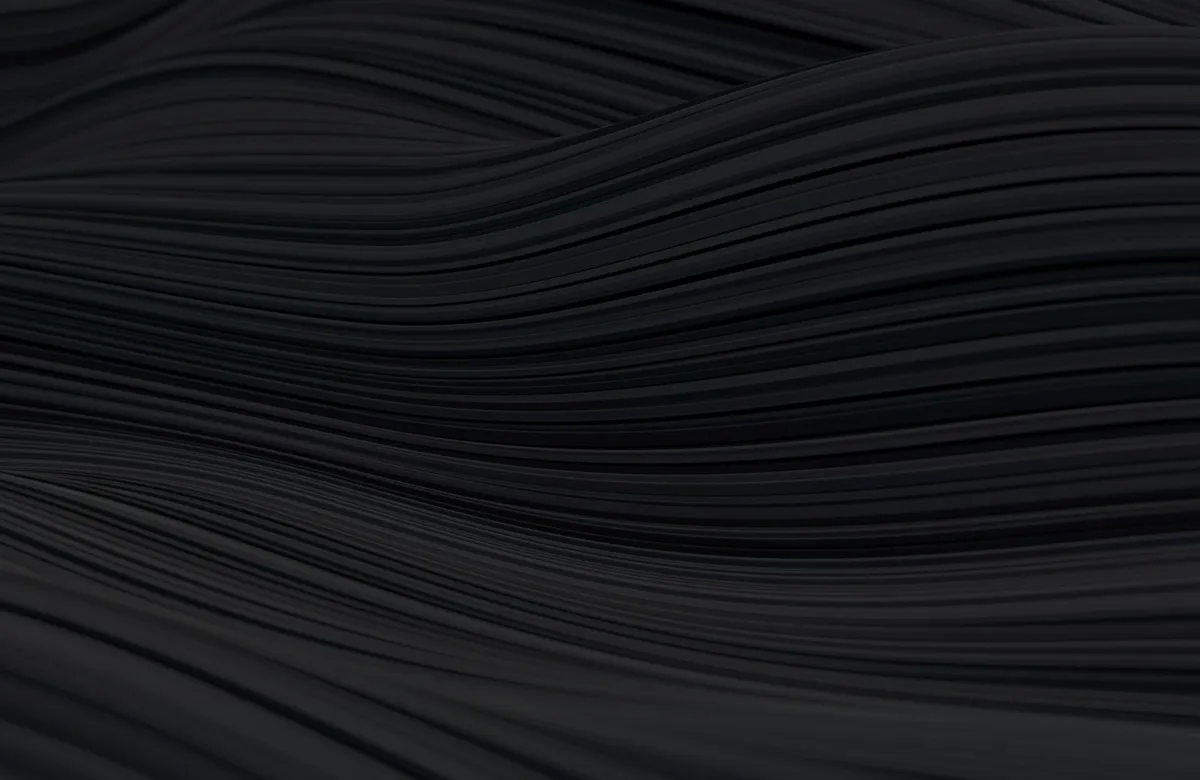
The most tangible benefit of using a black abstract AMOLED wallpaper is the impact on power consumption. Since AMOLED pixels are powered off to produce black, they consume zero energy. In a wallpaper that is 80% pure black, 80% of the screen’s pixels are essentially ‘sleeping’ while the rest of the image is displayed.
While the battery savings might seem marginal during a single glance at the lock screen, these gains compound over hundreds of daily interactions. When combined with a system-wide Dark Mode, the energy efficiency becomes significant. Research indicates that at higher brightness levels, the power savings from dark themes on OLED screens are much more pronounced than on LCDs. This makes the choice of a power-efficient background a critical habit for power users and those with demanding workflows.
Calculating the ‘Pixel-Off’ Advantage
The efficiency is directly proportional to the percentage of true black pixels. A ‘dark grey’ wallpaper still requires the pixels to be powered on to a certain degree. Therefore, to maximize battery life, it is essential to look for true black assets rather than just ‘dark’ ones. This is where the ‘abstract’ element becomes useful; designers can create stunning visuals using only a few streaks of color against a void of pure black, maintaining the aesthetic appeal without sacrificing the energy benefits.
Selecting the Perfect Resolution and Aspect Ratio
To ensure that the abstract lines remain crisp and the blacks remain deep, choosing the correct resolution is paramount. A low-resolution image stretched across a Quad HD+ display will result in ‘banding’ or pixelation, which destroys the seamless effect of the AMOLED black. Always opt for resolutions that match or exceed your device’s native specs (e.g., 1440 x 3200 pixels for many flagship phones).
Aspect ratio is equally important. Modern smartphones have moved away from the 16:9 standard to taller ratios like 19.5:9 or 20:9. If a wallpaper is not correctly proportioned, the system will either crop out important parts of the abstract design or leave awkward borders. When searching for high-definition backgrounds, look for ‘vertical’ or ‘mobile-optimized’ versions to ensure the composition of the abstract art is preserved exactly as the artist intended.
The Importance of File Formats
Not all image files are created equal. JPEG compression can often introduce ‘artifacts’—small, blocky distortions—into the dark areas of an image. These artifacts manifest as faint grey squares in what should be pure black, which ruins the AMOLED effect. Whenever possible, use PNG or lossless formats. These preserve the exact color values of every pixel, ensuring that #000000 remains absolute and the contrast remains sharp.
Tips for Curating a High-Contrast Gallery
Building a collection of AMOLED-ready wallpapers requires a keen eye for detail. To ensure your gallery remains high-quality, follow these curation guidelines:
- Verify the Black Level: Use a photo editor or a ‘color picker’ tool to ensure the dark areas are truly #000000 and not just very dark grey.
- Balance the Focal Point: Choose abstract designs where the main visual element is centered or offset in a way that doesn’t clash with your app icons.
- Experiment with Color Accents: Rotate between different accent colors (e.g., electric blue, deep purple, or gold) to change the mood of your device without losing the battery benefits.
- Avoid High-Noise Textures: Avoid images with ‘grain’ or ‘film noise’ in the black areas, as these force the pixels to stay on, defeating the purpose of an AMOLED wallpaper.
By focusing on high-fidelity imagery and minimalist compositions, you can transform your device into a piece of digital art that is as efficient as it is beautiful.
Conclusion
Integrating a black abstract AMOLED wallpaper into your digital setup is a rare win-win scenario. You gain a sophisticated, modern aesthetic that reduces visual clutter while simultaneously extending the life of your battery. By understanding the physics of OLED pixels and the principles of minimalist design, you can optimize your most-used device for both performance and style. Whether you prefer sharp geometric shapes or flowing organic lines, the depth and contrast provided by true black backgrounds offer an unparalleled viewing experience.
Frequently Asked Questions
Do AMOLED wallpapers actually save battery life?
Yes, but only on OLED/AMOLED screens. Because these displays turn off pixels to show black, a wallpaper with a high percentage of true black (#000000) reduces the total power draw of the display panel.
What is the difference between a ‘dark’ wallpaper and a ‘true black’ wallpaper?
A dark wallpaper uses very dark shades of grey or blue, which still require the pixels to be powered on. A true black wallpaper uses absolute black, which allows the AMOLED pixels to shut off completely.
Why do some abstract wallpapers look grainy on my OLED screen?
This is usually due to image compression (like low-quality JPEGs). Compression artifacts create ‘noise’ in the dark areas, making them appear as various shades of grey rather than a solid, smooth black.
How often should I change my wallpaper to prevent screen burn-in?
While modern OLEDs are very resilient, changing your wallpaper occasionally or using a dynamic wallpaper can prevent static images from ‘burning’ into the screen over several years.
Where can I find 4K abstract AMOLED backgrounds?
You can find high-quality assets on platforms like Unsplash, Pexels, or specialized AMOLED wallpaper apps. Always check that the resolution matches your screen for the best results.
Related posts:

Before you choose, take in Wallpaper Abstract Anime: The Ultimate Guide to Aesthetic Visuals as well. The contrast might surprise you.
Bookmark this set for the next time your screen needs a new mood.
