
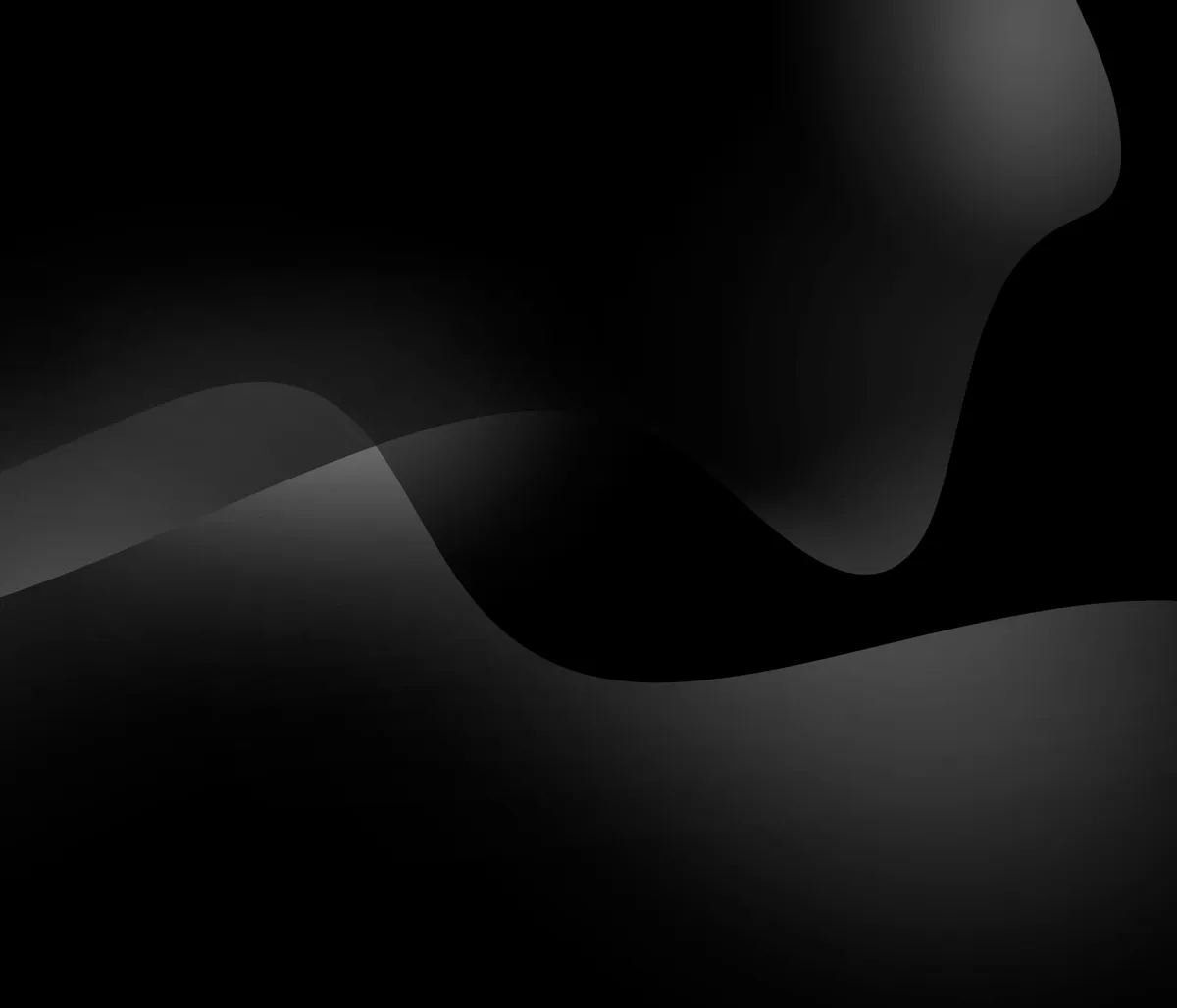
In an era of digital saturation and vibrant, high-contrast displays, there is a profound, timeless appeal in returning to basics. A black and white abstract drawing for iPhone is more than just a wallpaper choice; it is a statement of aesthetic intent. By stripping away the distraction of color, the user is left with the raw essence of form, line, and contrast. Whether you are seeking to reduce visual clutter to improve focus or simply adore the sophisticated allure of monochrome art, abstract compositions offer a versatile way to personalize your device while maintaining a professional and clean look.
- The Psychology of Monochrome Aesthetics
- Popular Styles of Black and White Abstract Art
- OLED Optimization: Battery Life and Contrast
- Choosing the Right Composition for iOS Layouts
- Creating Custom Abstract Wallpapers
- Conclusion
- Frequently Asked Questions
The Psychology of Monochrome Aesthetics
The decision to use a monochrome palette often stems from a desire for visual tranquility. In the world of interior design and fashion, minimalism is a tool used to create space and clarity. When applied to your smartphone—a device that demands our attention hundreds of times a day—a minimalism approach can significantly lower cognitive load. Instead of a chaotic array of colors that compete with your app icons, a balanced black and white drawing provides a neutral backdrop that allows the interface to breathe.
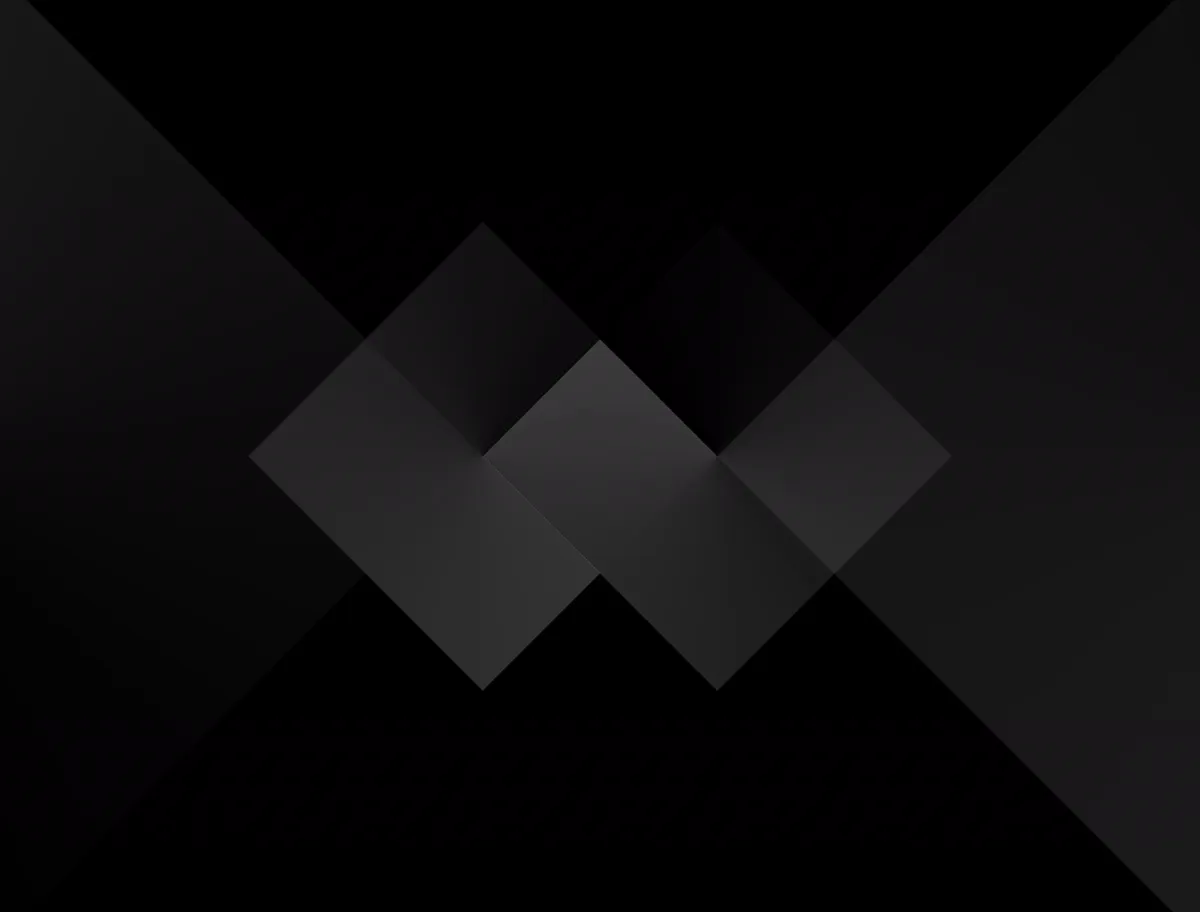
From a psychological perspective, high-contrast imagery evokes a sense of drama and authority. The stark juxtaposition of deep blacks and bright whites creates a focal point that captures the eye without overwhelming it. This balance is why many creative professionals, from architects to graphic designers, gravitate toward design elements that prioritize structure over ornamentation. By choosing an abstract piece, you remove the need for a literal interpretation, allowing the image to serve as an emotional mood-setter rather than a narrative distraction.
Popular Styles of Black and White Abstract Art
Abstract art is a broad spectrum, and when limited to two colors, the emphasis shifts toward texture and geometry. Depending on your personality, different styles of abstract drawings can transform the feel of your iPhone.
Minimalist Line Art
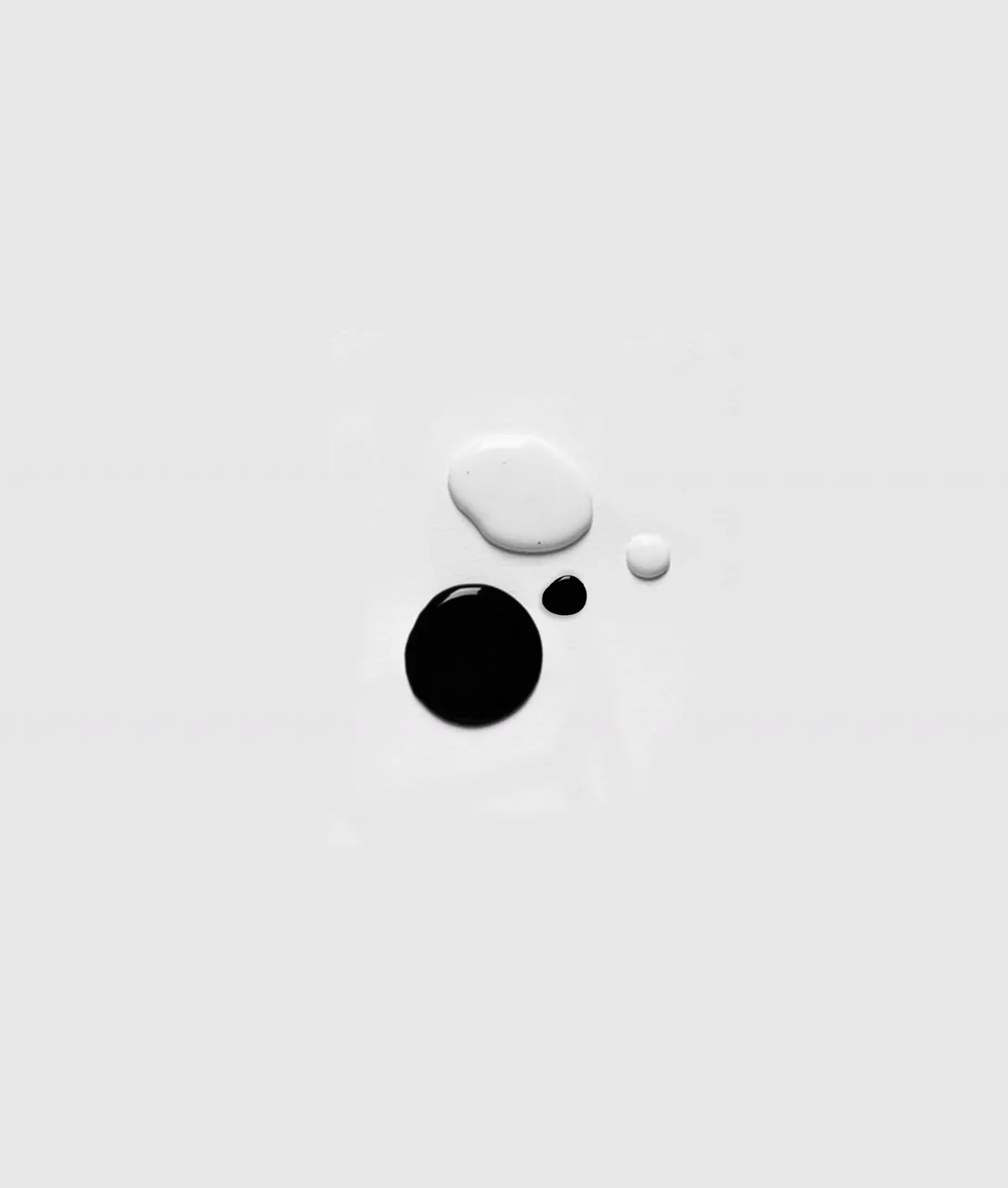
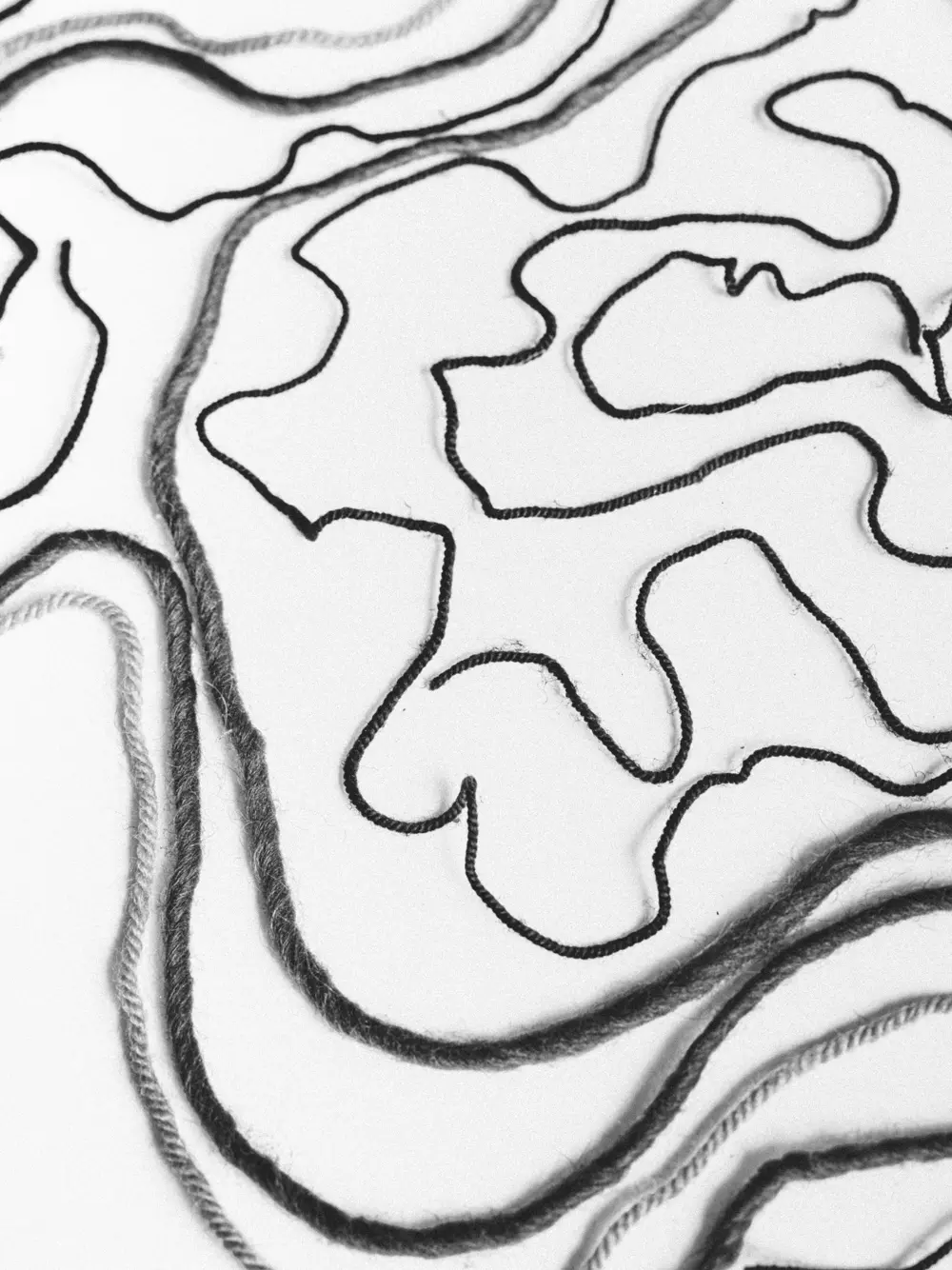
Line art is perhaps the most popular choice for those seeking a “clean” look. These drawings often feature a single, continuous line that forms an ambiguous shape or a stylized silhouette. The beauty of linear abstraction lies in the negative space. By leaving large areas of the screen empty, the drawing creates a sense of openness and airiness, making the phone feel less like a tool and more like a piece of gallery art.
Geometric Abstraction
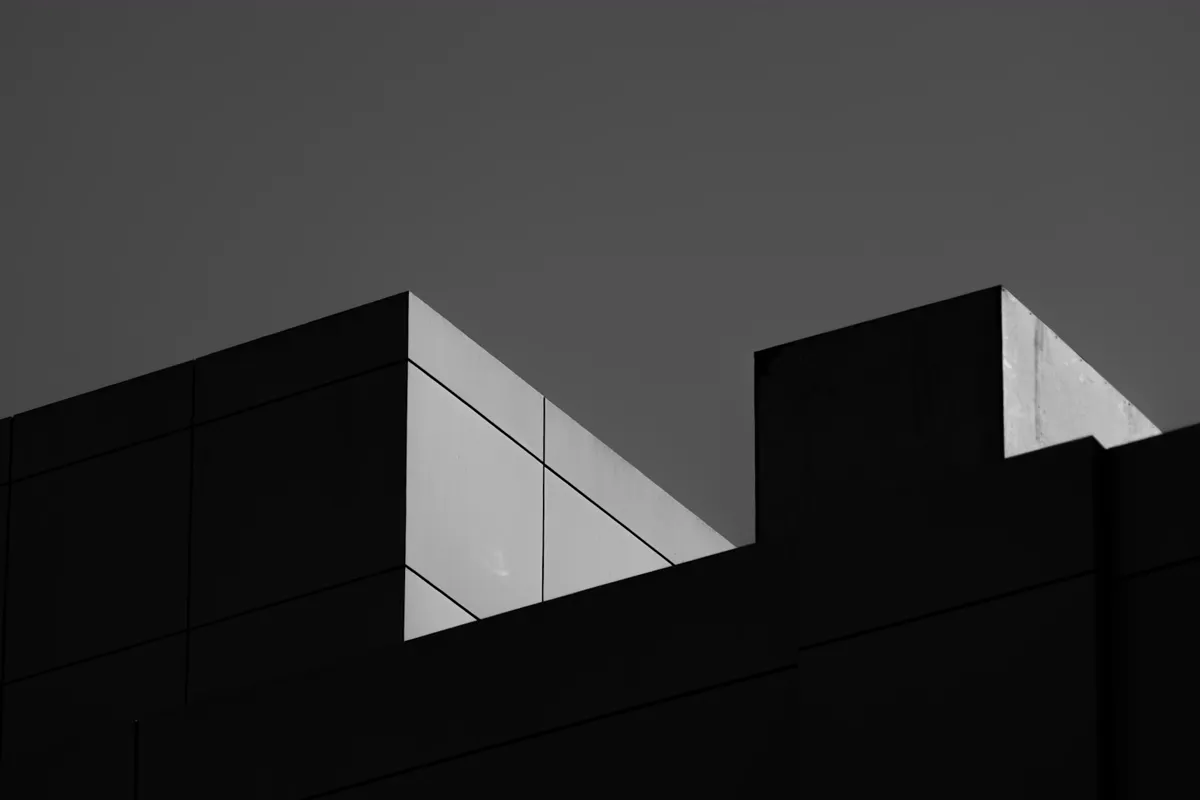
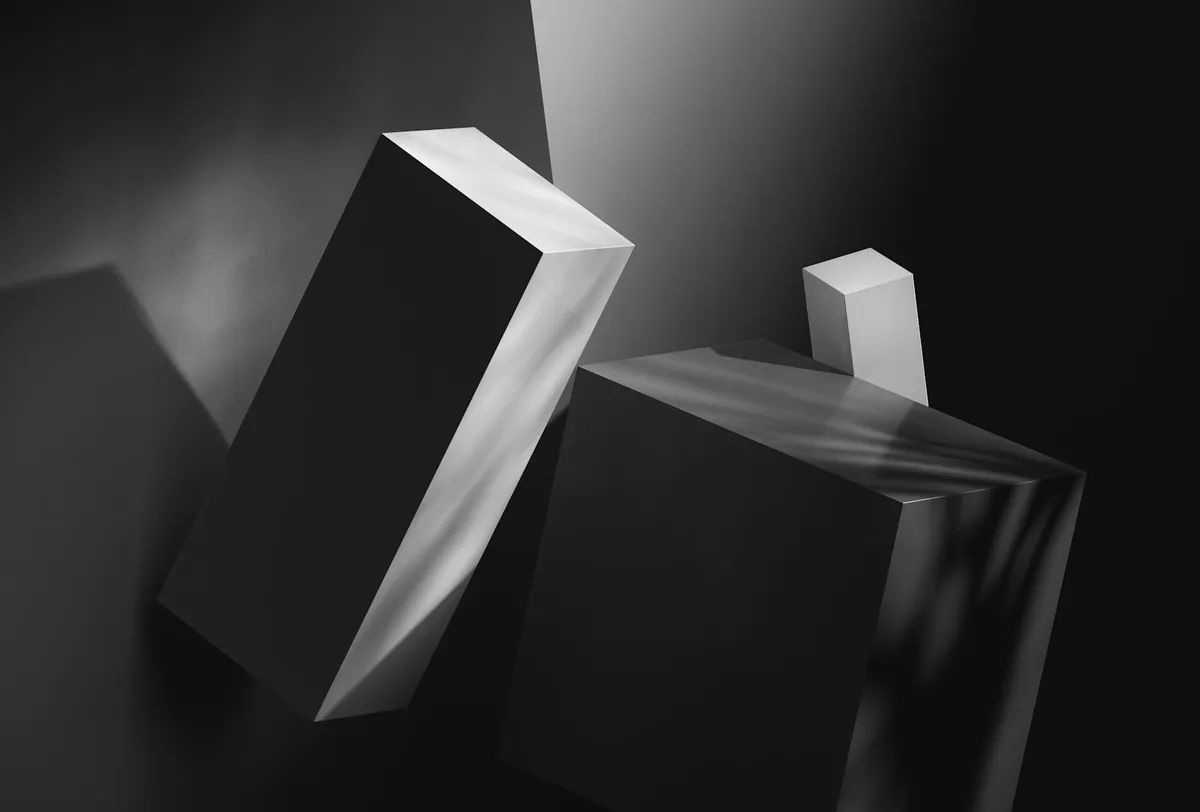
For those who prefer order and precision, geometric abstract drawings are ideal. These compositions utilize circles, triangles, and polygons to create a sense of rhythm and balance. Mathematical art often employs patterns like the Fibonacci sequence or isometric grids, providing a satisfying sense of symmetry. These designs are particularly effective on the iPhone’s sharp Retina display, where every crisp edge and perfect angle is highlighted.
Organic and Fluid Forms
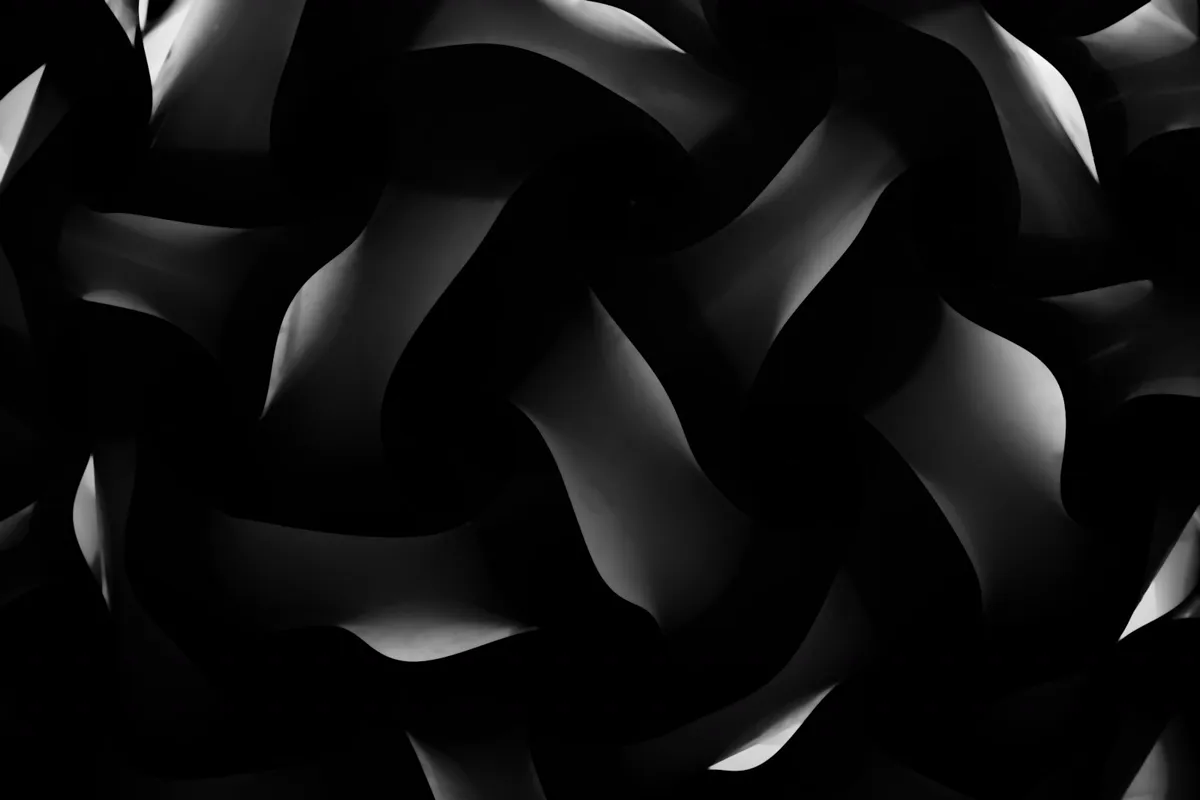
Contrasting the rigidity of geometry are organic abstract drawings. These focus on flowing lines, ink blots, and smoke-like swirls. Fluid art mimics the unpredictability of nature—think of marble veins, crashing waves, or swirling galaxies. This style adds a touch of dynamism and movement to your lock screen, providing a more emotional and visceral experience than the structured approach of geometric art.
Surrealist Monochrome
Some abstract drawings lean into the surreal, blending recognizable elements with distorted perspectives. Imagine a melting clock or a floating staircase rendered in charcoal tones. This style is perfect for users who want their device to spark curiosity and conversation, utilizing chiaroscuro techniques to create depth and mystery.
OLED Optimization: Battery Life and Contrast
Beyond the aesthetic appeal, there is a technical advantage to choosing a black-heavy abstract drawing for modern iPhones. Most newer iPhone models utilize OLED (Organic Light Emitting Diode) technology. Unlike traditional LCD screens, OLED pixels are self-emissive, meaning each individual pixel produces its own light.
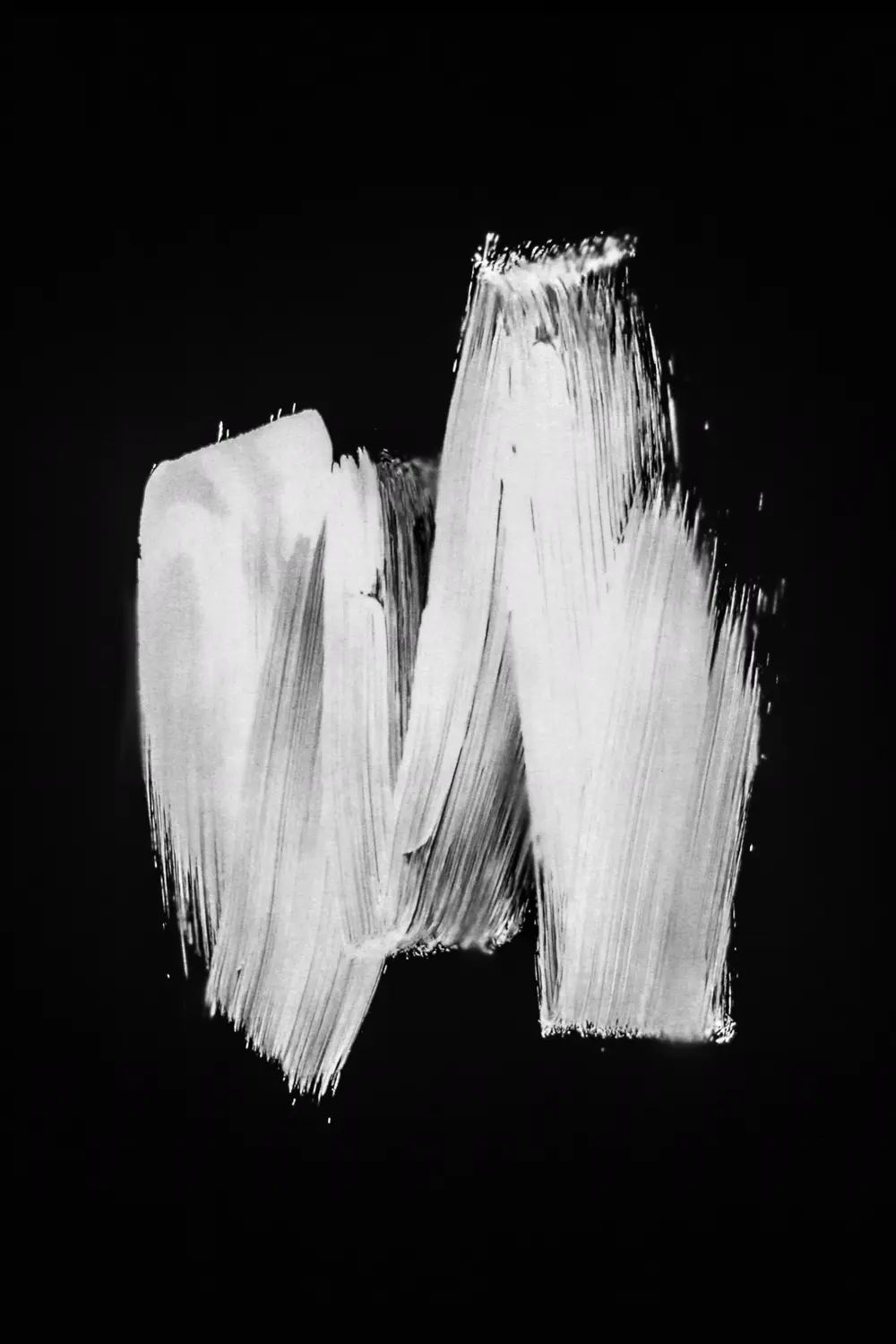
When a pixel displays true black, it simply turns off completely. This results in two major benefits: infinite contrast and power efficiency. In a black and white drawing with deep black backgrounds, the pixels that are ‘off’ consume zero power. While the battery savings may be incremental compared to the power draw of 5G or high brightness, using a dark-themed abstract wallpaper is a smart way to optimize your device’s longevity. Furthermore, the absence of light in the black areas makes the white elements “pop” with an intensity that creates a stunning three-dimensional effect, often referred to as the ink-on-glass look.
Choosing the Right Composition for iOS Layouts
Selecting a beautiful drawing is only half the battle; placement is key. The iPhone’s interface has specific “zones” that can interfere with your artwork. To ensure your abstract wallpaper looks professional, consider the following composition tips:
- The Clock Zone: The top third of the lock screen is occupied by the clock and date. Avoid placing intricate details or the main focal point of your drawing in this area, as it will create visual clutter. Opt for negative space or a subtle gradient here.
- The Dock Area: On the home screen, the bottom dock obscures a portion of the image. Ensure that the most interesting part of the drawing is centered or placed in the upper-middle section to avoid being cut off.
- Rule of Thirds: Apply the rule of thirds by placing the primary abstract element slightly off-center. This creates a more dynamic and visually pleasing balance than a perfectly centered image, which can sometimes feel static or boring.
- Depth Effect: For those using the latest iOS versions, look for drawings with a clear subject and a distinct background. This allows the iOS Depth Effect to partially overlap the subject over the clock, creating a sophisticated layered appearance.
Creating Custom Abstract Wallpapers
If you cannot find the perfect pre-made image, creating your own is a rewarding process. You don’t need to be a professional artist to produce a stunning monochrome digital drawing.
Using apps like Procreate or Adobe Fresco, you can start with a black canvas and use a white “ink” brush to experiment with shapes. A great technique for beginners is intuitive drawing: close your eyes or move your hand randomly across the screen, then go back and refine the lines that look interesting. You can also use AI-generative tools by prompting for “minimalist black and white vector abstract, high contrast, 4k, mobile aspect ratio.”
For a more tactile approach, create a physical drawing using charcoal or India ink on white paper. Once finished, scan the artwork using a high-resolution scanner or a mobile scanning app. By increasing the contrast and adjusting the levels in a photo editor, you can convert your physical art into a crisp, digital wallpaper that is uniquely yours.
Conclusion
A black and white abstract drawing for iPhone is the ultimate intersection of form and function. It provides a sophisticated visual identity, reduces digital distractions, and leverages the technical strengths of OLED displays. Whether you prefer the surgical precision of geometric patterns or the emotional flow of organic lines, monochrome art ensures your device remains timeless and elegant. By focusing on composition and contrast, you can turn your smartphone screen into a portable gallery of minimalist expression.
Frequently Asked Questions
Do black and white wallpapers really save battery on an iPhone?
Yes, but only on models with OLED screens (iPhone X and newer, excluding the SE series). Because OLED pixels turn off completely to display black, images with a high percentage of true black consume less power than bright or colorful images.
What is the best resolution for an iPhone abstract wallpaper?
To avoid blurring, use a resolution that matches or exceeds your device’s screen specifications. Generally, a resolution of at least 1290 x 2796 pixels is recommended for the latest Pro Max models to ensure the lines remain sharp.
How do I make a black and white photo look like an abstract drawing?
You can achieve this by using a “threshold” filter in an image editor, which forces all pixels to be either pure black or pure white, removing all gray tones. Alternatively, using a sketch filter or high-contrast black and white preset can mimic a hand-drawn look.
Why does my abstract wallpaper look blurry after I set it?
This often happens if the image is too small or if the “Perspective Zoom” feature is stretching the image beyond its original dimensions. Try disabling Perspective Zoom in the wallpaper settings or using a higher-resolution file.
Where can I find royalty-free monochrome abstract art?
Platforms like Unsplash, Pexels, and Pixabay offer a vast library of high-quality, free-to-use abstract photography and digital art. Searching for terms like ‘minimalist monochrome’ or ‘abstract line art’ will yield the best results.
Related posts:
One collection down, another calling: Abstract Smoke Silver Illustration: A Guide to Metallic Art is the closest companion to what you just viewed.
Share this page with a fellow art lover looking for their next wallpaper.
