
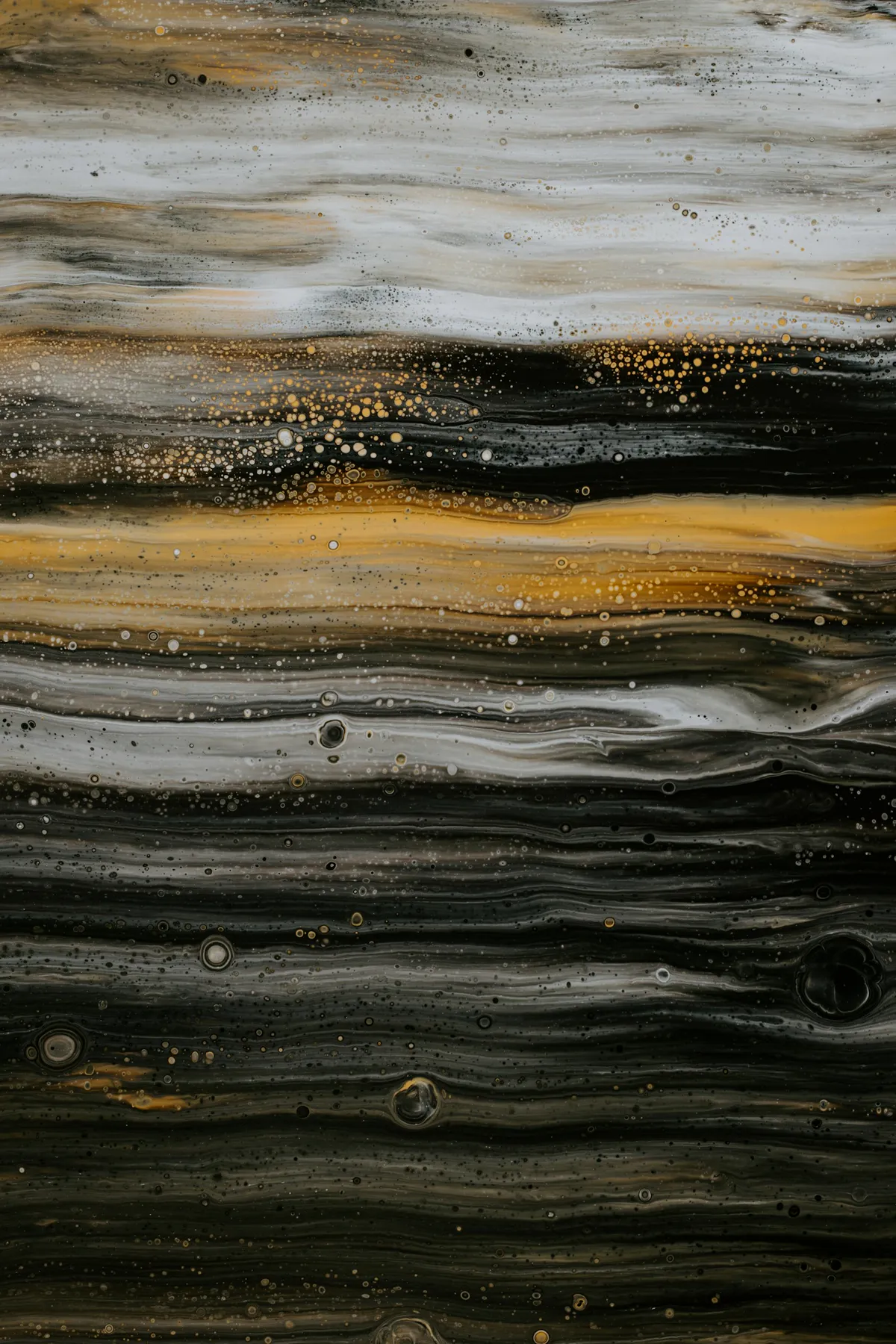
The Allure of Fluidity: Transforming Your iPhone with Oil Abstract Patterns
In the modern era of smartphone customization, the screen is more than just a portal to apps; it is a digital canvas that reflects personal style and mood. Among the myriad of choices, the oil abstract pattern for iPhone has emerged as a top-tier choice for users seeking a balance between artistic sophistication and contemporary minimalism. These patterns, often mimicking the organic movement of liquid pigments, iridescent oils, or swirling marble, provide a sense of depth and motion that static, flat colors simply cannot achieve.
- Understanding the Appeal of Oil Abstract Art
- Why Fluid Patterns Suit the iPhone Display
- Technical Considerations: Resolution and Aspect Ratio
- OLED Optimization and Battery Life
- Styling Your Home Screen Around Abstract Art
- Top Color Palettes for Every Mood
- Conclusion
Understanding the Appeal of Oil Abstract Art
Oil abstract art, specifically the fluid or ‘pour’ style, captures a moment of chemical interaction and gravitational flow. When translated into a digital wallpaper, these patterns create a mesmerizing visual experience. Unlike geometric shapes, which can feel rigid and corporate, oil patterns feel organic and breathable. They evoke a sense of calm and creativity, making the act of unlocking your phone a brief moment of aesthetic meditation.
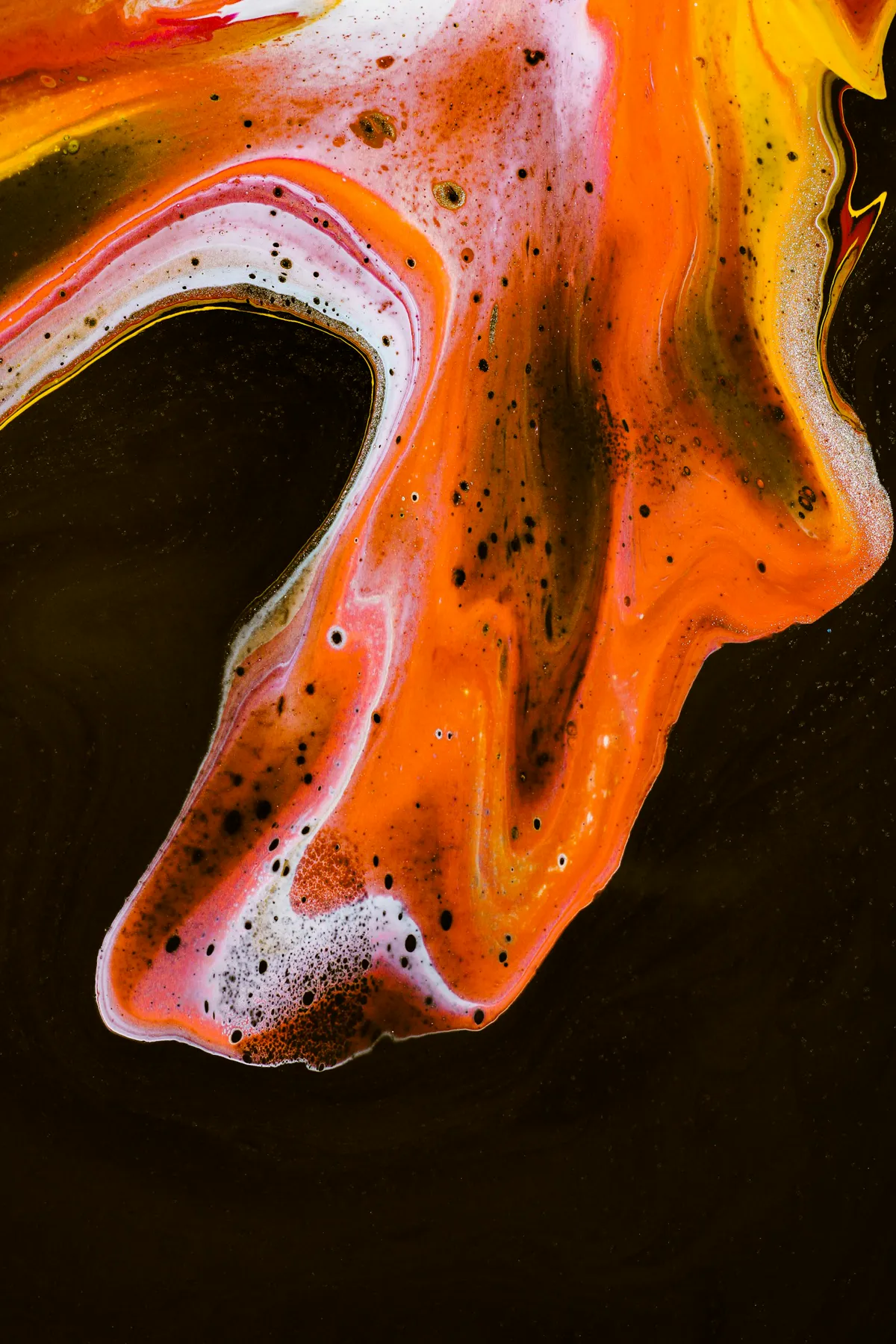
For many, the attraction lies in the unpredictability of the form. No two swirls are identical, and the way colors blend—creating secondary and tertiary hues—adds a layer of complexity that draws the eye without being distracting. If you are looking for a fresh wallpaper to revitalize your device, these fluid textures offer a timeless quality that transcends seasonal trends.
Furthermore, the rise of digital liquid art has allowed creators to push the boundaries of color. By using software that simulates viscosity and surface tension, artists can create ‘impossible’ colors and gradients that would be difficult to achieve with physical paint, resulting in a high-contrast aesthetic that pops on a high-resolution screen.
Why Fluid Patterns Suit the iPhone Display
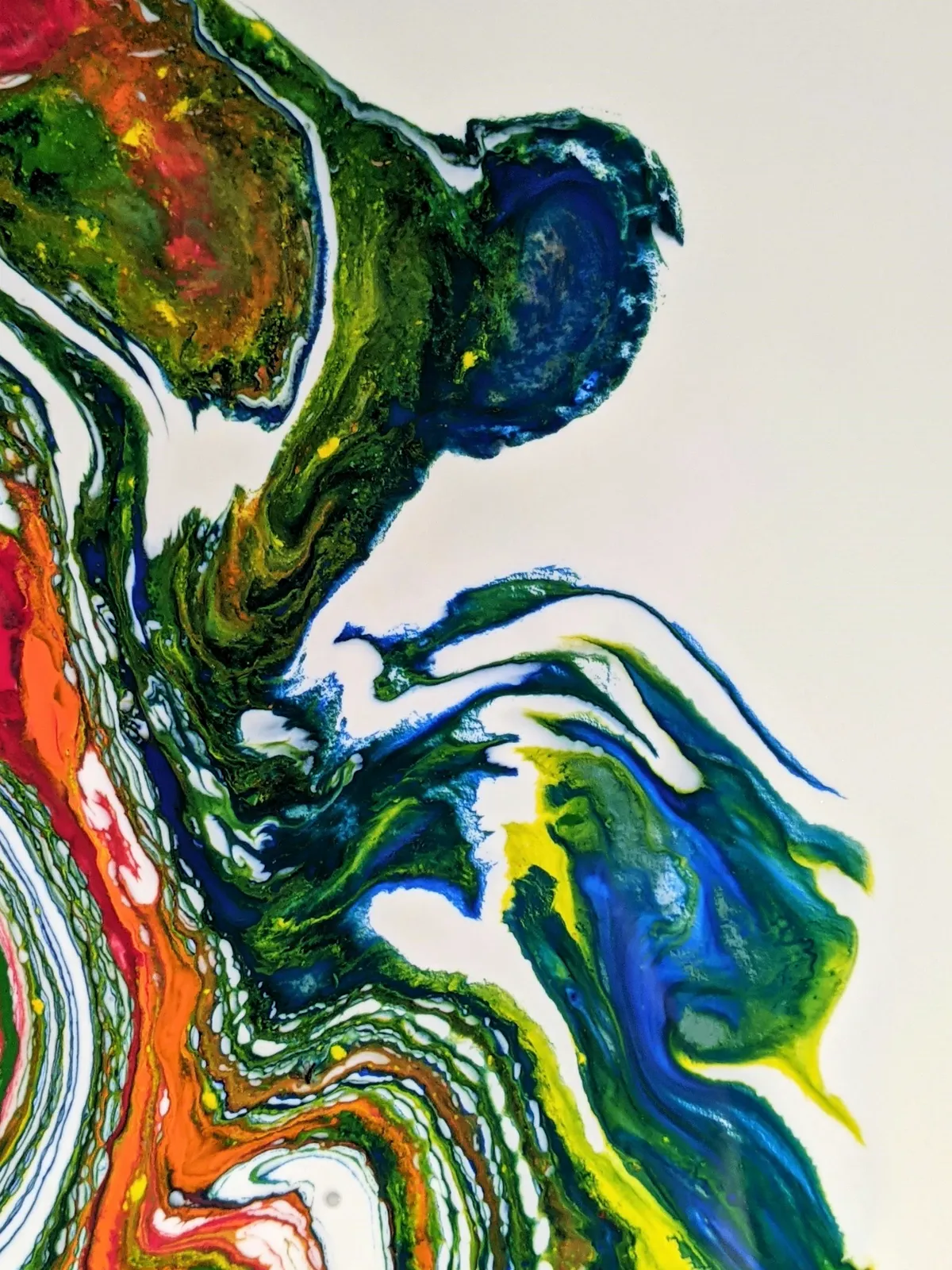
The iPhone is renowned for its industry-leading screen technology, from the Super Retina XDR to the ProMotion displays. An oil abstract pattern is uniquely suited to this hardware because it leverages the screen’s ability to render smooth gradients and deep color saturation. When a high-quality abstract image is applied, the transitions between colors appear seamless, eliminating the ‘banding’ effect often seen in lower-quality graphics.
Additionally, the curved edges of the iPhone’s chassis complement the flowing lines of fluid art. The visual flow of the wallpaper often mirrors the physical design of the phone, creating a cohesive look where the software feels integrated with the hardware. This synergy is particularly evident in the newer models where the thin bezels allow the art to bleed almost to the very edge of the device, immersing the user in the pattern.
Technical Considerations: Resolution and Aspect Ratio
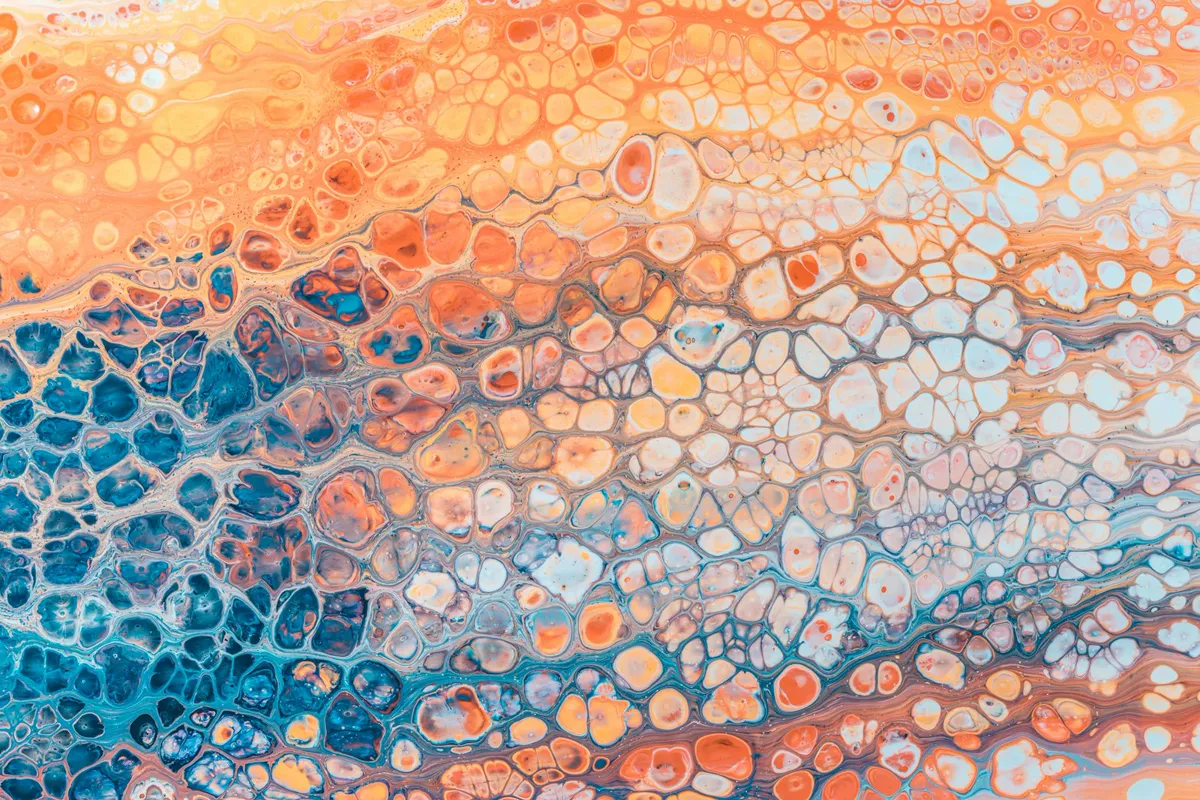
To truly appreciate an oil abstract pattern, the technical specifications of the image must match the device. A common mistake users make is downloading low-resolution images that appear pixelated or blurry upon application. For an iPhone, the aspect ratio is typically around 19.5:9. If an image is too square or too wide, the OS will crop the most interesting parts of the fluid flow, potentially ruining the composition.
When searching for the perfect image, prioritize 4K resolution or higher. This ensures that even when you zoom in to adjust the placement of the pattern, the pixel density remains high. Pay close attention to the ‘weight’ of the pattern; a balanced composition—where the focal point of the swirl isn’t obscured by the lock screen clock—is essential for a clean user experience.
OLED Optimization and Battery Life
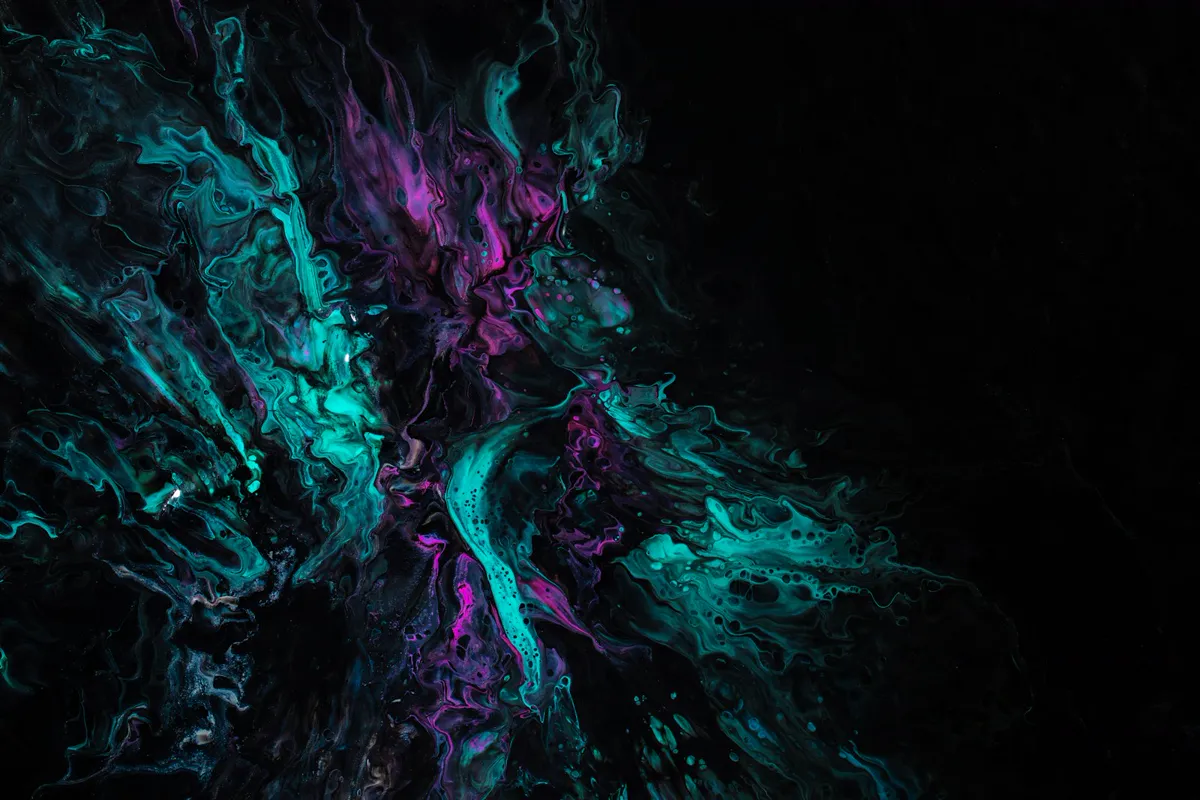
One of the most significant advantages of using a dark-themed oil abstract pattern on an iPhone with an OLED display is energy efficiency. Unlike LCD screens, OLED pixels can turn off completely to represent true black. By choosing a pattern that incorporates deep blacks or dark navy tones, you can reduce the overall power draw of the display.
True Black integration in abstract art creates a striking contrast, making the vibrant oil swirls appear as if they are floating on the screen. This ‘floating’ effect not only looks futuristic but also preserves battery life during extended use. To maximize this, look for ‘AMOLED’ specific abstract patterns where the dark areas are pure hex #000000.
Styling Your Home Screen Around Abstract Art
A great wallpaper is only half the battle; the rest depends on how you organize your UI elements. Because oil abstract patterns are visually rich, they can sometimes clash with a cluttered home screen. To maintain a sophisticated look, consider the following strategies:
- Minimalist Icon Layout: Reduce the number of apps on your primary home screen. Use the App Library to hide less-used tools, leaving only a few essential icons that don’t obstruct the artwork.
- Color-Coordinated Widgets: Use widgets with transparent backgrounds or colors that pull from the primary palette of your wallpaper. This creates a harmonious visual flow.
- Depth Effect Integration: On newer iOS versions, some abstract patterns can interact with the clock, creating a sense of 3D layering that adds a premium feel to the lock screen.
Top Color Palettes for Every Mood
The psychological impact of color is profound, and choosing the right palette for your oil abstract pattern can change how you feel every time you check your notifications.
The ‘Zen’ Palette (Blues, Teals, and Whites)
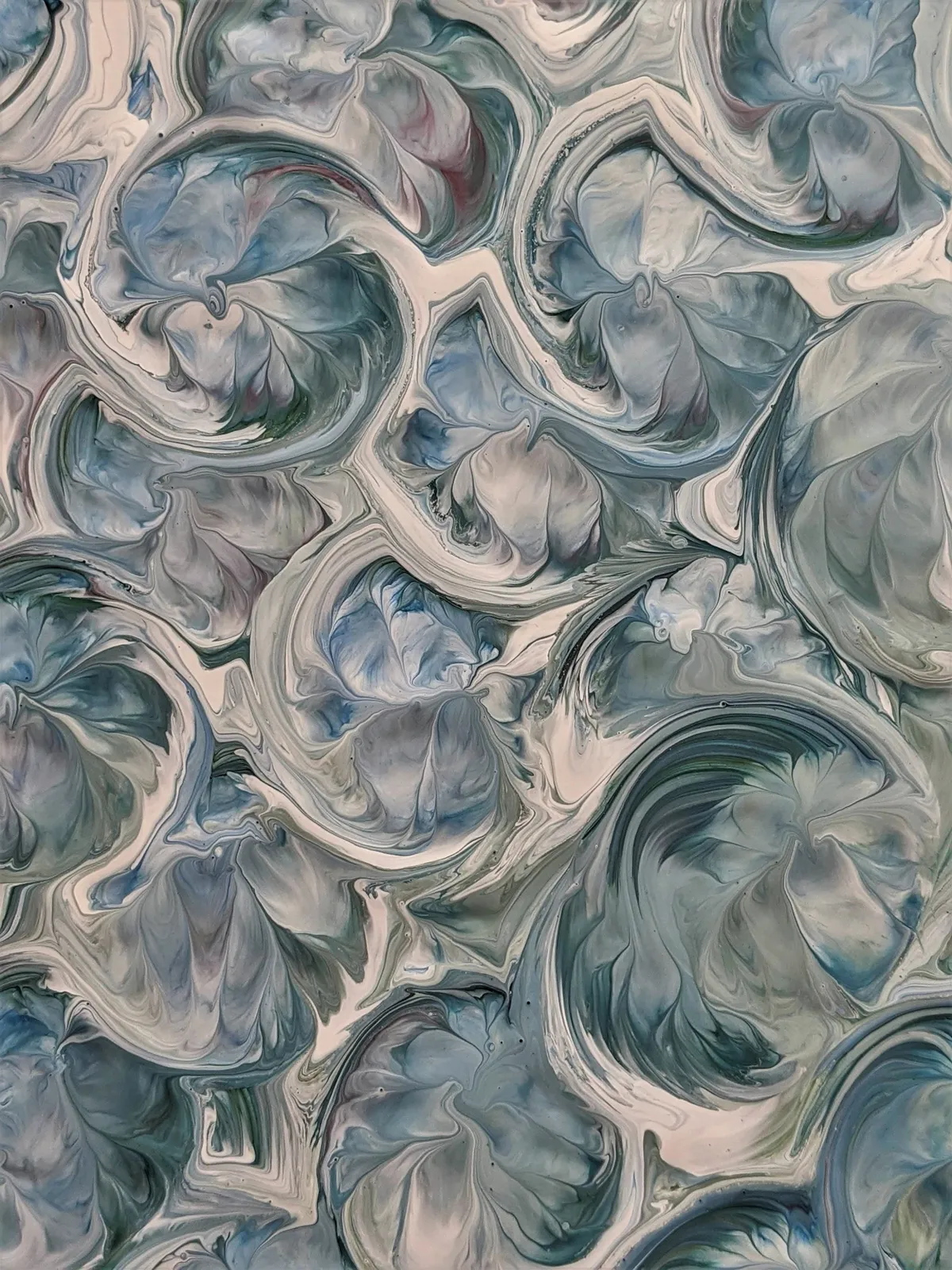
Cool tones are associated with tranquility and focus. A pattern featuring swirling deep sea blues and frothy whites mimics the ocean, providing a calming effect that is perfect for those with high-stress workdays.
The ‘Energetic’ Palette (Oranges, Pinks, and Yellows)
Warm, vibrant hues stimulate creativity and excitement. These ‘sunset’ style fluid patterns are ideal for users who want their phone to feel like a source of inspiration and energy.
The ‘Luxury’ Palette (Black, Gold, and Deep Purple)
Combining dark backgrounds with metallic gold or royal purple accents creates an air of exclusivity and elegance. This palette is particularly effective on the Pro models of the iPhone, echoing the premium materials of the device.
Conclusion
Choosing an oil abstract pattern for iPhone is more than a simple cosmetic change; it is an exercise in digital curation. By understanding the relationship between fluid art and OLED technology, and by carefully selecting palettes and resolutions, you can transform your device into a piece of portable art. Whether you prefer the calming influence of cool teals or the bold statement of holographic swirls, the fluidity of abstract art ensures that your screen remains dynamic, modern, and uniquely yours.
Frequently Asked Questions
Do abstract oil wallpapers affect the visibility of my apps?
It depends on the contrast. High-contrast patterns with very bright and dark spots can sometimes make app labels harder to read. To fix this, you can apply a slight blur effect to the Home Screen wallpaper while keeping the Lock Screen sharp.
Where can I find high-resolution oil abstract patterns that aren’t generic?
Look for digital art communities like Behance, ArtStation, or specialized wallpaper apps that focus on ‘fluid art’ or ‘liquid marble’ aesthetics. Avoid low-quality image search results to ensure you get the correct aspect ratio.
Does a colorful wallpaper drain more battery than a black one?
On OLED screens, yes. Bright colors require the pixels to be powered on, whereas black pixels are completely off. However, the difference is usually marginal unless the entire screen is a bright white or neon color.
Can I create my own oil abstract pattern using an app?
Yes, there are several ‘fluid simulation’ apps available on the App Store. These allow you to interact with digital liquids in real-time, creating a unique pattern that you can then screenshot and set as your wallpaper.
What is the best way to align a fluid pattern on the iPhone lock screen?
When setting the wallpaper, use two fingers to pinch and zoom. Position the most ‘active’ part of the swirl slightly below the center so that it doesn’t compete with the digital clock for visual attention.
Related posts:
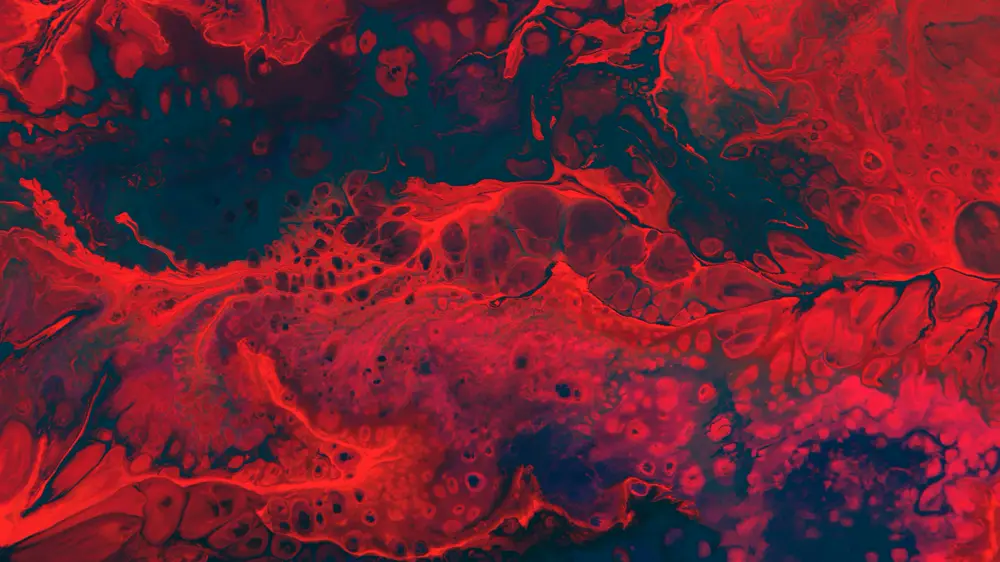
Abstract work rewards a second look — browse more of digital-art when you are ready for a new backdrop.
Pass this link to someone who appreciates bold, abstract design.
