
Your iPhone is more than just a communication tool; it is a digital companion that you interact with hundreds of times a day. One of the most immediate ways to personalize this experience is through the use of an abstract poster for iPhone—high-resolution digital art that transforms a sterile glass screen into a canvas of personal expression. Unlike representational photography, abstract art focuses on the interplay of color theory, geometric shapes, and visual balance, allowing the user to evoke specific moods and emotions every time they unlock their device.
- Understanding Abstract Art for Mobile Screens
- Choosing the Right Style for Your iPhone Model
- The Role of Color Psychology in Abstract Wallpapers
- Where to Source High-Quality Digital Art
- DIY: Creating Your Own Abstract Mobile Poster
- Optimizing Visuals for iOS Display Settings
Understanding Abstract Art for Mobile Screens
Abstract art for mobile devices deviates from traditional imagery by ignoring the literal representation of objects. Instead, it relies on non-objective compositions to create a sense of depth and movement. When searching for an abstract poster for iPhone, it is essential to understand the different sub-genres of abstraction that work best on a vertical screen. For instance, minimalist abstraction uses vast amounts of negative space, which prevents the screen from feeling cluttered, whereas maximalist abstract art utilizes dense patterns and vibrant gradients to create a high-energy visual experience.
The vertical orientation of the iPhone requires a specific approach to compositional flow. An effective abstract piece should guide the eye naturally from the top to the bottom of the screen, ensuring that the most visually striking elements do not clash with the clock or the notification widgets on the Lock Screen. This synergy between art and utility is what defines a truly successful digital aesthetic.
Choosing the Right Style for Your iPhone Model
Not all abstract art is created equal, and the hardware of your specific iPhone model significantly impacts how an image is rendered. For users with an iPhone X or later, the Super Retina XDR display utilizes OLED technology, which allows for true blacks by turning off individual pixels. This makes dark-mode abstract posters incredibly striking, as the deep blacks blend seamlessly into the bezel of the phone, creating an infinite-edge effect.
When selecting a modern design for your device, consider the pixel density. High-resolution imagery ensures that the gradients are smooth and free of banding. If you prefer premium wallpapers, look for files that are specifically optimized for the 19.5:9 aspect ratio to avoid awkward cropping or blurring. For older LCD models, brighter, high-contrast imagery often performs better than deep blacks, as the backlight can sometimes wash out darker tones.
Geometric vs. Fluid Abstractions
Geometric abstraction relies on hard edges, circles, and polygons. This style often appeals to those who appreciate order and structure, mirroring the precision of the iOS interface. On the other hand, fluid abstraction—which includes liquid marble effects, smoky swirls, and organic gradients—offers a more calming, natural feel. The choice between these two often depends on whether you want your phone to feel like a professional tool or a creative sanctuary.
The Role of Color Psychology in Abstract Wallpapers
The colors you choose for your abstract poster for iPhone can subtly influence your psychological state throughout the day. Because we check our phones so frequently, the constant exposure to specific hues can trigger emotional responses. Cool tones, such as deep blues, teals, and soft purples, are known to reduce anxiety and promote focus, making them ideal for those who use their phones for productivity.
Conversely, warm tones like vibrant oranges, reds, and yellows stimulate energy and creativity. A high-contrast abstract piece using complementary colors (colors opposite each other on the color wheel) can create a dynamic and exciting visual pop. For those seeking a sophisticated look, monochromatic schemes—using different shades of a single color—provide a cohesive and understated elegance that doesn’t distract from the app icons on the Home Screen.
Where to Source High-Quality Digital Art
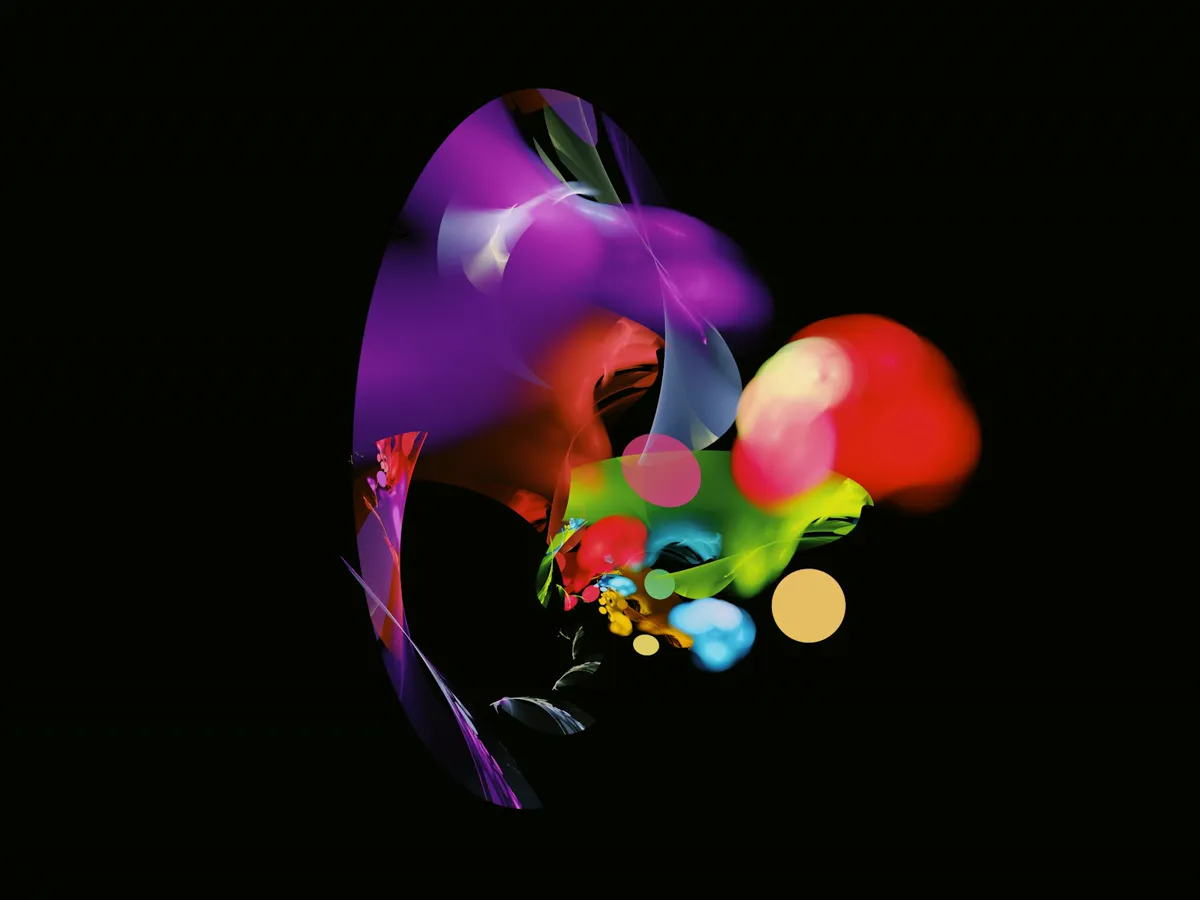
Finding a professional-grade abstract poster for iPhone requires looking beyond basic search engine images, which are often compressed and low-resolution. To maintain the integrity of the visual fidelity, it is recommended to use curated platforms. Sites like Unsplash and Pexels offer high-resolution, royalty-free imagery that captures the essence of modern digital art.
For those looking for something more exclusive, digital marketplaces such as Etsy or Gumroad allow independent artists to sell high-resolution digital assets specifically tailored for mobile dimensions. When downloading, always ensure the file is in a lossless format (like PNG) or a high-quality JPEG to avoid compression artifacts that become apparent on the high-resolution Retina display.
DIY: Creating Your Own Abstract Mobile Poster
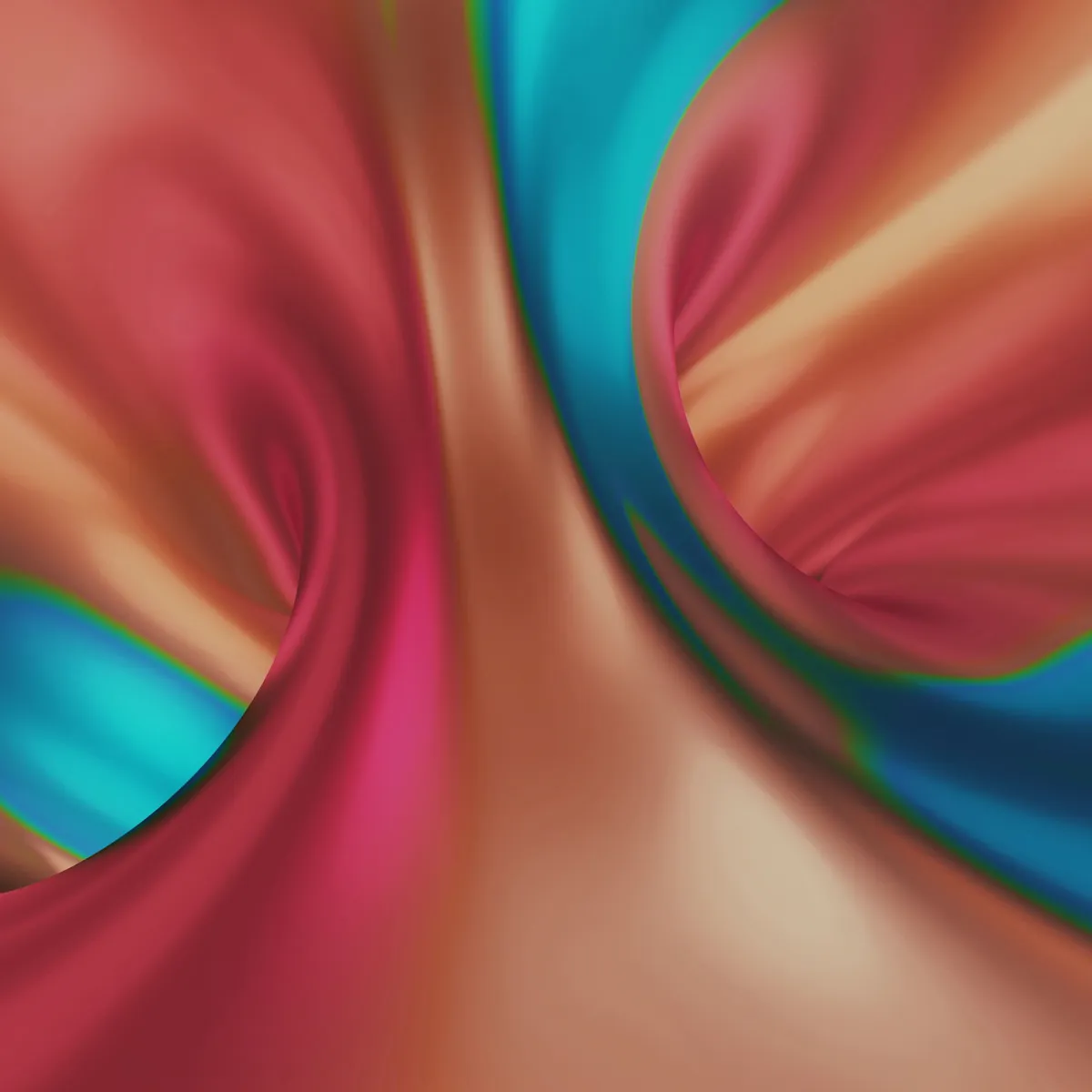
With the proliferation of powerful creative tools, you no longer need to be a trained artist to create a custom abstract poster for iPhone. Using apps like Procreate, Canva, or Adobe Express, you can experiment with generative art and digital brushes to craft a piece that reflects your unique personality.
- Layering: Start with a base gradient and add layers of shapes or textures. Use ‘Multiply’ or ‘Overlay’ blending modes to create complex color interactions.
- Texture Mapping: Incorporate digital grains or noise to give the abstract piece a tactile, organic feel, moving away from the overly ‘plastic’ look of standard digital art.
- Symmetry Tools: Use mirroring tools to create kaleidoscopic patterns that provide a sense of equilibrium and harmony.
By focusing on visual hierarchy, you can ensure that your custom creation leaves room for the iOS clock and widgets, making the art a functional part of the user interface rather than an obstacle.
Optimizing Visuals for iOS Display Settings
Once you have selected your perfect abstract poster for iPhone, the final step is the implementation. iOS offers several features that can enhance the appearance of abstract art. The Depth Effect introduced in recent versions allows the subject of a wallpaper to slightly overlap the clock, creating a 3D layered appearance. While this is typically used for photos of people or buildings, certain bold abstract shapes can also trigger this effect if there is sufficient contrast between the foreground and background.
Additionally, the Perspective Zoom feature adds a subtle parallax effect, making the abstract art feel as though it is floating behind the glass. To maximize the impact, disable the ‘Blur’ setting on the Home Screen wallpaper, allowing the intricate details of the abstract composition to remain visible beneath your apps.
Conclusion
Selecting the right abstract poster for iPhone is a blend of art and technology. By considering the technical specifications of your display, the emotional weight of color psychology, and the principles of composition, you can transform your device into a reflection of your inner aesthetic. Whether you opt for a calming minimalist gradient or a bold geometric explosion, the goal is to create a digital environment that inspires you every time you wake your screen.
Frequently Asked Questions
How do I ensure the abstract image fits my iPhone screen perfectly?
The best way is to look for images with a 9:19.5 aspect ratio. If the image is too small, avoid stretching it; instead, use a cropping tool to select the most visually interesting section of the abstract piece to fit the vertical frame.
Will a very bright abstract wallpaper drain my battery faster?
On OLED screens (iPhone X and newer), white and bright colors require more power than black pixels. If you are concerned about battery life, choose an abstract poster with a dominant black or dark-themed palette.
What is the difference between a standard wallpaper and a digital abstract poster?
A standard wallpaper is often a simple photo or pattern. A digital abstract poster is typically a composed piece of art focusing on form, color, and emotion rather than a literal subject, designed specifically for high-resolution display.
How can I make my app icons more readable against a busy abstract background?
You can use the iOS ‘Blur’ feature for the Home Screen wallpaper. This keeps the Lock Screen art crisp while softening the background behind your apps, reducing visual noise and improving readability.
Where can I find inspiration for abstract color palettes?
Platforms like Adobe Color, Coolors, and Pinterest are excellent for finding trending palettes. Look for ‘modern abstract’ or ‘gradient palettes’ to find combinations that feel contemporary and polished.
Related posts:
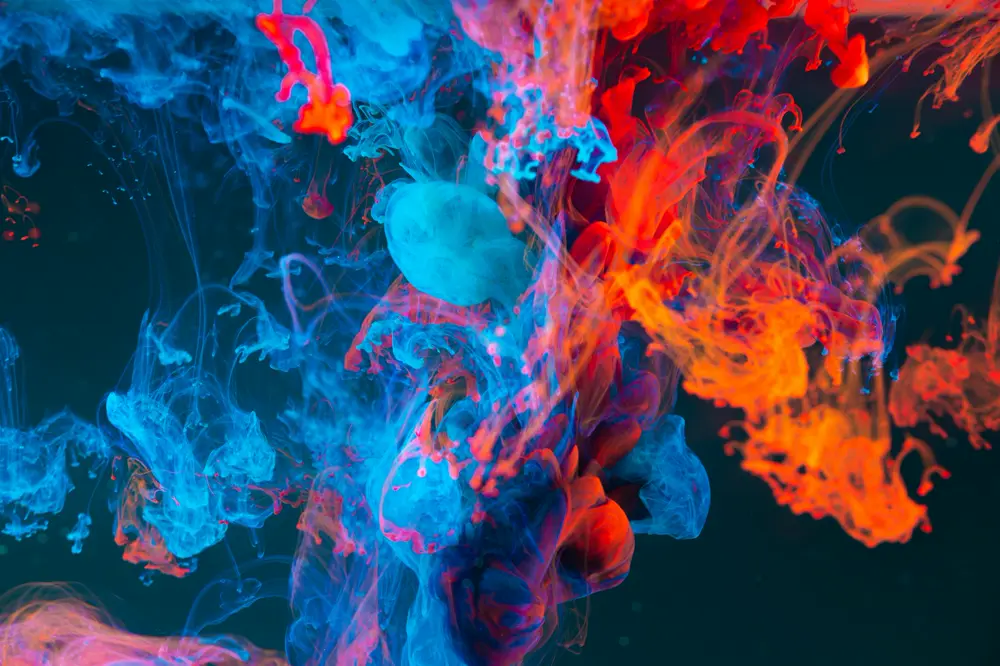
This page samples just one mood of abstract-art. The category holds many more pieces in a similar vein.
Save the pieces you love and share the collection with your circle.
