
In the digital age, our desktop screens serve as the primary hub for our professional and creative lives. Often, we overlook the impact that our visual environment has on our cognitive load and overall mood. Transitioning from a cluttered, default background to modern abstract clipart for desktop can transform a sterile workspace into a source of inspiration. Abstract art, by its very nature, avoids literal representation, allowing the mind to wander and find its own meaning, which often triggers latent creativity and reduces the stress associated with rigid, corporate imagery.
- Defining the Essence of Modern Abstract Clipart
- The Psychology of Abstract Visuals in Workspaces
- Top Trending Styles for Desktop Aesthetics
- Practical Tips for Integrating Abstract Assets
- Technical Guide: Choosing the Right File Formats
- Conclusion
- Frequently Asked Questions
Defining the Essence of Modern Abstract Clipart
Modern abstract clipart differs significantly from the generic, low-resolution icons of the early internet. Today, it encompasses high-fidelity vector graphics, intricate geometric patterns, and fluid organic shapes that prioritize composition, color theory, and emotional resonance. Rather than depicting a specific object, these assets use visual metaphors—lines, planes, and hues—to create a sense of balance or energy.
For a professional seeking to enhance their digital environment, understanding the intersection of graphic design and productivity is key. By utilizing minimalist elements, users can create a backdrop that provides visual interest without becoming a distraction. These assets are typically used as wallpapers, accent elements for presentation slides, or as part of a broader visual identity for a personal brand.
The Psychology of Abstract Visuals in Workspaces
The choice of imagery on a desktop is more than a matter of preference; it is a matter of psychology. Color psychology plays a pivotal role here. For instance, soft blue and green abstract shapes are known to induce calmness and focus, making them ideal for high-stress environments. Conversely, vibrant oranges and yellows can stimulate energy and optimism, which is beneficial for creative brainstorming sessions.
Furthermore, the use of negative space in modern abstract clipart prevents the screen from feeling crowded. When a desktop is cluttered with icons, a complex photographic background can lead to visual noise, increasing cognitive fatigue. Abstract art, particularly in its minimalist form, provides a ‘breathing room’ for the eyes. By focusing on asymmetric balance, these designs guide the viewer’s eye across the screen without demanding full attention, allowing the user to remain focused on their primary tasks.
Reducing Digital Fatigue
Constant exposure to sharp edges and high-contrast grids in software interfaces can lead to digital fatigue. Integrating organic forms—such as fluid blobs or soft gradients—breaks the monotony of the rectangular windows that dominate our OS. This contrast helps in maintaining a fresher mental state throughout the workday.
Top Trending Styles for Desktop Aesthetics
When searching for the perfect abstract assets, it helps to know the specific movements and styles currently dominating the industry. Each style evokes a different professional tone and energy.
Bauhaus and Geometric Precision
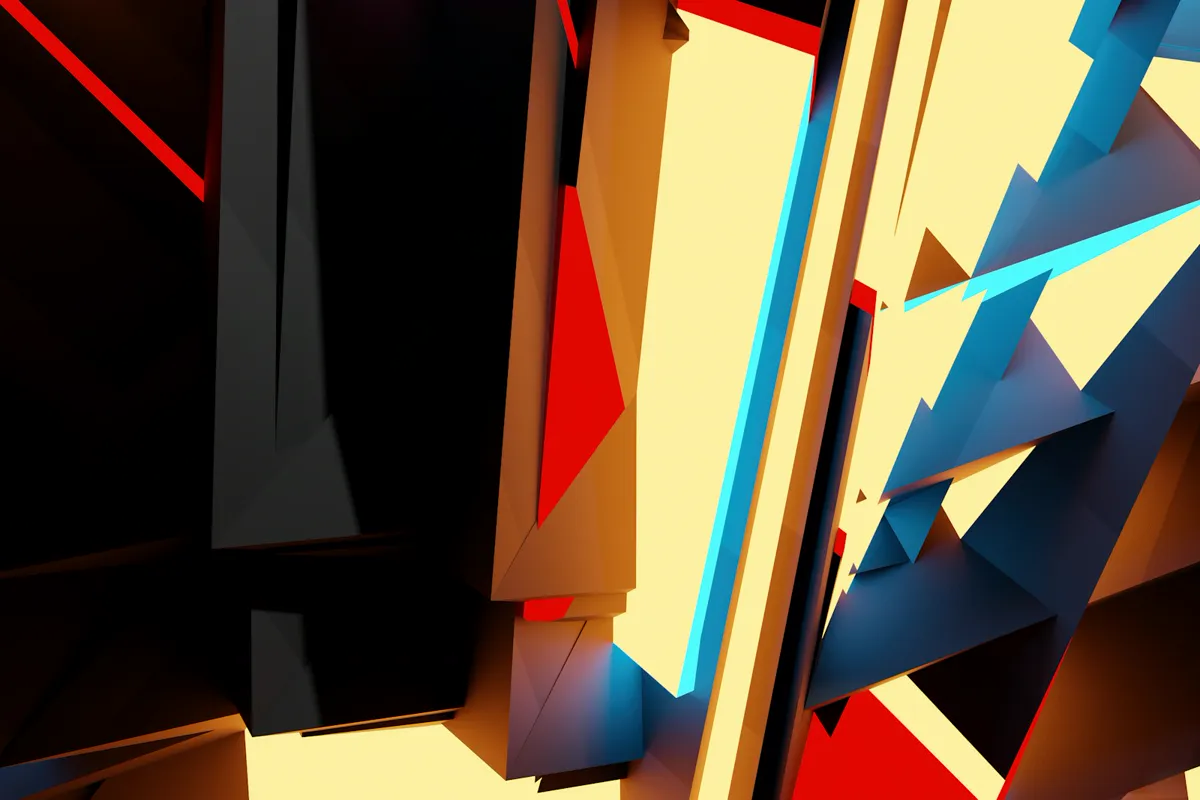
Inspired by the legendary German art school, the Bauhaus style emphasizes functionality and simplicity. This approach uses primary colors (red, blue, yellow) and basic geometric shapes like circles, squares, and triangles. For a desktop, this translates to a clean, structured look that suggests order, efficiency, and architectural precision. It is perfect for those who appreciate a disciplined and organized digital workspace.
Fluidity and Organic Abstraction
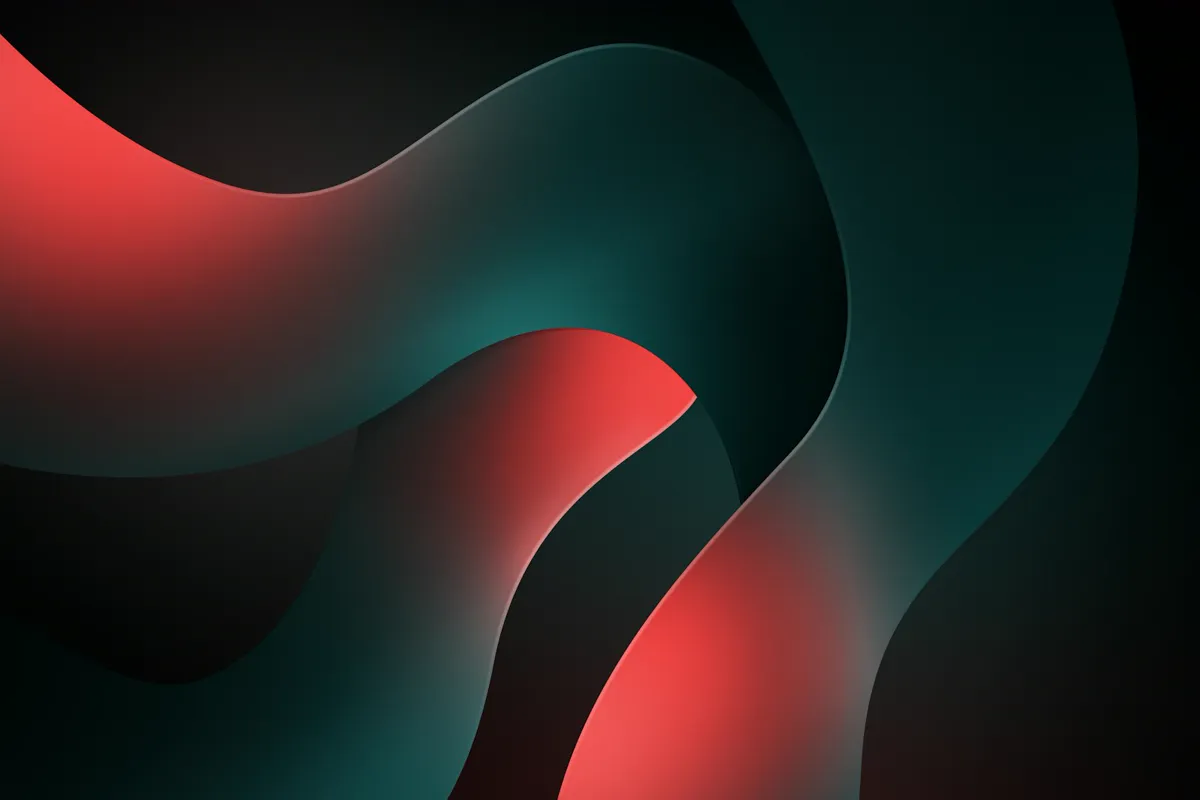
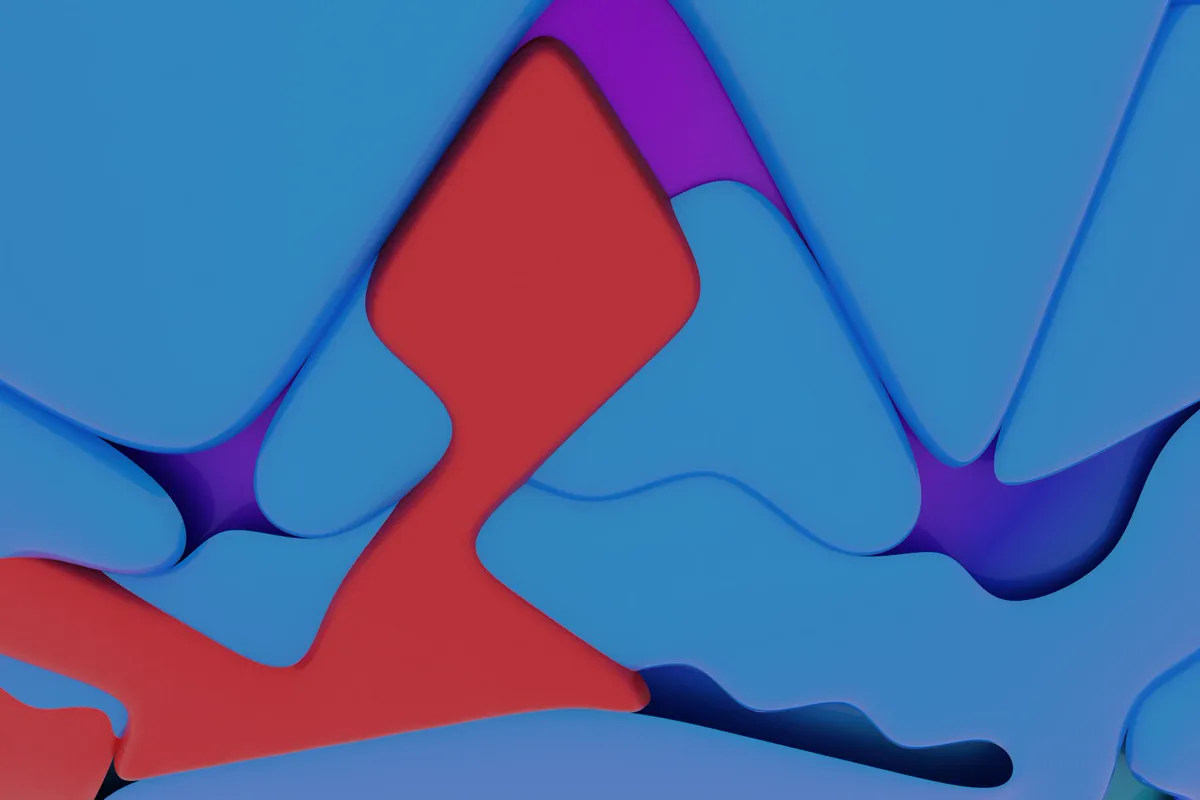
In contrast to the rigid lines of geometry, organic abstraction focuses on nature-inspired shapes. Think of flowing ribbons, liquid gradients, and amoebic forms. This style is often associated with modern UI/UX trends, where soft shadows and ‘glassmorphism’ create a sense of depth. These visuals are ideal for creative professionals who want their desktop to reflect a sense of flexibility and innovation.
Mid-Century Modern Retro-Futurism
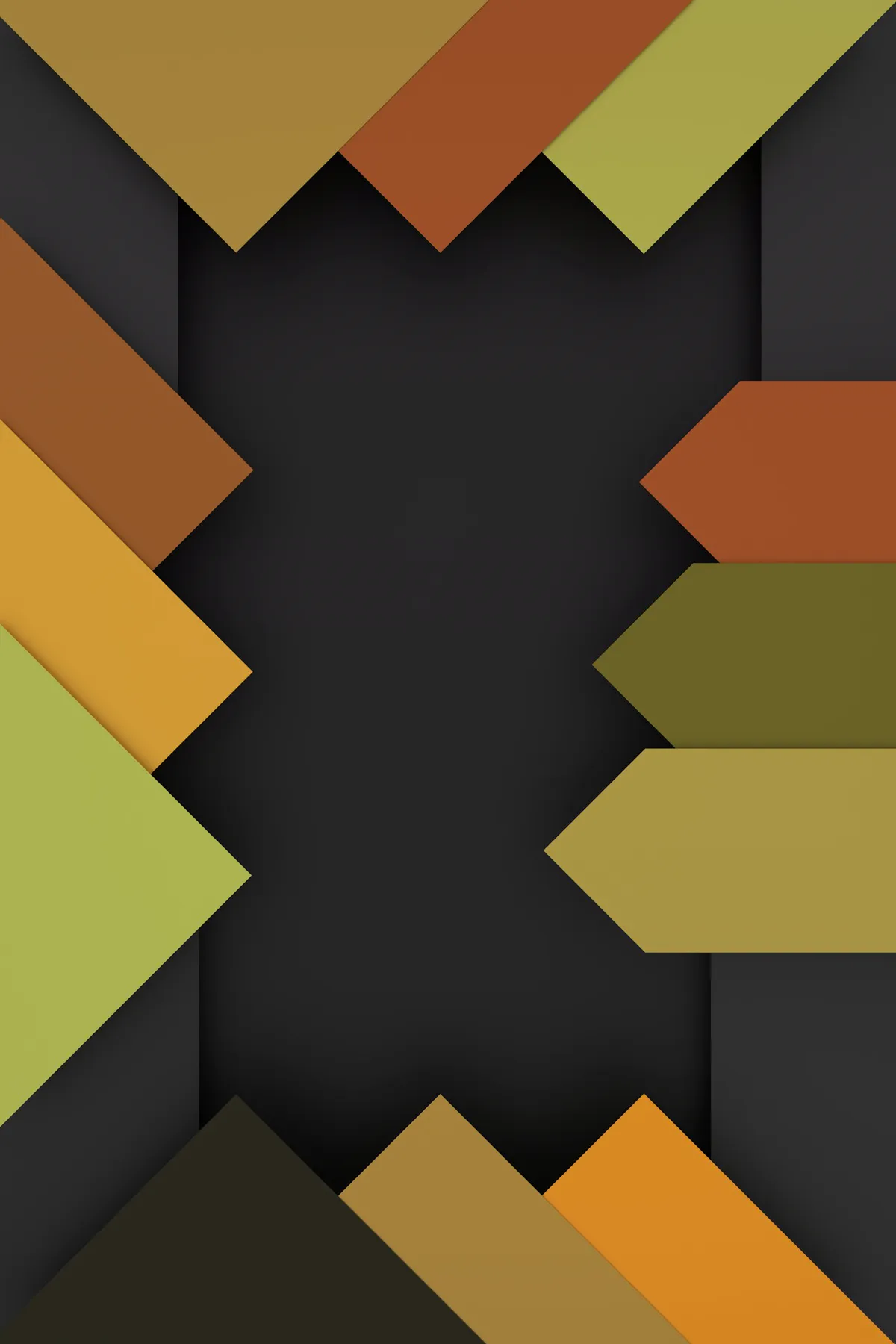
This style blends 1950s aesthetics with contemporary digital techniques. Characterized by muted earth tones—mustard yellow, olive green, and burnt orange—and whimsical, off-kilter shapes, this look provides a nostalgic yet sophisticated vibe. It adds a layer of personality and warmth to a computer screen, making the technology feel more human and less industrial.
Cyber-Abstract and Neon Glitch
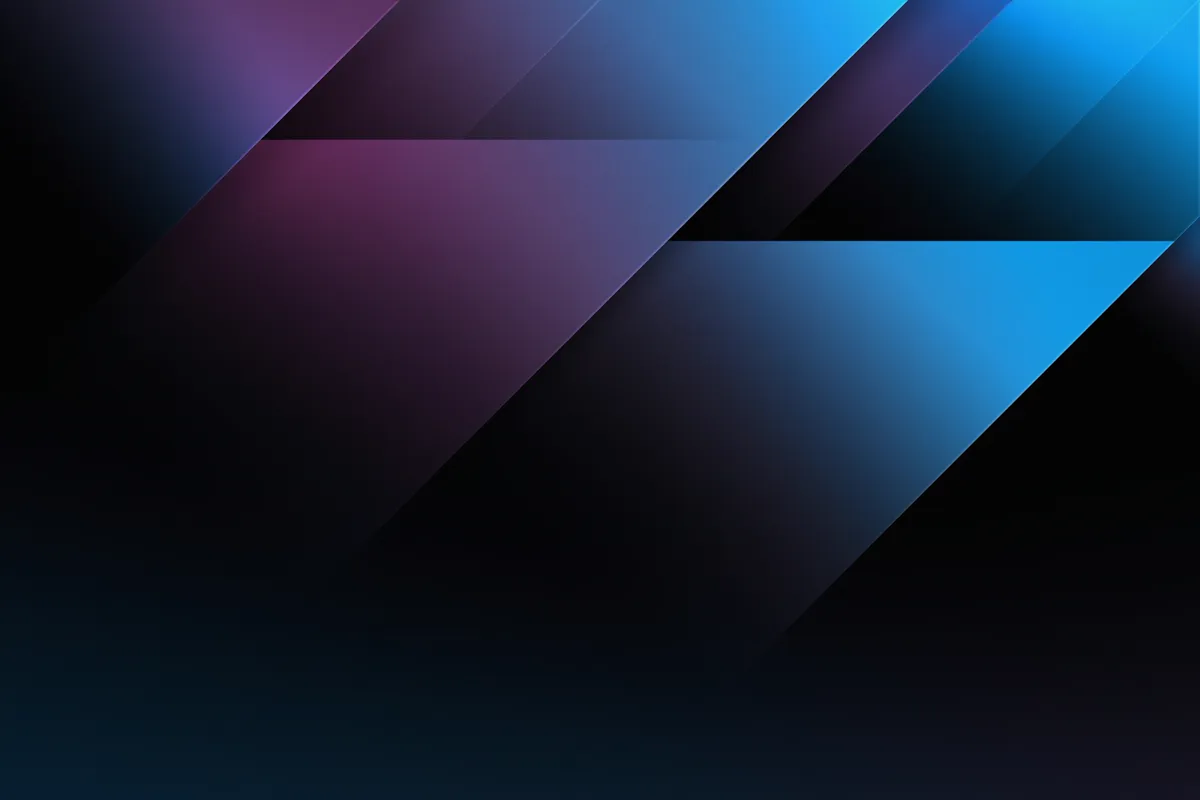
For those in the tech and gaming sectors, the cyber-abstract style is a favorite. It utilizes dark modes contrasted with neon pinks, cyans, and electric purples. Incorporating elements like digital noise, glitch effects, and holographic textures creates a high-energy environment that mimics the feeling of a futuristic command center.
Practical Tips for Integrating Abstract Assets
Simply downloading a piece of clipart is only the first step. To truly optimize your desktop for both aesthetics and utility, you must consider how the image interacts with your operating system’s layout.
- Rule of Thirds: Position the main focal point of your abstract art to the left or right third of the screen. This ensures that your most-used desktop icons (usually on the left) do not obscure the most interesting part of the artwork.
- Complementary Color Palettes: Coordinate the colors of your abstract background with your system’s accent colors. If you use a deep navy abstract piece, set your window borders to a complementary gold or soft grey for a cohesive look.
- Contrast Management: Ensure there is enough contrast between your folder text and the background. If your abstract art is too ‘busy’ or bright, you may find it difficult to read file names. Using a subtle overlay or choosing a piece with ample negative space can solve this.
Technical Guide: Choosing the Right File Formats
Not all clipart is created equal. Depending on how you intend to use the assets, the file format can significantly impact the visual quality and performance of your machine.
SVG (Scalable Vector Graphics)
For those who want to customize their abstract elements, SVG files are the gold standard. Because they are based on mathematical paths rather than pixels, they can be scaled to any size—from a small icon to a 4K monitor—without any loss of quality. SVGs are also lightweight, ensuring they don’t bog down system resources.
PNG (Portable Network Graphics)
If you are looking for abstract elements to layer over other images, PNGs with transparency are essential. This allows you to place a floating geometric shape over a solid color background without having an unsightly white box around the art. High-resolution PNGs are ideal for static wallpapers where complex gradients are present.
JPEG (Joint Photographic Experts Group)
JPEGs are best suited for highly detailed abstract paintings or complex photographic abstractions. While they don’t support transparency and can suffer from compression artifacts, they offer the best balance between file size and visual detail for full-screen backgrounds.
Conclusion
Integrating modern abstract clipart for desktop is more than a cosmetic upgrade; it is an investment in your digital wellbeing. By understanding the interplay between color, shape, and psychology, you can curate a workspace that fosters focus, sparks creativity, and reflects your professional identity. Whether you prefer the disciplined lines of Bauhaus or the flowing energy of organic abstraction, the right visual assets can turn a mundane screen into a dynamic canvas of inspiration.
Frequently Asked Questions
How do I find high-quality abstract clipart that doesn’t look dated?
Focus on searching for terms like ‘minimalist vector,’ ‘geometric abstraction,’ or ‘fluid gradients.’ Avoid generic ‘clipart’ keywords and instead look for assets on platforms that cater to professional designers, prioritizing SVG or high-resolution PNG formats to ensure the lines remain crisp on modern displays.
Will a complex abstract wallpaper slow down my computer’s performance?
Generally, no. A static image file has a negligible impact on CPU and RAM. However, using an extremely large, uncompressed TIFF or BMP file can take up more memory. Stick to optimized JPEGs or SVGs to keep your system running smoothly.
What color schemes are best for maximizing productivity on a desktop?
Cool tones like soft blues, teals, and greens are widely recognized for reducing anxiety and promoting long-term concentration. If you need a boost of energy for short, intense bursts of work, accent colors like coral or soft yellow can be effective, provided they aren’t the dominant color of the entire screen.
Can I use abstract clipart to organize my desktop icons?
Yes. Many users employ ‘organizational wallpapers’ where abstract shapes (like rectangles or circles) act as designated zones for different categories of files, such as ‘To-Do,’ ‘In Progress,’ and ‘Completed.’
How can I create my own custom abstract desktop assets?
You can start with free vector tools like Inkscape or professional software like Adobe Illustrator. Use the ‘Pen Tool’ to create organic shapes and the ‘Gradient Tool’ to add depth. Experiment with layering different opacities to create a sophisticated, modern look.
Related posts:
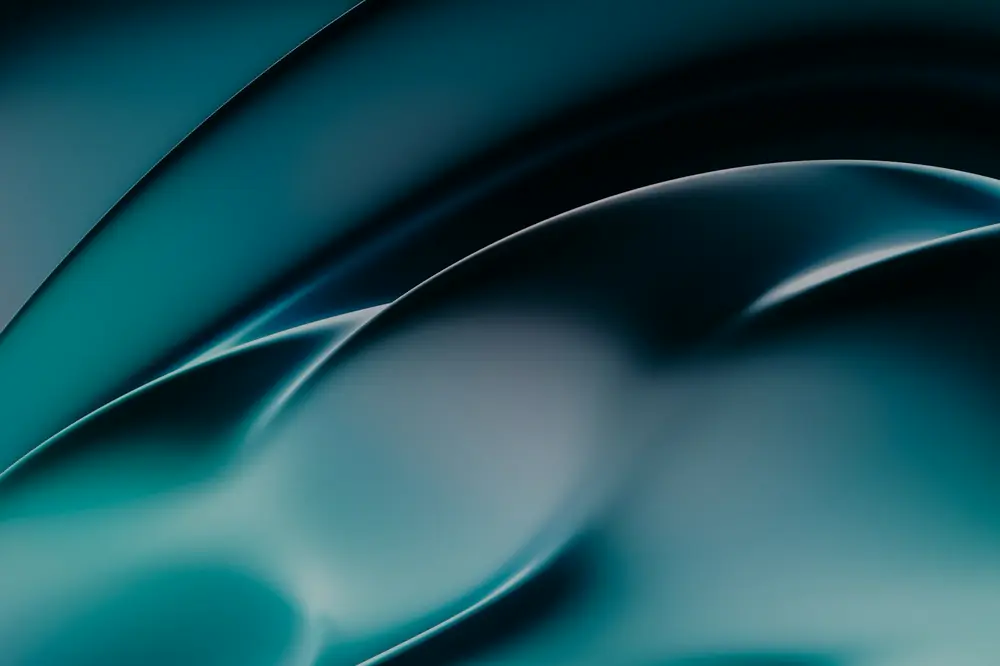
This page samples just one mood of abstract-clipart. The category holds many more pieces in a similar vein.
Bookmark this set for the next time your screen needs a new mood.
