
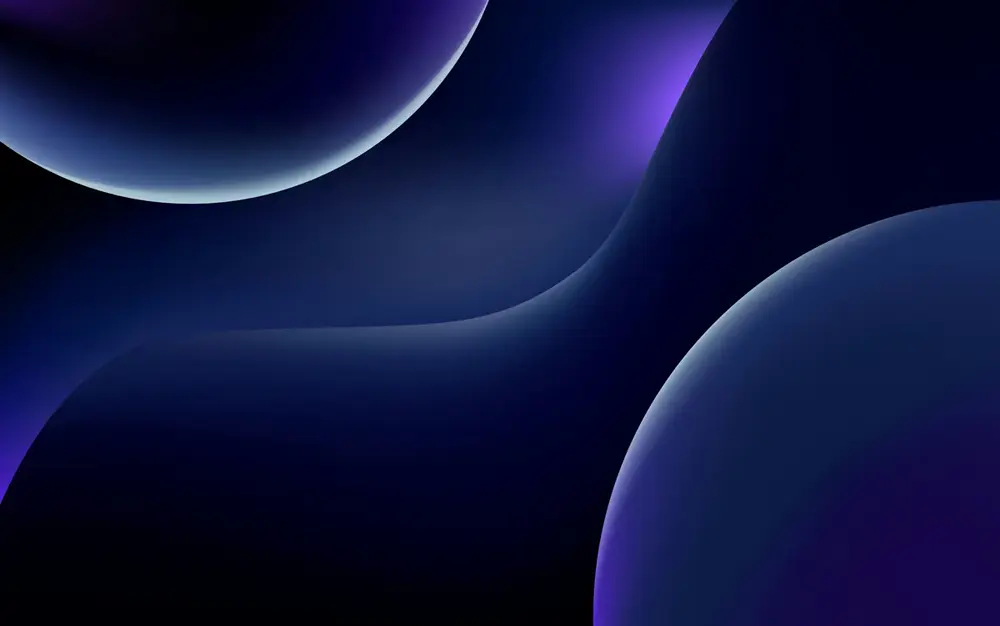
8K Abstract Wallpaper for iPhone: Enhance Your Visual Experience
The modern smartphone is more than just a communication tool; it is a digital accessory that reflects a user’s personality and aesthetic preferences. For many, the first thing they see dozens of times a day is the lock screen. As Apple continues to push the boundaries of display technology with Super Retina XDR screens, the demand for visuals that can actually keep up with that hardware has grown. This is where the concept of 8K abstract imagery comes into play, providing a level of detail and color depth that standard images simply cannot match.
When we talk about high-resolution backgrounds, we are looking for more than just a large file size. We are seeking a visual experience that feels immersive and crisp, regardless of how much we zoom in or how the lighting hits the glass. Abstract art is particularly well-suited for this purpose because it doesn’t rely on a single subject. Instead, it focuses on the harmony of colors, the flow of lines, and the interaction of shapes, making it a timeless choice for any device.
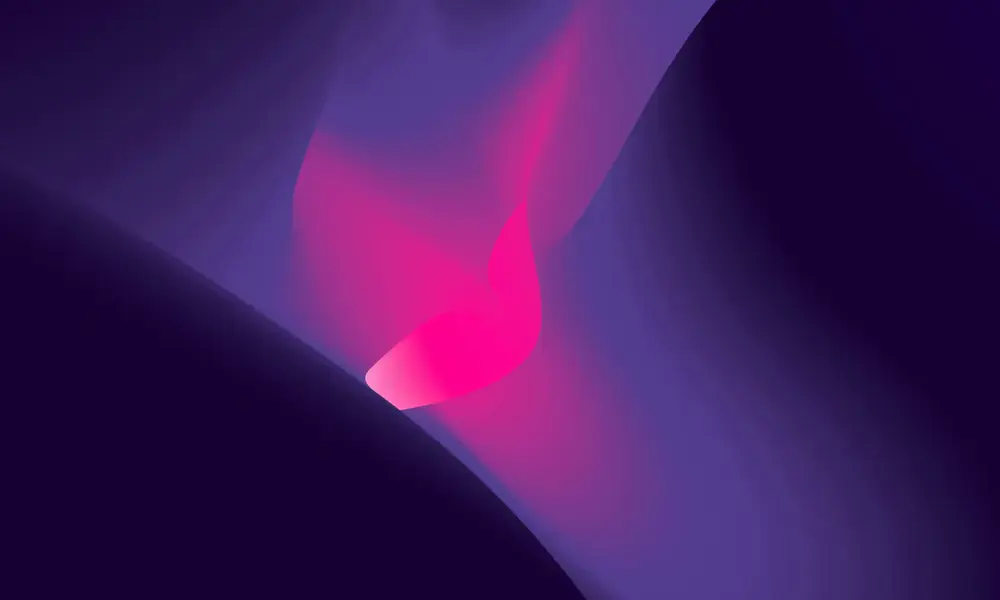
Understanding the Value of 8K Resolution on Mobile Screens
At first glance, the idea of an 8K image on a phone screen might seem like overkill. After all, no iPhone currently possesses a native 8K display. However, the benefit of using 8K abstract wallpaper for iPhone is not about the pixel count of the screen, but about the density and quality of the source material. When you apply a lower-resolution image, the OS often has to stretch or compress the file to fit the specific aspect ratio of your device, which can lead to subtle blurring or “artifacts” around sharp edges.
Using an ultra-high-resolution source ensures that every single pixel of your Retina display is fed the highest quality data possible. This results in smoother gradients and sharper transitions. In abstract art, where a soft glow might fade into a deep shadow, this extra data prevents “banding”—those ugly visible lines that appear in color gradients. By choosing an 8K source, you are effectively future-proofing your aesthetic, ensuring that as screens become even denser, your visuals remain flawless.
Furthermore, the ability to crop is a significant advantage. Not every image is perfectly framed for the narrow, tall aspect ratio of a modern smartphone. With an 8K file, you can slide the image around, zoom in on a specific swirl of color or a sharp geometric edge, and still have a crystal-clear image that exceeds the native resolution of the phone. This allows for a personalized touch, letting you curate the exact portion of the art that speaks to you.
The Allure of Abstract Aesthetics
Abstract art is uniquely powerful because it is open to interpretation. Unlike a photograph of a city or a landscape, which tells a specific story, abstract visuals evoke emotions through color and form. For a device as personal as an iPhone, this versatility is invaluable. Whether you are looking for something that calms your mind during a stressful workday or something that energizes you every time you wake up your screen, there is an abstract style to match that mood.
Minimalism and Quiet Space
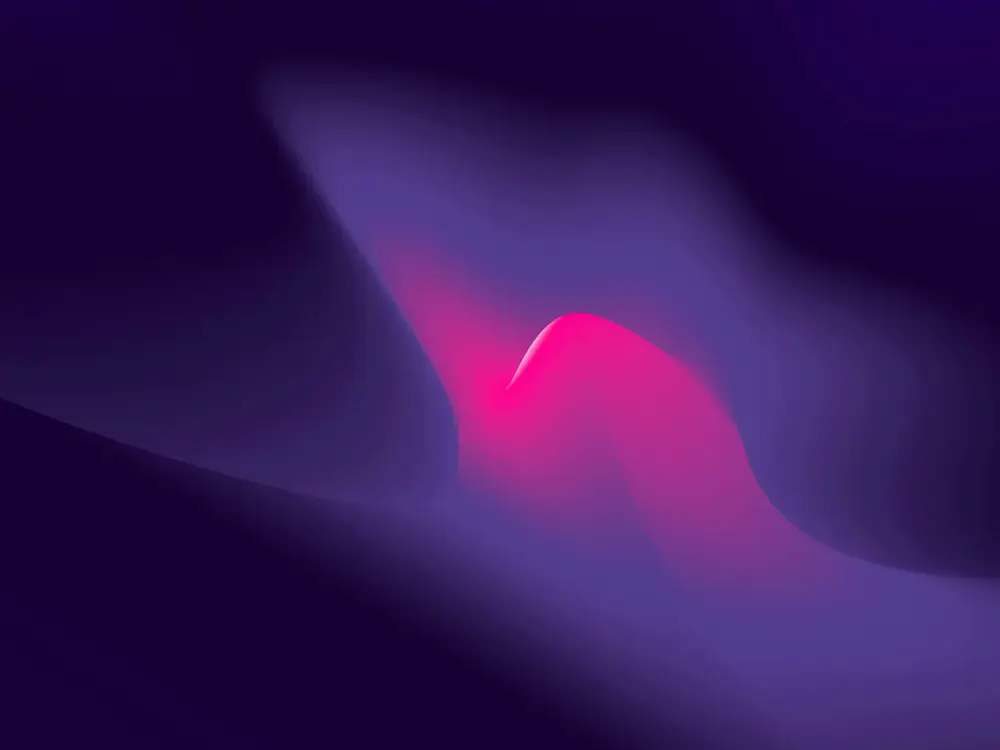
Minimalist abstract designs often utilize vast areas of a single color with a few strategic accents. This style is particularly popular among users who find a cluttered screen distracting. A soft, 8K gradient that shifts from a deep navy to a muted teal can create a sense of depth and serenity. Because these images are so simple, the high resolution is used to ensure the transitions are buttery smooth, making the screen feel like a piece of polished glass rather than a digital display.
Fluid Art and Organic Motion
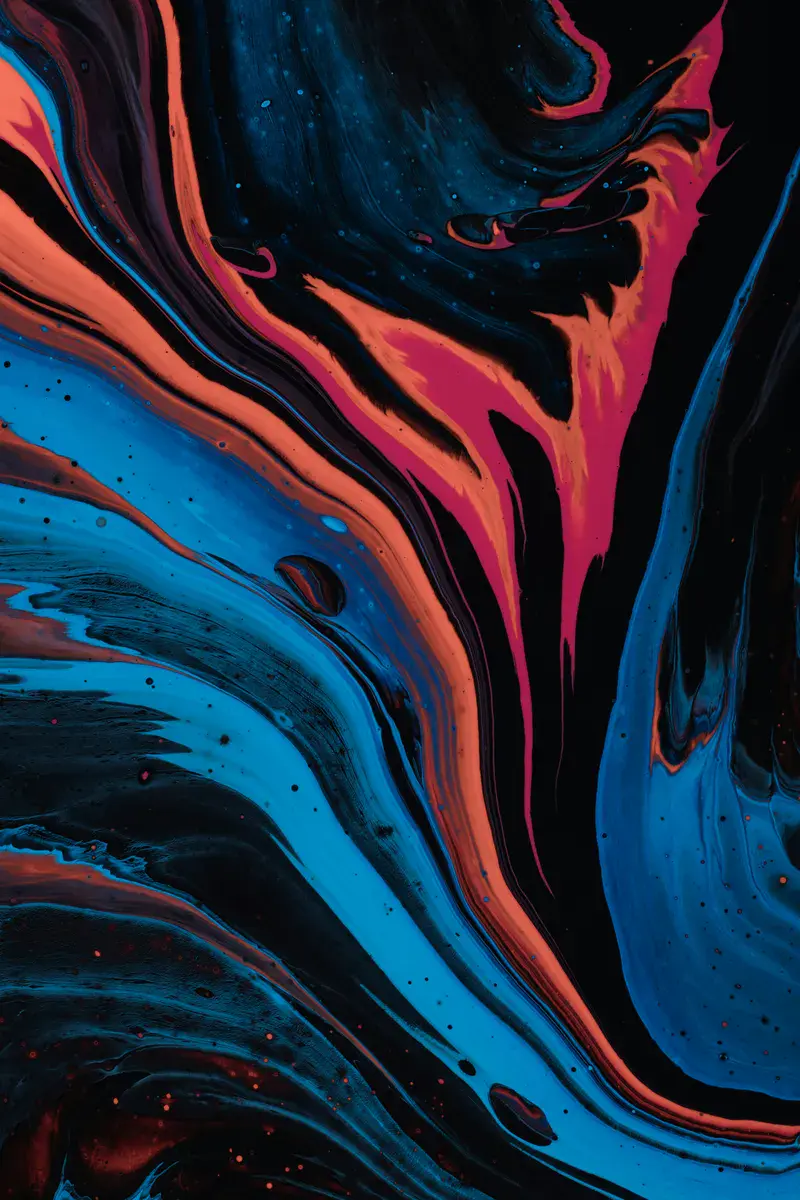
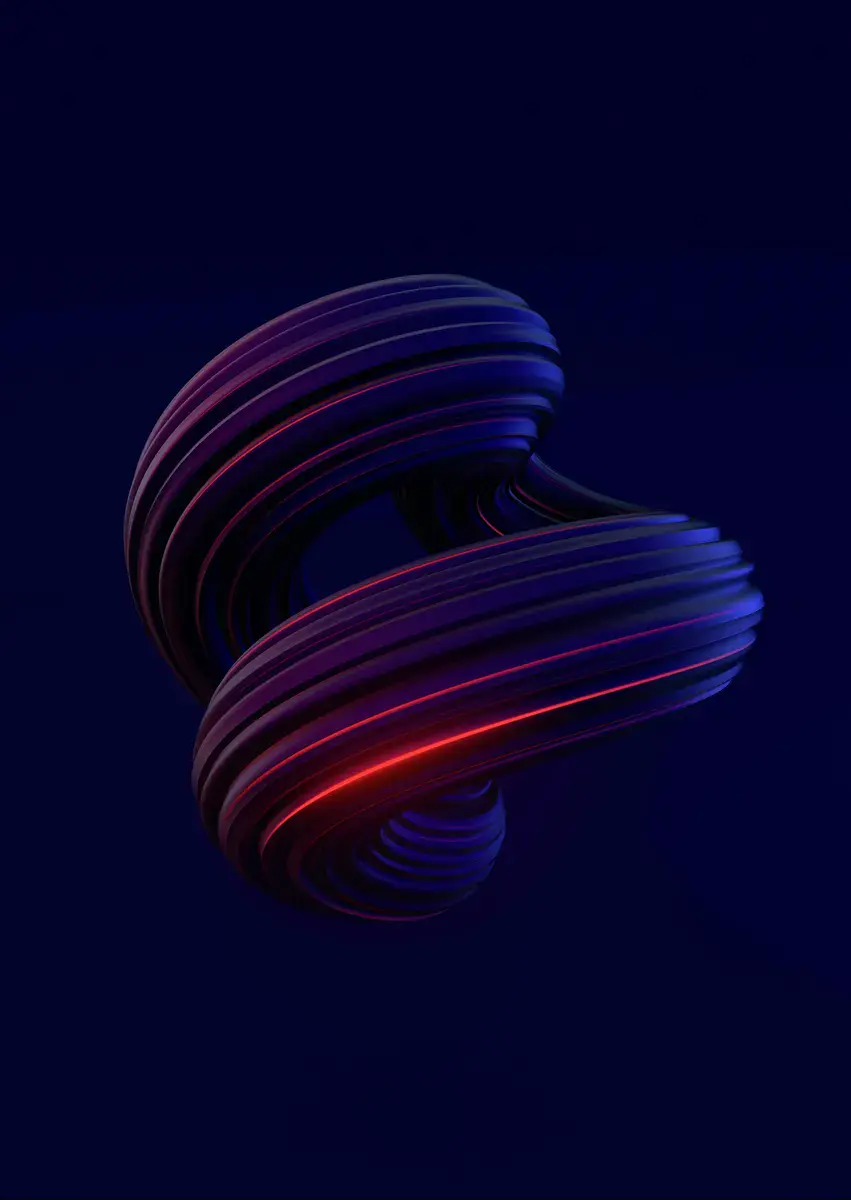
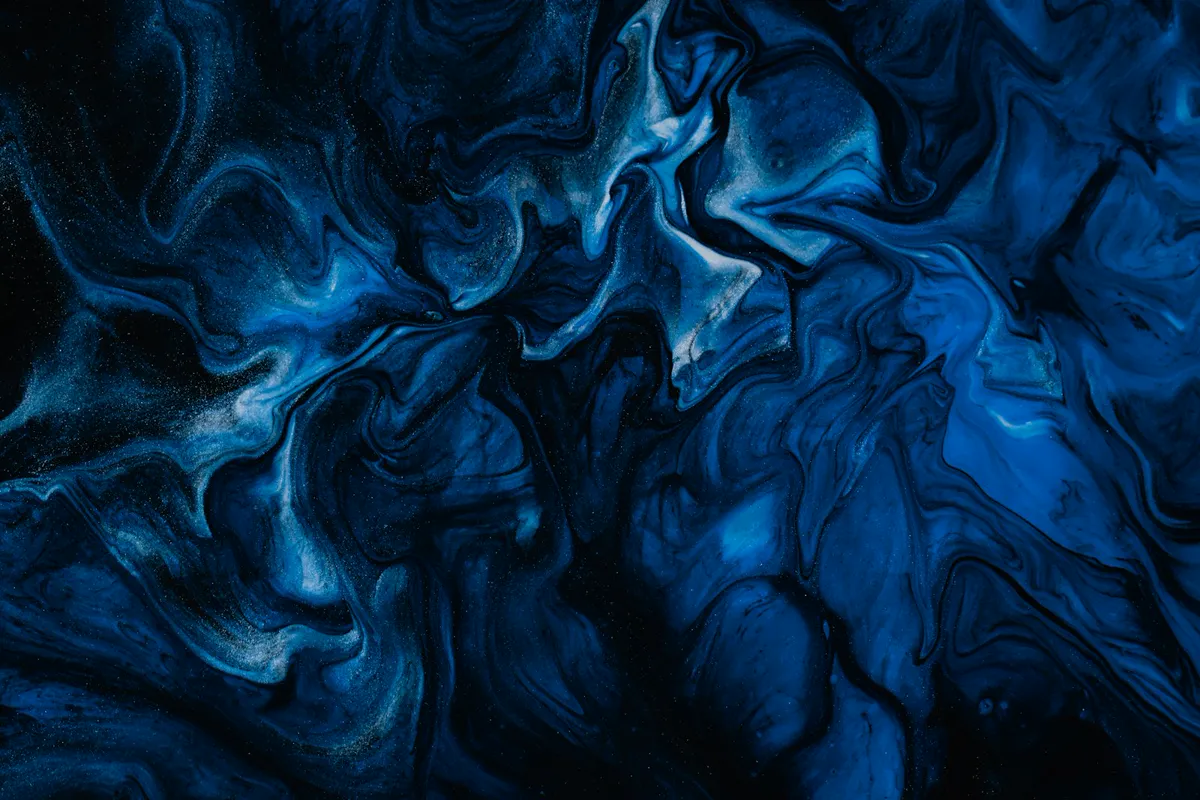
Fluid dynamics—designs that mimic ink dropping into water or swirling acrylic paints—are among the most striking choices for modern iPhones. These images capture a sense of frozen motion. The complexity of these swirls requires high resolution to maintain the intricate “veins” and micro-bubbles that give fluid art its realism. When rendered in 8K, these patterns look three-dimensional, almost as if the paint is sitting on top of the screen.
Geometric Precision and Digital Architecture
For those who prefer order and structure, geometric abstraction is the way to go. Think of sharp angles, isometric cubes, and interlocking polygons. These designs often play with light and shadow to create an illusion of architectural depth. In an 8K format, the lines remain perfectly straight and the corners perfectly sharp, avoiding the slight jaggedness (aliasing) that can occur with lower-quality files. This creates a professional, high-tech vibe that complements the industrial design of the hardware.
Optimizing Visuals for OLED and LCD Displays
Not all iPhone screens are created equal, and the type of wallpaper you choose should ideally complement your specific display technology. Most modern high-end iPhones use OLED (Organic Light Emitting Diode) technology, which differs fundamentally from the LCDs found in older or budget models. Understanding this difference can help you choose a custom wallpaper that not only looks better but may even help your device’s efficiency.
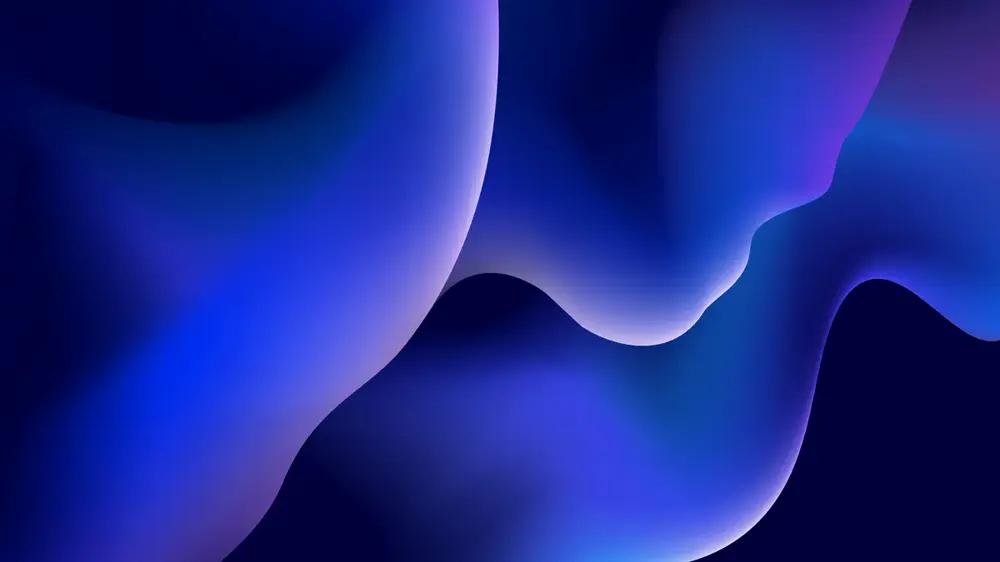
On an OLED screen, each pixel produces its own light. When a pixel is told to show black, it simply turns off completely. This results in “true black,” providing an infinite contrast ratio. Therefore, abstract wallpapers with deep black backgrounds are exceptionally effective on OLED screens. The contrast between a vibrant 8K neon streak and a pitch-black void creates a visual pop that is impossible to achieve on an LCD screen, where a backlight is always on, making blacks appear as dark grey.
For those with LCD screens, the focus should be on brightness and color balance. Since the backlight is always active, very dark images can sometimes look muddy. Instead, vibrant, high-key abstract designs—those with lots of white, gold, or bright pastel tones—tend to look more striking. The goal is to leverage the backlight to make the colors feel luminous and airy.
How to Find and Apply High-Resolution Abstract Art
Finding genuine 8K content can be challenging, as many websites claim high resolution but actually provide upscaled images that look blurry upon closer inspection. To ensure you are getting true quality, look for sources that provide the original file dimensions. Professional photography sites and digital art portfolios are usually the best bet. When searching, look for terms like “ultra-high definition,” “digital render,” or “raw file” to find assets that haven’t been heavily compressed for web browsing.
Once you have found your image, the way you apply it matters. Many users simply screenshot a photo or save a compressed version from a social media app, which strips away the 8K quality. To maintain the integrity of the image, download the file directly to your Photos app. When setting it as your wallpaper, avoid over-zooming. While 8K allows for some cropping, excessive zooming will eventually lead to a loss of detail. Use the “Perspective Zoom” feature sparingly; while it adds a nice motion effect, it requires the phone to zoom in slightly on the image, which can marginally reduce the perceived sharpness.
The Relationship Between Wallpaper and Battery Life
It is a commonly discussed topic among tech enthusiasts: can your wallpaper actually save battery? On devices with OLED screens, the answer is yes. Because black pixels are essentially “off,” they consume zero power. An 8K abstract design that is primarily black with a few splashes of color will consume less energy than a bright white or brightly colored image that requires every pixel to be illuminated.
While the difference might not be drastic enough to add hours to your battery life, it contributes to overall efficiency, especially when combined with System-wide Dark Mode. By choosing a dark-themed abstract background, you are reducing the total light output of the display, which in turn reduces the strain on the battery over the course of a day. This is a practical reason to opt for “dark mode” abstract art—it marries aesthetic sophistication with technical utility.
Creating Your Own Abstract Visuals
If you find that existing libraries don’t quite match your vision, creating your own 8K abstract art is more accessible than ever. You don’t need to be a professional painter; many digital tools allow you to generate high-resolution patterns. Generative art software and high-end design apps can create complex mathematical patterns (like fractals) that are natively rendered at 8K or higher.
Another approach is using a high-resolution camera to take macro photos of everyday objects. A close-up of soap bubbles, the texture of a rusted metal sheet, or the swirl of cream in coffee can create stunning abstract visuals. When captured in a raw format and edited for contrast and saturation, these real-world abstractions often feel more organic and unique than digitally generated ones. The key is to focus on the composition and the play of light, then export the final result at the highest possible resolution to maintain that professional look on your iPhone.
Conclusion
Updating your phone’s background might seem like a minor detail, but it is the most frequent visual interaction you have with your device. Choosing an 8K abstract wallpaper for iPhone is about more than just chasing a number; it is about respecting the capabilities of the hardware and enhancing the daily user experience. By understanding the nuances of resolution, the psychology of abstract art, and the technical properties of your display, you can transform a simple utility into a piece of portable art.
Whether you prefer the calming influence of minimalist gradients, the energy of fluid acrylics, or the precision of geometric shapes, the right high-resolution image can change the entire feel of your device. In a world of mass-produced tech, these small customizations are what make your iPhone truly yours. Take the time to source a high-quality image, optimize it for your screen type, and enjoy the crisp, vibrant clarity that only ultra-high-resolution art can provide.
Frequently Asked Questions
Why should I use 8K images if my iPhone screen isn’t 8K?
Using 8K source images prevents pixelation and blurring during the cropping and scaling process. It ensures that your display is fed the highest possible quality data, resulting in smoother color gradients and sharper edges, which is especially noticeable on high-density Retina displays.
How do I stop my iPhone from lowering the quality of my wallpaper?
Avoid taking screenshots of images, as this reduces resolution. Instead, download the original high-resolution file directly to your Photos app. Also, be mindful of the “Perspective Zoom” feature, which zooms in on the image slightly and can marginally reduce the perceived sharpness.
Which abstract colors are best for saving battery on an iPhone?
For iPhones with OLED screens, wallpapers with deep blacks or very dark tones are best. Since OLED pixels turn off completely to show black, these images consume significantly less power than bright, white, or highly saturated colorful backgrounds.
Where can I find genuine high-resolution abstract backgrounds for free?
Websites like Unsplash and Pexels are excellent resources for high-quality, free imagery. When searching, look for “abstract 8k” or “high resolution digital art” and always download the “Original Size” rather than a compressed web version.
Does using a very large image file slow down my phone?
No, using a high-resolution image for your wallpaper will not noticeably slow down your phone’s performance. The image is loaded into the memory when you wake the screen, and modern iPhones have more than enough RAM to handle an 8K image without impacting speed.
Related posts:
More abstract pieces are waiting in the related collections below — keep looking until one clicks.
Pass this link to someone who appreciates bold, abstract design.
