
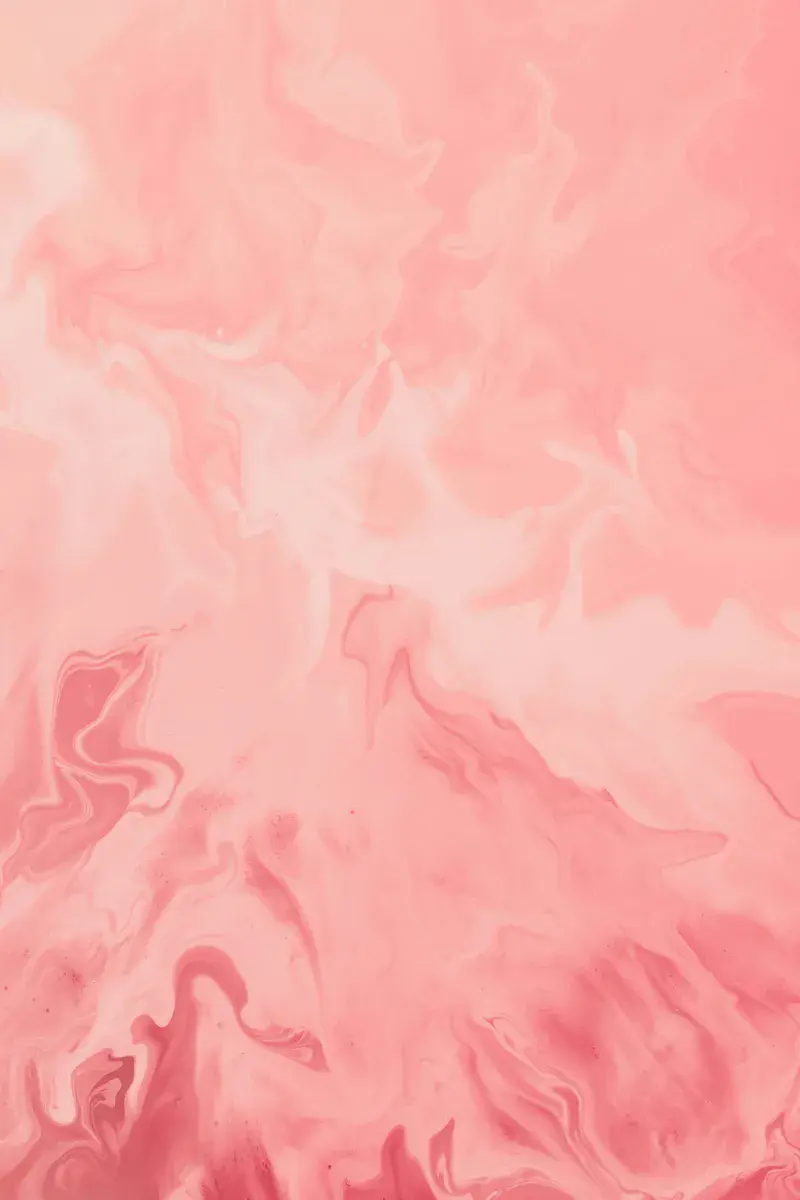
Pink Abstract Laptop Wallpaper: Enhance Your Digital Space
The digital environment we inhabit for several hours a day often goes overlooked in our overall approach to interior design and mental well-being. While we spend a significant amount of time choosing the right paint for our walls or the perfect ergonomic chair, the screen of our laptop is the primary window through which we experience our work and leisure. Choosing a pink abstract laptop wallpaper is more than just a stylistic choice; it is an exercise in tailoring your psychological atmosphere to suit your needs, whether those needs are calmness, creativity, or a burst of energy.
Abstract art is uniquely suited for desktop backgrounds because it does not demand the same focused attention as a photograph or a detailed illustration. Instead, it provides a mood, a texture, and a color palette that exists in the periphery of our vision, subtly influencing our state of mind. When you combine the versatility of abstraction with the evocative power of the color pink, the result is a customizable experience that can range from the soft, whispery tones of a morning mist to the electric pulse of a futuristic city.
The Allure of Abstract Pink Hues
Pink is a color that carries a vast array of emotional connotations. In traditional color theory, pink is often associated with love, compassion, and nurturing. However, in a modern digital context, abstract pink designs break these stereotypes. A deep magenta can signal power and confidence, while a pale blush can evoke a sense of serenity and openness. By utilizing high-resolution digital backgrounds, users can transform their workspace into a sanctuary that reflects their personality without the clutter of literal imagery.
The beauty of abstract art lies in its subjectivity. One person might see a swirl of pink and white as a delicate cloud formation, while another might perceive it as a macroscopic view of a mineral crystal. This ambiguity allows the mind to wander and breathe, providing a necessary mental break during intense work sessions. Unlike a photo of a landscape, which places the viewer in a specific geographic location, an abstract piece allows the user to project their own emotions onto the screen, making the digital space feel more personal and less clinical.
Exploring Different Styles of Abstract Pink Designs
Not all abstract wallpapers are created equal. Depending on the specific visual language used, a pink theme can completely change the “vibe” of a laptop. Understanding these styles helps in selecting an image that complements your daily routine.
Soft Pastels and Blush Tones
Pastel pinks, often referred to as millennial pink or blush, are ideal for those who seek a low-stimulation environment. These colors reduce visual noise and can help lower stress levels during high-pressure tasks. Abstract designs in this category often feature soft gradients, watercolor bleeds, or hazy, ethereal shapes that seem to float across the screen. This style is particularly effective for those who prefer a clean, airy aesthetic and want their desktop icons to remain easily visible without clashing with the background.
Vibrant Neon and Electric Pink
On the opposite end of the spectrum are the high-energy neons. Electric pink, fuchsia, and hot pink create a sense of dynamism and excitement. These wallpapers are often associated with the “cyberpunk” or “synthwave” movements, featuring sharp lines, glowing edges, and high contrast against dark backgrounds. For a creative professional or a gamer, these bold colors can act as a catalyst for inspiration and energy, turning a boring laptop screen into a statement piece of digital art.
Fluid Shapes and 3D Renders
One of the most popular trends in modern curated visual themes is the use of 3D fluid dynamics. These wallpapers look like molten glass, iridescent silk, or liquid metal flowing in a zero-gravity environment. When rendered in shades of pink, these images create a tactile quality that adds depth to a flat screen. The interplay of light and shadow in these 3D abstracts creates a sophisticated look that feels premium and contemporary, making the hardware of the laptop feel like an integrated part of the art.
Geometric Patterns and Minimalist Lines
For those who find organic shapes too chaotic, geometric abstraction offers a structured alternative. Think of interlocking triangles, precise circles, or a series of intersecting pink lines on a neutral backdrop. This style appeals to the logical mind, offering a sense of order and precision. Minimalist geometric pink wallpapers are excellent for professional settings where you want a touch of color and personality without sacrificing a polished, corporate appearance.
How Your Wallpaper Influences Your Mood and Productivity
The concept of color psychology suggests that our surroundings deeply impact our cognitive functions. Pink, specifically, is known to have a soothing effect on the nervous system. In some historical architectural experiments, specific shades of pink were used in environments to reduce aggression and promote a sense of calm. When applied to a laptop wallpaper, this effect is scaled down but still present. A soft pink abstract background can act as a visual “deep breath,” helping you remain composed during a long day of emails and spreadsheets.

Furthermore, the “abstract” nature of the wallpaper prevents the brain from getting bogged down in analyzing a specific image. When we look at a detailed photograph, our brain subconsciously attempts to categorize and understand the scene. In contrast, an abstract pattern allows the eyes to glide over the surface without sticking to any one point. This reduces cognitive load, potentially allowing for better focus on the actual tasks at hand. By choosing a color that resonates with your current goals—whether it’s the calming effect of rose or the stimulating effect of magenta—you are essentially hacking your environment for better performance.
Coordinating Your Screen with Your Physical Workspace
To achieve a truly cohesive aesthetic, your digital wallpaper should not exist in a vacuum. It should be an extension of your physical desk setup. If you have a white desk with gold accents, a blush pink abstract wallpaper with gold veins or shimmering highlights will create a seamless transition between the physical and digital worlds. If your setup is more industrial, with black metal and dark wood, a high-contrast neon pink abstract can provide a striking pop of color that prevents the space from feeling too gloomy.
Consider the lighting in your room as well. If you use RGB strips or a desk lamp with adjustable colors, syncing your lamp to a similar shade of pink as your wallpaper can create an immersive “glow” effect. This synchronization reduces the harsh contrast between a bright screen and a dark room, which can help reduce eye strain and make the transition into work or gaming more fluid. The goal is to create a sensory loop where the colors you see on your screen are mirrored in your immediate environment, fostering a sense of harmony and intentionality.
Technical Considerations for a Perfect Fit
Finding a beautiful image is only half the battle; ensuring it looks crisp and professional on your specific hardware is the other half. A low-resolution image stretched across a 4K display can result in pixelation and blurriness, which defeats the purpose of a high-end aesthetic.
Understanding Resolution and Aspect Ratio
The most critical factor is matching the resolution of the wallpaper to the native resolution of your screen. For most modern laptops, this means looking for images that are at least 1920×1080 (Full HD) or 3840×2160 (4K). Beyond pixels, the aspect ratio is vital. While 16:9 is the standard, many newer laptops use 16:10 or 3:2 ratios. If you use an image with the wrong ratio, you will either have black bars on the sides or the image will be cropped awkwardly. When searching for abstract art, look for “ultra-wide” or “high-resolution” tags to ensure the image scales perfectly without losing detail.
Color Profiles and Screen Calibration
It is important to remember that pink is a color that can vary wildly between different screen technologies. An image that looks like a soft peach on an OLED screen might look like a vivid coral on an IPS panel. If you are particularly picky about your shades, check if your laptop supports a specific color profile (like sRGB or DCI-P3). Calibrating your monitor can ensure that the abstract pinks you see are exactly what the artist intended, preventing the colors from appearing washed out or overly saturated.
Tips for Sourcing Unique Abstract Imagery
While there are millions of free images available, finding a pink abstract wallpaper that doesn’t feel “generic” requires a bit of strategy. Instead of searching for broad terms, try using descriptive adjectives. Instead of “pink abstract,” try “iridescent pink fluid,” “minimalist rose geometry,” or “magenta nebula abstract.” This will lead you to more niche galleries and unique artists.
Another modern approach is the use of AI art generators. By inputting specific prompts such as “soft pink organic shapes, 8k resolution, cinematic lighting, ethereal atmosphere,” you can create a wallpaper that is entirely unique to your machine. This allows you to control the exact balance of colors and the complexity of the composition, ensuring that your desktop is a one-of-a-kind piece of art.
Finally, don’t be afraid to experiment with your own edits. Using simple photo editing software, you can take a standard abstract image and shift the hue or saturation to find the exact shade of pink that matches your mood. Adding a slight blur or adjusting the contrast can transform a mediocre image into a personalized masterpiece that perfectly complements your workflow.
Conclusion
Your laptop is more than just a tool; it is a digital extension of your personal space. By choosing a pink abstract laptop wallpaper, you are taking a small but significant step in curating an environment that supports your mental well-being and inspires your creativity. From the soothing whispers of pastel blush to the bold declarations of neon magenta, the world of abstract pinks offers an endless array of possibilities for customization.
Ultimately, the best wallpaper is the one that makes you feel something positive every time you open your lid. Whether it is a sense of peace, a spark of energy, or a feeling of sophisticated order, the right visual backdrop can turn a mundane workday into an inspired journey. Embrace the versatility of abstraction and let the power of pink redefine your digital experience.
Frequently Asked Questions
How do I find the best resolution for my laptop screen?
To find your native resolution, go to your system settings. On Windows, right-click the desktop and select ‘Display settings’ to see the ‘Display resolution.’ On macOS, go to ‘System Settings’ then ‘Displays.’ Once you have these numbers (e.g., 2560×1600), search for wallpapers that match or exceed these dimensions to ensure the image remains sharp and clear.
What shade of pink is best for reducing eye strain?
For reducing eye strain, avoid highly saturated neons or bright fuchsias, which can be jarring. Instead, opt for muted tones, pale blush, or dusty rose. These softer shades have lower contrast against white icons and are less likely to cause visual fatigue during long hours of screen time, especially in dimly lit rooms.
Where can I find royalty-free abstract images for my desktop?
Websites like Unsplash, Pexels, and Pixabay are excellent sources for high-quality, royalty-free abstract imagery. Simply search for ‘pink abstract’ or ‘pink fluid’ and filter by orientation (landscape) to find images specifically suited for laptop screens. Many of these platforms provide images in 4K resolution for free.
Does a bright wallpaper drain my laptop battery faster?
On standard LCD/LED screens, the battery drain is negligible. However, if you have an OLED screen, bright colors (especially white and bright pink) require more power because the pixels must be lit up. In this case, a dark pink abstract with plenty of black or deep purple areas will be more energy-efficient than a bright, pastel-filled image.
How often should I change my desktop background to maintain productivity?
There is no set rule, but many people find that changing their wallpaper every few weeks or months prevents ‘visual boredom.’ Refreshing your background can signal a new phase of work or a change in season, providing a small psychological reset that can help maintain focus and a sense of novelty in your workspace.
Related posts:


Abstract work rewards a second look — browse more of abstract-art when you are ready for a new backdrop.
Bookmark this set for the next time your screen needs a new mood.
