
Wallpaper Desktop Abstract Dark: Guide to Aesthetic Screen Setup
There is a distinct feeling that comes with booting up a computer in a dimly lit room. For many, the sudden blast of a bright, white default background is jarring, almost aggressive to the eyes. This common experience has led to a massive surge in the popularity of dark-themed visuals. Specifically, the choice of a wallpaper desktop abstract dark theme offers a sophisticated balance between artistic expression and functional utility. Unlike photographic backgrounds, which can sometimes feel cluttered or dated, abstract art provides a timeless quality that complements almost any operating system interface.
Abstract imagery removes the distractions of the physical world, focusing instead on form, color, and texture. When these elements are married with a dark palette, the result is a digital environment that feels cozy, professional, and focused. Whether you are a creative professional looking for a non-distracting workspace or a gamer wanting to match the RGB lighting of your hardware, dark abstract backgrounds provide the perfect canvas. They transform a mere tool into a personalized sanctuary, reflecting a mood of calm and mystery.
The Allure of Dark Abstract Visuals
The appeal of dark abstract backgrounds goes beyond simple aesthetics; it taps into the psychology of color and the physics of light. Darker tones, such as deep charcoals, midnight blues, and obsidian blacks, tend to recede visually. This creates an illusion of depth, making the screen feel like a window into a void or a deep space rather than a flat piece of glass. This depth allows the colorful icons of your desktop to pop, improving visibility and reducing the cognitive load required to locate files and folders.
Furthermore, there is a significant physiological benefit to using dark themes. Digital eye strain, or computer vision syndrome, is often exacerbated by high-contrast environments where a bright background clashes with dark text or a dim room. By choosing a muted, dark abstract theme, you reduce the overall luminance of your monitor. This shift is particularly beneficial during late-night working sessions, as it minimizes the harsh blue light exposure that can disrupt sleep patterns and cause fatigue.
The Impact on OLED and AMOLED Displays
For users with modern hardware, specifically OLED (Organic Light Emitting Diode) screens, a dark wallpaper is more than a stylistic choice—it is a performance optimization. In an OLED panel, each pixel is its own light source. To display the color black, the pixel simply turns off completely. This means that a truly black abstract background consumes virtually no power in those areas of the screen.
This efficiency leads to two major advantages: improved battery life for laptop users and the prevention of screen burn-in. By utilizing deep blacks and dark gradients, you ensure that the pixels are not working at maximum capacity constantly, which extends the longevity of the hardware while providing an infinite contrast ratio that makes colors look more vibrant and saturated.
Exploring Popular Styles of Dark Abstract Art
Not all dark abstract wallpapers are created equal. Depending on the shapes and patterns used, a background can evoke entirely different emotions. Understanding these styles helps in choosing a visual that aligns with your mental state and productivity goals. When exploring high-quality background options, it is helpful to categorize them by their visual language.
Dark Minimalism
Minimalism is the art of subtraction. In the context of dark abstract wallpapers, this often manifests as a single thin line, a solitary geometric shape, or a subtle gradient shifting from black to a very dark grey. These wallpapers are ideal for those who find complexity distracting. The lack of intricate detail prevents the eye from wandering, allowing the user to focus entirely on the tasks at hand. It communicates a sense of order, cleanliness, and modern sophistication.
Fluid and Liquid Aesthetics
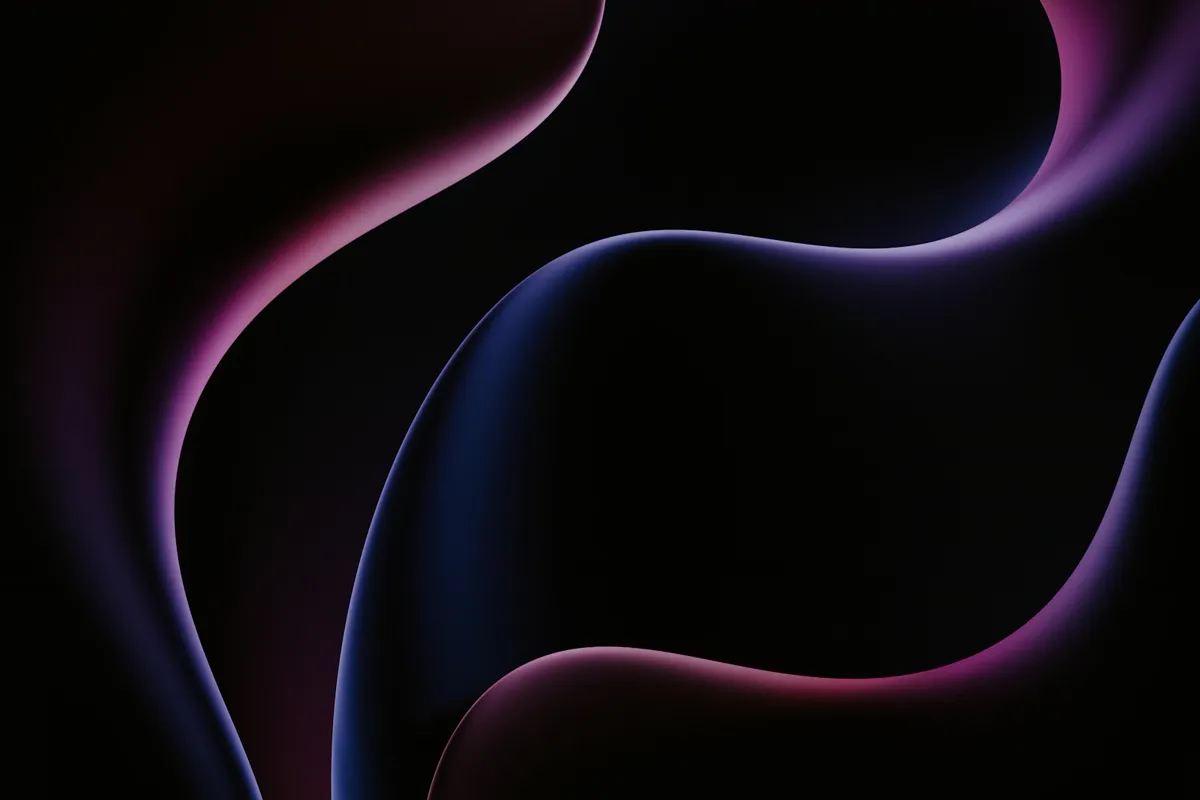
Fluid abstracts simulate the movement of ink in water, molten metal, or swirling smoke. These designs often feature organic curves and smooth transitions between dark tones and accent colors like deep purple or emerald green. The flow of these images creates a sense of dynamism and creativity. They are often preferred by artists and designers because they evoke a feeling of movement and spontaneity, breaking the rigid grid structure of the desktop environment.
Geometric and Architectural Depth
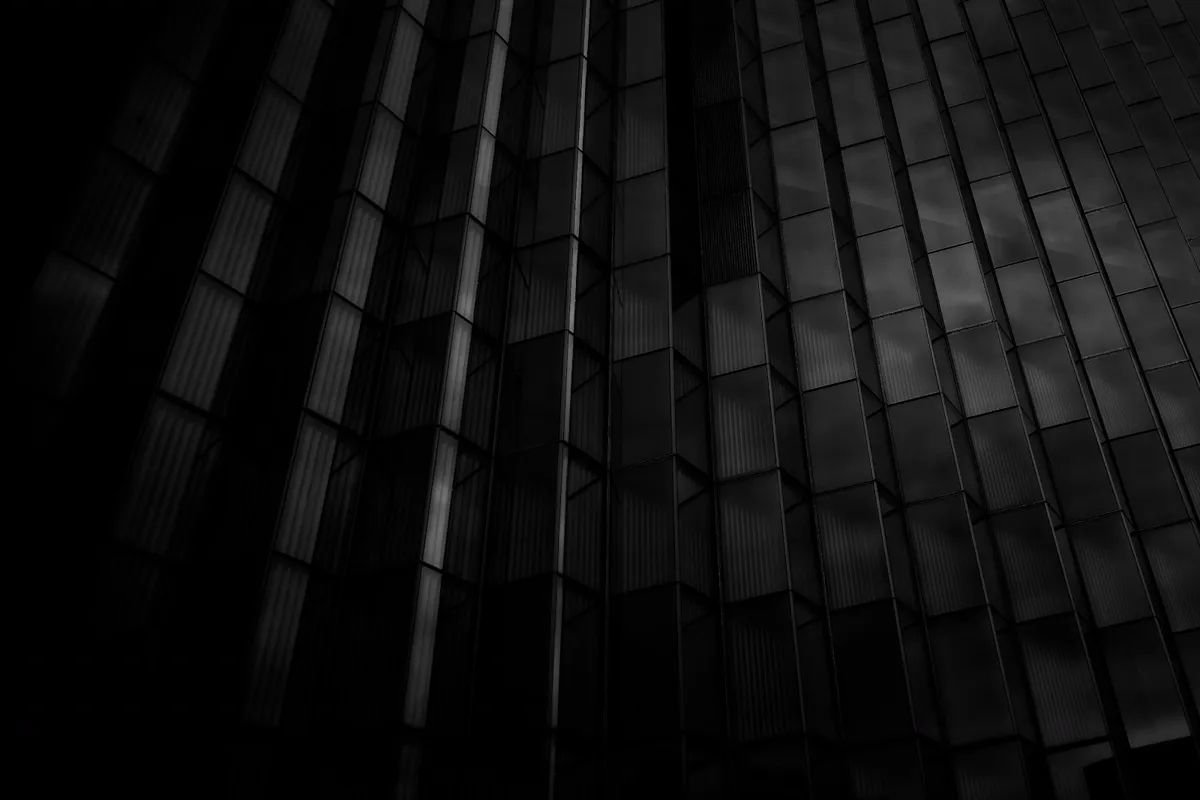
Geometric abstracts utilize polygons, grids, and isometric shapes to create a sense of structure. When rendered in dark tones, these images often look like futuristic cityscapes or complex circuitry. The use of shadows and highlights creates a 3D effect, giving the desktop a tactile quality. These styles often appeal to tech enthusiasts and engineers, reflecting a love for precision, mathematics, and digital architecture.
Cosmic and Ethereal Themes
While not strictly ‘abstract’ in the sense of being random, cosmic-inspired dark wallpapers use nebula-like clouds and star-fields to create an atmospheric effect. These usually blend deep blacks with splashes of violet, indigo, and crimson. These backgrounds evoke a sense of wonder and vastness, providing a momentary mental escape into the universe every time you minimize your windows.
Technical Considerations for High-Resolution Screens
Choosing the right image is only half the battle; ensuring it looks crisp on your hardware is where many users struggle. A low-resolution image stretched across a 4K monitor results in blurring and pixelation, which destroys the clean aesthetic of an abstract design. To maintain a professional look, it is essential to match the wallpaper resolution to your native display resolution.
For most modern desktops, this means looking for Ultra HD (3840 x 2160) or 4K images. If you use an ultrawide monitor, you will need a resolution like 3440 x 1440. When downloading these images, pay attention to the file format. JPEG is common, but for abstract art with smooth gradients, PNG or WebP is often superior because they offer better compression without introducing ‘banding’—those ugly visible lines that appear in smooth color transitions.
Moreover, understanding modern design principles can help you arrange your desktop icons in a way that doesn’t clash with the wallpaper. For instance, if your abstract wallpaper has a primary focal point on the left side, you should shift your most-used folders to the right. This prevents the visual clutter from overlapping with the artistic elements of the image, maintaining the balance and harmony of the screen.
The Psychology of Dark Colors in Digital Spaces
Color theory suggests that different hues evoke different psychological responses. In a dark abstract setting, the ‘base’ color (the darkest part) sets the mood, while the accent colors provide the emotional spark. Charcoal and true black are associated with power, elegance, and mystery. They create a boundary that feels secure and contained.
- Deep Blue/Navy: Evokes stability, trust, and intelligence. Perfect for a professional work environment.
- Dark Purple/Violet: Associated with luxury, creativity, and spirituality. Ideal for creative studios.
- Forest Green/Deep Teal: Brings a sense of nature and tranquility into a digital space, reducing stress.
- Burnt Orange/Deep Red: Adds energy and passion, though these should be used sparingly to avoid overstimulating the user.
By intentionally selecting these tones, you can essentially ‘program’ your mood. A navy-based abstract wallpaper can help you feel more focused and disciplined, while a deep violet one might spark more imaginative thinking. The beauty of abstract art is that it doesn’t force a specific narrative on you; instead, it allows your mind to project its own meaning onto the shapes and colors.
Optimizing Your Desktop for Productivity
A beautiful wallpaper is a great start, but the ultimate goal for most users is to create a workspace that enhances their efficiency. A dark abstract background is a powerful tool for boosting your digital productivity because it minimizes visual noise. However, the way you interact with that background matters.
One effective strategy is the ‘Clean Desktop’ approach. This involves removing all unnecessary shortcuts from the main screen and utilizing a dark wallpaper that complements a dark mode theme across all your applications. When your browser, code editor, and operating system are all aligned in a dark color palette, the transition between different windows is seamless. This prevents the ‘flashbang’ effect of switching from a dark app to a bright white desktop, which can be disruptive to deep work flow.
Additionally, consider the placement of your taskbar. On Windows or macOS, using a transparent or semi-transparent taskbar allows the dark abstract patterns to flow uninterrupted across the screen. This removes the harsh horizontal line at the bottom of the display, creating a more immersive and integrated visual experience.
Conclusion
Selecting a wallpaper desktop abstract dark theme is more than just a cosmetic upgrade; it is an investment in your visual comfort and mental clarity. By leveraging the benefits of OLED technology, the psychology of dark hues, and the timeless nature of abstract art, you can create a digital environment that is both stunning and functional. From the starkness of minimalism to the energy of liquid gradients, there is a dark abstract style for every personality and every profession.
Ultimately, your desktop is where you spend a significant portion of your waking hours. Taking the time to curate a space that reduces eye strain, minimizes distraction, and inspires creativity can have a surprising impact on your overall well-being. Whether you seek the quietude of a charcoal void or the vibrancy of a neon-lit geometric landscape, the right dark abstract wallpaper transforms your screen from a piece of hardware into a piece of art.
Frequently Asked Questions
How do dark wallpapers save battery on laptops?
Dark wallpapers save battery primarily on devices with OLED or AMOLED screens. Unlike traditional LCDs that use a backlight for the entire panel, OLED pixels emit their own light. When a pixel displays true black, it shuts off completely, consuming zero power. The darker the image, the fewer pixels are active, which directly reduces power consumption and extends battery life.
What is the best resolution for a dual monitor setup?
For dual monitors, the best approach depends on whether the screens are identical. If they are, you can use two separate images of the same resolution (e.g., two 4K images). If you want one seamless image across both, you need a ‘dual monitor wallpaper’ with a combined width (e.g., 7680 x 2160 for two 4K screens). Always ensure the aspect ratio matches your combined setup to avoid stretching.
Where can I find copyright-free abstract dark backgrounds?
Many high-quality, copyright-free images can be found on platforms like Unsplash, Pexels, and Pixabay. These sites offer images under licenses that allow for personal and commercial use. When searching, use specific keywords like ‘dark abstract,’ ‘minimalist black,’ or ‘AMOLED wallpaper’ to filter through the results and find the exact mood you are looking for.
Do dark wallpapers reduce eye strain during night work?
Yes, they generally do. Eye strain often occurs due to high contrast between a bright screen and a dark room. By reducing the overall brightness and luminance of the background, you decrease the glare and the amount of blue light hitting your retina. This creates a more comfortable viewing experience and can help prevent the headaches associated with long-term screen exposure.
What is the difference between AMOLED black and dark grey?
AMOLED black (or ‘true black’) refers to a color value of #000000, where the pixels on an OLED screen turn off entirely. Dark grey, on the other hand, still requires the pixels to emit a small amount of light. While dark grey can look softer and more natural on some screens, true black provides the maximum contrast and the highest energy efficiency on OLED displays.
Related posts:

Your next desktop or phone look is hiding somewhere in abstract-art. The related sets below are a good place to dig.
Pass this link to someone who appreciates bold, abstract design.
