
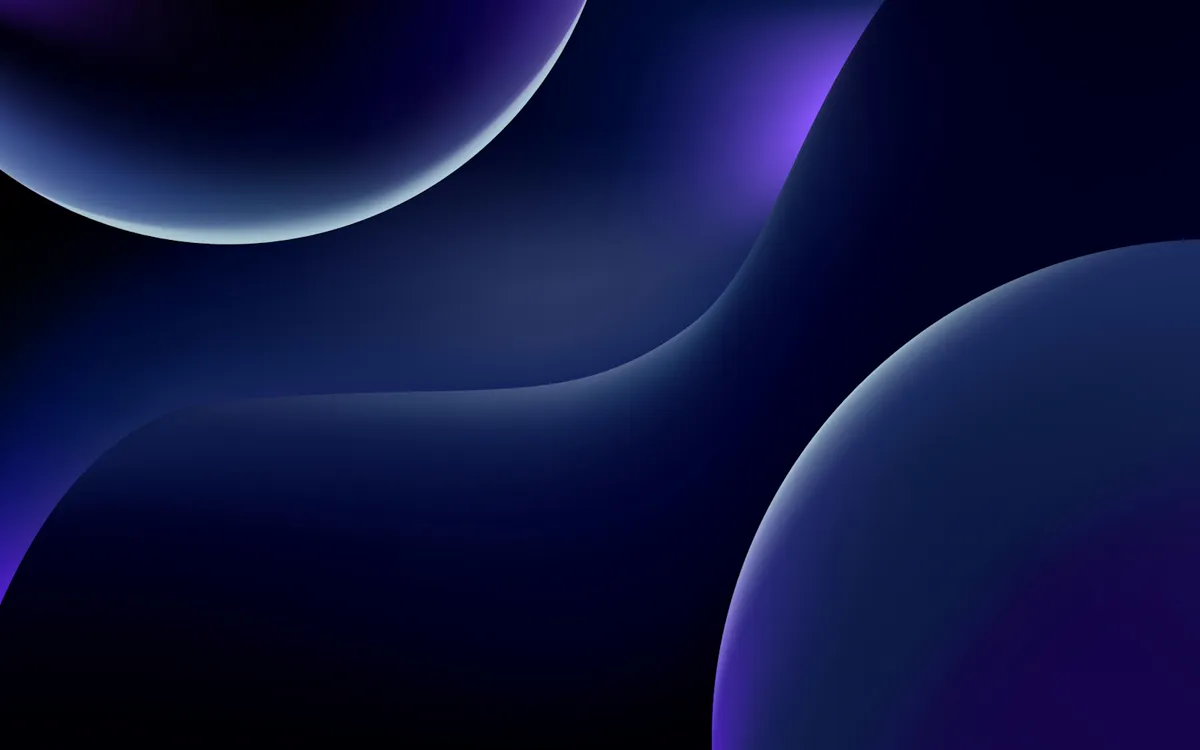
In the modern era of smartphone technology, the visual experience is defined not just by the hardware, but by the software and aesthetics we choose to display. For users equipped with Active-Matrix Organic Light-Emitting Diode (AMOLED) screens, the choice of a background is more than a matter of style—it is a matter of efficiency. Abstract AMOLED wallpapers leverage the unique capability of these displays to turn off individual pixels entirely, creating a depth of black that is physically impossible on traditional LCD screens. By blending artistic minimalism with technical optimization, these wallpapers transform a device from a mere tool into a piece of digital art.
- Understanding the Mechanics of AMOLED Displays
- The Visual Appeal of Abstract Digital Art
- How True Black Backgrounds Save Battery Life
- Choosing the Right Palette for Your OLED Screen
- Tips for Maintaining Display Health and Avoiding Burn-in
- Finding High-Resolution Sources for Mobile Art
Understanding the Mechanics of AMOLED Displays
To appreciate why specific wallpapers are designed for AMOLED, one must first understand the difference between LCD (Liquid Crystal Display) and OLED/AMOLED. In a standard LCD screen, a backlight remains on across the entire panel, even when displaying a dark image. The pixels act as shutters, blocking the light to create darkness, but the energy is still being consumed by the backlight.
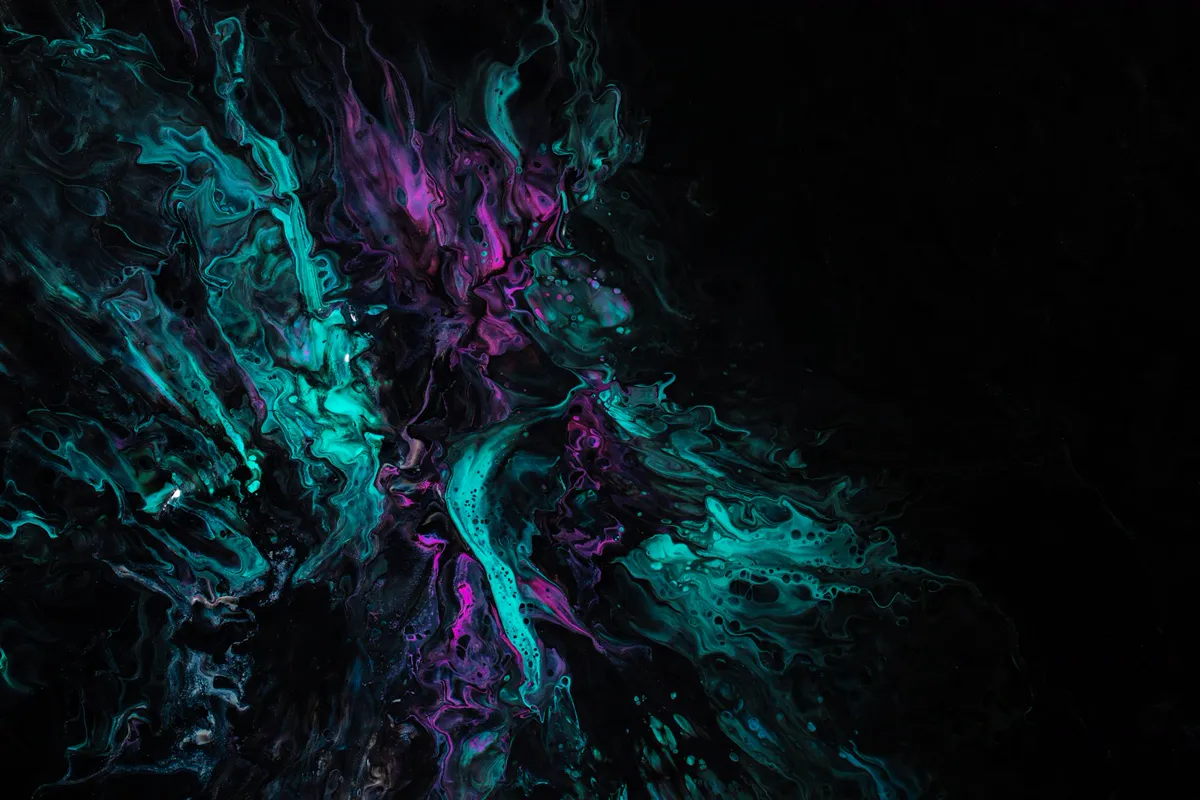
AMOLED technology eliminates the need for a global backlight. Each pixel is its own light source. When a pixel is told to display ‘true black’ (#000000), it simply shuts off completely. This allows for infinite contrast ratios, where a vibrant neon streak can sit directly adjacent to a void of absolute darkness without any light leakage. This technical characteristic is what makes personalization options so impactful on these devices, as the image seems to float on the glass.
The Role of Contrast and Saturation
Abstract designs often utilize high saturation and sharp gradients. Because the blacks are so deep, colors appear more vivid and punchy. This creates a three-dimensional effect that draws the eye, making abstract shapes—such as fluid waves, geometric polygons, or smoky textures—feel more immersive than they would on any other display type.
The Visual Appeal of Abstract Digital Art
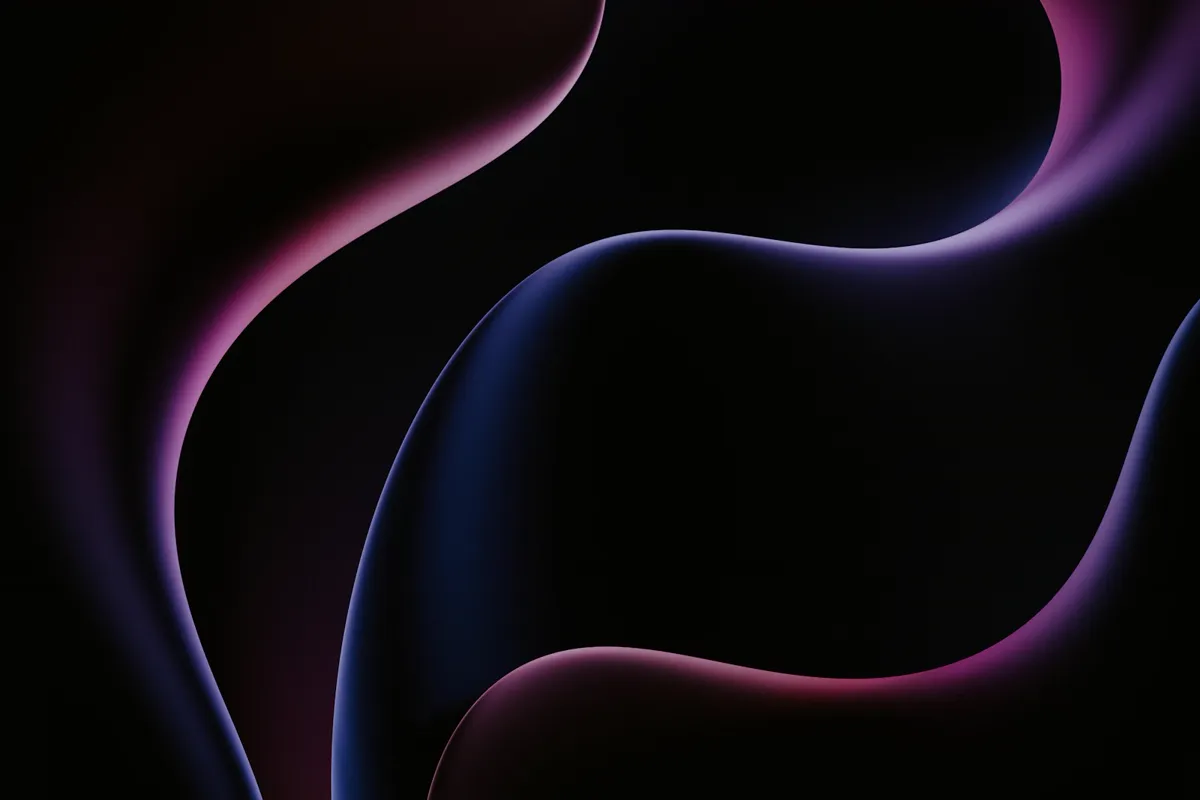
Unlike photographic wallpapers, which capture a specific moment or place, abstract art focuses on composition, form, and color. This subjectivity allows the user to project their own mood onto their device. From the calming influence of soft, flowing gradients to the energetic vibe of jagged, neon lines, abstract aesthetics provide a versatile way to express personality.
Many users prefer minimalist abstract designs because they reduce visual clutter. A busy photograph can make app icons hard to find, but a strategically placed abstract shape in a dark void keeps the interface clean. This intersection of functionality and art is why dark-mode aesthetics have become a global design trend, extending beyond wallpapers into entire operating system interfaces.
Popular Abstract Styles for OLED
- Fluid Dynamics: Swirling colors that mimic liquid marble or oil on water, creating a sense of movement.
- Geometric Minimalism: Clean lines, triangles, and circles that provide a structured, architectural feel.
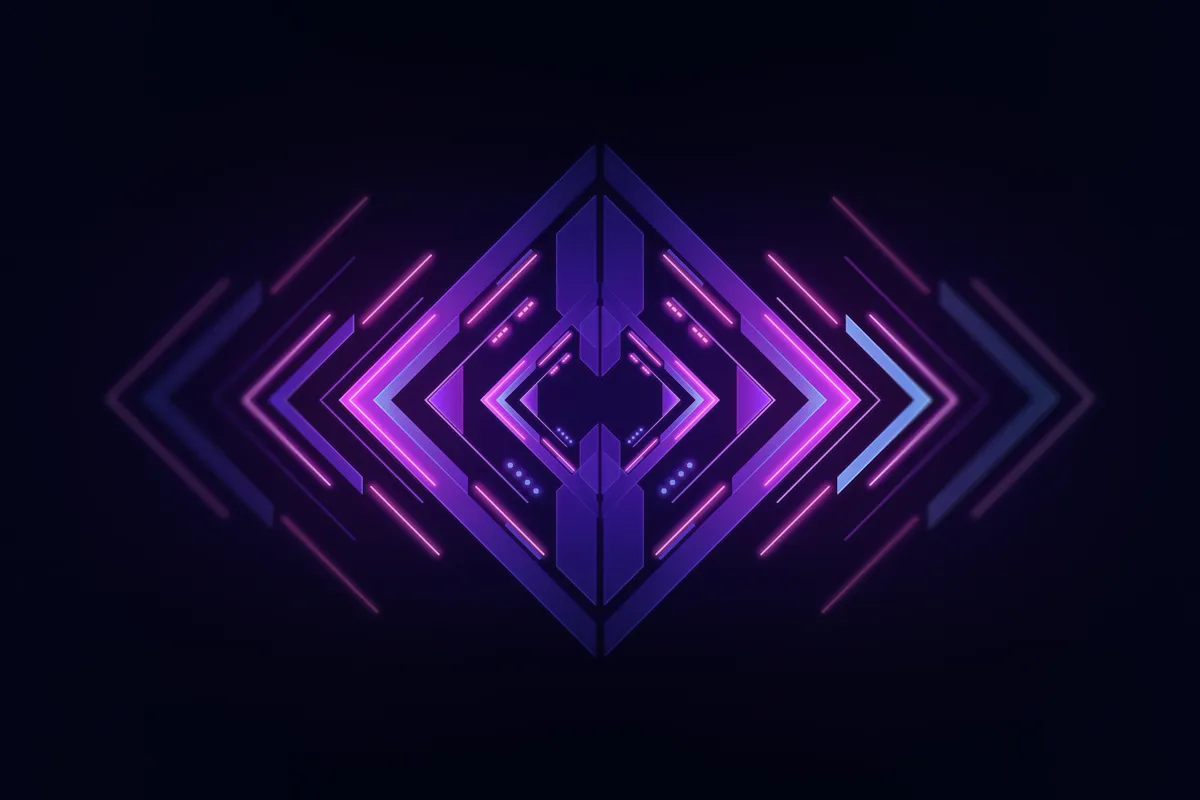
- Cyberpunk Aesthetics: High-contrast neons (pink, cyan, purple) against pitch-black backgrounds, evoking a futuristic atmosphere.
- Organic Textures: Microscopic-style imagery or planetary nebula effects that emphasize depth and scale.
How True Black Backgrounds Save Battery Life
One of the most practical reasons to use abstract AMOLED wallpapers is the direct impact on power consumption. Since power is only consumed when a pixel is illuminated, any part of the screen that is pure black consumes zero energy. This creates a significant advantage for users who rely heavily on their devices throughout the day.
While a light-colored wallpaper requires every pixel to be active, a ‘True Black’ abstract design might only require 20% to 40% of the pixels to be lit. Over time, this reduces the total drain on the lithium-ion battery, potentially extending the time between charges. This is particularly noticeable on devices with large screens where the surface area of the display is the primary source of battery consumption.
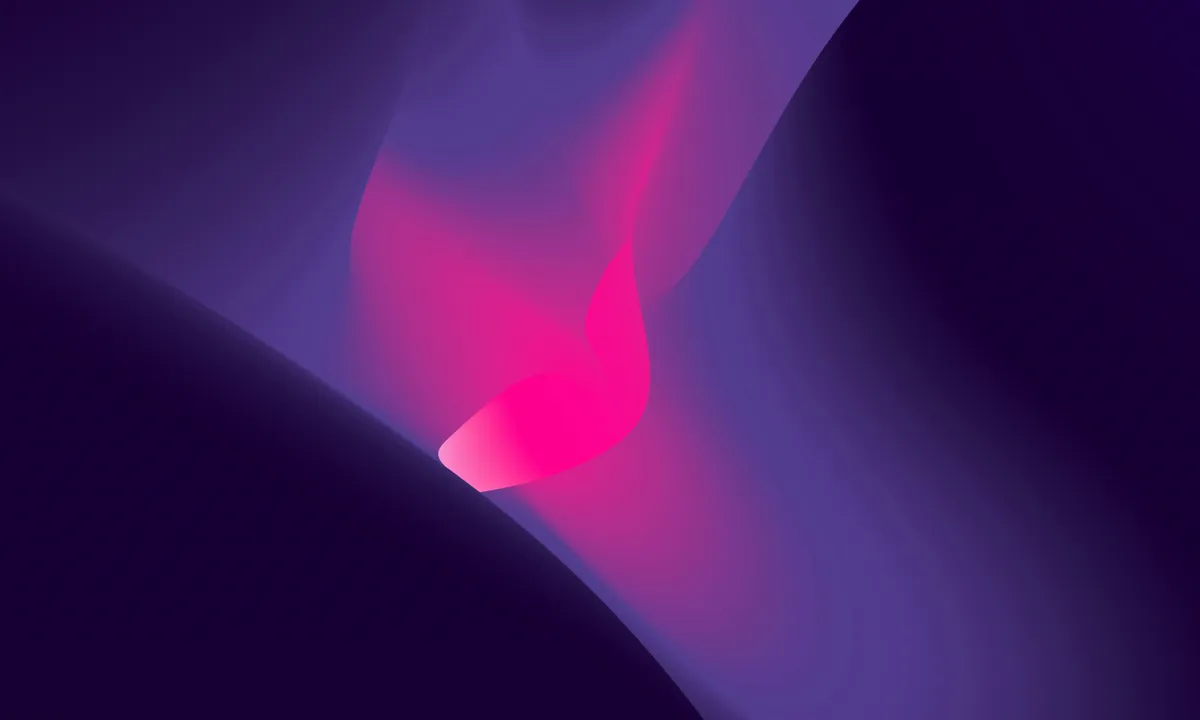
Measuring the Efficiency Gain
The actual battery savings depend on the percentage of black pixels in the image. A wallpaper that is 90% black will save significantly more energy than one that is only 30% black. This is why professional creators of AMOLED assets focus on maximizing the ‘dark space’ while using vibrant accents to maintain visual interest. When combined with a system-wide battery saving mode, these wallpapers contribute to a more sustainable device lifecycle.
Choosing the Right Palette for Your OLED Screen
Not all colors are created equal when it comes to organic LEDs. Some colors require more voltage to produce than others, which can subtly influence both battery life and visual comfort. When selecting an abstract design, consider the following color theories:
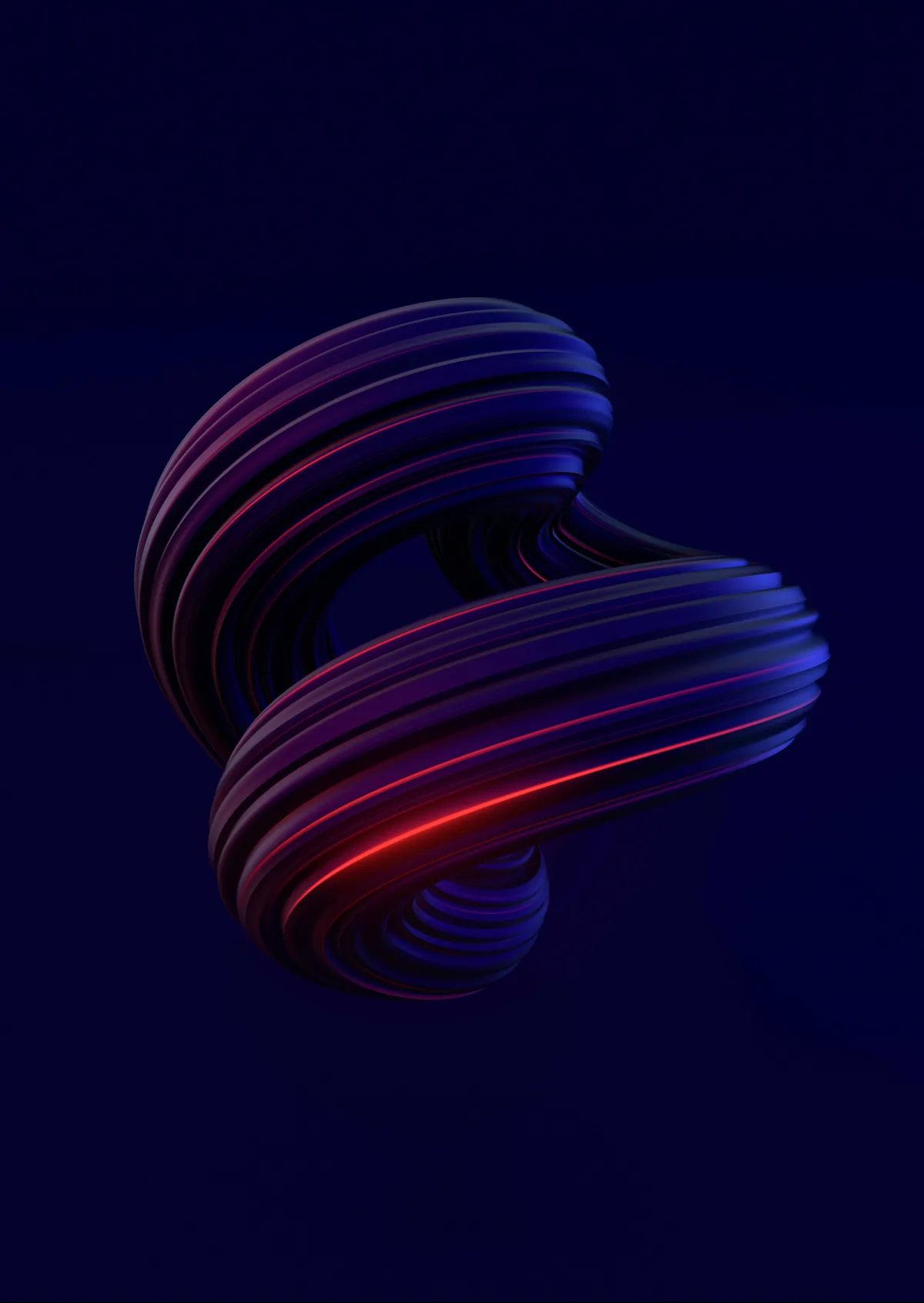
- Cool Tones (Blues and Purples): These are generally easier on the eyes during nighttime use and blend seamlessly into the dark void of an OLED screen.
- Warm Tones (Reds and Oranges): These provide a striking contrast and high energy, making them excellent for users who want their screen to ‘pop.’
- Monochromatic Schemes: Using shades of a single color against black creates a sophisticated, professional look that minimizes distraction.
It is also important to consider the luminance of the colors. Extremely bright, white-heavy abstract designs can cause eye strain in dark environments, defeating the purpose of a dark-themed wallpaper. The goal is to find a balance between visual impact and visual comfort.
Tips for Maintaining Display Health and Avoiding Burn-in
While AMOLED screens are stunning, they are susceptible to burn-in (permanent image retention). This happens when certain pixels are driven harder than others for extended periods, leading to a degradation of the organic material. Abstract wallpapers are actually a great way to combat this.
Static images—such as those with a permanent white bar or a bright logo in one spot—are the primary cause of burn-in. However, dynamic abstract designs or frequently changing your wallpaper ensures that no single pixel is under constant stress. Using wallpapers with varying color distributions helps distribute the wear and tear evenly across the panel.
Best Practices for Screen Longevity
- Rotate Wallpapers: Change your background every few weeks to move the ‘hot spots’ of light.
- Use Auto-Brightness: This prevents the screen from running at maximum intensity for too long.
- Avoid Static High-Brightness Elements: Be cautious of wallpapers with thin, bright white lines that stay in the same position for hours.
Finding High-Resolution Sources for Mobile Art
To truly experience the effect of an AMOLED screen, you need images with high pixel density. Low-resolution images will show ‘banding’ (visible steps between colors in a gradient), which ruins the smooth look of abstract art. Look for wallpapers in 4K or QHD+ resolution to ensure every detail is crisp.
Many artists now specialize in OLED-specific art, ensuring that the black levels are exactly #000000. When searching for new backgrounds, look for tags such as ‘True Black,’ ‘AMOLED Optimized,’ or ‘Deep Black’ to ensure you aren’t getting a dark grey image that mimics black but still consumes power.
Integrating these visuals into your display settings allows you to create a cohesive digital environment that is as efficient as it is beautiful. By prioritizing depth, contrast, and resolution, you can maximize the potential of your hardware.
Conclusion
Abstract AMOLED wallpapers represent the perfect marriage of digital art and hardware engineering. By utilizing the unique properties of OLED technology, these designs provide an unmatched visual depth while actively contributing to the longevity of your device’s battery. Whether you are drawn to the chaotic beauty of fluid gradients or the stark precision of geometric minimalism, the right wallpaper does more than just look good—it optimizes your entire interaction with your smartphone. Embrace the dark, prioritize contrast, and let your screen showcase the vibrant possibilities of modern display technology.
Frequently Asked Questions
How do AMOLED wallpapers actually save battery life?
AMOLED screens save power because each pixel is an individual light source. When a wallpaper uses ‘true black’ (#000000), the pixels in those areas turn off completely, consuming zero electricity. In contrast, LCDs keep a backlight on regardless of the color displayed.
What is the difference between a ‘dark’ wallpaper and a ‘true black’ wallpaper?
A dark wallpaper may use very dark greys or navy blues, which still require the pixels to be partially illuminated. A true black wallpaper uses the specific hex code #000000, which triggers the AMOLED pixels to shut down entirely, providing better contrast and higher energy efficiency.
Do high-resolution abstract wallpapers affect phone performance?
Generally, no. Modern smartphones have ample RAM to handle 4K or QHD+ images. The only minor impact is a slightly larger file size in your storage, but it does not slow down the operating system or app performance.
Can using bright neon abstract wallpapers cause screen burn-in?
Burn-in occurs when the same bright pixels are displayed statically for thousands of hours. While neon colors are bright, they are unlikely to cause burn-in unless the image never changes. Rotating your wallpapers periodically is the best way to prevent this.
Where can I find the best true black abstract wallpapers?
Look for dedicated AMOLED wallpaper apps or communities on platforms like Reddit (r/AMOLEDwallpapers) and Unsplash. Ensure the descriptions mention ‘True Black’ or ‘OLED Optimized’ to guarantee the pixels actually turn off.
Related posts:
If this set speaks to you, Abstract Art 4K: Elevate Your Digital Space with UHD Visuals continues the abstract-art conversation in a new direction.
Share this page with a fellow art lover looking for their next wallpaper.
