
Your smartphone is more than just a communication tool; it is a digital canvas that you interact with hundreds of times a day. The visual environment of your Android device significantly influences your mood and productivity. While photography and nature shots are popular, abstract art wallpaper for Android offers a unique way to express personality without the constraints of representational imagery. By focusing on color, form, and texture, abstract backgrounds create a sophisticated atmosphere that complements modern UI design and minimizes visual clutter.
- The Appeal of Abstract Imagery in Mobile Design
- Optimizing Wallpapers for AMOLED vs. LCD Screens
- Choosing Abstract Styles Based on Visual Psychology
- Technical Specifications for High-Resolution Backgrounds
- Integrating Wallpapers with Custom Launchers and Icon Packs
- Conclusion
- Frequently Asked Questions
The Appeal of Abstract Imagery in Mobile Design
Abstract art transcends the limitations of literal interpretation. Unlike a photo of a landscape or a city, which anchors the mind to a specific place or memory, non-representational art allows the user to project their own emotions onto the screen. This versatility makes it an ideal choice for mobile interfaces where the primary goal is to provide a backdrop that doesn’t distract from app icons and notifications.
When you integrate a high-quality abstract design, you are essentially practicing customization that balances aesthetics with functionality. The use of geometric abstraction, for instance, can provide a sense of order and stability, while fluid art or organic shapes can evoke creativity and flow. Many users find that moving away from complex photographic images reduces cognitive load, making the home screen feel more open and breathable.
The Synergy of Color and Emotion
Color theory plays a pivotal role in how we perceive our devices. A deep blue abstract gradient can induce a feeling of calm and professional focus, whereas vibrant oranges and yellows can energize the user. In the realm of digital art, the use of complementary colors creates a visual tension that makes the screen ‘pop,’ while analogous color schemes provide a soothing, seamless transition that is easy on the eyes during nighttime use.
Optimizing Wallpapers for AMOLED vs. LCD Screens
Not all Android screens are created equal, and the type of display technology you own should dictate the kind of abstract art you choose. Understanding the difference between Organic Light Emitting Diode (OLED/AMOLED) and Liquid Crystal Display (LCD) is crucial for both visual quality and battery efficiency.
The Power of True Black on AMOLED
For users with AMOLED screens, abstract wallpapers featuring deep blacks or dark mode aesthetics are highly advantageous. Since AMOLED pixels turn off completely to produce black, these wallpapers directly contribute to power consumption reduction. A ‘true black’ abstract piece with minimalist neon accents not only looks striking but also extends the battery life of the device. This is often referred to as high-contrast design, where the intensity of the colors is amplified by the surrounding void.
Vibrancy and Backlighting on LCD
LCD screens, which rely on a constant backlight, do not benefit from black pixels in the same way. For these displays, bright, saturated gradients and complex textures often look better. Since the screen is always emitting light, abstract art that utilizes a wide dynamic range of colors can make the display feel more premium and vivid. When selecting art for LCD, focus on luminance and clarity to ensure the image doesn’t look washed out.
Choosing Abstract Styles Based on Visual Psychology
Abstract art is not a monolith; it encompasses various styles that communicate different energies. Depending on the ‘vibe’ you want for your Android experience, you can categorize your search into several semantic styles.
Minimalist and Geometric Abstraction
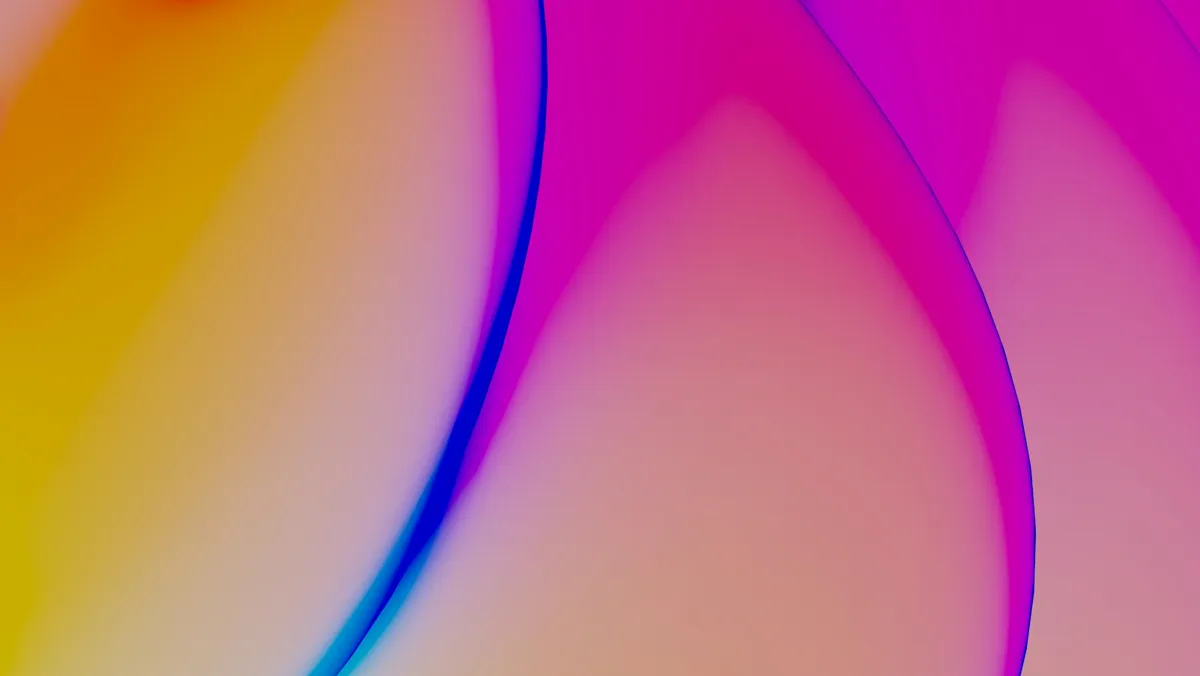
Minimalism is the gold standard for productivity-focused setups. This style typically involves clean lines, ample negative space, and a limited color palette. Geometric patterns—such as intersecting circles or isometric polygons—provide a sense of structure. This is particularly effective for users who use large amounts of widgets on their home screen, as the simplicity of the background prevents the interface from feeling overcrowded.
Fluid Art and Organic Morphing
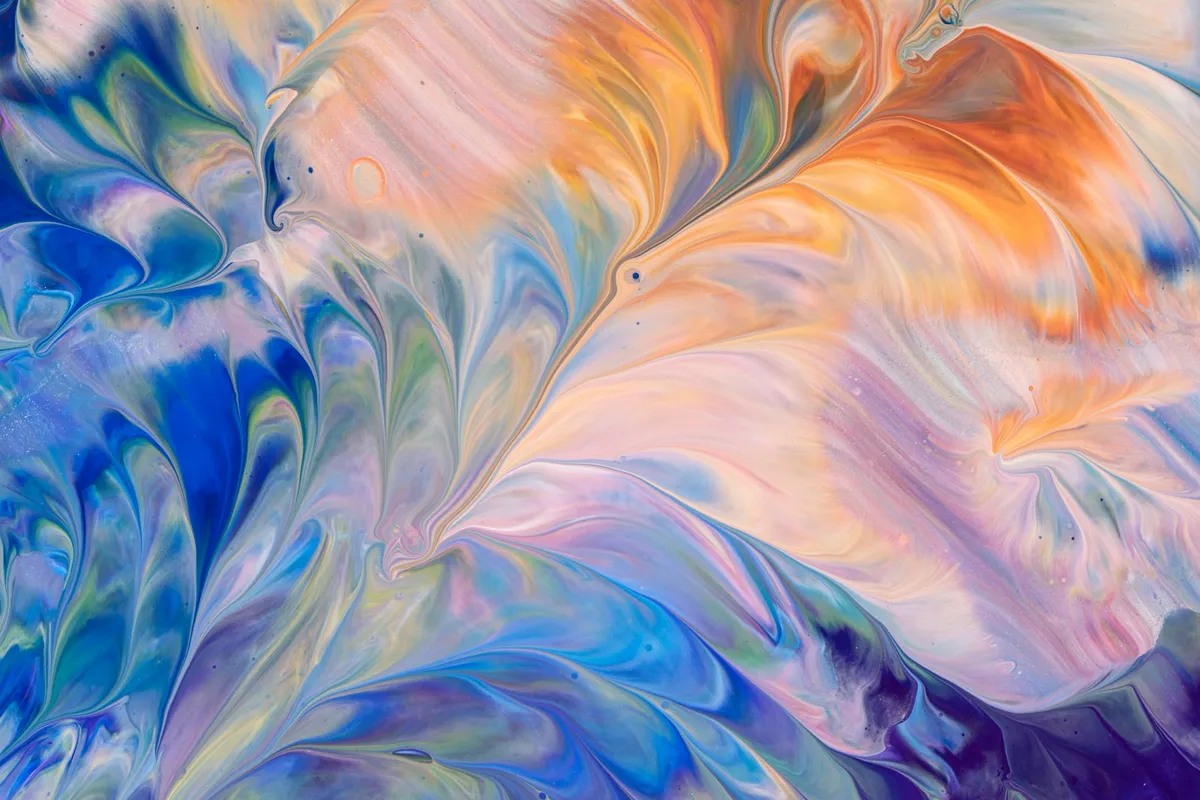
For those who prefer a more natural or emotive feel, fluid dynamics art is an excellent choice. These wallpapers often resemble marbled ink, swirling smoke, or molten metal. The organic flow of these images creates a sense of movement and dynamism. From a psychological perspective, these shapes are less taxing on the brain than sharp angles, promoting a state of relaxation every time you unlock your phone.
Generative and Algorithmic Art
With the rise of AI and mathematical art, generative patterns have become a staple of the Android community. These are images created through code and algorithms, resulting in intricate fractals or complex tessellations. The mathematical precision of algorithmic art appeals to users who appreciate complexity and detail, turning the phone screen into a window of infinite mathematical beauty.
Technical Specifications for High-Resolution Backgrounds
To avoid blurriness or pixelation, you must ensure that your chosen abstract art matches the native resolution of your device. A low-resolution image stretched across a modern smartphone screen will result in interpolation artifacts, ruining the aesthetic.
- Resolution: Most modern Android devices utilize Full HD+ (1080 x 2400) or Quad HD+ (1440 x 3200). Always aim for a resolution slightly higher than your screen to allow for slight shifting or zooming.
- Aspect Ratio: Traditional 16:9 ratios are obsolete. Most Android phones now use 19.5:9 or 20:9 aspect ratios. Ensure your abstract art is vertically oriented to avoid awkward cropping.
- File Format: While JPEG is common, PNG files are preferred for abstract art with sharp lines and flat colors to avoid compression artifacts. For those using supporting launchers, WebP offers a great balance between quality and file size.
Integrating Wallpapers with Custom Launchers and Icon Packs
A wallpaper is only one piece of the puzzle. To achieve a truly professional look, the background must synchronize with the rest of the UI ecosystem. This is where the synergy between the wallpaper and the launcher comes into play.
If you have a vibrant, colorful abstract background, consider using a minimalist icon pack with simple white outlines or monochromatic tones. This creates a visual hierarchy where the art provides the energy, but the icons remain legible. Conversely, if your wallpaper is a dark, moody abstract piece, neon or pastel icons can create a striking contrast that draws the eye to the most important apps.
Furthermore, many Android users leverage android system features like Material You (introduced in Android 12). This system extracts colors from your wallpaper and applies them to the system accents, buttons, and notifications. By choosing an abstract piece with a clear dominant color, you can automate a cohesive theme across the entire operating system, ensuring that your visual identity is consistent from the lock screen to the settings menu.
Conclusion
Choosing the right abstract art wallpaper for Android is an exercise in both technical optimization and personal expression. By considering your screen technology—whether it be the power-saving depths of AMOLED or the brightness of LCD—and aligning your chosen style with your psychological needs, you can transform your device into a source of inspiration. Remember that the best backgrounds are those that enhance the usability of your phone rather than detract from it. Whether you lean toward the rigid precision of geometry or the ethereal flow of fluid art, your home screen is a reflection of your digital taste.
Frequently Asked Questions
How do I prevent my abstract wallpaper from making my app icons hard to read?
The key is to choose wallpapers with ‘negative space’ or low-contrast areas where your icons are placed. Avoid images with high-frequency detail (too many small lines and dots) in the center of the screen. Using a slightly blurred version of the art for the home screen while keeping the sharp version for the lock screen is a professional designer’s trick to maintain legibility.
Do abstract wallpapers actually affect battery life?
Yes, but only on AMOLED screens. If you use an abstract wallpaper with large areas of true black (#000000), those pixels are completely off, which reduces power consumption. On LCD screens, the color of the wallpaper has virtually no impact on battery life because the backlight is always on regardless of the image displayed.
What is the best way to find high-quality abstract art that isn’t stretched?
Search for ‘vertical’ or ‘mobile’ specific abstract art. Instead of using general image searches, use platforms dedicated to digital art or wallpaper apps that allow you to filter by resolution. Always check that the image height is significantly greater than the width to fit the tall aspect ratios of modern smartphones.
Can I use AI-generated abstract art as my Android wallpaper?
Absolutely. AI tools are excellent for creating unique, one-of-a-kind abstract pieces. You can prompt for specific styles like ‘Bauhaus abstract,’ ‘vaporwave gradients,’ or ‘liquid gold textures’ to get a result that perfectly matches your device’s color palette.
Should I use a static abstract image or a live wallpaper?
Static images are better for battery life and focus. Live abstract wallpapers (like those that react to touch or move slowly) can be visually stunning and add a premium feel, but they consume more CPU and battery. If you prioritize efficiency, stick to high-resolution static PNGs.
Related posts:
Pieces in abstract-art talk to each other across pages — follow the thread with Abstract Live Wallpaper Android: Enhance Your Screen Aesthetics.
Pass this link to someone who appreciates bold, abstract design.
