
Your computer screen is arguably the most viewed piece of real estate in your daily life. Whether you are grinding through a ten-hour workday or winding down with a gaming session, the visual backdrop of your operating system sets the emotional tone for your interaction with technology. Switching to a high-quality abstract art wallpaper for PC is more than just a cosmetic change; it is an exercise in environmental psychology. Unlike representational images, abstract art removes the distraction of recognizable objects, allowing your mind to focus or drift in a way that promotes creativity and reduces cognitive load.
- The Psychology of Abstract Visuals
- Optimizing Resolution and Clarity
- Popular Styles of Abstract Desktop Art
- Impact on Focus and Productivity
- How to Curate Your Wallpaper Collection
The Psychology of Abstract Visuals
Abstract art operates on the level of emotion and intuition rather than literal interpretation. When you choose an abstract art wallpaper for PC, you are essentially choosing a mood. For instance, fluid, sweeping curves often evoke a sense of tranquility and flow, while sharp, geometric angles can stimulate alertness and a sense of order.
Integrating a thoughtful design into your workspace can significantly alter your stress levels. Soft gradients and pastel palettes are known to lower cortisol, making them ideal for high-pressure environments. Conversely, bold contrasts and vibrant neon hues can provide the necessary dopamine hit to keep you energized during late-night projects. By understanding color theory, you can align your desktop background with your current professional or personal goals.
Optimizing Resolution and Clarity
A beautiful piece of art loses its impact if it appears pixelated or stretched. To truly appreciate the depth of digital abstract art, you must match the image resolution to your monitor’s native specifications. The industry has shifted from standard HD (1920×1080) to 4K Ultra HD (3840×2160) and even 5K or 8K for high-end creative professionals.
When searching for a background, look for lossless formats or high-bitrate JPEGs to avoid compression artifacts. If you use a dual-monitor setup, consider ‘spanning’ wallpapers—extra-wide images that flow seamlessly from one screen to the other. This creates a panoramic experience that expands your visual horizon, which is a common technique used in technology setups to create a more immersive workstation.
Understanding Aspect Ratios
Not all screens are created equal. While the 16:9 ratio is standard, many modern PCs use 21:9 (Ultrawide) or 16:10. Using a wallpaper with the wrong aspect ratio leads to ‘black bars’ or awkward cropping. Always verify the pixel dimensions before downloading to ensure the composition of the abstract piece remains intact.
Popular Styles of Abstract Desktop Art
Abstract art is a broad category. Depending on your personality and the purpose of your PC, different styles will resonate more effectively.
1. Geometric Minimalism
Characterized by clean lines, circles, and polygons, geometric abstraction appeals to those who love organization and structure. These wallpapers often use a limited color palette, which prevents the desktop from feeling cluttered. This style is particularly effective for users who have many icons on their desktop, as the structured background doesn’t clash with the folder grid.
2. Fluid and Organic Shapes
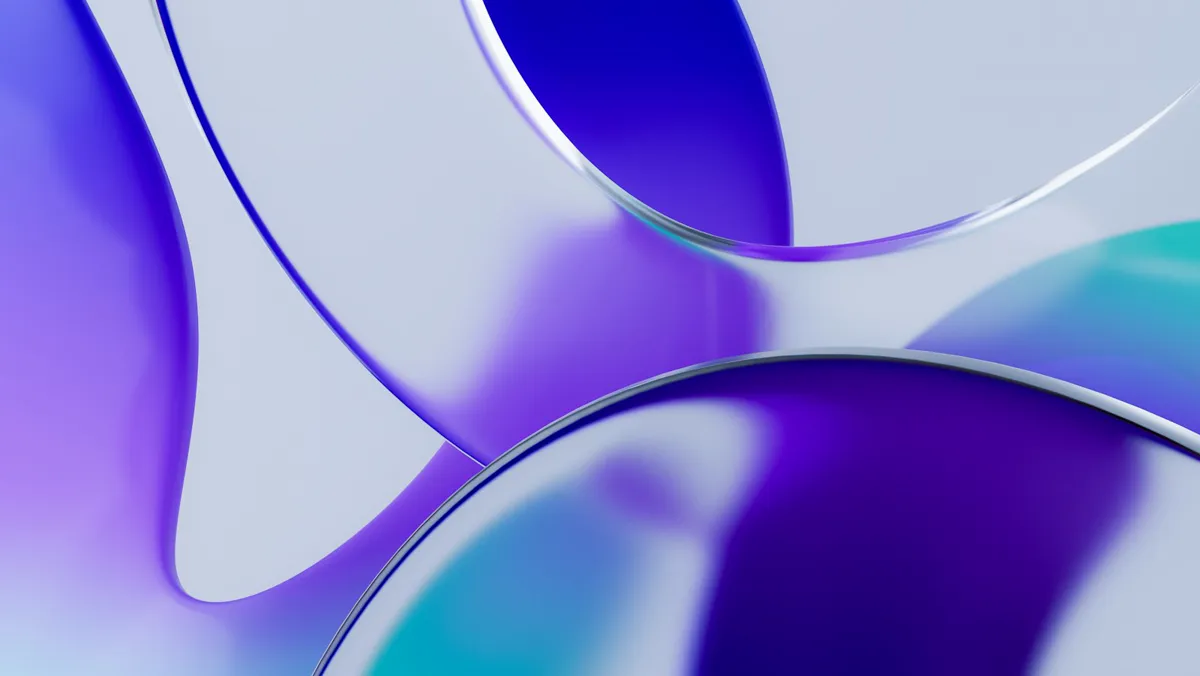
Often referred to as ‘liquid’ or ‘smoke’ art, these designs feature swirling colors and soft transitions. They evoke a sense of movement and nature. Because they lack hard edges, they are less visually demanding, making them a great choice for users who spend 8+ hours a day staring at a screen and want to minimize eye strain.
3. Generative and Algorithmic Art
Created using code and mathematical formulas, generative art often produces intricate patterns that are impossible to draw by hand. These pieces often feel futuristic and high-tech, making them a perfect fit for gaming rigs or software development environments. The complexity of these images provides a rich visual texture that remains interesting even after months of use.
4. Dark Mode Abstracts
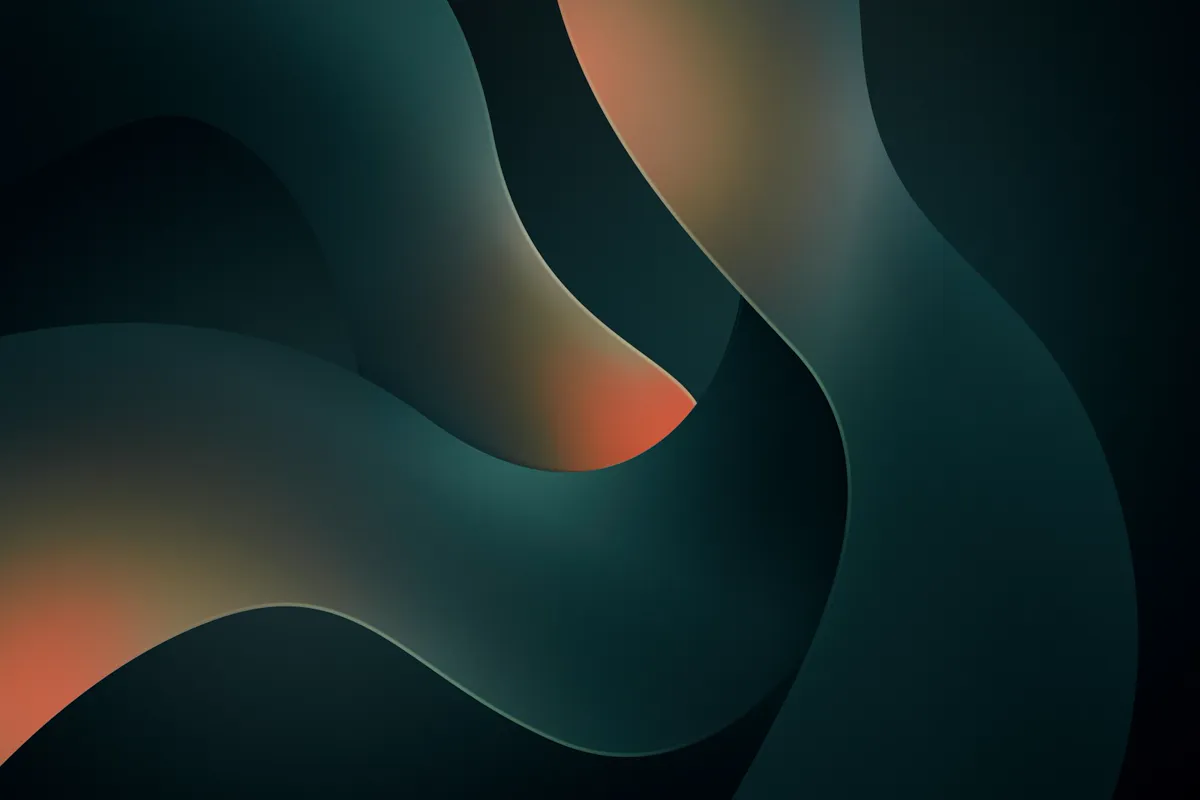
With the rise of ‘Dark Mode’ across all operating systems, deep charcoal, navy, and black-based abstract wallpapers have become incredibly popular. They not only look sleek and professional but also reduce the amount of light emitted by the monitor, which is beneficial for those working in low-light conditions.
Impact on Focus and Productivity
There is a delicate balance between an inspiring background and a distracting one. A wallpaper that is too ‘busy’—with high-frequency patterns or clashing colors—can lead to visual fatigue. This happens when the brain spends unnecessary energy processing the background instead of focusing on the task at hand.
To optimize for productivity, employ a productivity-centric approach: use a wallpaper with a clear ‘negative space’ area. This is a section of the image that is relatively plain, where you can place your most-used folders and shortcuts without them disappearing into a chaotic background. By strategically placing your icons in the calmer areas of the abstract art, you reduce the time it takes for your eyes to locate specific files.
How to Curate Your Wallpaper Collection
The human brain eventually habituates to any visual stimulus. After a few weeks, even the most stunning abstract art becomes ‘invisible’ to you. To maintain the psychological benefits of a fresh environment, consider a dynamic wallpaper rotation.
- Seasonal Themes: Transition to cool blues and whites in winter, and warm oranges and yellows in autumn.
- Circadian Lighting: Use bright, high-energy abstracts during the morning and switch to muted, dark tones in the evening to signal to your brain that it is time to wind down.
- Project-Based Themes: Change your background based on the type of work you are doing. Use a geometric, structured wallpaper for analytical tasks and a fluid, colorful one for creative brainstorming.
Conclusion
An abstract art wallpaper for PC is more than a digital accessory; it is a tool for mood regulation and cognitive optimization. By selecting images that align with your psychological needs, ensuring the resolution matches your hardware, and curating a rotating gallery, you can transform a sterile piece of hardware into a source of daily inspiration. Whether you prefer the rigid precision of geometry or the chaotic beauty of fluid art, the right backdrop empowers you to work better and feel more connected to your digital environment.
Frequently Asked Questions
How do I find the exact resolution of my PC monitor?
On Windows, right-click on the desktop, select ‘Display settings,’ and look under ‘Display resolution.’ This will tell you the native pixel count (e.g., 1920×1080) you should look for when downloading wallpapers.
Will a high-resolution 4K wallpaper slow down my computer?
Generally, no. While a very large image file takes a tiny bit more RAM to load initially, it does not impact the ongoing performance of your CPU or GPU. The impact is negligible on any modern PC.
What is the best color for a wallpaper to reduce eye strain?
Muted tones, deep greens, and dark grays are typically best. Avoid extremely bright white or neon-colored backgrounds, as these can cause glare and lead to quicker digital eye strain during long sessions.
Where can I find copyright-free abstract art for my desktop?
Websites like Unsplash, Pexels, and Pixabay offer high-quality, royalty-free images. Many digital artists also share their work on platforms like ArtStation or DeviantArt, though you should check the specific license for each image.
Can I use a live wallpaper instead of a static abstract image?
Yes, using software like Wallpaper Engine allows you to use animated abstract art. While visually stunning, keep in mind that live wallpapers consume more system resources (CPU/GPU) than static images.
Related posts:


Abstract work rewards a second look — browse more of 4k-resolution when you are ready for a new backdrop.
Pass this link to someone who appreciates bold, abstract design.
