
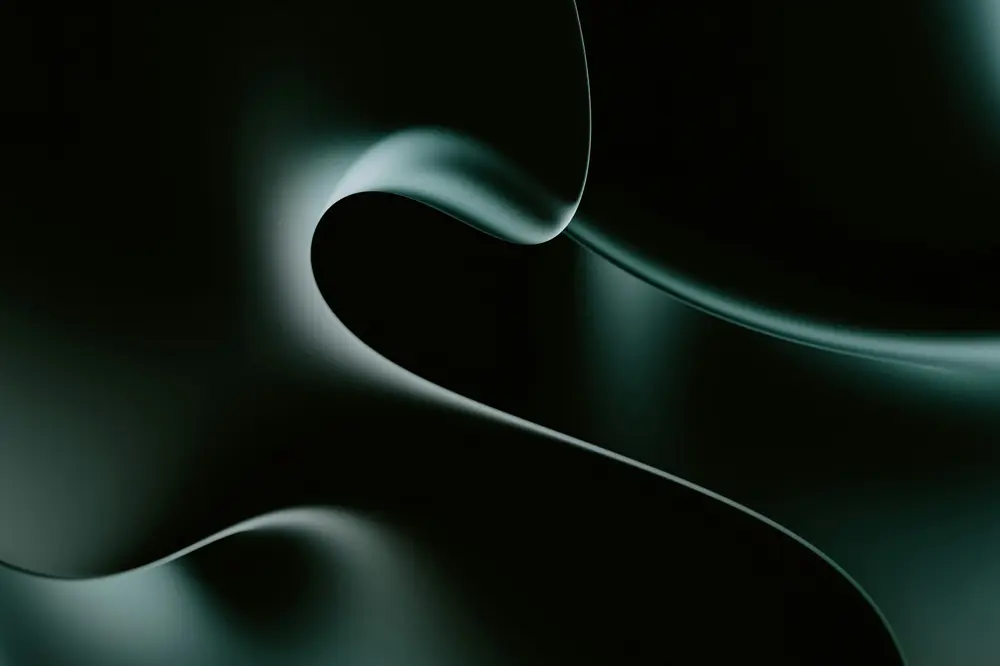
In the modern era of digital workspaces, the visual environment of our screens plays a pivotal role in both productivity and mental well-being. Choosing an abstract black wallpaper desktop is more than a simple aesthetic preference; it is a strategic choice for those seeking to reduce visual noise and create a sophisticated, focused atmosphere. Whether you are a creative professional, a software developer, or someone who spends twelve hours a day staring at a monitor, the transition to a dark, abstract aesthetic can transform your interaction with your device from a source of fatigue into a sanctuary of focus.
- Why Choose a Dark Abstract Aesthetic?
- Exploring Different Styles of Black Abstract Art
- The Connection Between Dark Mode and Productivity
- Technical Optimization: OLED vs. LCD Displays
- Curating a Cohesive Minimalist Desktop Setup
- Conclusion
- Frequently Asked Questions
Why Choose a Dark Abstract Aesthetic?
The appeal of a dark background extends beyond the current trend of ‘Dark Mode.’ Psychologically, black and deep charcoal tones are associated with power, elegance, and mystery. When applied to a desktop environment, these colors help in minimizing the cognitive load by reducing the amount of bright light emitting from the screen. This is particularly beneficial during late-night work sessions where high-contrast white backgrounds can lead to digital eye strain and disrupt circadian rhythms.
Integrating a minimalism approach to your workspace allows the icons and active windows to stand out more prominently. By using an aesthetic that relies on subtle gradients and dark textures, you create a visual hierarchy that prioritizes your actual work over the background noise of the operating system.
Reducing Visual Fatigue
Prolonged exposure to bright screens can cause a condition known as Computer Vision Syndrome. An abstract black wallpaper helps mitigate this by lowering the overall luminance of the display. Unlike a flat black color, which can sometimes feel oppressive or void-like, abstract patterns introduce depth and movement, keeping the eye engaged without overstimulating the optic nerve.

Exploring Different Styles of Black Abstract Art
Not all black wallpapers are created equal. Depending on the mood you want to evoke, different styles of abstraction can serve different purposes. Understanding these styles helps you choose a background that aligns with your professional or personal goals.
Geometric and Polygonal Designs
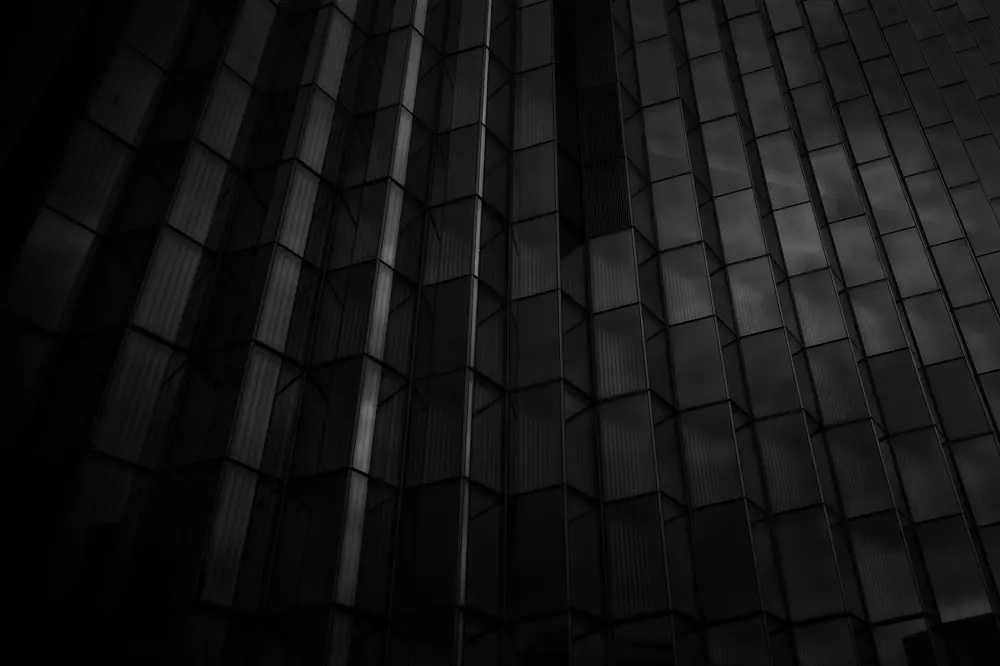
Geometric abstracts utilize sharp lines, triangles, and hexagons to create a sense of structure and precision. These are ideal for those in technical fields, such as engineering or coding, as they mirror the logical nature of their work. The interplay between matte black and dark grey facets creates a 3D effect that adds sophistication to the desktop without being distracting.
Fluid and Organic Shapes
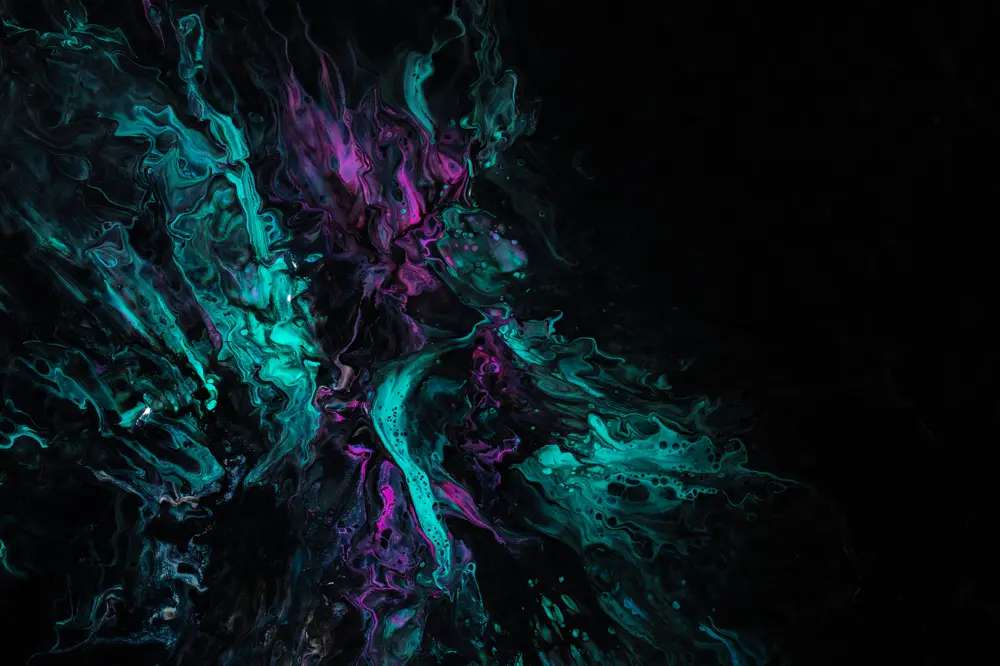
For a more relaxed and creative vibe, fluid abstracts—often resembling smoke, ink in water, or molten silk—are the perfect choice. These designs evoke a sense of flow and adaptability. The use of soft gradients and undulating curves provides a cinematic quality to the screen, making the desktop feel like a piece of modern digital art rather than a utility tool.
Textural and Material-Based Abstracts
Some of the most impactful wallpapers mimic real-world materials. Think of brushed metal, carbon fiber, or dark obsidian textures. These provide a tactile feel to the digital space, adding a layer of perceived quality and ‘weight’ to the setup. These are particularly effective for those who prefer a rugged, professional, or industrial look.
The Connection Between Dark Mode and Productivity
There is a growing body of evidence suggesting that a controlled visual environment directly impacts deep work capabilities. When your desktop is cluttered with bright, vibrant colors, your brain constantly processes those stimuli in the periphery. A dark abstract background effectively ‘mutes’ the environment.
By creating a high-contrast environment where only the active application is brightly lit, you are essentially creating a visual spotlight. This helps the brain enter a flow state more quickly, as the periphery of your vision is neutralized by the dark tones of the wallpaper. This is why many high-end IDEs (Integrated Development Environments) and creative suites default to dark themes; it allows the colorful syntax of code or the vibrancy of a photo to pop against a neutral void.
Technical Optimization: OLED vs. LCD Displays
When selecting an abstract black wallpaper, it is crucial to consider the hardware of your monitor. The way black is rendered differs significantly between display technologies, which can impact both the visual result and the energy efficiency of your device.
The OLED Advantage: True Black
On an OLED (Organic Light Emitting Diode) screen, each pixel is self-emissive. When a pixel is told to display black, it simply turns off completely. This results in infinite contrast and ‘true black.’ For OLED users, a wallpaper with deep black regions not only looks stunning but also saves battery life on laptops, as the screen consumes zero power for those specific pixels.
LCD and LED: The Glow Effect
In contrast, LCD (Liquid Crystal Display) and standard LED screens use a backlight that remains on even when the screen is displaying black. This often results in a ‘greyish’ tint or a slight glow. To optimize for these screens, it is often better to choose charcoal or deep navy abstract designs rather than pure black, as this masks the backlight bleed and creates a more uniform appearance.
Resolution and Aspect Ratio
To avoid blurriness or pixelation, always opt for 4K (3840 x 2160) or higher resolutions. An abstract design relies on the smoothness of its gradients; if the resolution is too low, you will see color banding, which ruins the seamless transition between dark tones and destroys the professional feel of the setup.
Curating a Cohesive Minimalist Desktop Setup
A wallpaper is only one part of the visual equation. To truly maximize the impact of your abstract black background, you should synchronize other elements of your desktop environment.
- Icon Management: Hide unnecessary desktop icons or use a dock to keep the center of the screen clear. This allows the abstract art to breathe.
- Taskbar Transparency: Use tools to make your taskbar or menu bar transparent or semi-transparent. This blends the UI into the wallpaper, creating an immersive, borderless experience.
- Accent Colors: Choose a single, muted accent color (like emerald green, deep gold, or electric blue) for your system highlights. This creates a striking contrast against the black backdrop.
By treating your desktop as a curated space, you reduce the mental friction associated with starting your work. A clean, dark, and organized screen signals to the brain that it is time to focus, reducing the anxiety often caused by digital clutter.
Conclusion
Choosing the right abstract black wallpaper desktop is a balance between art and utility. From the energy-saving benefits of OLED-optimized blacks to the psychological advantages of reduced visual noise, the dark aesthetic is a powerful tool for the modern professional. By selecting a style that fits your personality—whether it be the precision of geometric shapes or the fluidity of organic forms—you can create a workspace that inspires focus, elegance, and calm.
Frequently Asked Questions
Does a black wallpaper actually save battery on my laptop?
Only if you have an OLED screen. Since OLED pixels turn off completely to show black, they consume no power. On standard LCD/LED screens, the backlight is always on, so a black wallpaper does not significantly reduce energy consumption.
Will a dark background reduce eye strain during the day?
Yes, especially in dimly lit rooms. However, in extremely bright environments with a lot of glare, some users find a light-themed background easier to read. The key is matching the screen brightness to the ambient light of your room.
What is the best resolution for a 4K monitor to avoid color banding?
Always use an image that is at least 3840 x 2160 pixels. To further prevent banding in gradients, look for wallpapers saved in high-bit depth formats or high-quality JPEGs with minimal compression.
How do I stop my desktop icons from clashing with a dark wallpaper?
The best approach is to use a folder system to minimize the number of icons on the screen. If you must have icons, consider using a custom icon pack with white or light-colored outlines to ensure they remain visible against the black background.
What is the difference between ‘Pure Black’ and ‘Charcoal’ wallpapers?
Pure Black (#000000) is the total absence of light, ideal for OLEDs. Charcoal is a very dark grey, which often looks more natural on LCD screens because it doesn’t highlight the backlight bleed as much as a pure black image would.
Related posts:


Drawn to these shapes and colours? Abstract Wallpaper Black Blue: Elevate Your Screen’s Aesthetic explores a nearby corner of the same abstract world.
Pass this link to someone who appreciates bold, abstract design.
