
Abstract Painting Wallpaper 4k for PC: Elevate Your Desktop
The digital workspace is often the place where we spend the majority of our waking hours. From professional deadlines to personal creative projects, the computer screen is our primary window into the world of productivity and entertainment. However, many of us overlook one of the simplest ways to influence our mood and mental clarity: the desktop background. Choosing an abstract painting wallpaper 4k for pc is not merely a matter of aesthetics; it is about curated visual stimulation that can either energize your spirit or soothe a stressed mind.
Unlike photographic wallpapers, which depict specific places or objects, abstract art transcends the physical realm. It deals in emotions, colors, and shapes, allowing the viewer to project their own feelings onto the image. When rendered in 4K resolution, these artistic expressions become immersive experiences. The sheer density of pixels ensures that every brushstroke, every gradient, and every sharp edge is captured with breathtaking precision, turning a standard monitor into a digital gallery.
The Psychology of Abstract Visuals on the Desktop
The human brain is wired to seek patterns and meaning. When we look at a representative image—say, a mountain range or a cityscape—the brain quickly categorizes the image and moves on. Abstract art, however, encourages a different kind of engagement. Because there is no immediate, literal subject, the mind enters a state of open-ended exploration. This can lead to a subtle increase in creativity and a sense of cognitive flexibility.
For those working in high-stress environments, the right abstract background can act as a visual anchor. A soft, fluid composition with cool tones can lower perceived stress levels, providing a momentary mental escape during a hectic workday. Conversely, bold, geometric compositions with high contrast can trigger alertness and drive, making them ideal for those who struggle with afternoon lethargy. By thoughtfully selecting an abstract painting wallpaper 4k for pc, you are essentially designing the emotional atmosphere of your workspace.
Understanding the Power of 4K Resolution
To appreciate high-end digital art, one must understand the technical requirements of the display. 4K resolution, typically 3840 x 2160 pixels, offers four times the detail of standard Full HD. In the context of abstract art, this resolution is critical. Abstract paintings often rely on intricate textures—the grit of a canvas, the drip of acrylic paint, or the subtle blur of a digital airbrush. In lower resolutions, these details are lost to compression artifacts and pixelation.
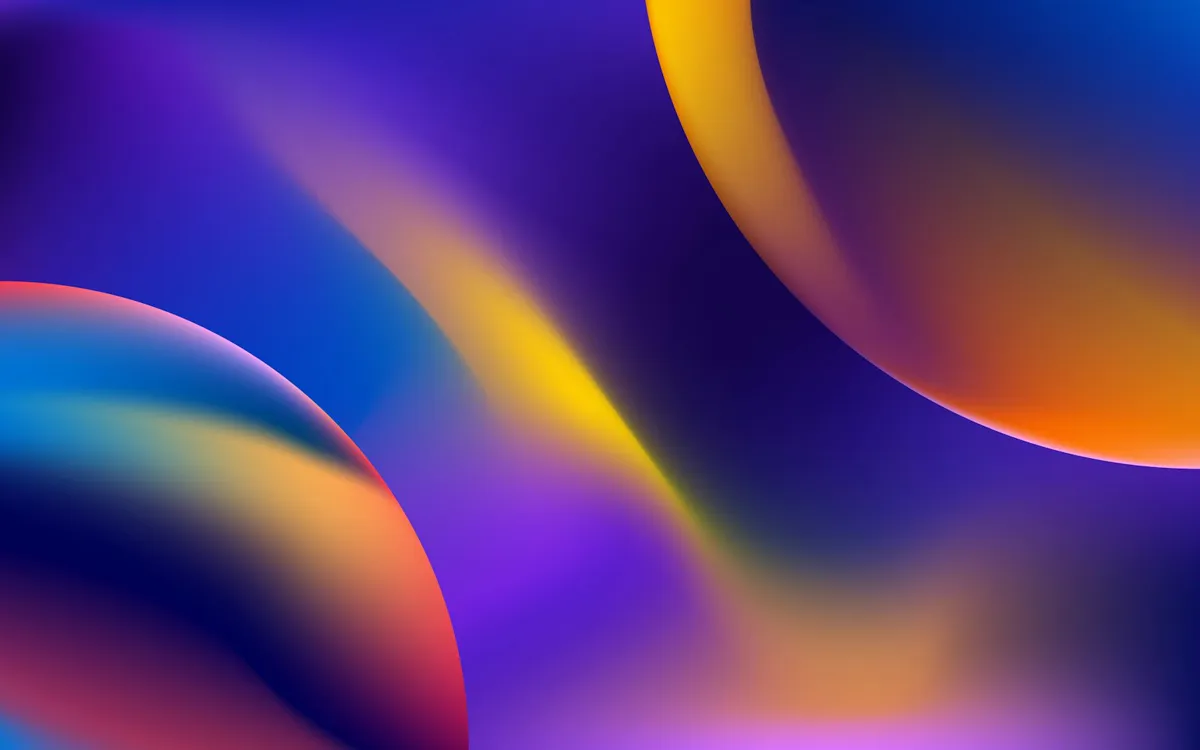
When you apply a true 4K image to a compatible monitor, the image achieves a quality known as ‘retina’ clarity, where the individual pixels are invisible to the naked eye. This creates a seamless transition between colors, making gradients look natural and organic rather than stepped or banded. This level of fidelity is what transforms a simple background into a piece of art, giving the image a depth that mimics a physical painting hanging on a wall.
Exploring Popular Styles of Abstract Digital Art
Not all abstract art is created equal. Depending on your personality and the nature of your work, different styles will resonate more than others. When browsing for a new wallpaper, it is helpful to categorize your preferences into specific artistic movements.
Geometric Abstraction
Geometric abstraction focuses on clean lines, circles, triangles, and squares. This style is often associated with modernism and architectural precision. For a professional setting, geometric patterns provide a sense of order and stability. They suggest logic, efficiency, and clarity. If your desktop is cluttered with folders and shortcuts, a geometric background can provide a structured grid that makes the chaos feel more organized.
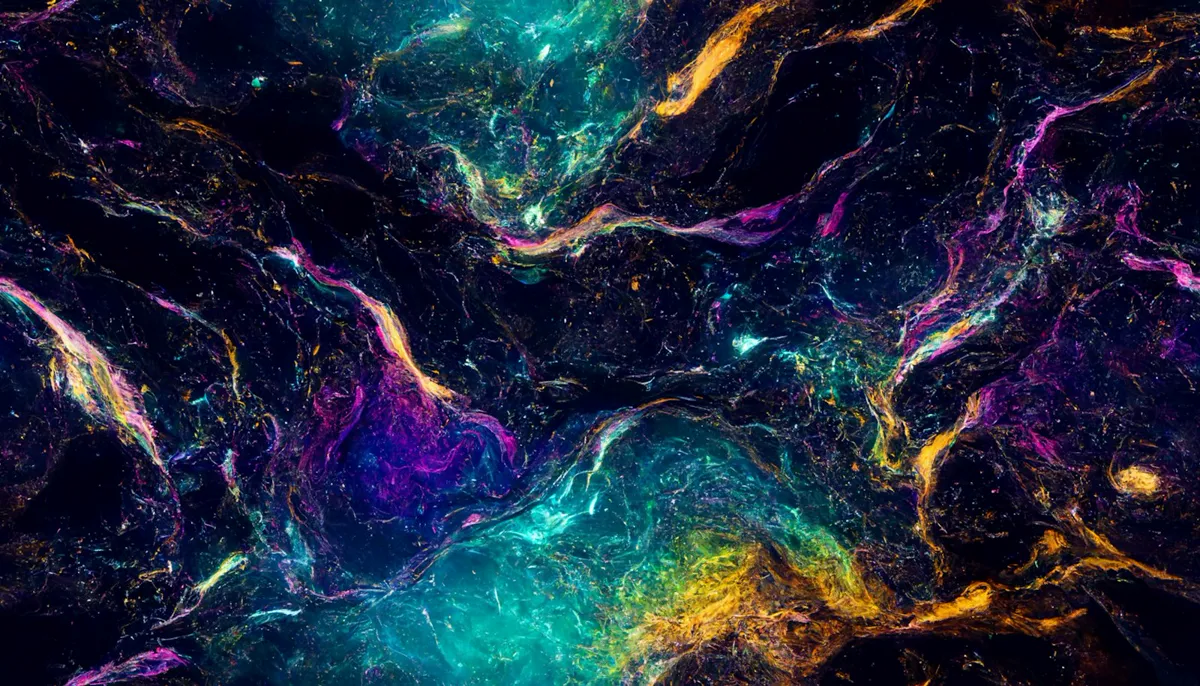
Fluid Art and Acrylic Pours
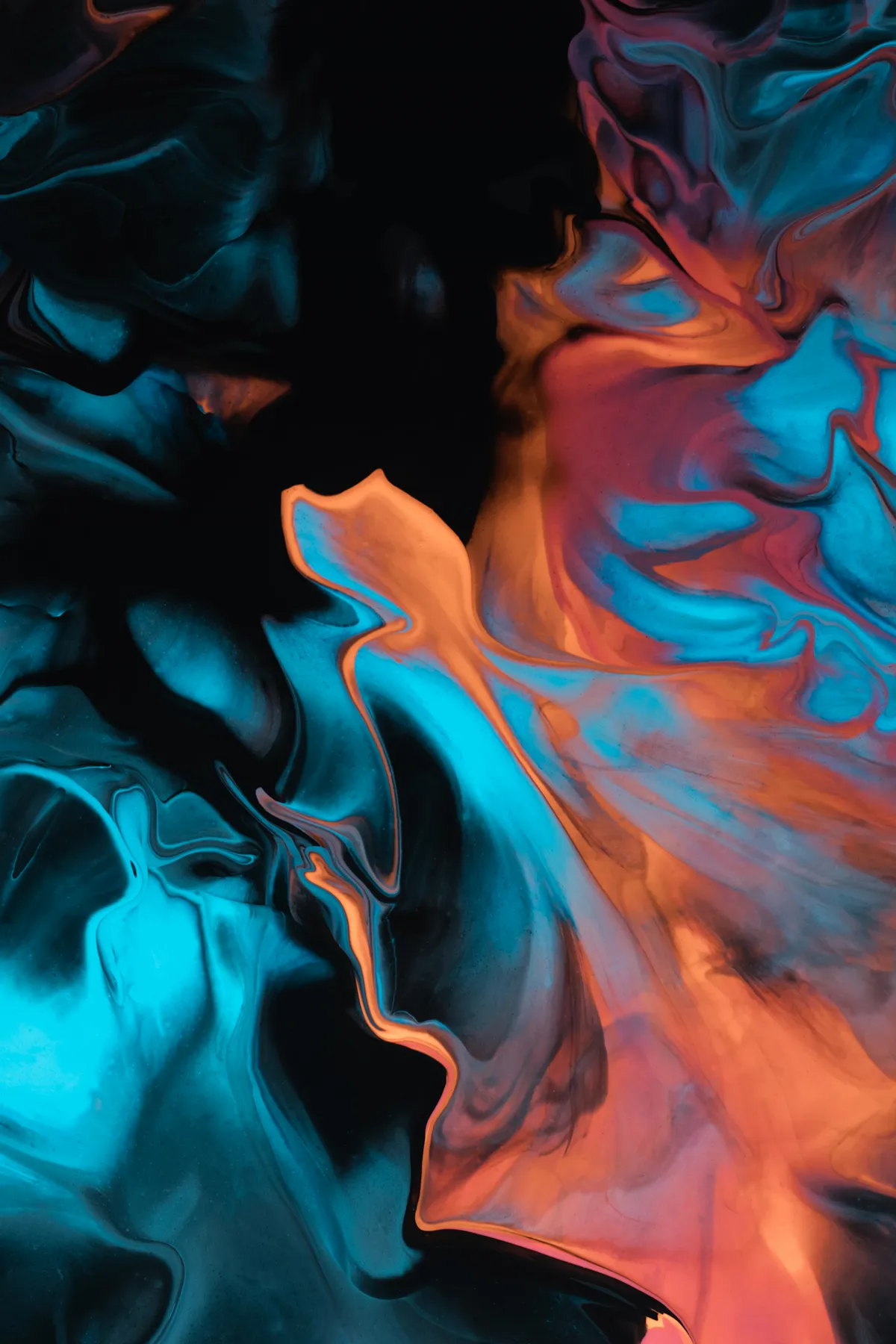
Fluid art is characterized by flowing shapes and swirling colors that look like liquid marble. These images often feature ‘cells’—small pockets of contrasting colors that create a biological or cosmic feel. Because these shapes are organic and unpredictable, they evoke a sense of calm and fluidity. They are perfect for those who find rigid lines oppressive and prefer a more natural, flowing aesthetic on their screens.
Minimalist Abstraction
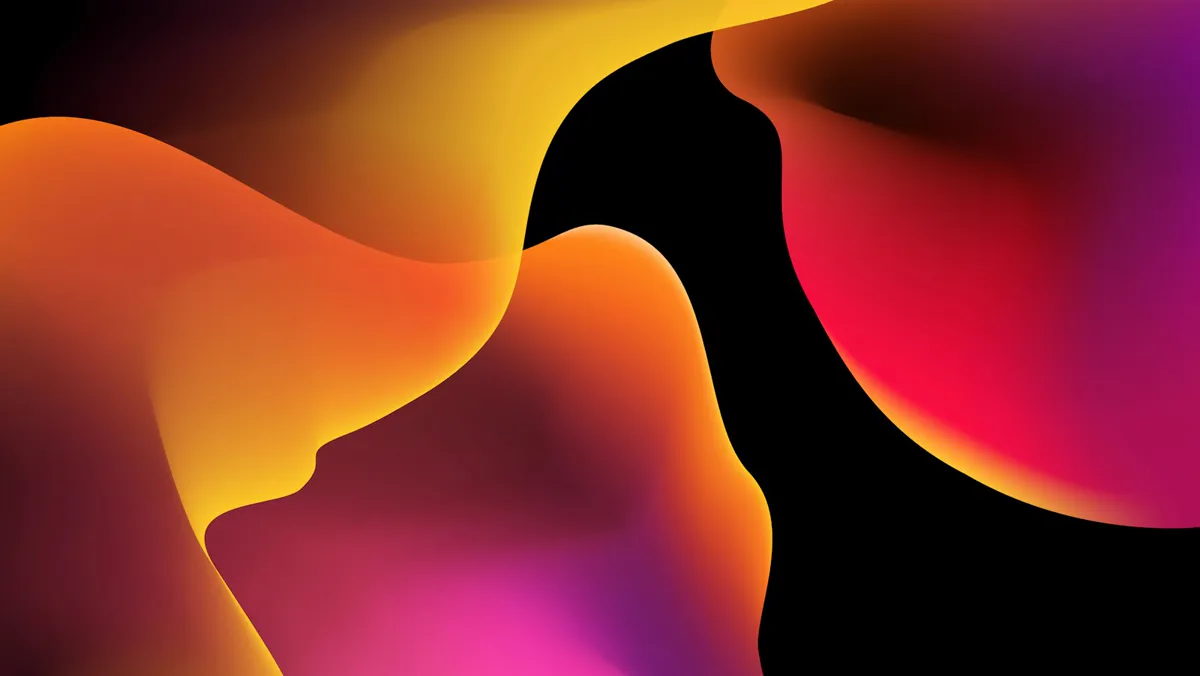
Minimalism is the art of subtraction. A minimalist abstract painting might consist of a single bold stroke across a neutral canvas or a gentle gradient of two complementary colors. The goal here is to reduce visual noise. In an era of constant notifications and digital distractions, a minimalist background provides the eyes with a place to rest, reducing cognitive load and helping the user maintain focus on the task at hand.
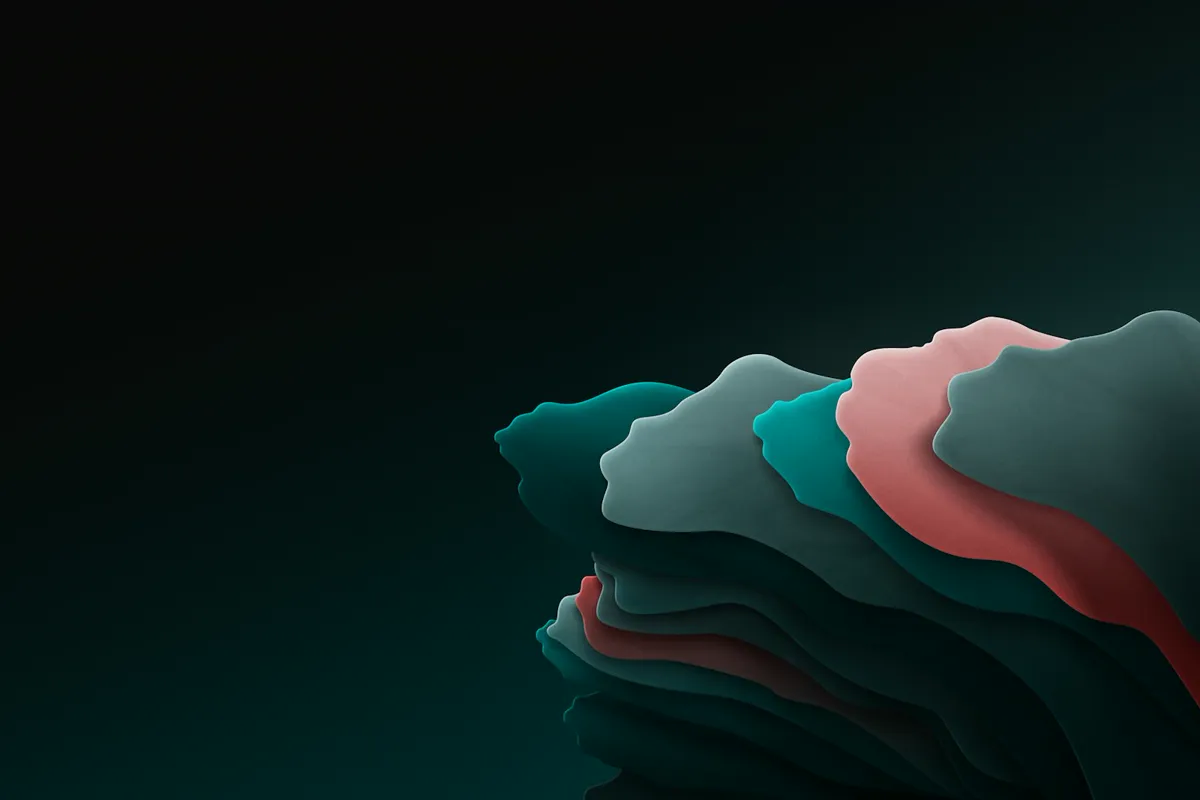
Abstract Expressionism
Inspired by artists like Jackson Pollock, this style is all about energy, emotion, and raw movement. It often features splatters, drips, and aggressive brushwork. This type of imagery is high-energy and visually stimulating. While it might be too distracting for some, for others, it serves as a source of inspiration and a reminder of the beauty found in chaos and spontaneity.
The Impact of Color Theory on Productivity
Beyond the style, the color palette of your abstract painting wallpaper 4k for pc plays a pivotal role in how you feel while working. Color theory suggests that different hues evoke specific psychological responses. Integrating this knowledge into your desktop choice can optimize your mental state.
Blue and green tones are widely recognized for their calming effects. Blue is often associated with stability, wisdom, and tranquility, making it an excellent choice for those dealing with anxiety or high-pressure deadlines. Greens evoke nature and growth, helping to reduce eye strain during long hours of screen time. These colors are particularly effective in fluid or minimalist abstract styles.
On the other hand, warm colors like red, orange, and yellow are stimulating. They increase heart rate and evoke feelings of excitement and passion. While a bright red background might be too aggressive for an eight-hour workday, accents of orange or yellow in a geometric composition can spark creativity and enthusiasm. Many artists use these bold colors to create a focal point in their work, which can draw the eye and awaken the mind.
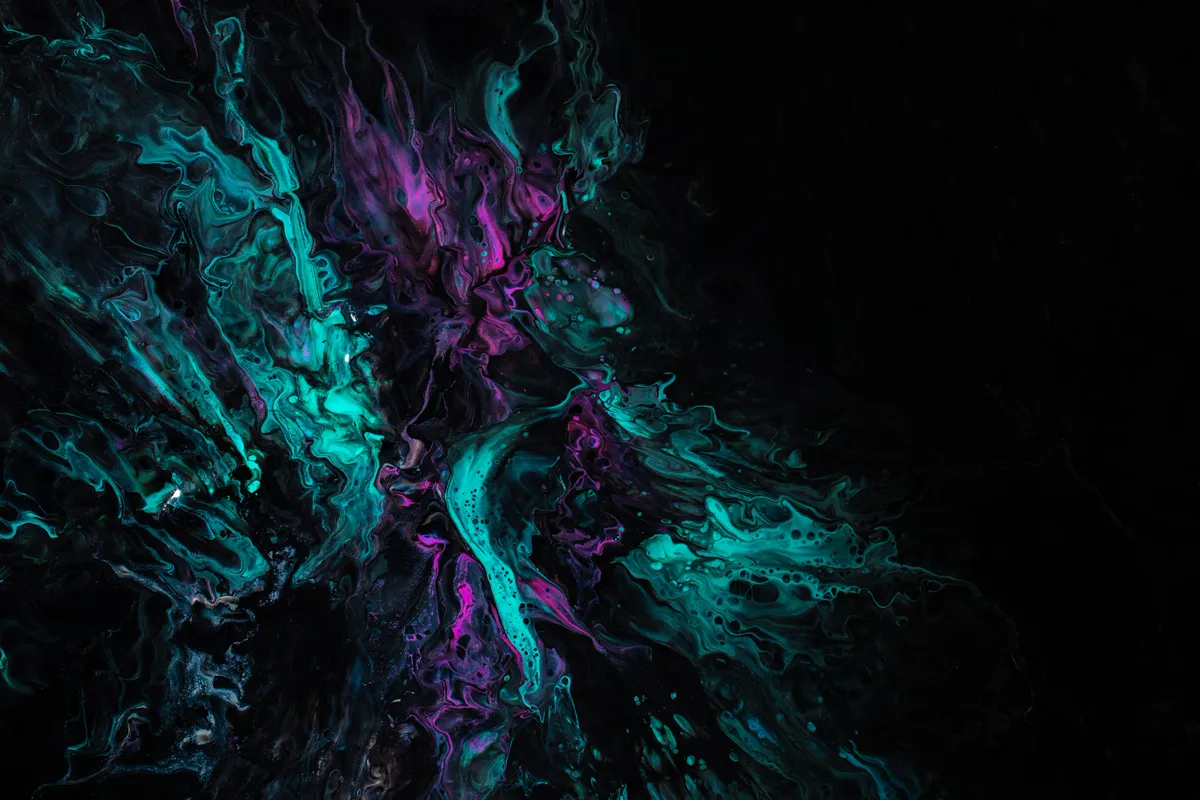
Dark-themed abstract art, featuring deep purples, charcoal grays, and blacks, is increasingly popular. This is partly due to the rise of ‘Dark Mode’ in software design. A dark background reduces the amount of light emitted by the monitor, which is gentler on the eyes in low-light environments. When paired with vibrant neon accents, dark abstract art creates a futuristic, cinematic vibe that is highly appealing for gamers and creative professionals alike. This evolution of digital art shows how technology and psychology merge to create the ideal user experience.
How to Choose and Implement the Perfect Wallpaper
Finding the right image is only half the battle; how you implement it matters just as much. To ensure your abstract painting wallpaper 4k for pc looks its best, consider the following practical tips.
- Check Your Aspect Ratio: Most 4K monitors use a 16:9 aspect ratio. If you choose an image with a different ratio, the system will either crop the edges or stretch the image, distorting the artist’s original intent. Always look for images specifically labeled as 3840 x 2160.
- Balance Your Icons: If you keep many shortcuts on your desktop, avoid wallpapers with too much high-contrast detail in the areas where your icons sit. A balanced composition—where the ‘action’ of the painting is centered or shifted to one side—prevents the screen from looking cluttered.
- Match Your Hardware: If you have an OLED screen, look for abstract art with deep blacks. OLED pixels turn off completely to produce true black, which creates an incredible contrast with bright colors and saves energy.
- Coordinate Your Theme: Many modern operating systems allow you to sync your window borders and taskbar colors with your wallpaper. Using a color picker tool to match your system accent color to a dominant hue in your abstract painting creates a cohesive, professional look.
Maintaining Visual Freshness
One common issue with desktop backgrounds is ‘visual fatigue.’ After a few weeks, you may stop noticing the art entirely, and the psychological benefits begin to fade. To combat this, consider rotating your collection. Many users create a folder of 5-10 high-quality abstract images and set their system to shuffle the wallpaper daily or weekly.
Rotating your background allows you to align your visual environment with your current projects. You might use a structured geometric pattern during a phase of heavy planning and organization, then switch to a fluid, ethereal painting when you enter a creative brainstorming phase. This dynamic approach keeps the workspace feeling fresh and prevents the digital environment from feeling stagnant.
Conclusion
An abstract painting wallpaper 4k for pc is more than just a decorative choice; it is a tool for mental management. By leveraging the power of 4K resolution, the principles of color theory, and the diverse styles of abstract art, you can transform your computer from a mere tool into a source of inspiration. Whether you seek the calming influence of fluid shapes, the order of geometric patterns, or the energy of expressionist strokes, the right image can significantly enhance your daily digital experience. In a world where we are constantly tethered to our screens, taking a moment to curate the art we see every day is a small but meaningful act of self-care and professional optimization.
Frequently Asked Questions
Where can I find high-quality 4k abstract wallpapers for free?
There are several reputable platforms where artists share their work for free. Websites like Unsplash, Pexels, and Pixabay offer vast libraries of high-resolution imagery. To find the best results, use specific search terms like ‘abstract 4k’ or ‘fluid art digital.’ Additionally, some digital art communities on Reddit or ArtStation provide high-resolution downloads, though it is always important to check the license to ensure the image is free for personal use.
Why does my 4k wallpaper look blurry on my screen?
Blurriness usually occurs due to a mismatch between the image resolution and the monitor’s native resolution, or because of incorrect scaling settings. First, ensure the image is actually 3840 x 2160 pixels. If the image is smaller, your computer will stretch it, causing blurriness. Second, check your display settings to ensure the resolution is set to the native 4K setting. Finally, ensure the wallpaper ‘fit’ is set to ‘Fill’ or ‘Fit’ rather than ‘Stretch.’
Which colors are best for increasing focus and productivity?
For deep focus and cognitive endurance, cool tones like muted blues and greens are generally most effective. Blue is known to stimulate the mind while keeping the body calm, which is ideal for tasks requiring high concentration. If you need a boost of energy or creativity, adding accents of yellow or soft orange can be helpful. It is usually best to avoid overly bright, saturated reds as primary backgrounds, as they can cause visual fatigue over long periods.
Does using a high-resolution wallpaper slow down my PC?
In the vast majority of cases, a 4K wallpaper has a negligible impact on system performance. Modern computers handle image rendering with ease. However, if you are using an animated wallpaper (live wallpaper) rather than a static image, this can consume a significant amount of RAM and GPU resources. For a static abstract painting, the only minor impact is a slightly longer initial load time during the boot process, which is imperceptible on modern SSDs.
What is the difference between 4K and Ultra HD for wallpapers?
In the consumer electronics world, 4K and Ultra HD (UHD) are often used interchangeably. Technically, ‘true’ 4K refers to a resolution of 4096 x 2160 (common in cinema), while Ultra HD refers to 3840 x 2160 (the standard for PC monitors and TVs). For the purposes of choosing a desktop background, both are essentially the same, but you should prioritize the 3840 x 2160 dimension to ensure a perfect fit for a standard 16:9 monitor.
Related posts:
If this set speaks to you, Wallpaper 4K PC 1920×1080 Abstract: Elevate Your Desktop Look continues the 4k-wallpaper conversation in a new direction.
Bookmark this set for the next time your screen needs a new mood.
