
Best Abstract Wallpaper 4K for PC: Ultimate Guide to Styles
The digital workspace is often the primary environment where we spend the majority of our waking hours. Whether for professional productivity, creative endeavors, or immersive gaming, the visual backdrop of a computer screen plays a subtle yet significant role in shaping our mood and focus. Choosing the best abstract wallpaper 4k for pc is not merely about finding a pretty picture; it is about curating a visual atmosphere that resonates with your mental state and enhances the overall aesthetic of your hardware setup.
Abstract art, by its very nature, eschews literal representation. Instead of depicting a specific object or scene, it utilizes shapes, colors, forms, and gestural marks to achieve its effect. When translated to a 4K resolution, these elements become incredibly crisp, turning a standard monitor into a piece of digital art. The sheer pixel density of Ultra High Definition (UHD) allows for gradients that are smooth and lines that are razor-sharp, removing the distractions of pixelation and blurring that plagued lower-resolution displays.
Defining the Appeal of Abstract Aesthetics
The draw of abstract imagery lies in its ambiguity. Unlike a photograph of a mountain or a city skyline, which tells a specific story, an abstract composition allows the viewer to project their own emotions and interpretations onto the screen. This quality makes it an ideal choice for a desktop background, as it provides visual interest without becoming a cognitive distraction. When you glance away from your work, a well-chosen abstract piece can act as a mental palate cleanser, providing a moment of serenity or a spark of inspiration.
In the realm of 4K resolution, the level of detail becomes a feature in itself. Macro-photography of ink in water, mathematically generated fractals, or digitally painted smoke plumes gain a tactile quality. The depth provided by 3840 x 2160 pixels ensures that the wallpaper looks as stunning on a 27-inch monitor as it does on a massive 32-inch curved display. The clarity allows the eye to wander through the composition, discovering new nuances in the color blends and geometric intersections every time the screen wakes up.
Popular Styles of Abstract Wallpapers for PC
When searching for the perfect background, it helps to categorize abstract art into styles that match your personality and the vibe of your room. There are several dominant trends in the digital art world that translate beautifully to high-resolution screens.
Minimalist Abstracts
Minimalism is centered on the principle of ‘less is more.’ These wallpapers typically feature a limited color palette, often consisting of two or three complementary tones, with plenty of negative space. A minimalist abstract might be a single, sweeping curve across a matte grey background or a subtle gradient that shifts from deep navy to charcoal. This style is highly favored by those who want a clean, uncluttered look that doesn’t compete with their desktop icons. By utilizing a diverse collection of wallpapers, users can rotate these subtle themes to keep their workspace feeling fresh without feeling overwhelmed.
Fluid and Liquid Art
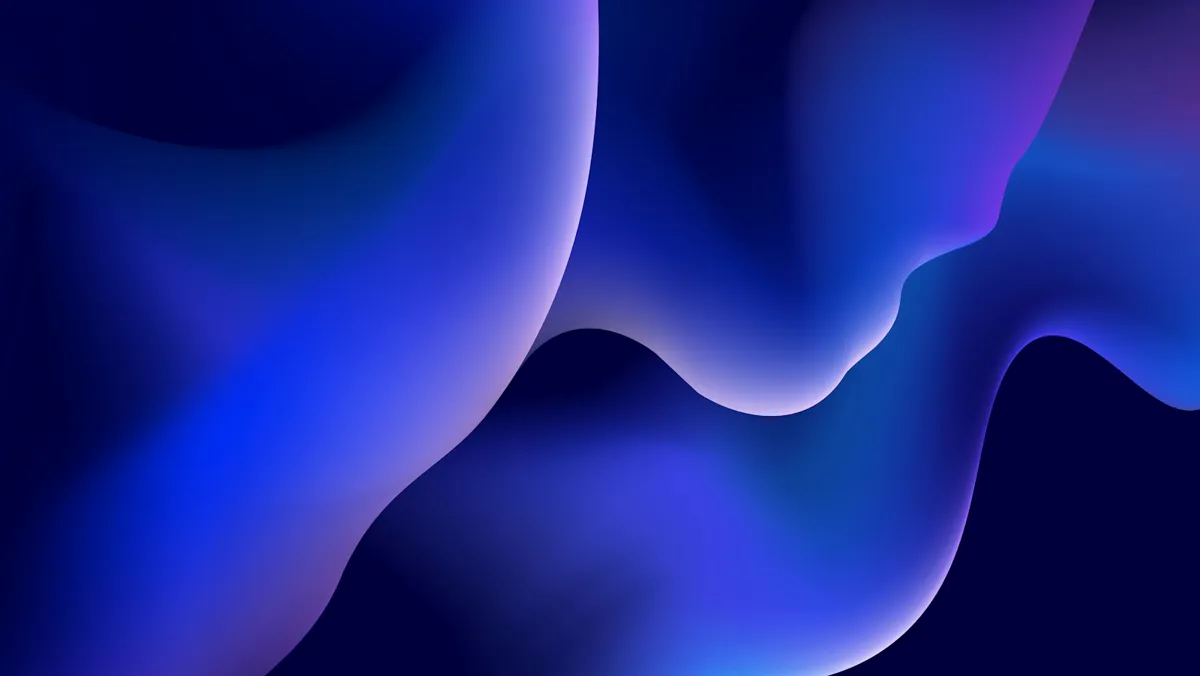
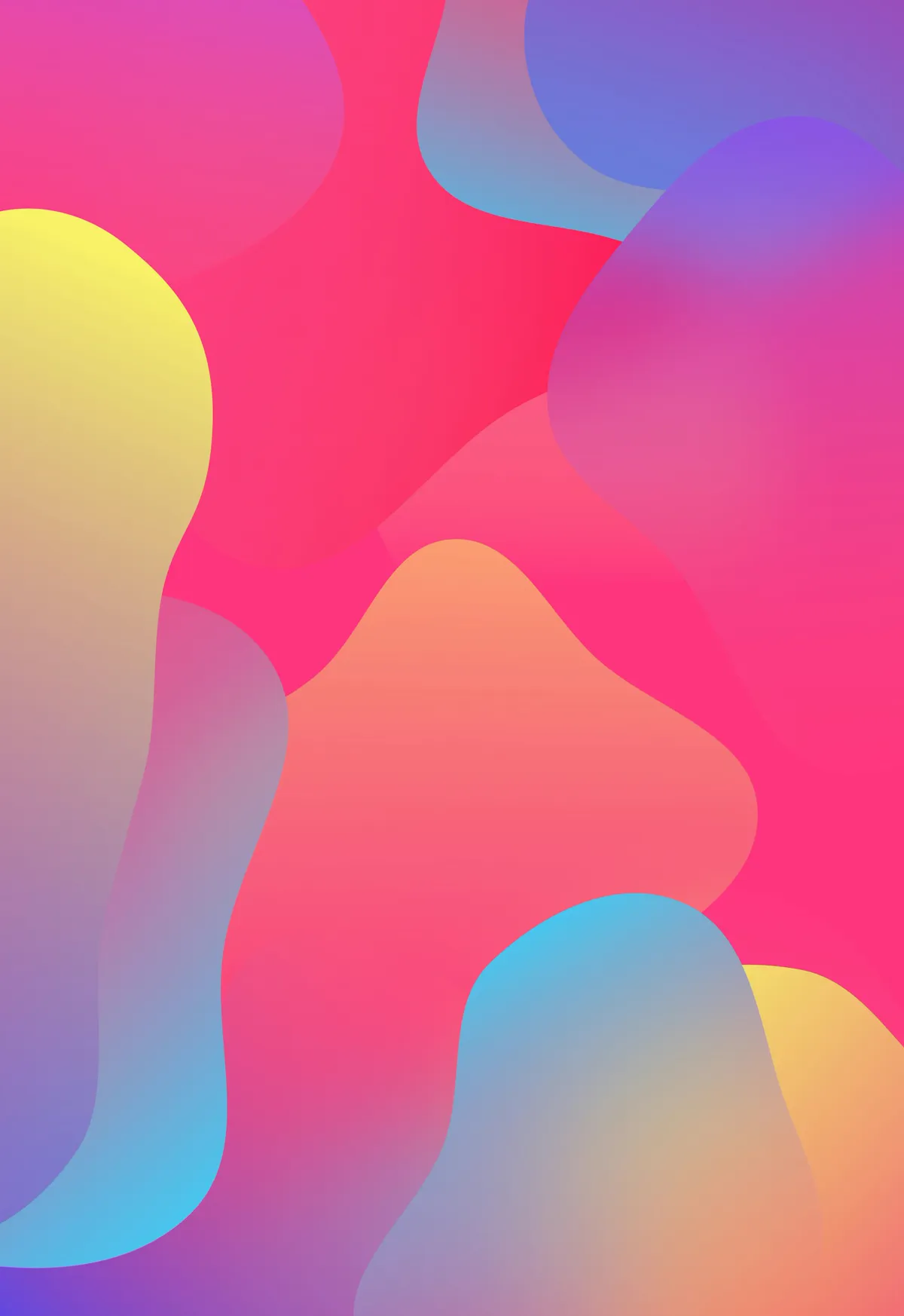
Inspired by the movement of liquids, fluid abstracts often feature swirling patterns, marble effects, and iridescent color blends. These images evoke a sense of flow and dynamism. The 4K resolution is particularly effective here, as it captures the intricate eddies and currents of digital ‘paint’ with stunning precision. These wallpapers often feel organic and soothing, making them excellent for users who find comfort in nature-inspired patterns but prefer a modern, artistic interpretation over a literal photograph.
Geometric and Polygonal Designs
For those who prefer structure and precision, geometric abstracts are the gold standard. These designs utilize polygons, triangles, and intersecting lines to create a sense of architectural depth. Low-poly art, which mimics the look of early 3D modeling, remains a popular choice due to its sharp edges and bold color blocks. Geometric patterns can evoke feelings of stability, logic, and efficiency, which is why they are often chosen by software developers, engineers, and gamers who want a high-tech aesthetic for their rigs.
Generative and Algorithmic Art
Generative art is created using code and mathematical formulas. These wallpapers often feature complex fractals or recursive patterns that seem to go on forever. The complexity of algorithmic art is perfectly suited for 4K monitors, as the intricate details remain clear even upon close inspection. These images often possess a futuristic or psychedelic quality, bridging the gap between mathematics and fine art. They are ideal for users who appreciate the intersection of technology and creativity.
The Influence of Color on Productivity and Mood
Color is not just a visual preference; it is a psychological tool. When selecting an abstract wallpaper, considering the color theory can help you optimize your environment for the task at hand.
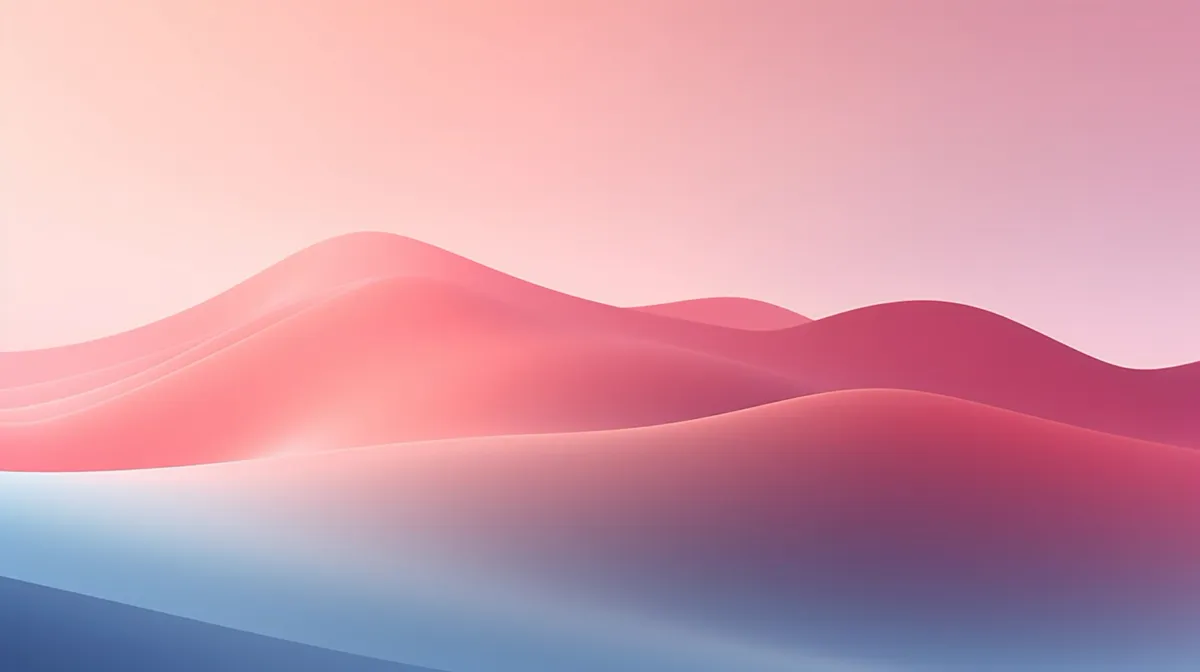
- Cool Tones (Blues, Greens, Purples): These colors are generally associated with calmness, stability, and focus. A deep blue abstract background can help reduce anxiety during high-stress work hours, while soft greens can evoke a sense of renewal and balance.
- Warm Tones (Reds, Oranges, Yellows): Warm colors are energizing and stimulating. They can spark creativity and increase alertness. However, too much saturated red or orange can lead to visual fatigue over long periods. These are best used in accent colors or for short-term inspiration.
- Monochromatic and Dark Modes (Blacks, Greys, Deep Tones): Dark-themed abstract wallpapers are highly popular for those who work in low-light environments. They reduce the amount of light emitted by the screen, which can significantly decrease eye strain. Furthermore, a dark background makes vibrant colored icons ‘pop,’ improving the visual hierarchy of your desktop.
Rotating your background based on the time of day or the current project can also be a useful strategy. A bright, energetic yellow abstract in the morning can help you wake up, while a muted, dark purple composition in the evening can signal to your brain that it is time to wind down.
Technical Considerations for 4K Wallpapers
To truly benefit from a high-resolution image, it is important to understand the technical side of how images interact with your hardware. Not all ‘4K’ images are created equal, and some may not fit your screen perfectly.
Resolution and Aspect Ratio
The standard 4K resolution for PCs is 3840 x 2160 pixels, which follows a 16:9 aspect ratio. If you use an ultra-wide monitor (21:9), a standard 4K image will either be stretched or cropped. For ultra-wide displays, you should look for ‘Dual 4K’ or specific ultra-wide resolutions (e.g., 3440 x 1440) to avoid distortion. When optimizing your desktop, ensure that the image resolution matches or exceeds your monitor’s native resolution to avoid the ‘fuzzy’ look caused by upscaling.
File Formats: JPEG vs. PNG vs. WEBP
The file format affects both the quality and the loading speed of your wallpaper. JPEGs are the most common and offer good compression, but they can sometimes show ‘artifacts’ in smooth gradients—a common feature of abstract art. PNGs are lossless, meaning they preserve every single pixel perfectly, making them the best choice for geometric and minimalist art. WEBP is a newer format that provides high quality with smaller file sizes, which is efficient for system resources, although not all legacy OS versions support it natively.
Impact on System Performance
A common question is whether a high-resolution 4K wallpaper can slow down a computer. For the vast majority of modern PCs, a static image has a negligible impact on performance. The image is loaded into the RAM once upon startup. However, if you use ‘Live Wallpapers’ (animated backgrounds), these require continuous GPU and CPU cycles. While visually stunning, live abstract backgrounds can impact gaming performance or battery life on laptops. For those prioritizing speed, a high-quality static 4K PNG is the optimal choice.
Tips for Curating the Perfect Digital Workspace
Finding the best abstract wallpaper 4k for pc is only half the battle; the other half is integrating it into a cohesive workspace. A wallpaper that looks great in a preview window might be frustrating once your desktop is covered in folders and shortcuts.
One effective strategy is to choose images with ‘dead space.’ This refers to areas of the composition that are relatively plain or low-contrast. By positioning your most-used icons in these areas, you maintain the visibility of your files without obscuring the most interesting parts of the artwork. For example, if you have a fluid abstract with a bright burst of color on the right side, keep your icons aligned to the left.
Another tip is to match your wallpaper to your physical environment. If your desk setup features RGB lighting, you can synchronize the colors of your keyboard and mouse with the dominant tones of your abstract wallpaper. This creates an immersive ‘aura’ around your workstation, making the transition from the physical world to the digital one feel seamless.
The Evolution of Digital Backgrounds
We have come a long way from the basic tiled patterns and low-resolution landscapes of the early computing era. The rise of 4K technology has turned the desktop background into a legitimate medium for digital expression. We are now seeing a convergence of AI-generated art and human curation, where algorithms can create infinite variations of abstract forms that would be impossible to paint by hand.
The future likely holds even more integration, such as wallpapers that change dynamically based on the weather, the time of day, or even the user’s heart rate via wearable integration. Until then, the act of searching for the perfect abstract image remains a ritual for many tech enthusiasts—a way to claim ownership over their digital space and express their identity through color and form.
Conclusion
Selecting the best abstract wallpaper 4k for pc is a blend of technical necessity and artistic preference. By understanding the different styles—from the quietude of minimalism to the complexity of generative art—and considering the psychological impact of color, you can transform your monitor from a simple tool into a source of inspiration. Whether you seek a distraction-free environment for deep work or a vibrant, high-energy backdrop for gaming, the world of 4K abstract art offers endless possibilities. Remember to prioritize resolution and aspect ratio to ensure the image looks its best, and don’t be afraid to experiment with different themes as your mood and needs evolve.
Frequently Asked Questions
Many users utilize reputable stock sites like Unsplash, Pexels, or Pixabay, which offer high-resolution imagery under free licenses. Additionally, community-driven platforms like Wallhaven or Reddit’s dedicated wallpaper communities are excellent sources for curated, user-uploaded 4K abstract art. Always check the resolution settings before downloading to ensure the image is at least 3840 x 2160 pixels.
Does a 4K wallpaper drain my laptop battery faster?
A static 4K image has virtually no impact on battery life, as it is simply a file stored in memory. However, the brightness of the wallpaper can affect power consumption. For instance, a bright white abstract wallpaper will require the screen to emit more light than a dark-themed one, which can lead to slightly faster battery drain on screens that aren’t OLED. Animated or ‘live’ wallpapers do consume significantly more power.
What is the best way to stop my wallpaper from looking stretched?
To prevent stretching, ensure the image’s aspect ratio matches your monitor’s ratio (usually 16:9 for standard screens). In your computer’s personalization settings, instead of choosing ‘Stretch,’ select ‘Fill’ or ‘Fit.’ ‘Fill’ will expand the image to cover the screen while maintaining proportions, potentially cropping the edges, whereas ‘Fit’ will show the entire image with black bars if the ratios don’t match.
Why should I choose abstract wallpapers over photographic ones?
Abstract wallpapers are often preferred because they provide visual interest without providing a specific focal point that can be distracting. While a photo of a beach is beautiful, it represents a specific place and memory; abstract art is open-ended. This makes it more versatile for professional environments and less likely to become ‘boring’ over time, as the eye finds new patterns in the shapes and colors.
What is the difference between 4K and Ultra HD (UHD) for wallpapers?
In the context of PC monitors and wallpapers, the terms 4K and UHD are often used interchangeably. Technically, ‘True 4K’ refers to a cinema standard of 4096 x 2160, while UHD refers to the consumer standard of 3840 x 2160. For almost all PC users, a UHD image is what is required to perfectly fit a standard 4K monitor without any scaling issues.
Related posts:
Before you choose, take in Abstract Wallpaper 4K Laptop: Enhancing Your Digital Workspace as well. The contrast might surprise you.
Pass this link to someone who appreciates bold, abstract design.
