
Black Abstract Wallpaper PC: Elevate Your Desktop Aesthetic
The digital desktop is more than just a functional workspace; it is a reflection of one’s personality, mood, and professional identity. For many, the search for the perfect black abstract wallpaper pc is not merely about filling a screen with an image, but about creating an environment that fosters focus, sophistication, and visual comfort. A dark aesthetic can transform a cluttered workstation into a serene sanctuary, allowing the user to immerse themselves in their tasks without the distraction of garish colors or overly complex imagery.
In recent years, the shift toward dark mode interfaces has moved beyond simple software settings. It has become a lifestyle choice for power users, designers, and gamers alike. The allure of the void—the deep, rich blacks paired with subtle gradients or sharp geometric lines—offers a timeless appeal that transcends fleeting design trends. Whether you are utilizing a high-end gaming rig or a professional workstation, the right background can significantly alter your interaction with your device.
The Psychology of Dark Aesthetics on the Desktop
Colors have a profound impact on our cognitive state. While bright colors can energize and stimulate, they can also lead to visual fatigue over long periods. Choosing a black abstract wallpaper pc provides a neutral backdrop that minimizes cognitive load. When the background is understated, the foreground elements—such as application icons, folder shortcuts, and open windows—become more prominent. This creates a natural hierarchy of information, making it easier for the brain to process where to look first.
Furthermore, there is a certain psychological weight to darkness. It often evokes feelings of luxury, power, and mystery. In a professional setting, a dark abstract background suggests a level of maturity and discipline. It removes the noise of the external world, creating a focused ‘tunnel’ of productivity. For many, this visual silence is essential for entering a state of flow, where time disappears and the quality of work peaks.
Reducing Eye Strain and Fatigue
One of the most practical benefits of dark backgrounds is the reduction of blue light exposure and glare. In low-light environments, a bright white or colorful wallpaper can act like a flashlight pointed directly at the eyes, causing squinting and headaches. By opting for darker tones, the contrast between the screen and the surrounding room is softened. This is particularly beneficial for those who work late into the night or in dimly lit studios.
When we consider the broader scope of minimalism in digital design, the goal is always to remove the unnecessary to highlight the essential. A black abstract design achieves this by stripping away representational imagery—trees, cities, or people—and replacing them with forms and shadows. This prevents the mind from wandering into narratives and keeps the focus on the task at hand.
Exploring Different Styles of Black Abstract Wallpapers
Not all black wallpapers are created equal. The term ‘abstract’ covers a vast spectrum of artistic expressions, from the rigid laws of mathematics to the chaotic flow of nature. Depending on the mood you wish to cultivate, different styles will serve different purposes.
Geometric and Polygonal Designs
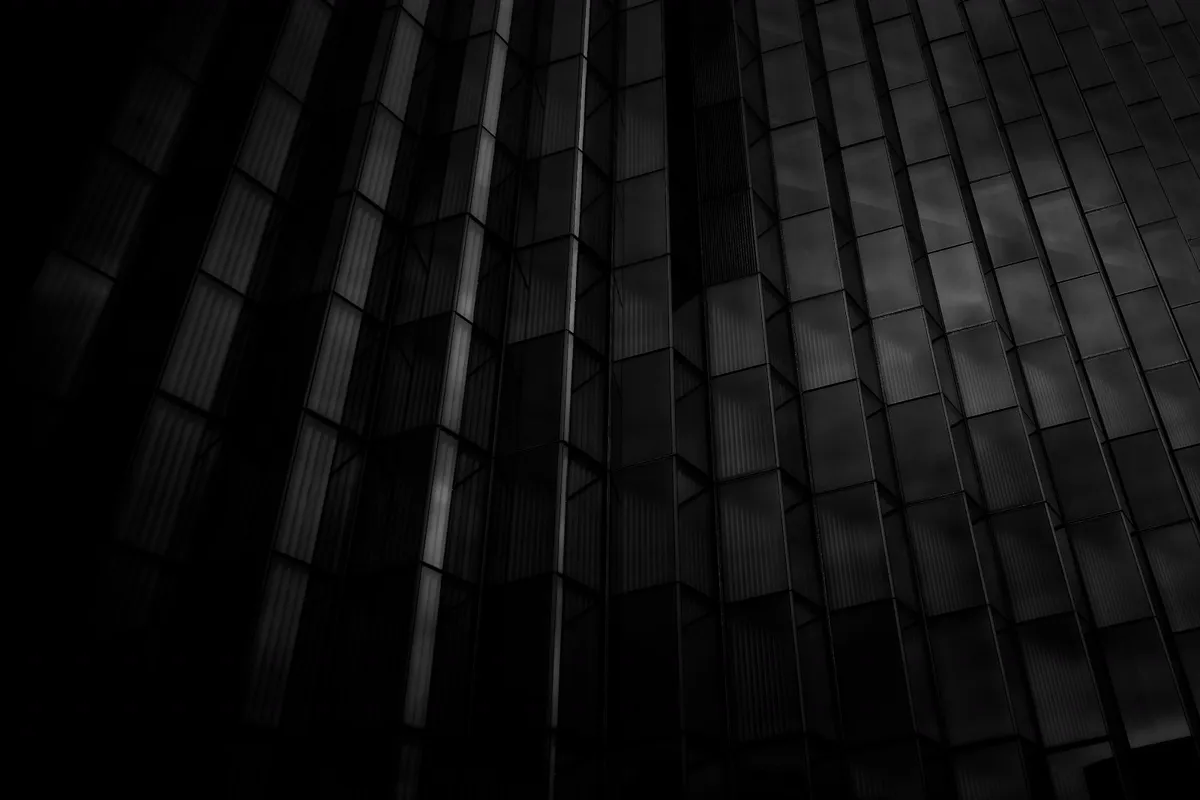
Geometric abstracts are characterized by sharp edges, clean lines, and structured patterns. These often feature low-poly art, where 3D shapes are broken down into triangles or hexagons. These designs convey a sense of order, precision, and modernity. They are ideal for users who appreciate architecture, engineering, or the structured nature of coding. The contrast between a deep black void and a slate-grey edge creates a three-dimensional effect that adds depth to the screen without being overwhelming.
Fluid and Organic Forms
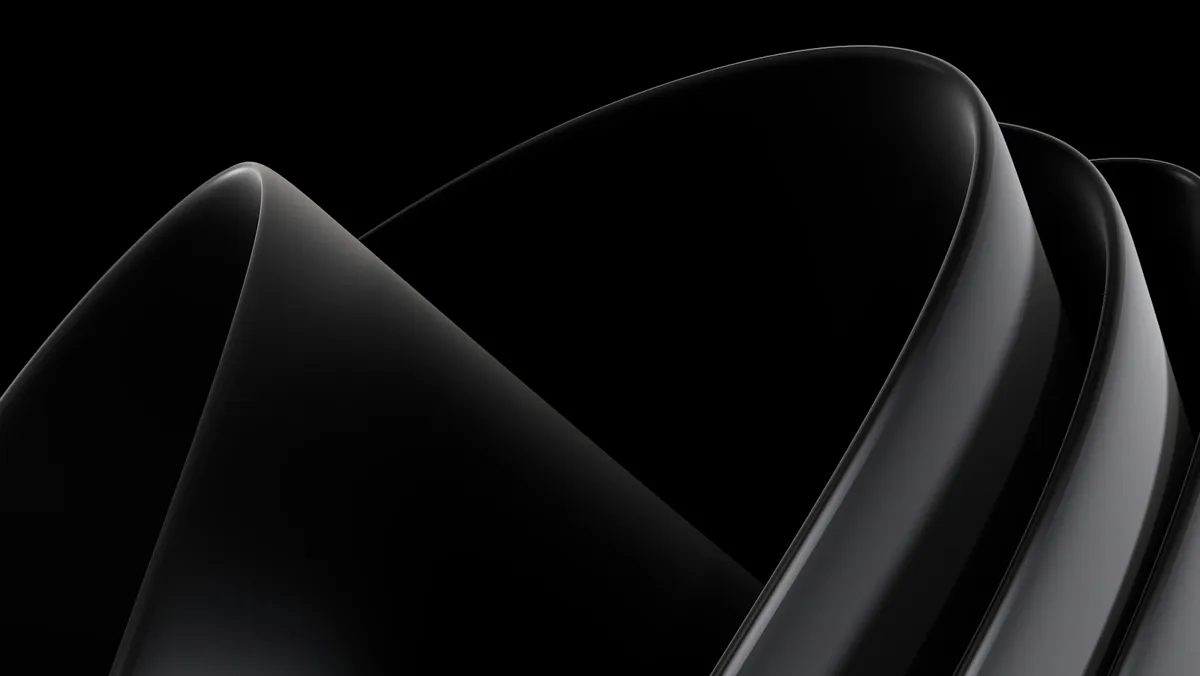
In contrast to geometric rigidity, fluid abstracts mimic the movement of liquids, smoke, or ink dropping into water. These wallpapers often feature swirling patterns, soft gradients, and ethereal curves. They evoke a sense of creativity, adaptability, and calm. Organic shapes are less demanding on the eyes and provide a soothing visual experience, making them perfect for those who use their computers for creative arts, writing, or brainstorming.
Textured and Material-Based Backgrounds
Some of the most sophisticated black wallpapers are those that simulate real-world textures. Imagine the look of brushed aluminum, carbon fiber, matte leather, or obsidian stone. These images provide a tactile quality to the digital screen, grounding the user in a sense of materiality. A carbon fiber pattern suggests speed and performance, while a matte black texture offers a stealthy, understated elegance that fits perfectly with modern hardware aesthetics.
Minimalist Voids and Gradients
The purest form of the black abstract wallpaper pc is the minimalist gradient. This involves a slow transition from a true black (#000000) to a very dark grey or a subtle hint of a primary color like deep navy or charcoal. These wallpapers are the ultimate in unobtrusiveness. They provide just enough visual interest to prevent the screen from looking ‘dead’ while ensuring that nothing competes for the user’s attention.
Technical Considerations for Maximum Visual Quality
To truly appreciate a dark abstract background, the technical specifications of the image must match the capabilities of the hardware. A low-resolution image on a high-resolution screen will result in ‘banding’—those ugly, visible stripes in the gradients that ruin the smooth transition of color.
The Importance of Resolution (4K and Beyond)
For a modern PC, 1080p is often the bare minimum, but 4K (3840 x 2160) is the gold standard for abstract art. Because abstract designs rely heavily on smooth curves and precise lines, any pixelation is immediately noticeable. High-resolution files ensure that the edges remain crisp and the blacks remain deep, regardless of the screen size. If you are using an ultrawide monitor, ensuring the aspect ratio is correct (typically 21:9) prevents the image from stretching and distorting the intended artistic composition.
OLED vs. LCD: The Quest for ‘True Black’
The experience of a black wallpaper changes drastically depending on the panel technology. On a standard LCD or LED screen, a ‘black’ pixel is actually a pixel with a backlight shining through a filter, resulting in a dark grey appearance. However, on an OLED (Organic Light Emitting Diode) display, black pixels are simply turned off. This results in ‘true black,’ where the screen becomes indistinguishable from the bezel of the monitor.
Using a black abstract wallpaper pc on an OLED screen not only looks stunning but can also save energy, as the hardware isn’t powering the pixels in the darkest areas. This creates an infinite contrast ratio that makes any highlighted accents—like a thin gold line or a neon blue glow—appear to float in mid-air.
How to Curate Your Desktop for Peak Productivity
A wallpaper is only one part of the visual equation. To maximize the benefits of a dark abstract theme, you must consider how it interacts with your desktop organization. A beautiful background can be ruined by a chaotic swarm of icons.
- Icon Management: Group your most-used applications into folders or use a dock (like Taskbar or third-party launchers) to keep the center of the screen clear. This allows the art of the wallpaper to be visible.
- Color Coordination: If your wallpaper has a subtle accent color (e.g., dark purple), consider matching your system accent colors in Windows or macOS settings to create a unified theme.
- Contrast Balancing: Ensure your folder icons are easily visible. If you have a very dark wallpaper, standard white or light-colored text labels will pop perfectly, reducing the time spent searching for files.
By treating your desktop as a curated space, you can leverage the psychological benefits of the dark aesthetic. When the environment feels organized and intentional, the mind is more likely to follow suit. Finding a high-quality wallpaper is the first step in building this digital sanctuary.
Creating Your Own Abstract Backgrounds
If you cannot find the exact shade of black or the specific geometric pattern you desire, creating your own is easier than ever. You don’t need to be a master artist to produce a professional-looking abstract background. Simple tools like Canva, Adobe Express, or even basic photo editors can be used to create gradients and shapes.
For those interested in AI-generated art, prompts focusing on ‘dark minimalism,’ ‘cinematic lighting,’ ‘deep blacks,’ and ‘abstract fluid dynamics’ can yield stunning results. The key is to specify the resolution and the mood. For instance, requesting ‘a 4K matte black architectural abstract with sharp shadows’ will produce a very different result than ‘a dreamy dark liquid swirl with charcoal tones.’
When designing, remember the rule of thirds. Avoid placing the most complex part of the image in the areas where your icons typically sit (usually the left side of the screen). Keep the focal point centered or slightly offset to ensure the wallpaper complements the usability of the PC rather than hindering it.
Conclusion
Selecting a black abstract wallpaper pc is a small change that yields significant results. From reducing eye strain and enhancing focus to providing a sleek, professional look, the dark aesthetic is a powerful tool for anyone spending hours in front of a screen. By understanding the different styles—whether geometric, fluid, or textured—and matching them to your hardware’s capabilities, you can create a workspace that is both visually inspiring and functionally efficient.
Ultimately, the goal is balance. The right wallpaper should be present enough to be beautiful, but subtle enough to disappear when it’s time to work. In the intersection of art and utility, the black abstract design remains the gold standard for the modern computing experience.
Frequently Asked Questions
How do I find high resolution black abstract backgrounds for my PC?
The best way to find high-resolution images is to use dedicated wallpaper sites or platforms like Unsplash and Pexels. When searching, use specific terms like ‘4K black abstract’ or ‘dark minimalism’ to filter out low-quality results. Always check the image dimensions before downloading to ensure they match your monitor’s native resolution (e.g., 3840×2160 for 4K) to avoid blurriness or stretching.
Why are dark wallpapers better for OLED screens?
OLED screens produce light on a per-pixel basis, meaning they can turn pixels completely off to create ‘true black.’ When you use a black wallpaper, those pixels consume zero power, which can extend the battery life of laptops. Additionally, the infinite contrast between the off pixels and the lit pixels makes colors look more vibrant and images appear deeper and more realistic.
How does a dark desktop impact eye strain?
Dark backgrounds reduce the total amount of light emitted by the monitor, which minimizes glare and the harshness of blue light. This is especially helpful in dim lighting, where a bright white screen can cause significant contrast-induced fatigue. By lowering the overall luminance, your eyes don’t have to work as hard to adjust, leading to less strain during long work sessions.
What makes an abstract wallpaper look professional?
Professionalism in abstract art usually comes from simplicity and a restricted color palette. Designs that avoid cluttered patterns, neon clashes, or overly ‘busy’ imagery tend to look more sophisticated. Subtlety is key; a wallpaper that uses deep charcoals, matte finishes, and intentional negative space suggests a refined taste and a focus on order and clarity.
Where can I look for free legal desktop images?
Websites like Unsplash, Pixabay, and Pexels offer vast libraries of high-quality images under the Creative Commons Zero (CC0) license or their own similar free-to-use licenses. These platforms are excellent for finding artistic, professional-grade black abstract wallpapers without worrying about copyright infringement, provided you follow their basic usage terms.
Related posts:

Before you choose, take in Minimalist Abstract Wallpaper PC: Enhancing Your Digital Space as well. The contrast might surprise you.
Pass this link to someone who appreciates bold, abstract design.
