
In the modern era of smartphone technology, the visual experience is defined by the quality of the display. For those owning devices equipped with Super AMOLED screens, the choice of a background is no longer just an aesthetic decision—it is a functional one. A Super AMOLED abstract wallpaper does more than just look sophisticated; it leverages the unique hardware properties of Organic Light Emitting Diodes to enhance contrast, save power, and reduce eye strain.
- Understanding AMOLED Technology
- The Science of True Black (#000000)
- Why Abstract Designs Complement OLED
- Battery Efficiency and Power Consumption
- Guidelines for Choosing High-Resolution OLED Art
- Preventing Screen Burn-in with Dynamic Wallpapers
- Conclusion
- Frequently Asked Questions
Understanding AMOLED Technology
To appreciate why specific wallpapers are designed for these screens, one must understand how Super AMOLED differs from traditional LCD (Liquid Crystal Display). In an LCD screen, a backlight illuminates the entire panel regardless of the image being shown. Even when displaying a black image, the backlight remains on, and a layer of crystals attempts to block the light.
In contrast, AMOLED pixels are self-emissive. This means each individual pixel produces its own light. When a pixel needs to display the color black, it simply turns off completely. This creates what is known as infinite contrast, where the black areas are truly dark, providing a depth that is impossible to achieve on any other display technology. By focusing on customization and choosing images with large black areas, users can fundamentally change how their device interacts with power.
The Science of True Black (#000000)
Not all dark wallpapers are created equal. Many users mistake dark grey or deep navy for black. However, for the benefits of an OLED screen to manifest, the wallpaper must utilize True Black, represented by the hex code #000000. When a image uses #000000, the hardware instructs the pixel to shut down entirely, drawing zero current.
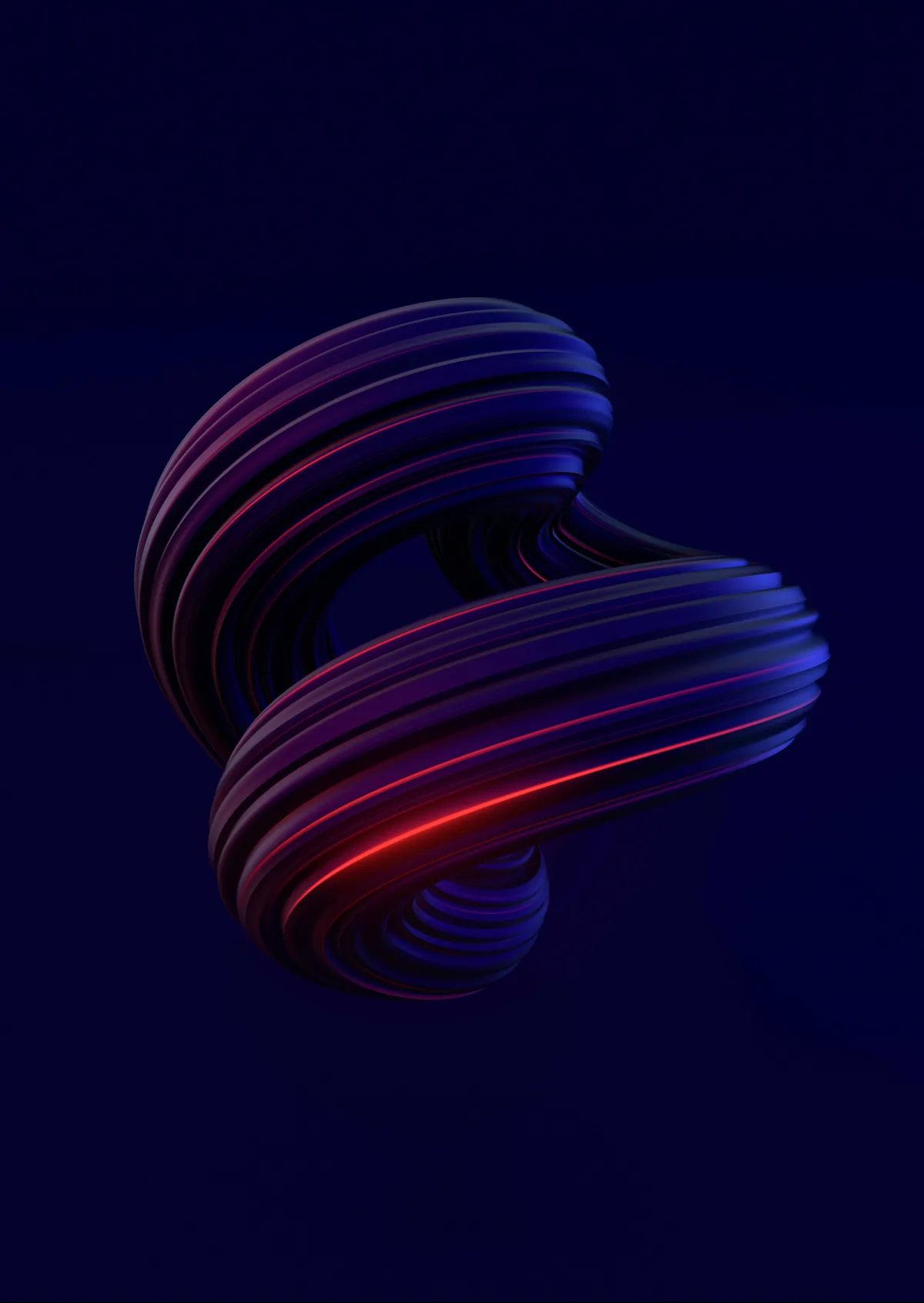
Abstract art is particularly effective here because it often utilizes stark contrasts. Imagine a single, glowing neon line cutting through a void of absolute darkness. This visual style creates a floating effect where the imagery seems to hover above the glass of the phone. This is why semantic search for OLED backgrounds often emphasizes terms like ‘pure black’ or ‘pitch black’ alongside abstract themes.
Why Abstract Designs Complement OLED
Abstract art allows for a level of versatility that photography sometimes lacks. While a photograph of a night sky is beautiful, it often contains noise or dark grey gradients that keep pixels partially active. Abstract geometric shapes, fluid gradients, and minimalist lines allow for the precise placement of color against a dead-black background.
From a design perspective, abstract wallpapers reduce visual clutter. In an age of notification overload, a clean, dark abstract background helps the user focus on the content of their apps. The high color saturation typical of Super AMOLED panels makes vibrant colors—like electric purple, cyan, or crimson—pop intensely against the darkness, creating a professional and futuristic aesthetic.
Battery Efficiency and Power Consumption
One of the most significant advantages of using a Super AMOLED abstract wallpaper is the impact on battery longevity. Because the pixels are physically off in black areas, the power draw is significantly reduced. While the savings might seem marginal on a single image, the cumulative effect over thousands of screen-on hours is noticeable.

This is particularly evident when using the Always-On Display (AOD). AOD functions by lighting up only a tiny fraction of the screen (the clock and notifications) while keeping the rest of the panel off. If your main wallpaper follows this same logic of minimal light emission, you maintain a consistent power profile across different usage modes. For those seeking maximum efficiency, minimizing the number of active pixels is the gold standard.
Guidelines for Choosing High-Resolution OLED Art
To ensure the wallpaper looks crisp and doesn’t introduce banding (visible stripes in gradients), you must prioritize resolution and file format. Most modern flagship phones use QHD+ or FHD+ resolutions. A wallpaper that is upscaled will result in blurriness, which ruins the ‘infinite’ feel of the black levels.
- Aspect Ratio: Ensure the image matches your screen ratio (typically 19.5:9 or 20:9) to avoid awkward stretching.
- Bit Depth: Look for 10-bit or 12-bit images to ensure smooth color transitions in the abstract gradients.
- File Format: Use PNG or high-quality JPEG. Avoid heavily compressed WEBP files that may introduce artifacts into the true black areas.
When searching for these images, look for vector-based abstract art. Vector art maintains its sharpness regardless of the screen size and typically employs flat colors that are easier to map to #000000.
Preventing Screen Burn-in with Dynamic Wallpapers
While Super AMOLED displays are stunning, they are susceptible to screen burn-in—a permanent discoloration caused by static images being displayed at high brightness for extended periods. This occurs when organic compounds in the pixels degrade at different rates.
Abstract wallpapers can help mitigate this if they are designed intelligently. By using dynamic wallpapers or rotating your abstract backgrounds, you ensure that no single pixel is forced to emit a bright color indefinitely. The high contrast of abstract art means that while some pixels are working hard to produce a bright neon glow, others are resting in total darkness. This distribution of workload is healthier for the organic material of the display over the long term.
Conclusion
Choosing a Super AMOLED abstract wallpaper is a perfect intersection of art and engineering. By embracing the physics of self-emissive pixels, you can transform your device into a piece of digital art that is both visually striking and energy-efficient. Whether you prefer minimalist lines or complex fluid shapes, the key is to prioritize true blacks and high contrast to let your hardware truly shine.
Frequently Asked Questions
Do black wallpapers actually save battery on AMOLED screens?
Yes, because AMOLED pixels turn off completely to display black. Since no power is required to maintain a ‘dark’ pixel, your battery consumption decreases compared to using light or grey backgrounds.
What is the difference between dark grey and true black for OLED?
Dark grey still requires the pixel to emit a small amount of light, meaning it still consumes power. True black (#000000) means the pixel is powered down entirely, resulting in zero energy use and a deeper visual contrast.
Will high-contrast abstract wallpapers cause screen burn-in?
If the image is static and the brightness is set to maximum for hours, any image can contribute to burn-in. However, abstract wallpapers with large black areas actually reduce the overall stress on the panel compared to full-bright images.
What resolution should I look for in an AMOLED wallpaper?
You should match or exceed your device’s native resolution. For most modern smartphones, this means looking for images that are at least 1080 x 2340 pixels (FHD+) or 1440 x 3200 pixels (QHD+).
How often should I change my wallpaper to protect the display?
While not strictly necessary for everyone, changing your wallpaper every few weeks or using a dynamic wallpaper slideshow is a great way to ensure even pixel wear and prevent any potential ghosting or burn-in.
Related posts:


One collection down, another calling: Dark Abstract Anime Wallpaper: Elevate Your Digital Aesthetic is the closest companion to what you just viewed.
Save the pieces you love and share the collection with your circle.
