

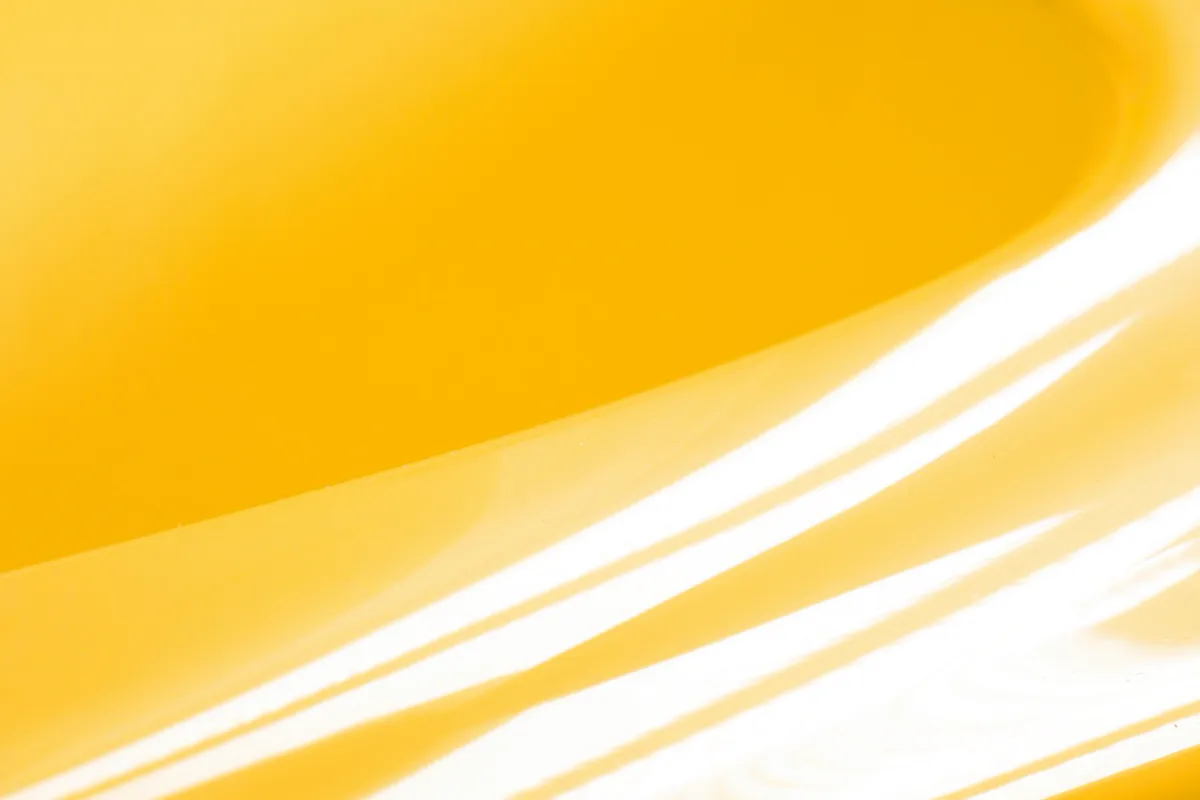
In the fast-paced world of digital aesthetics, the use of a digital yellow abstract vector serves as more than just a stylistic choice; it is a strategic tool for capturing attention and evoking specific emotional responses. Yellow is the most visible color in the spectrum, and when paired with the infinite scalability of vector graphics, it creates a powerful asset for brands looking to convey energy, innovation, and optimism. Whether it is used as a subtle background element or a bold centerpiece, abstract geometry allows designers to communicate complex ideas without relying on literal imagery, providing a sophisticated layer of depth to any user interface or marketing campaign.
- The Psychology of Yellow in Digital Art
- Advantages of Vector Formats for Abstract Design
- Practical Applications in Branding and Web Design
- Principles for Creating Impactful Abstract Vectors
- How to Source and Customize Digital Assets
- Frequently Asked Questions
The Psychology of Yellow in Digital Art
Color theory plays a pivotal role in how users perceive a digital product. Yellow is intrinsically linked to cognitive stimulation, happiness, and warmth. In the context of an abstract vector, these feelings are amplified because the lack of a concrete subject allows the viewer’s mind to focus entirely on the emotional resonance of the hue.

When implementing a yellow palette, designers must balance vibrancy with readability. A bright, saturated yellow can trigger alertness—similar to how traffic signs work—making it ideal for Call to Action (CTA) elements or highlighting key features. Conversely, softer gold or mustard tones evoke a sense of luxury, stability, and maturity. By utilizing gradients and overlapping shapes within a vector file, artists can create a sense of movement and three-dimensionality, preventing the color from appearing flat or overwhelming to the eye.
Advantages of Vector Formats for Abstract Design
Unlike raster images (JPG or PNG), which are composed of pixels, a vector is defined by mathematical paths. This distinction is critical when working with abstract geometry, where clean lines and sharp edges are paramount. The primary advantage is resolution independence; a yellow abstract vector can be scaled from a tiny favicon to a massive billboard without any loss of quality or appearance of pixelation.

Furthermore, vectors offer unmatched flexibility in the editing process. Because each shape is a distinct object, designers can easily tweak the curvature of a line or shift the hue of a specific segment to match a shifting brand identity. This efficiency is why design professionals prefer SVGs for web use, as they result in smaller file sizes and faster load times, which directly impacts Core Web Vitals and SEO rankings. Integrating high-quality graphics into a layout ensures that the visual experience remains crisp across all device screen densities, from OLED smartphones to 5K monitors.
Practical Applications in Branding and Web Design
The versatility of a digital yellow abstract vector makes it suitable for a wide array of industries. In the tech sector, abstract yellow shapes often represent energy, electricity, or a ‘lightbulb moment’ of innovation. In finance, gold-toned vectors can signal wealth and reliability. Here are some of the most effective ways these assets are utilized today:

- Hero Sections: Using a large, flowing abstract vector as a background for the main headline to create immediate visual impact and a sense of dynamism.
- Iconography and Accents: Small, geometric yellow elements used to guide the user’s eye toward important information or navigation links.
- Social Media Assets: Bold, abstract patterns that stop the scroll on platforms like Instagram or LinkedIn, where high contrast is key to engagement.
- Corporate Identity: Incorporating organic, abstract yellow curves into a logo or brand kit to soften the corporate image and appear more approachable and friendly.
Enhancing User Experience (UX) with Abstract Elements
Beyond aesthetics, abstract vectors contribute to visual hierarchy. By strategically placing a yellow element in a high-contrast area, designers can direct the user’s focus. This is particularly effective in minimalist design, where white space is abundant, and a single pop of yellow can act as a visual anchor, reducing cognitive load and making the interface more intuitive.
Principles for Creating Impactful Abstract Vectors
Creating a professional-grade abstract vector requires more than just picking a color; it requires an understanding of composition and balance. To avoid a cluttered look, designers often employ the Golden Ratio or the rule of thirds to place their focal points.

Contrast and Complementary Colors
To make yellow truly ‘pop,’ it must be paired with the right contrasting tones. Deep purples, navy blues, or charcoal greys create a high-contrast environment that makes yellow appear more luminous. Using a monochromatic scheme—mixing pale yellows with deep ochres—can create a sophisticated, layered look that adds depth without introducing jarring color shifts.
The Power of Negative Space
In abstract art, what you leave out is as important as what you put in. Negative space allows the yellow elements to breathe, preventing the design from feeling claustrophobic. By utilizing overlapping transparencies and varying opacity levels, a designer can create a sense of atmosphere and light, transforming a simple flat vector into a complex visual narrative.
How to Source and Customize Digital Assets
For those who aren’t professional illustrators, there are several ways to acquire and refine a digital yellow abstract vector. Stock platforms offer a wide variety of pre-made SVG files, but the key to a premium look is customization.
Using software like Adobe Illustrator, Affinity Designer, or Figma, you can modify the anchor points of a vector to fit your specific layout. Adjusting the color profile (CMYK for print or RGB for web) ensures that the yellow remains consistent across all mediums. For web developers, implementing these vectors via CSS can allow for dynamic animations, such as subtle shifts in shape or color pulses, which further engage the visitor and increase time-on-page metrics.
Conclusion
The strategic integration of a digital yellow abstract vector is a powerful way to merge emotional psychology with technical precision. By leveraging the scalability of vectors and the high visibility of yellow, brands can create visual identities that are both modern and memorable. Whether you are building a high-conversion landing page or a comprehensive brand guide, focusing on contrast, balance, and resolution independence will ensure your design remains timeless and effective in an ever-evolving digital landscape.
Frequently Asked Questions
Why is yellow a preferred color for abstract digital vectors in tech branding?
Yellow is associated with intellect, energy, and innovation. In the tech industry, it is often used to signify a ‘bright idea’ or a cutting-edge approach, helping brands stand out against the sea of corporate blues and greys common in the sector.
What is the difference between an SVG and a PNG for abstract designs?
An SVG (Scalable Vector Graphic) is based on mathematical paths, meaning it can be resized infinitely without losing quality. A PNG is a raster image made of pixels; if you enlarge a yellow abstract PNG, it will become blurry or ‘pixelated,’ making SVGs the superior choice for abstract art.
How can I prevent a bright yellow vector from overwhelming my website design?
The best approach is to use yellow as an accent color rather than a primary background. Balance the vibrancy with plenty of white space (negative space) and pair it with neutral tones like white, grey, or dark navy to create a professional visual balance.
Can I use abstract yellow vectors for print media as well as digital?
Yes, provided the file is in a vector format (like .AI, .EPS, or .SVG). You will need to convert the color mode from RGB (for screens) to CMYK (for ink) to ensure the yellow prints accurately and doesn’t appear dull or shifted in hue.
What tools are best for creating custom abstract vectors from scratch?
Adobe Illustrator is the industry standard for vector creation due to its robust pen and shape tools. However, Figma is excellent for web-based vector work, and Affinity Designer offers a professional, one-time-purchase alternative for creating high-fidelity abstract graphics.
Related posts:
If this set speaks to you, Abstract Modern Purple Backgrounds: Design Trends & Usage Guide continues the abstract-design conversation in a new direction.
Pass this link to someone who appreciates bold, abstract design.
