
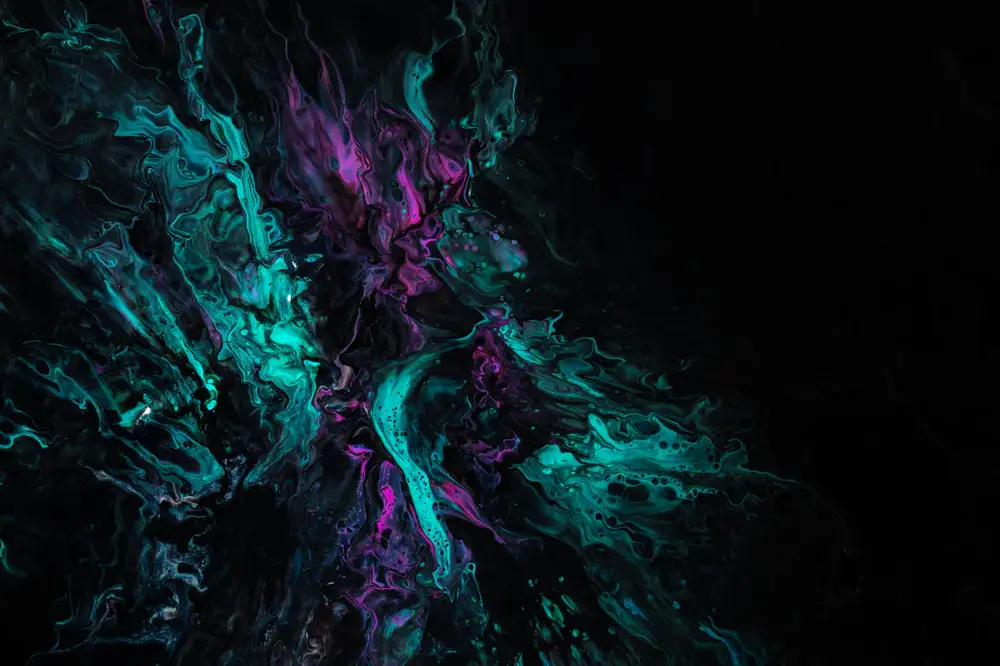
Windows Dark Abstract Wallpaper: Elevate Your Desktop Aesthetic
The digital workspace is more than just a gateway to applications and files; it is a personal environment that reflects an individual’s taste, mood, and professional identity. For many Windows users, the default background is a starting point, but the transition to a windows dark abstract wallpaper marks a shift toward a more intentional and curated visual experience. Dark abstract designs offer a unique blend of sophistication and versatility, stripping away the distractions of representational imagery in favor of mood, texture, and color.
Choosing a dark-themed background is not merely a stylistic preference but often a functional decision. As we spend more hours than ever staring at backlit screens, the demand for visuals that reduce ocular fatigue has grown. Abstract art, by its nature, avoids the clutter of specific objects, allowing the mind to drift or focus without being tethered to a particular scene. Whether it is the deep void of a midnight black canvas or the flowing gradients of a charcoal nebula, these visuals create a sanctuary of calm amidst the chaos of a busy workday.
The Psychology of Dark Aesthetics in Digital Spaces
There is a profound psychological impact associated with the colors and shapes we surround ourselves with. Dark tones, particularly deep grays, navy blues, and true blacks, are often associated with power, elegance, and mystery. In a professional context, a dark abstract background conveys a sense of authority and stability. Unlike bright, high-energy colors that can trigger alertness or anxiety, dark palettes tend to ground the user, fostering a state of deep work and concentration.
Abstract shapes further enhance this effect. Because they do not depict a concrete reality, they do not demand the same level of cognitive processing as a photograph of a landscape or a city. This allows the wallpaper to fade into the background, making the colorful icons of the Windows taskbar and desktop folders pop with clarity. This contrast not only improves the visual hierarchy of the desktop but also minimizes the mental friction involved in navigating a complex file system.
Exploring Different Styles of Dark Abstract Visuals
When searching for the perfect aesthetic, it is helpful to categorize the various types of abstract art. Not all dark backgrounds are created equal, and the specific style you choose can drastically alter the vibe of your computer setup.
Geometric and Polygonal Patterns
Geometric abstracts rely on sharp lines, triangles, and hexagons to create a sense of structure and modernity. These designs often look like shards of obsidian or crystalline formations. The precision of these lines appeals to those who value order and efficiency. When these patterns are rendered in dark tones with subtle highlights, they create a three-dimensional effect that adds depth to a flat screen. Many users find that high-quality backgrounds featuring geometric motifs help them feel more organized and mentally structured.
Fluid and Organic Forms
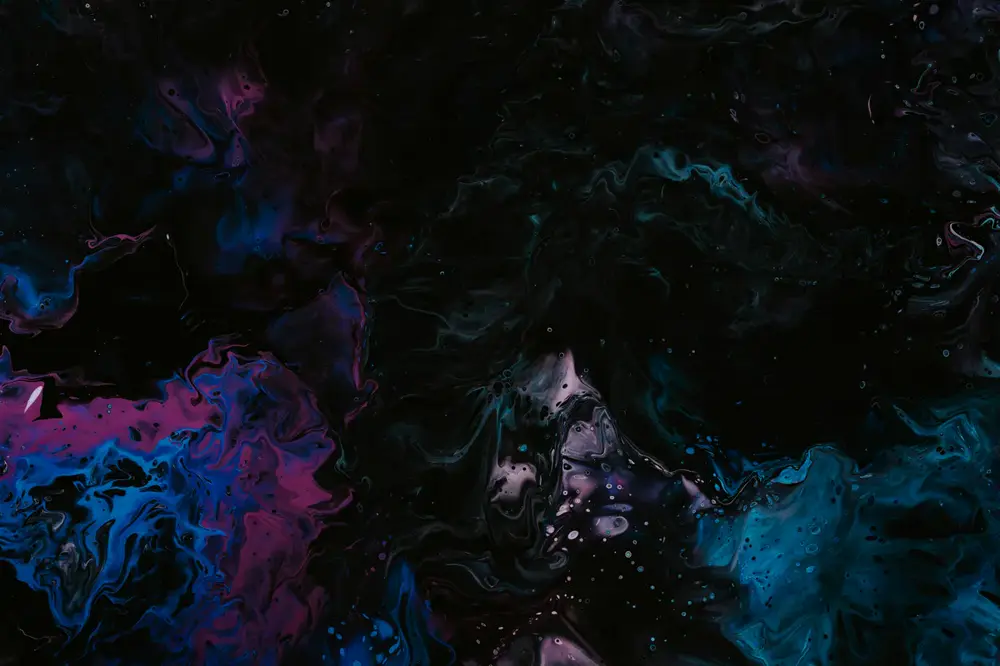
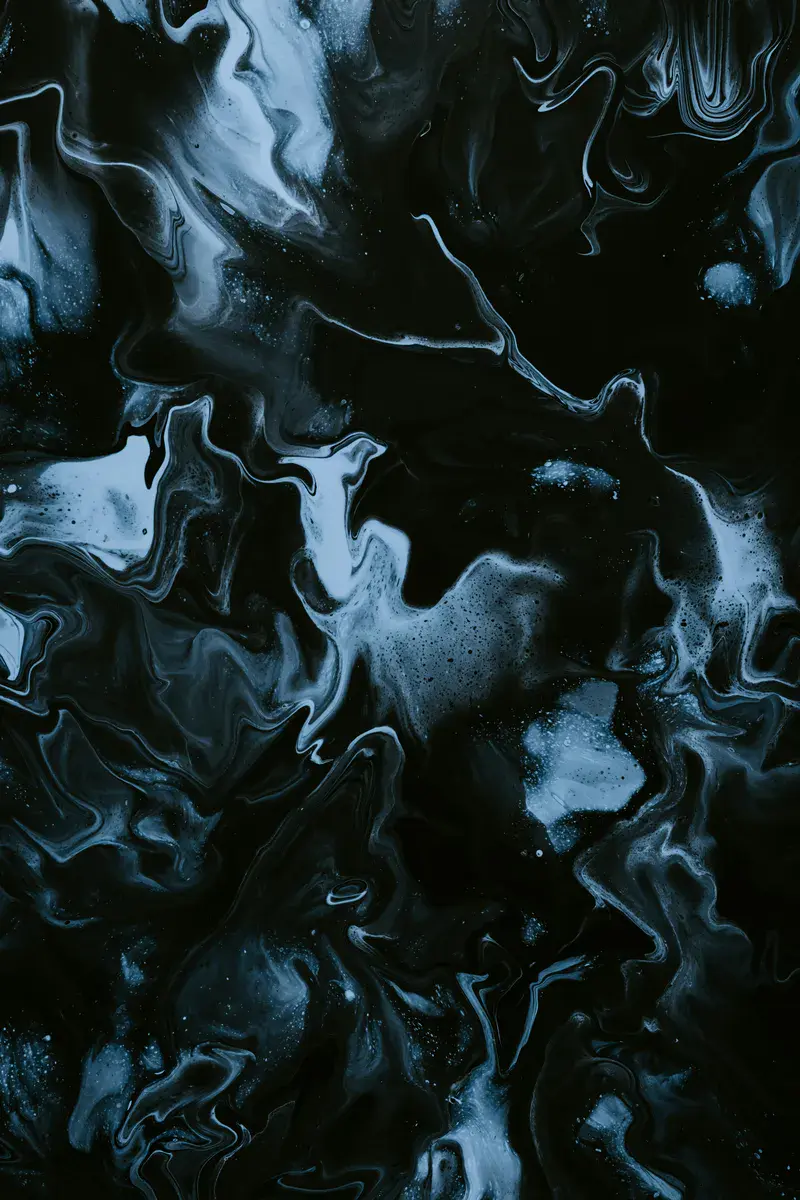
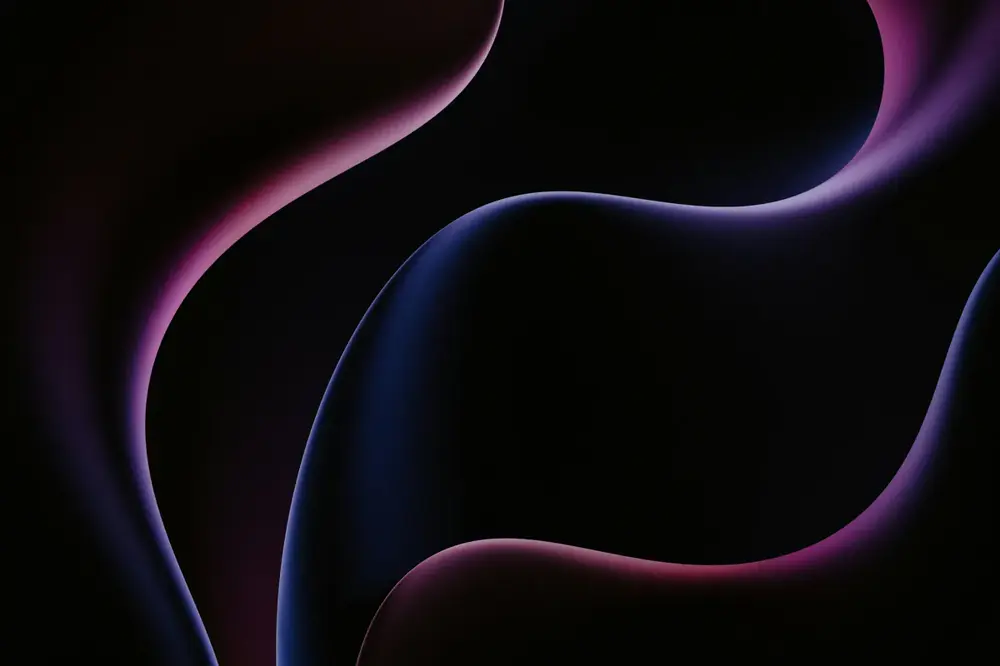
In contrast to the rigidity of geometry, fluid abstracts mimic the natural movement of liquids, smoke, or silk. These wallpapers often feature flowing ribbons of color weaving through a dark void. This style is particularly effective for those who want their desktop to feel dynamic yet serene. The soft transitions between deep purples, emerald greens, and midnight blacks evoke a sense of cosmic wonder or underwater tranquility, making the digital environment feel less like a machine and more like a living piece of art.
Minimalist Voids and Gradients
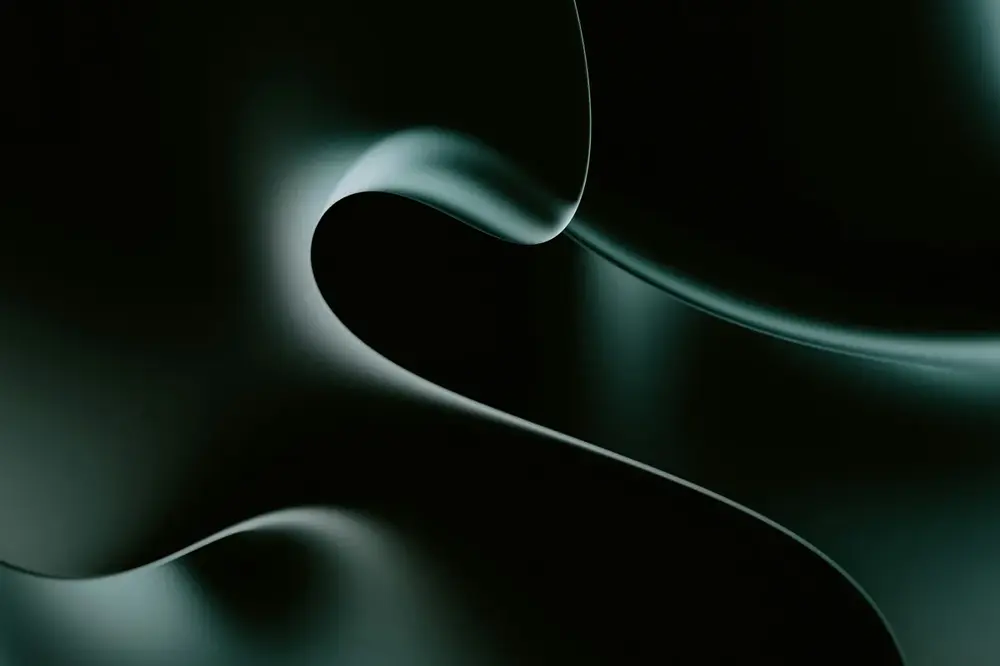
For the ultimate minimalist, a simple gradient or a textured dark void is the ideal choice. These designs focus on the subtle play of light and shadow. A soft glow emanating from one corner of the screen or a grainy charcoal texture can provide enough visual interest to prevent the screen from feeling empty, while remaining unobtrusive enough to keep the focus entirely on the task at hand. This approach is often favored by developers and writers who require a zero-distraction environment.
Technical Advantages: OLED Screens and Eye Health
Beyond the aesthetic and psychological benefits, the shift toward dark wallpapers is driven by significant technical advancements in display technology. The rise of OLED (Organic Light Emitting Diode) panels has changed how we perceive color and contrast on our devices.
Unlike traditional LCD screens that use a backlight to illuminate pixels, OLED pixels produce their own light. When a pixel is told to display true black, it simply turns off completely. This results in an infinite contrast ratio and, more importantly, significant energy savings. Using a windows dark abstract wallpaper with true black elements can extend the battery life of laptops equipped with OLED screens, as the hardware is essentially doing less work to render the image.
Furthermore, the issue of digital eye strain, or Computer Vision Syndrome, is a real concern for modern professionals. High-brightness backgrounds emit a significant amount of blue light, which can disrupt sleep patterns and cause dryness or irritation in the eyes. By switching to a dark theme, the overall luminance of the monitor is reduced. This is especially beneficial during late-night sessions, where a bright white or light-blue background can feel jarring and aggressive. Ensuring that your screen resolution matches the native output of your monitor ensures that these dark gradients remain smooth and free of banding, providing a seamless visual experience.
How to Optimize Your Windows Desktop for Dark Themes
Simply changing the wallpaper is the first step, but to truly achieve a cohesive look, one must synchronize the entire operating system. Windows offers several built-in tools to complement a dark abstract background.
- Enable System-Wide Dark Mode: Navigate to Personalization > Colors and select ‘Dark’ under the ‘Choose your mode’ dropdown. This changes the taskbar, start menu, and system folders to match your dark wallpaper.
- Adjust Accent Colors: Instead of using a bright, clashing color, choose a muted accent color that is derived from the highlights of your abstract wallpaper. For example, if your wallpaper has subtle gold lines, setting a gold accent color creates a professional, branded look.
- Clean Up Desktop Icons: A beautiful abstract image is often marred by a cluttered desktop. Consider using folders or pinning essential apps to the taskbar to let the artwork breathe.
- Experiment with Wallpaper Slideshows: If you cannot settle on one image, create a folder of dark abstract variations and set Windows to rotate them every hour. This keeps the environment feeling fresh without breaking the dark aesthetic.
Integrating these elements is a key part of system customization, allowing the user to create a workspace that is not only visually pleasing but also tailored to their specific sensory needs. The goal is to create a symphony of dark tones that work together to reduce stress and increase efficiency.
Curating Your Collection: Where to Look and What to Avoid
Finding the right image requires a discerning eye. While the internet is flooded with options, not all are suitable for a professional desktop. When curating your collection, look for high-bit-depth images. Low-quality dark wallpapers often suffer from ‘banding,’ where the smooth transition of a gradient is broken into visible stripes. This is especially noticeable in dark areas and can be distracting.
Avoid images that are too ‘busy.’ While complex abstract art can be striking, a wallpaper with too many high-contrast elements can compete with your app windows and icons, leading to visual clutter. The best dark abstract wallpapers are those that provide a mood rather than a focal point. Look for compositions that utilize the ‘rule of thirds,’ placing the most interesting elements off-center to leave room for your primary desktop shortcuts.
The Intersection of Art and Productivity
Some might argue that a wallpaper is a trivial detail, but the environment in which we work significantly influences our output. The act of choosing a windows dark abstract wallpaper is an act of boundary-setting. It is a way of telling the mind, ‘This is a space for focus.’ By removing the noise of the physical world and the brightness of traditional digital imagery, you create a mental cocoon.
This intersection of art and productivity is seen in the way modern software interfaces are designed. From IDEs (Integrated Development Environments) used by coders to professional editing suites, the ‘dark mode’ is the industry standard for a reason. It reduces the contrast between the UI elements and the content, allowing the user to focus on the actual work—the code, the image, or the text—rather than the frame surrounding it. Applying this same logic to your desktop background completes the cycle of a productivity-focused environment.
Conclusion
Transitioning to a windows dark abstract wallpaper is a simple yet powerful way to transform your digital experience. By leveraging the psychological benefits of dark tones and the technical advantages of modern display hardware, you can create a workspace that supports both your mental well-being and your professional productivity. Whether you prefer the sharp edges of geometric patterns, the fluid grace of organic forms, or the stark simplicity of a minimalist void, the right background serves as a silent partner in your daily workflow, providing a sophisticated backdrop to your digital life.
Frequently Asked Questions
The best sources for high-resolution imagery include dedicated platforms like Unsplash, Pexels, and Pixabay, which offer royalty-free images. For more specialized abstract art, sites like Wallhaven or DeviantArt allow users to filter by resolution (such as 4K or 8K) and color palette, making it easy to find specific dark themes.
Dark wallpapers reduce the overall amount of light emitted by the screen, which lowers the contrast between the monitor and the surrounding dark room. This prevents the ‘glare’ effect and reduces the effort the eyes must make to adjust, thereby minimizing dryness and fatigue during late-night work sessions.
AMOLED black (#000000) consists of pixels that are completely turned off, which is ideal for saving battery on OLED screens and providing infinite contrast. Dark grey wallpapers still emit a small amount of light, which can sometimes feel softer and more natural on traditional LCD or LED monitors.
There is no strict rule, but changing your background every few weeks or months can prevent ‘visual boredom’ and provide a psychological refresh. Using a slideshow of 5-10 similar dark abstract images can offer variety without disrupting the established mood of your workspace.
PNG is generally the best format for abstract wallpapers as it is lossless, meaning it preserves the smooth gradients and sharp lines without compression artifacts. JPGs are acceptable if they are saved at a high quality, while WebP is an efficient modern alternative, though PNG remains the gold standard for static desktop art.
Related posts:



This page samples just one mood of abstract-background. The category holds many more pieces in a similar vein.
Bookmark this set for the next time your screen needs a new mood.
