
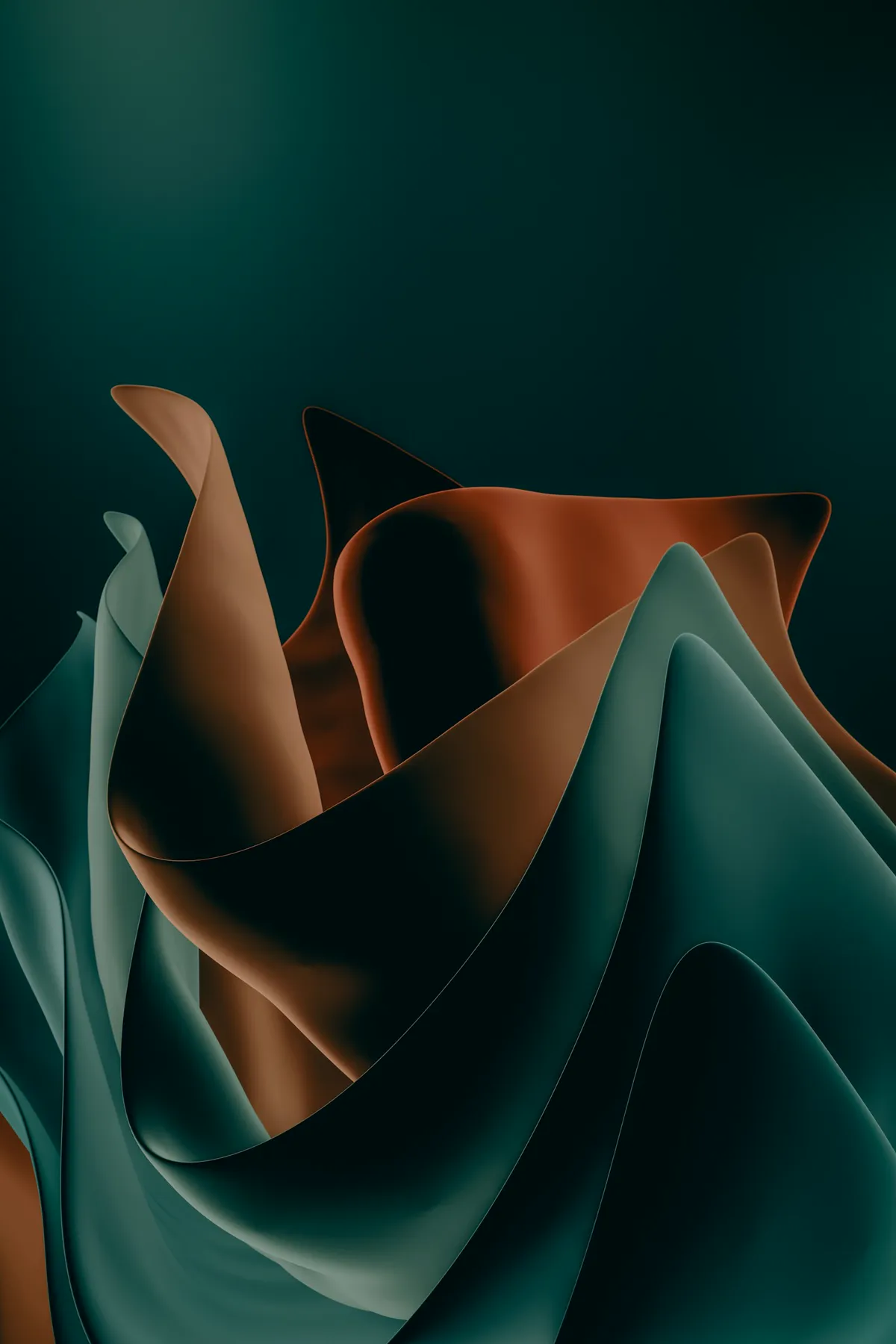
Your computer desktop is more than just a launcher for your applications; it is a digital sanctuary where you spend a significant portion of your waking hours. Whether you are working from home, gaming, or studying, the visual environment of your screen profoundly influences your mood and cognitive focus. Choosing an abstract wallpaper for PC allows you to break away from the literal constraints of photography and embrace the fluid, emotive power of non-representational art. From soothing gradients to high-energy geometric patterns, the right background can transform a sterile workstation into an inspiring creative hub.
- The Psychology of Abstract Visuals
- Understanding Resolution and Aspect Ratios
- Top Trending Abstract Styles for 2024
- The Impact of Color Palette on Productivity
- How to Organize Your Desktop for Maximum Clarity
- Finding High-Quality Digital Assets
- Frequently Asked Questions
The Psychology of Abstract Visuals
Unlike a photograph of a landscape or a city, which anchors the mind to a specific place and time, abstract art operates on a subconscious level. It triggers emotional responses without the distraction of recognizable objects. This makes an abstract background ideal for professionals who need to maintain a state of flow. When your eyes drift away from a complex spreadsheet or a coding editor, a soft, flowing abstract shape provides a mental ‘reset’ without pulling you completely out of your workspace.
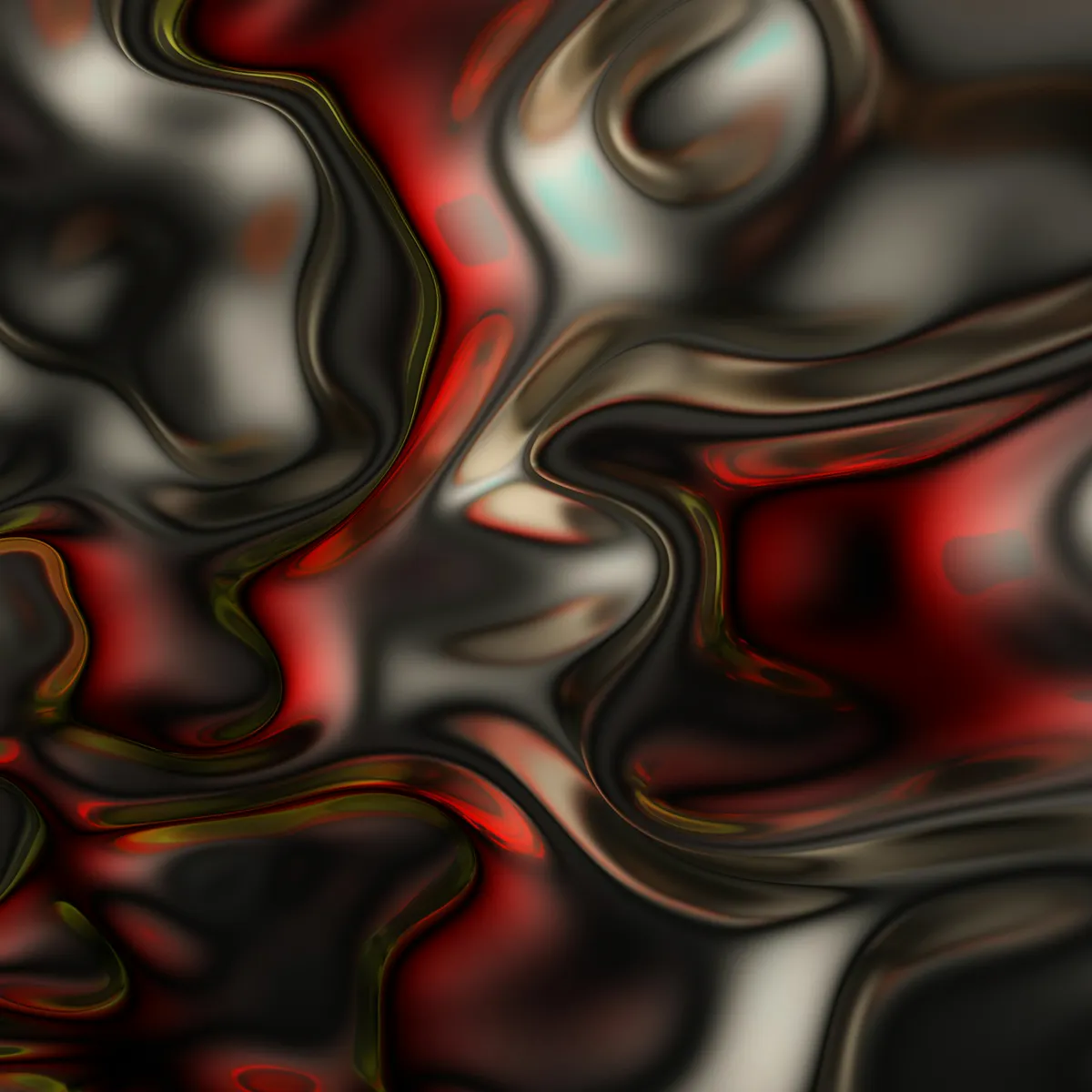
Integrating a thoughtful desktop setup with curated art can reduce visual stress. For instance, fluid forms often evoke a sense of calm and continuity, while sharp, angular shapes can spark alertness and energy. By aligning your wallpaper with your current goals—whether that is deep focus or creative brainstorming—you are essentially hacking your environment to support your mental state. Many users find that shifting their visual design preferences based on the time of day helps them transition from high-intensity work to evening relaxation.
Understanding Resolution and Aspect Ratios
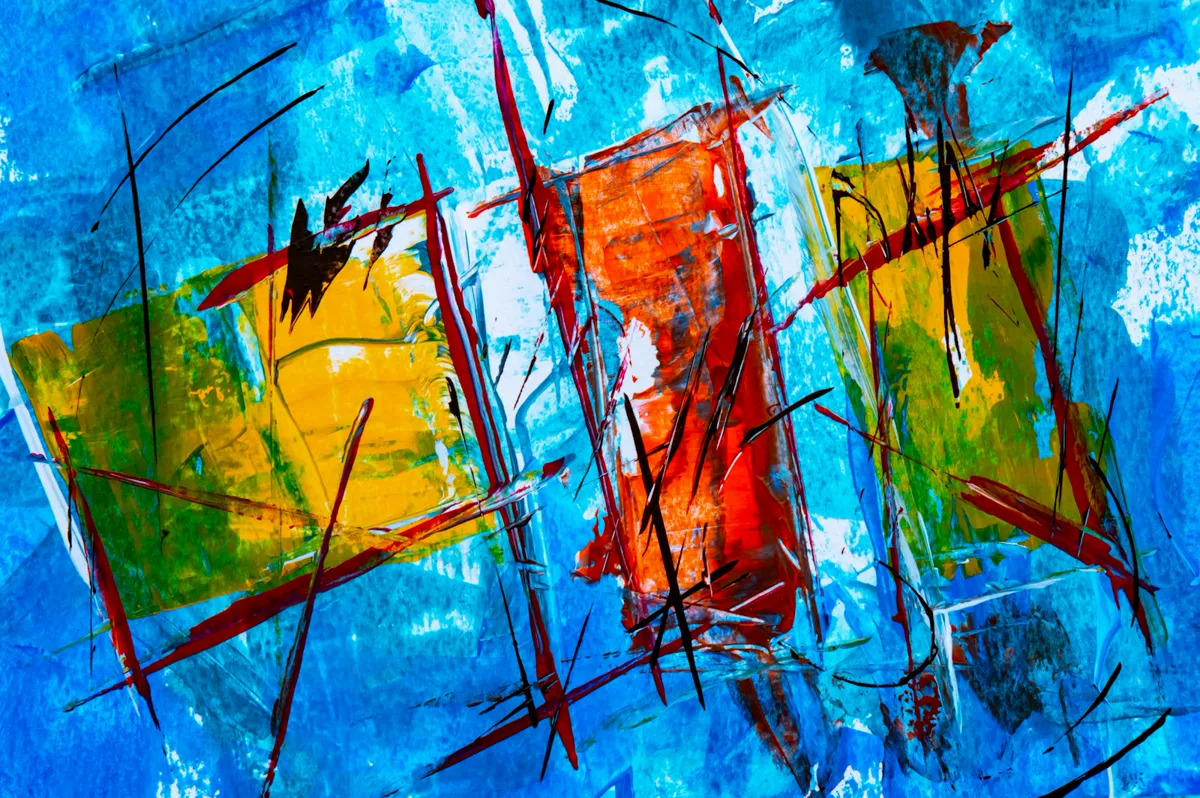
A stunning piece of art can be ruined by poor scaling. To ensure your digital wallpaper looks crisp, you must match the image resolution to your monitor’s native specifications. The era of 1080p is being rapidly superseded by 4K (Ultra HD) and 5K displays. When an image is stretched beyond its native resolution, it suffers from pixelation and blurriness, which can lead to eye strain and a cluttered feel.
Common Resolution Standards
- Full HD (1920 x 1080): Still the standard for many laptops and budget monitors.
- QHD / 2K (2560 x 1440): The sweet spot for gaming monitors, offering a balance between performance and clarity.
- 4K UHD (3840 x 2160): Essential for large screens and professional design work, providing immense detail in abstract textures.
- Ultrawide (3440 x 1440): Requires specific aspect ratios (21:9) to avoid stretching the art.
Beyond resolution, consider the bit depth. High Dynamic Range (HDR) wallpapers allow for deeper blacks and more vibrant highlights, which is particularly noticeable in abstract art with high contrast, such as neon lines against a dark void.
Top Trending Abstract Styles for 2024
The world of digital art is constantly evolving. Currently, several distinct trends dominate the landscape of PC customization, each offering a different atmospheric vibe.
Minimalist Vector Art
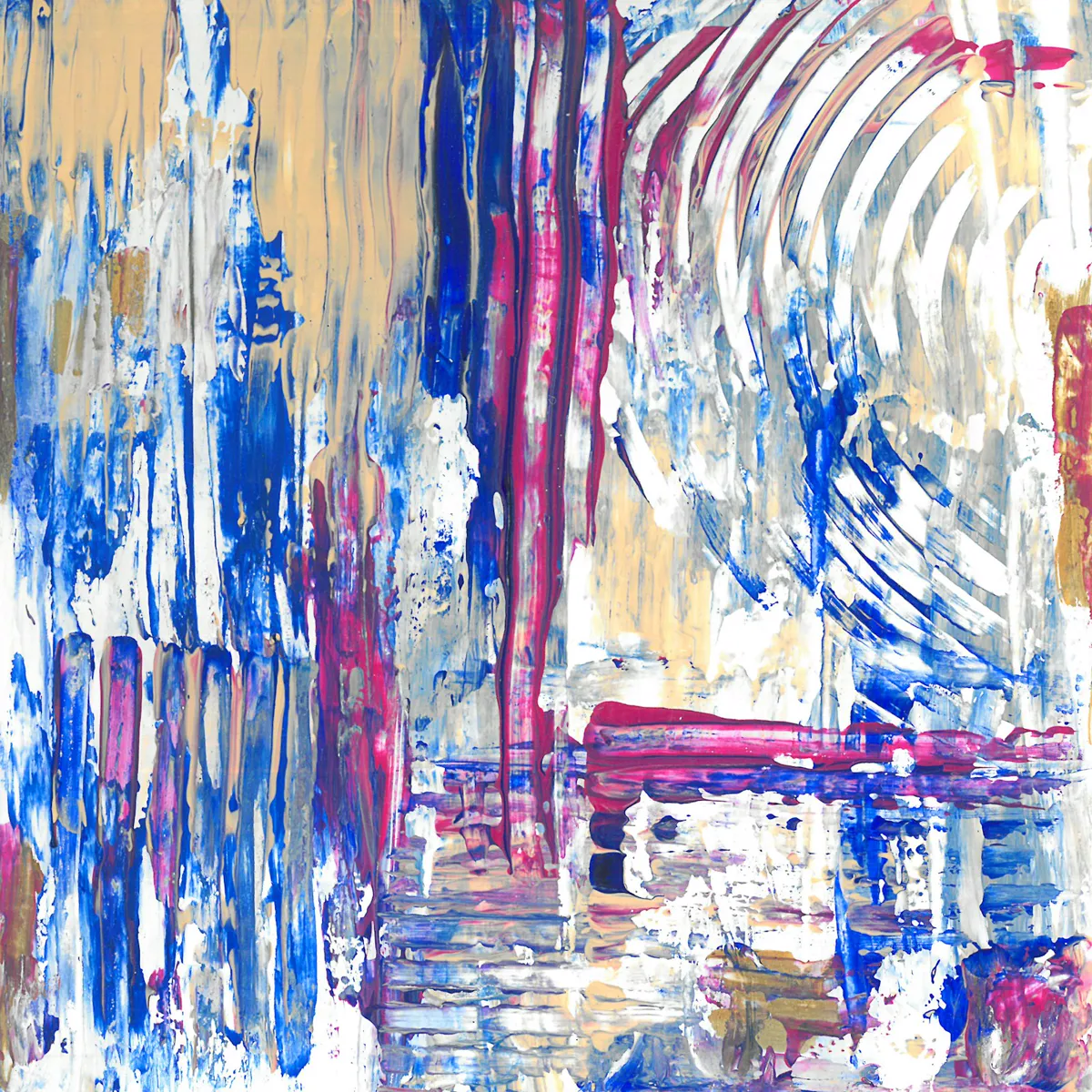
Minimalism is not just about emptiness; it is about intentionality. Minimalist abstract wallpapers often feature a single geometric shape, a subtle line, or a vast amount of negative space. This style is highly recommended for users who have many icons on their desktop, as it prevents the screen from feeling claustrophobic.
Liquid Gradients and Glassmorphism
Inspired by modern UI trends, liquid gradients blend multiple colors in a fluid, organic motion. Often paired with a glassmorphism effect (where elements look like frosted glass), these wallpapers create a sense of depth and modernity. They are particularly effective on OLED screens, where the vibrant transitions between colors can truly pop.
Geometric and Polygonal Patterns
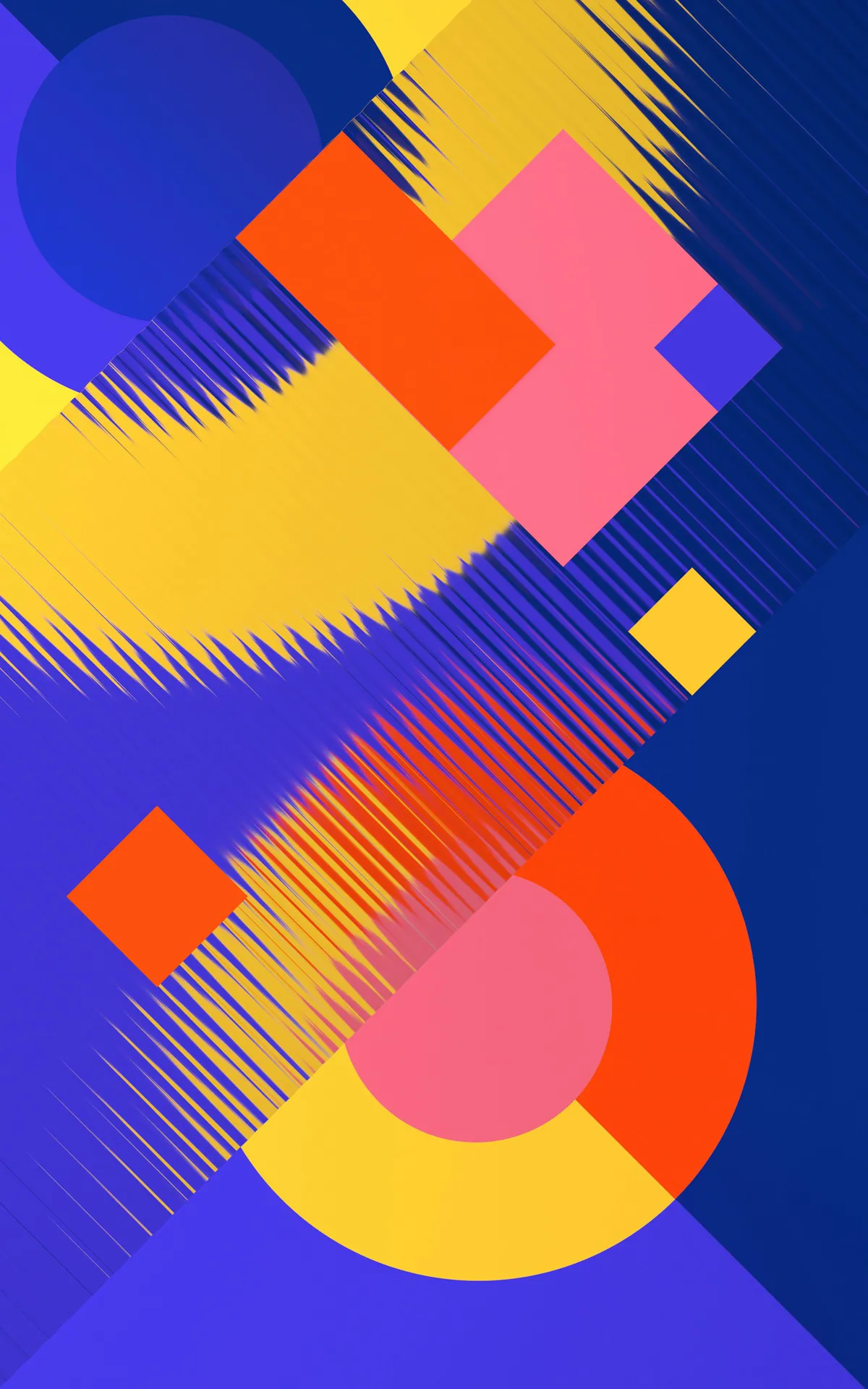
For those who prefer structure over fluidity, geometric abstractions offer a sense of order and precision. Low-poly art, characterized by a series of connected triangles, creates a 3D effect that adds architectural interest to the screen. These are often associated with tech-centric and gaming aesthetics.
Dark Mode and Ambient Textures
Dark-themed abstract wallpapers are more than just a stylistic choice; they are a health consideration. Dark mode aesthetics reduce the amount of blue light emitted by the monitor, which can mitigate eye fatigue during late-night sessions. Textures like charcoal smoke, deep space nebulas, or obsidian shards provide a sophisticated, moody atmosphere.
The Impact of Color Palette on Productivity
Color theory plays a pivotal role in how we perceive our workspace. When choosing an abstract wallpaper for PC, the dominant hue can subtly alter your psychological state:
- Blues and Teals: Known to promote tranquility and stability. These are ideal for high-stress jobs where keeping a cool head is paramount.
- Greens: Evoke nature and growth, helping to reduce anxiety and refresh the mind during long breaks.
- Oranges and Yellows: Stimulate creativity and optimism. These are great for artists or entrepreneurs in the ideation phase of a project.
- Deep Purples and Blacks: Create a sense of luxury, mystery, and focus, often used in high-end creative studios.
A pro tip for maximum productivity is to use a complementary color scheme. If your physical desk accessories (like your keyboard backlight or desk mat) are a certain color, choosing a wallpaper with a complementary hue creates a cohesive visual experience that feels polished and professional.
How to Organize Your Desktop for Maximum Clarity
A beautiful wallpaper is wasted if it is covered by a chaotic mess of folders and shortcuts. To truly appreciate your abstract background, implement a system of digital organization.
Start by utilizing folder categorization. Instead of twenty individual files on the desktop, create four themed folders. Use a ‘hidden icons’ setting or a dock (like RocketDock or the built-in macOS dock) to keep the main area of your wallpaper visible. For Windows users, the Fences tool is an excellent way to group icons into shaded areas that blend into the wallpaper, maintaining the aesthetic while keeping functionality.
Finding High-Quality Digital Assets
Finding the perfect image requires knowing where to look. Avoid generic search engine results, which often lead to low-resolution, watermarked images. Instead, turn to dedicated creative communities.
Platforms like Unsplash and Pexels provide high-resolution, royalty-free images that are curated by professional photographers and digital artists. For those seeking more avant-garde or experimental abstract art, sites like ArtStation or Behance allow you to discover the portfolios of world-class digital illustrators. When downloading, always check the file format; PNG is generally preferred over JPG for abstract art to avoid compression artifacts in the gradients.
Conclusion
Choosing the right abstract wallpaper for PC is a small change that yields significant dividends in terms of mental well-being and environmental aesthetics. By balancing resolution, color psychology, and minimalist organization, you turn your monitor into a source of inspiration rather than just a tool. Whether you prefer the calming flow of a liquid gradient or the sharp edge of a polygonal mesh, your desktop should reflect your personality and support your productivity. Take a moment today to audit your visual space and upgrade your backdrop to something that truly resonates with your creative spirit.
Frequently Asked Questions
Why should I choose an abstract wallpaper over a photo?
Abstract wallpapers are non-representational, meaning they don’t depict specific objects or scenes. This reduces cognitive load and prevents the brain from becoming distracted by the details of a photo, making them superior for maintaining focus during work.
How do I prevent my abstract wallpaper from looking blurry?
The key is matching the image resolution exactly to your monitor’s native resolution. If you have a 4K monitor, ensure the image is at least 3840 x 2160 pixels. Using an image that is too small will result in ‘upscaling,’ which causes blurriness.
Do dark abstract wallpapers actually save battery on laptops?
Yes, but only if your laptop has an OLED or AMOLED screen. On these displays, black pixels are actually turned off, which consumes significantly less power compared to LCD or LED screens where a backlight is always on.
What is the best file format for a high-quality background?
PNG is generally the best choice for abstract art because it is a lossless format, meaning it preserves the smooth transitions of gradients and sharp lines without the ‘noise’ or artifacts often found in compressed JPG files.
Can changing my wallpaper really improve my productivity?
While it won’t do the work for you, environmental psychology suggests that a visually pleasing and organized workspace reduces stress and mental clutter, which in turn allows you to focus more effectively on your tasks.
Related posts:


Before you choose, take in Dark Abstract Wallpaper for PC: Elevate Your Desktop Aesthetic as well. The contrast might surprise you.
Save the pieces you love and share the collection with your circle.
