
Your personal computer is more than just a tool for work, gaming, and browsing; it is a digital canvas that reflects your personality and mood. Among the many ways to customize your operating system, changing your desktop wallpaper remains the most impactful. An abstract background for PC offers a unique blend of creativity, minimalism, and visual intrigue, making it the ultimate choice for users who want to move beyond standard landscape photography and static portraits. Whether you are using Windows or macOS, high-resolution abstract art transforms a cluttered workspace into a visually stunning environment that promotes focus, inspiration, and modern elegance.
As display technology evolves with 4K, 5K, and ultra-wide monitors, the demand for high-quality, scalable digital art has skyrocketed. Abstract designs utilize complex geometries, fluid gradients, and vibrant color theory to look breathtaking at any resolution. In this comprehensive guide, we will explore the psychology of desktop customization, the different styles of abstract art available, how to optimize your setup for maximum productivity, and where to find the best high-definition wallpapers to upgrade your digital workspace today.
In This Article:
The Psychology of Desktop Aesthetics
Human beings are deeply visual creatures. Our immediate environment—including our digital surroundings—plays a significant psychological role in our daily productivity, stress levels, and cognitive performance. When you open your computer, a cluttered desktop filled with dozens of application icons against a chaotic background can instantly trigger micro-stressors. By replacing a busy desktop with a carefully curated wallpaper, you establish a sense of visual calm.
Furthermore, color theory plays a vital part in digital workspace optimization. Cool tones such as deep blues, cyans, and emerald greens foster a sense of tranquility and sustained focus, making them ideal for software developers, writers, and data analysts. Conversely, warm abstract gradients featuring fiery oranges, soft pinks, and golden yellows can stimulate creativity and energy, catering well to digital artists, video editors, and designers. Selecting the right design ensures that your monitor acts as a subtle mood enhancer rather than a visual distraction.
Minimalism is another core pillar of modern computer ergonomics. Abstract art inherently lends itself to minimalism by relying on negative space. A background with clean geometric lines or a smooth gradient fade allows desktop shortcut icons to remain easily legible while preventing the screen from looking overwhelmingly busy. By focusing on simplicity and balance, you create a more efficient and enjoyable computing experience.
Popular Styles of Abstract PC Backgrounds
The term “abstract” covers a massive spectrum of artistic expression. Depending on your personal aesthetic preferences, you can choose from several distinct genres of digital artwork to adorn your display:
Fluid Dynamics and Liquid Gradients
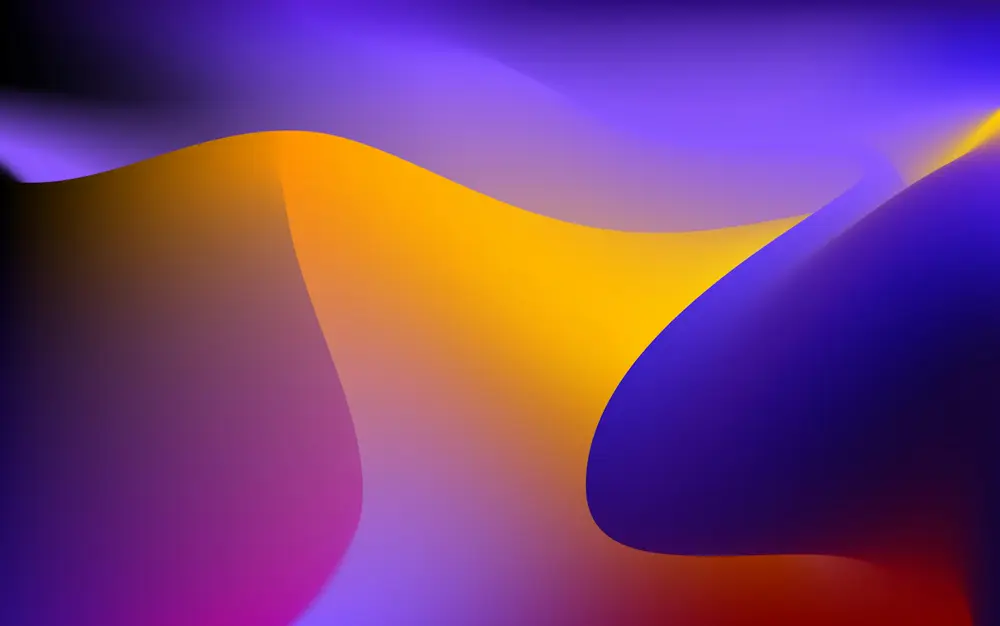
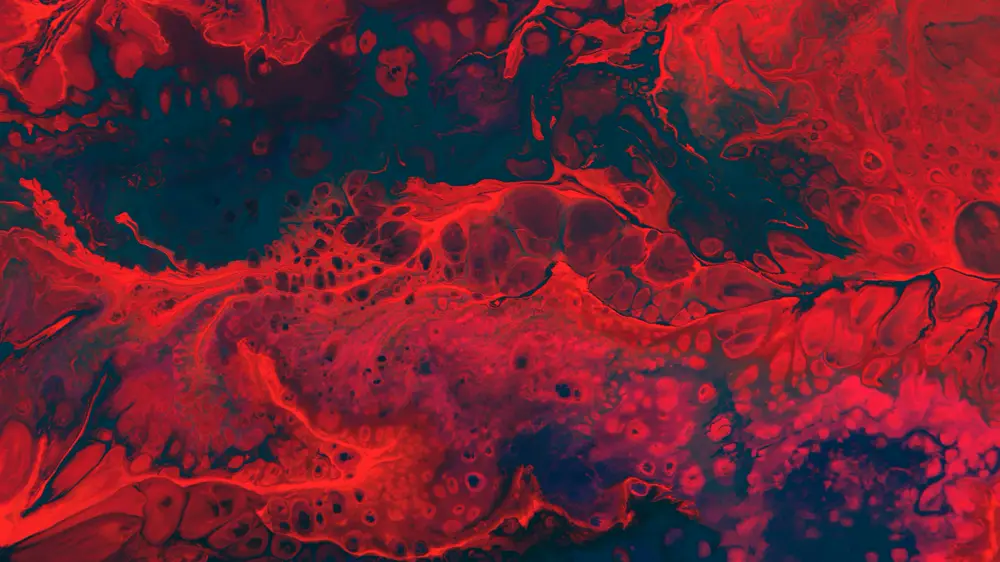
Liquid art and mesh gradients have dominated contemporary web and operating system design. These backgrounds feature swirling blends of rich colors that mimic oil paints mixing in water or ethereal cosmic clouds. They are exceptionally popular among tech enthusiasts because they look incredible on modern OLED and IPS panels, offering deep contrast and vibrant color reproduction without being overly distracting behind window panes.
Geometric Minimalism and Cyberpunk Vectors
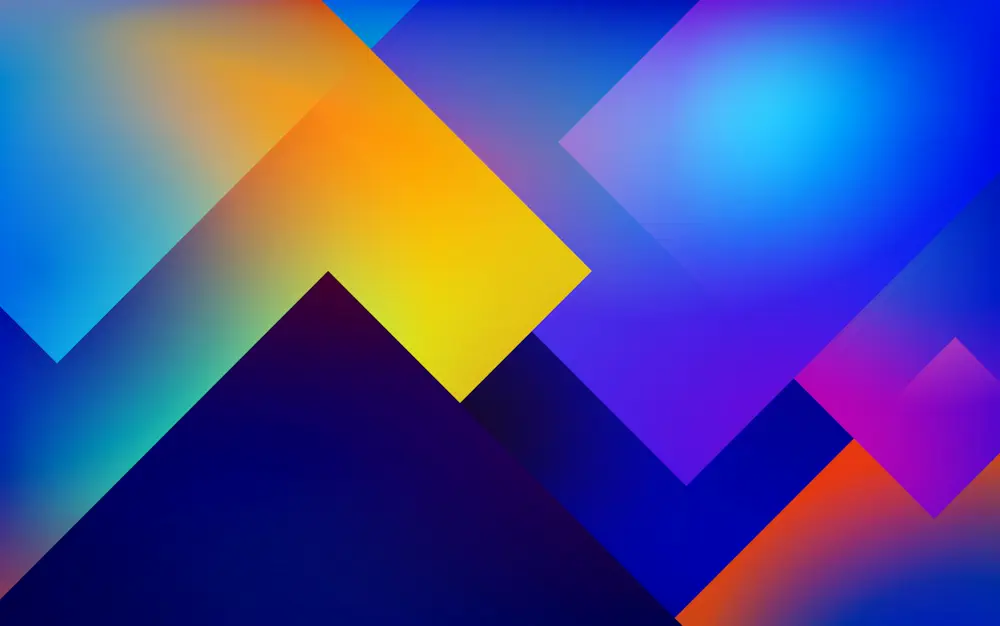
If you prefer structure and clean lines, geometric abstract art is the ideal choice. Featuring intersecting polygons, low-poly wireframes, and architectural shapes, these wallpapers bring a sense of mathematical precision to your desktop. For gamers and tech setup builders, cyberpunk-inspired neon vectors or dark-mode grid patterns add a futuristic ambiance that complements RGB lighting peripherals and mechanical keyboards.
Generative and Fractal Art
Generated by complex mathematical algorithms, fractal art showcases infinite repeating patterns and mesmerizing organic structures. These backgrounds provide incredible depth and intricate detail that you can gaze at for hours. Because fractals scale infinitely, they are exceptionally suited for multi-monitor setups and ultra-wide ultra-high-definition displays.
How to Choose the Right Wallpaper for Your Setup
Finding the perfect background requires balancing artistic appeal with practical usability. Here are a few key factors to keep in mind when browsing for your next desktop transformation:
- Monitor Resolution and Aspect Ratio: Ensure the image matches your screen specifications. Using a 1080p image on a 4K monitor will result in pixelation and blurry edges.
- Icon Visibility: Look for wallpapers that feature distinct color zoning. A background with a dark left side or a dedicated negative space area keeps your desktop shortcuts easily identifiable.
- Lighting and Environment: If you work primarily in a dark room or late at night, opt for dark-mode abstract backgrounds with softer luminance levels to protect your eyes from strain.
- Multi-Monitor Compatibility: If you use a dual or triple monitor setup, look for panoramic abstract art that flows seamlessly across all displays without awkward cropping.
Technical Optimization for High-Resolution Displays
Downloading a stunning image is only half the battle; ensuring it renders correctly on your operating system is equally important. Many users make the mistake of setting compressed JPEG images as their desktop background, which introduces artifacting and color banding in gradient-heavy abstract art. Whenever possible, download backgrounds in lossless formats such as PNG or uncompressed JPEG.
Furthermore, operating systems often compress wallpaper files automatically to save memory. You can bypass this restriction in Windows by adjusting the registry settings or utilizing third-party wallpaper engines that render high-framerate, interactive abstract backgrounds in real-time. Paying attention to these technical details guarantees that your computer screen always looks crisp, professional, and visually striking.
Conclusion
Upgrading your desktop with an abstract background for PC is a simple yet powerful way to revitalize your digital workspace. By understanding the principles of color psychology, selecting a style that matches your workflow, and optimizing for high-resolution displays, you can create an environment that inspires productivity and brings joy every time you power on your machine. Explore different textures, experiment with minimalist gradients, and let your computer screen reflect your unique modern aesthetic.
Frequently Asked Questions
1. Where can I find high-resolution abstract backgrounds for free?
There are numerous reputable platforms offering royalty-free, high-definition desktop wallpapers. Websites like Unsplash, Pexels, and Wallhaven host vast collections of user-submitted and curated abstract digital art optimized for 4K and ultra-wide monitors.
2. Do abstract wallpapers consume more RAM or battery power?
Standard static image wallpapers consume a negligible amount of system resources once loaded. However, if you use live interactive wallpapers, animated video loops, or real-time particle simulations, they may consume slightly more GPU and CPU power, which can impact battery life on laptops.
3. How do I prevent my wallpaper from looking blurry on a 4K monitor?
To avoid pixelation, ensure that the source image resolution matches or exceeds your native display resolution (e.g., 3840×2160 pixels for 4K). Always download files in their original full size rather than saving thumbnail previews.
4. What is the best color scheme for a productive work environment?
Cool tones like deep blues, muted teals, and soft grays are widely recommended for productivity as they promote calmness and reduce eye fatigue. For creative tasks, subtle warm gradients can boost inspiration.
5. How can I make my desktop icons easier to see against a complex abstract background?
You can improve icon legibility by choosing abstract backgrounds with high-contrast areas, enabling desktop icon shadows in your operating system settings, or organizing your shortcuts into minimalist custom folders and docks.
Related posts:
Before you choose, take in Geometric Abstract Illustration for PC: The Ultimate Aesthetic Guide as well. The contrast might surprise you.
Pass this link to someone who appreciates bold, abstract design.
