
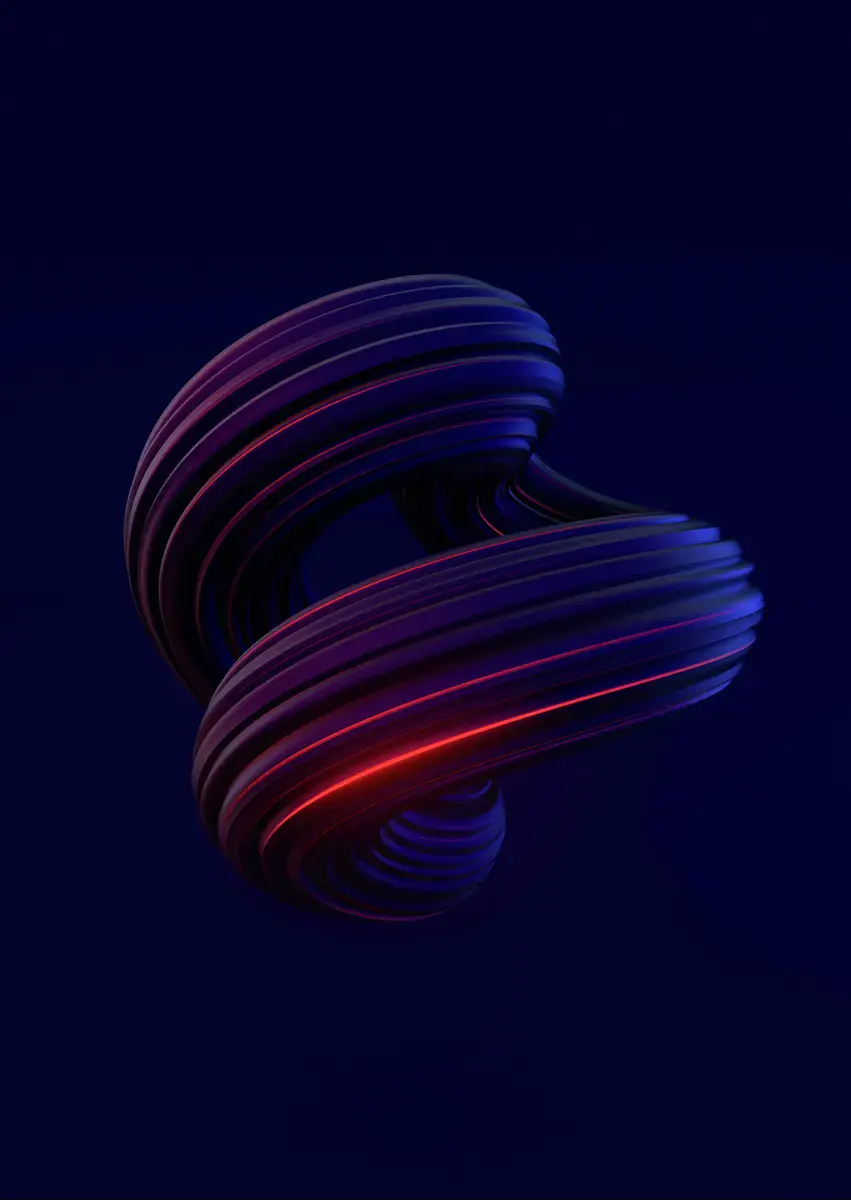
4K Wallpaper for PC 1920×1080 Abstract: A Visual Guide
The digital environment we inhabit for hours every day often goes neglected. For many, the computer desktop is merely a utility space—a place to store shortcuts and open folders. However, the visual backdrop of your workspace has a profound impact on your psychological state, focus, and overall mood. Transitioning from a generic system default to a carefully chosen 4K wallpaper for PC 1920×1080 abstract design can transform a sterile machine into a source of inspiration.
Abstract art is particularly effective for desktop backgrounds because it avoids the distractions of literal imagery. While a photo of a city or a landscape is beautiful, it can sometimes pull the mind away from the task at hand. Abstract visuals, characterized by fluid shapes, intersecting lines, and emotive color palettes, provide a sense of depth and movement without demanding the full attention of the viewer. They serve as a sophisticated layer of aesthetic enhancement that complements the modern computing experience.
The Intersection of 4K Quality and 1080p Resolution
There is often a point of confusion regarding the terminology of ‘4K’ when paired with ‘1920×1080’. Technically, 1920×1080 is Full HD (FHD), while 4K typically refers to 3840×2160. However, in the world of digital design, searching for 4K quality for a 1080p screen is a strategic move. When you apply an image with a higher pixel density than your monitor’s native resolution, the operating system performs a process called downsampling.
Downsampling effectively squeezes more visual information into a smaller space, resulting in a sharper, cleaner image with reduced aliasing (the jagged edges often seen in lower-resolution files). For abstract wallpapers, which often feature fine gradients and crisp geometric lines, this difference is noticeable. A true 4K source file ensures that even on a 1080p display, the transitions between colors remain smooth and the edges of shapes remain surgically precise.
Why Abstract Visuals Work Best
Abstract backgrounds are timeless. Unlike trendy photographs that can feel dated within a few months, abstract compositions rely on the fundamental principles of art: balance, contrast, and rhythm. This makes them an ideal choice for professionals and creatives alike. Depending on the style, an abstract wallpaper can evoke different emotional responses. For instance, soft, flowing gradients in blue and purple tones often promote a sense of calm and fluidity, which is ideal for high-stress work environments.
On the other hand, sharp angles, high-contrast black and gold schemes, or vibrant neon intersections can energize the mind. These ‘high-energy’ abstracts are often preferred by gamers or those working in fast-paced creative fields where a sense of dynamism is required to maintain momentum. The lack of a concrete subject allows the user’s mind to project its own meaning onto the image, making the workspace feel personalized and unique.
Choosing the Right Abstract Style for Your Workflow
Not all abstract wallpapers are created equal. The choice of imagery should ideally align with how you use your desktop. If your screen is cluttered with dozens of folders and application shortcuts, a highly complex abstract image with too many contrasting colors can create ‘visual noise.’ This noise can lead to cognitive fatigue, making it harder to locate files and increasing the mental effort required to navigate the screen.
Minimalist Geometry
Minimalist abstract designs usually feature plenty of negative space. Think of a single sweeping curve across a dark grey background or a few intersecting thin lines on a white canvas. These styles are perfect for those who maintain a clean desktop. They provide a sophisticated touch of artistry without competing with the icons on the screen. Minimalist backgrounds often reduce eye strain, especially during late-night working sessions, as they avoid overwhelming the optic nerve with excessive stimuli.
Organic Flows and Fluidity
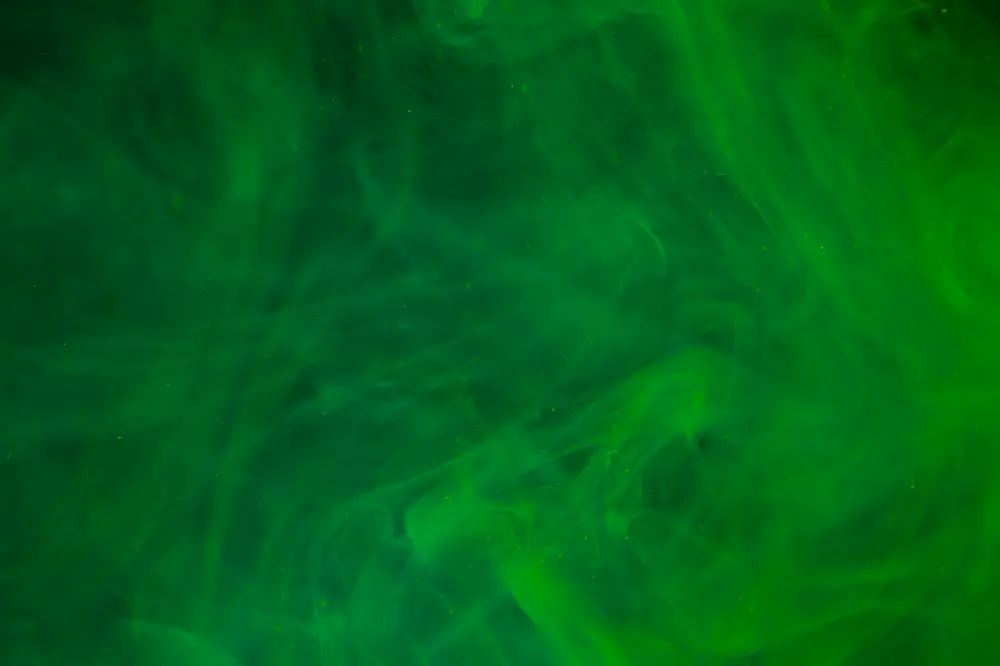
Organic abstracts mimic the patterns found in nature—think of swirling smoke, liquid marble, or the iridescent sheen of oil on water. These designs are inherently soothing. The absence of hard edges and the presence of blended colors create a rhythmic visual experience. These are excellent for people who spend their days dealing with rigid data, spreadsheets, or code, as they provide a necessary visual counterbalance to the structured nature of the work.
Dark Mode and High-Contrast Aesthetics
With the rise of ‘Dark Mode’ across almost every major software application, dark abstract wallpapers have become the gold standard. A deep charcoal or obsidian background with pops of electric blue or magenta not only looks futuristic but is also significantly easier on the eyes in low-light environments. High-contrast abstracts, where bright light intersects with deep shadow, create a sense of three-dimensional depth, making the screen feel like a window into another dimension rather than a flat piece of glass.
The Psychology of Color in Digital Backgrounds
When selecting a 4K wallpaper for PC 1920×1080 abstract, the color palette is the most critical factor. Colors are not just aesthetic choices; they are emotional triggers. Understanding the basics of color psychology can help you curate a workspace that supports your specific goals for the day.
- Blue and Teal: These colors are associated with stability, intelligence, and calm. They are the most common choices for corporate environments because they help maintain focus and reduce anxiety.
- Green and Sage: Evoking nature, these tones are restorative. They help alleviate eye fatigue and are ideal for those who spend 8+ hours a day staring at a screen.
- Red and Orange: These are high-energy colors. While they can be distracting if overused, a touch of red in an abstract design can stimulate creativity and urgency.
- Purple and Violet: Often linked to luxury, mystery, and imagination. Purple abstracts are fantastic for artists and writers who want to spark a sense of wonder.
- Black and Grey: These represent sophistication and neutrality. They provide the perfect canvas for bright-colored app icons to stand out.
Technical Tips for Optimal Image Placement
Getting a high-quality image is only half the battle; applying it correctly ensures the visual integrity is maintained. Depending on the software you use, there are several ways to fit an image to your screen. Understanding your monitor’s resolution settings is key to avoiding distortion.
Fill vs. Fit vs. Stretch
When you set a wallpaper in Windows or macOS, you are usually given a few options. ‘Fill’ is generally the best choice for 4K images on 1080p screens. It expands the image to cover the entire screen without distorting the aspect ratio, though it may crop a small portion of the edges. ‘Fit’ ensures the entire image is visible, but if the image aspect ratio doesn’t perfectly match your monitor, you will end up with black bars on the sides or top. ‘Stretch’ should be avoided at all costs, as it pulls the pixels to fit the screen, resulting in a warped and unnatural appearance.
File Formats and Compression
To maintain the ‘4K’ look, the file format matters. JPEG is the most common, but high compression can lead to ‘banding’—those ugly stepped lines in color gradients. For abstract art, where gradients are everything, PNG is the superior choice as it is lossless. However, PNG files are much larger. If you are using a wallpaper engine or a rotating slideshow, WEBP is a modern alternative that offers high quality with smaller file sizes, reducing the impact on system RAM.
Modern Trends in Abstract PC Art
Digital art evolves quickly, and the trends for desktop backgrounds reflect the broader movements in graphic design. Currently, we are seeing a shift away from the overly glossy ‘skeuomorphic’ looks of the 2010s toward more conceptual and atmospheric styles.
Glassmorphism and Frosted Effects
Glassmorphism involves the use of transparency and background blur to create a look that resembles frosted glass. In abstract wallpapers, this manifests as soft, blurred shapes that appear to be floating behind a translucent pane. This creates an incredible sense of depth and sophistication, making the desktop feel layered and architectural.
Vaporwave and Synthwave Aesthetics
Drawing inspiration from the 1980s, these styles use neon pinks, cyans, and deep purples, often incorporating grids and wireframe mountains. While these are more ‘themed’ than pure abstracts, the focus on geometry and color makes them a favorite for those who want a nostalgic yet futuristic vibe. They are particularly effective on OLED monitors where the blacks are absolute and the neons truly pop.
Generative Art
The rise of algorithmic art has introduced a new wave of abstract wallpapers. Generative art is created using code and mathematical formulas, resulting in patterns that would be impossible to draw by hand. These often include complex fractals, Voronoi diagrams, and recursive loops. Because they are mathematically perfect, they look stunning when rendered in 4K, offering a level of detail that rewards close inspection.
Maintaining Visual Harmony on Your Desktop
A wallpaper does not exist in a vacuum; it interacts with your taskbar, your icons, and your open windows. To achieve true visual harmony, consider the following tips:
- Taskbar Transparency: If you use a dark abstract wallpaper, try making your taskbar transparent or semi-transparent. This removes the hard line at the bottom of the screen and makes the wallpaper feel like it encompasses the entire display.
- Icon Management: Group your icons into folders or use a launcher. A beautiful abstract background is wasted if it is covered by fifty different shortcuts.
- Coordinated Accents: In Windows settings, you can change the ‘Accent Color’ of your system. Set this to a color that exists within your abstract wallpaper to create a seamless, integrated look between the OS and the background.
Conclusion
Choosing a 4K wallpaper for PC 1920×1080 abstract is more than just a cosmetic change; it is an investment in your daily digital experience. By understanding the relationship between resolution and clarity, the psychology of color, and the impact of different abstract styles, you can curate a workspace that actively supports your productivity and mental well-being. Whether you prefer the stark simplicity of minimalist geometry or the hypnotic flow of organic gradients, the right visual backdrop turns your computer from a tool into an environment. Take the time to experiment with different palettes and styles, and let your desktop reflect the mood and energy you want to bring to your work.
Frequently Asked Questions
Why do 4K images look better on 1080p monitors?
Using a 4K image on a 1080p screen utilizes a process called downsampling. Because the image has four times as many pixels as the monitor can actually display, the computer averages those pixels to create a sharper, more detailed image with smoother edges and less noise than a native 1080p image would provide.
What are the best colors for a productive workspace?
Blues and greens are generally considered the best for productivity. Blue promotes calm, focus, and stability, while green is easy on the eyes and reduces fatigue. If you need a boost of energy for creative tasks, small accents of orange or yellow can be effective without becoming distracting.
How does wallpaper resolution affect PC performance?
For most modern PCs, a static wallpaper has a negligible effect on performance. However, very large, uncompressed PNG files can take up a small amount of RAM. If you use live wallpapers or high-resolution slideshows that change every minute, you may notice a slight increase in CPU or GPU usage.
What is the difference between vector and raster abstract wallpapers?
Raster images (like JPG and PNG) are made of pixels; if you zoom in too far, they become blurry. Vector images are based on mathematical paths and can be scaled to any size without losing quality. Most wallpapers you download are rasterized versions of vector art, which is why 4K versions are preferred for sharpness.
How can I prevent my wallpaper from looking stretched?
To avoid stretching, ensure the image’s aspect ratio matches your monitor (usually 16:9 for 1920×1080). In your system settings, select the ‘Fill’ or ‘Fit’ option rather than ‘Stretch’. ‘Fill’ will crop the image slightly to maintain proportions, while ‘Fit’ will show the whole image with potential black bars.
Related posts:
Your next desktop or phone look is hiding somewhere in 4k-wallpaper. The related sets below are a good place to dig.
Bookmark this set for the next time your screen needs a new mood.
